 Render a House/Updated Nov 6, 2026
Free Sculpture 3D Model
Download this free sculpture 3D model in GLB, FBX and OBJ for architectural visualization. Meter-scale, low-poly assets with free commercial project use and no signup.
Free downloads
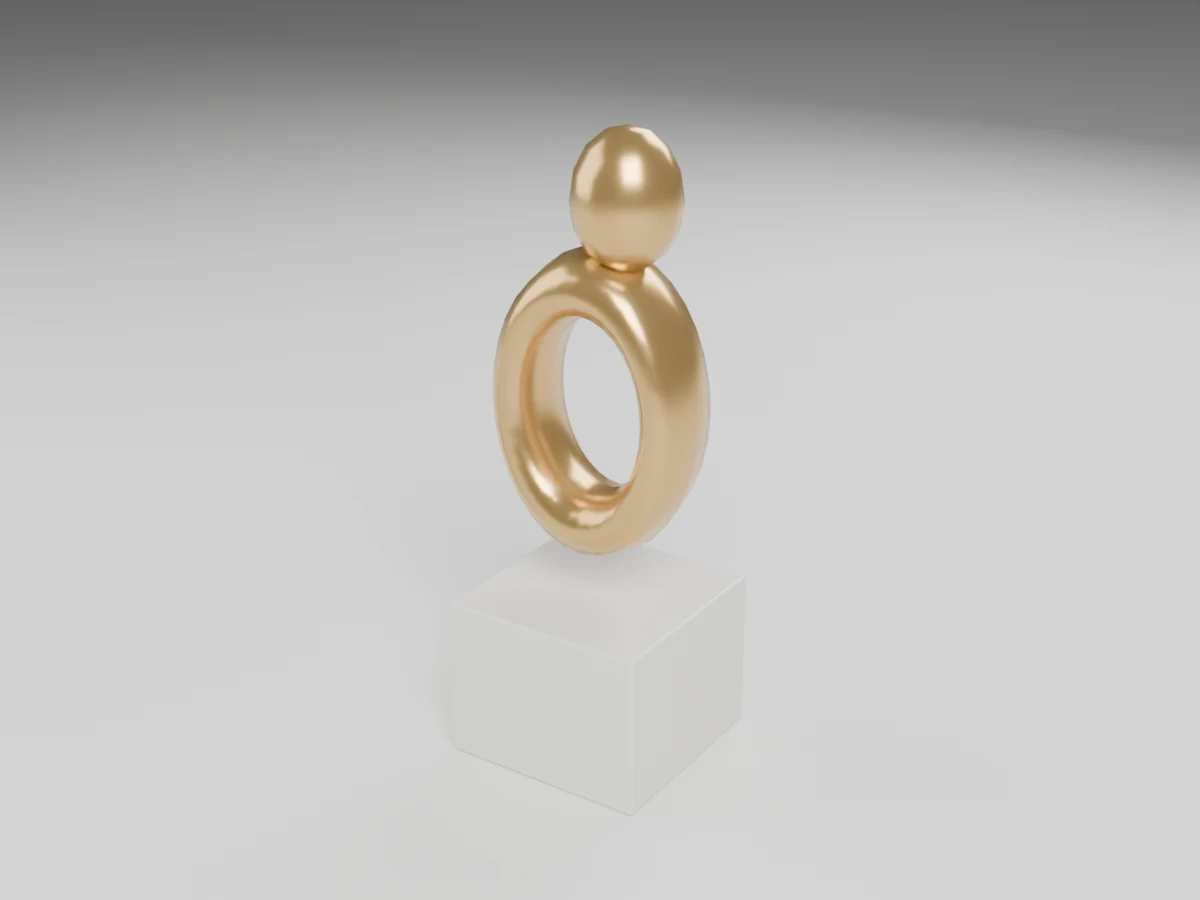
Quick answer: Sculpture is available as a GLB, an FBX and an OBJ+MTL ZIP, with 844 triangles and overall dimensions of 0.45 × 0.45 × 1.32 m (W × D × H). Downloads are free for personal and commercial projects. No account or email is required.
- Download Sculpture — GLB (23.9 KB)
- Download Sculpture — FBX (36.7 KB)
- Download Sculpture — OBJ + MTL ZIP (11.0 KB)
The OBJ download is zipped with its MTL material file; keep them together after extraction. No textures or external image maps are needed.
Formats and specifications
| Property | Specification |
|---|---|
| Dimensions | 0.45 × 0.45 × 1.32 m (W × D × H) |
| Triangles | 844 |
| Units and placement | Meters; root at floor center of the overall bounds; source front faces −Y, Z up |
| Materials | Gold, White. Solid-color PBR, no textures. |
| GLB | 23.9 KB |
| FBX | 36.7 KB |
| OBJ + MTL ZIP | 11.0 KB |
| Mesh delivery | Modifiers applied; no Draco compression in GLB; static, unrigged geometry |
Design and placement notes
An abstract gold-colored loop and rounded upper form sit on a pale pedestal. The sculpture provides a small focal point for entrance halls, gallery-like interiors and landscaped courtyards without depicting a specific artist's work.
Set the pedestal and object height relative to the intended viewing distance and camera angle. Public installations need separate checks for stability, fixing, sharp edges and circulation; the visible plinth is not an engineered foundation.
The reflective finish is easy to swap for a matte or darker material. Because the sculpture is abstract, rotating it slightly can change the silhouette without requiring a new texture or detailed rear surface.
How to import the models
Start with a meter-based scene and import at scale 1. Verify one listed dimension before populating the project. If a tool treats unitless OBJ coordinates as millimeters, set its import units to meters rather than scaling by eye. Importers may convert axes automatically.
- Blender: use File → Import → glTF 2.0 for GLB, FBX for FBX, or Wavefront OBJ after unzipping. GLB is the most direct way to retain PBR materials.
- SketchUp: use an importer or converter compatible with your installed version for GLB, FBX or OBJ, then save the result as SKP. These downloads are not native SKP files; standard SketchUp import support varies by version and plan.
- Revit: these are not RFA families and Revit does not provide a general native GLB/FBX/OBJ family import workflow. Use a supported add-in or convert to a Revit-supported format, place it in an appropriate family or project, and verify scale and material mapping. Imported meshes do not gain BIM parameters or connectors.
- 3ds Max: import FBX or OBJ through File → Import, set the source units to meters and inspect the material assignments. Adjust glass and roughness if the legacy material conversion differs.
- Rhino: import the unzipped OBJ with its MTL alongside it. Match document units to meters and check the imported mesh bounds; this remains mesh geometry, not editable NURBS solids.
- Archicad: use a compatible importer, add-on or conversion workflow for your version, then save as an object if appropriate. Verify units and surfaces; no native GSM or parametric library object is included.
Render your model
Place the sculpture in your scene, set a camera and export a clean screenshot or viewport image. Upload that image to Render a House to explore an architectural render. This is an image-based workflow; it does not require uploading these mesh formats directly.
Keep the important silhouettes and openings clear in the source view. Use your CAD or 3D application to verify dimensions and clearances; an AI visualization is not a measured construction drawing.
License
Free for personal and commercial projects. No signup or attribution is required. Do not resell or redistribute the files as a standalone pack or as part of another model library. Provided as-is without warranty; these stylized models are not manufacturer-certified products, engineering assemblies or construction documentation.
Frequently asked questions
Which files come with the sculpture model?
- There are direct GLB and FBX downloads plus a ZIP containing OBJ and MTL. No textures or external texture folders are required. GLB retains solid-color PBR materials and glass transmission where present; legacy formats may render materials differently.
What are the dimensions of this sculpture?
- Its overall bounds are 0.45 m wide, 0.45 m deep and 1.32 m high. These are measured mesh bounds, including accessories, not a manufacturer specification. The model has 844 triangles.
What should I check before placing this sculpture?
- Set the pedestal and object height relative to the intended viewing distance and camera angle. Public installations need separate checks for stability, fixing, sharp edges and circulation; the visible plinth is not an engineered foundation.
Can I adapt this sculpture for another design?
- The reflective finish is easy to swap for a matte or darker material. Because the sculpture is abstract, rotating it slightly can change the silhouette without requiring a new texture or detailed rear surface.
Is the sculpture model free for commercial use?
- Yes. Use it in personal and commercial architectural projects without signup or attribution. Do not resell or redistribute the files as a standalone pack or another model library. It is provided as-is, not as construction documentation.
Related models and guides
Browse the full home decor 3D model pack for all 9 objects and the combined ZIP.
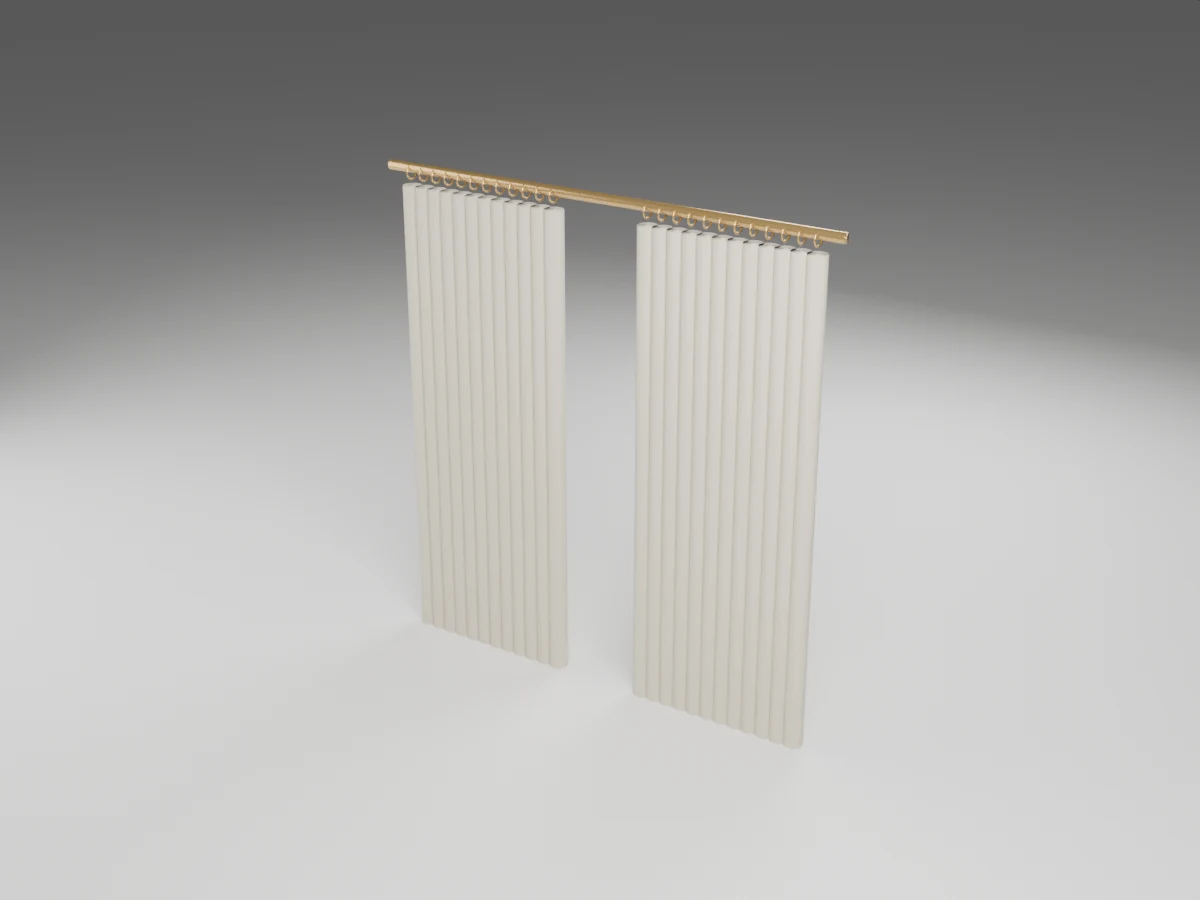
Curtain
2.4 × 0.094 × 2.46 m (W × D × H)
3,404 triangles
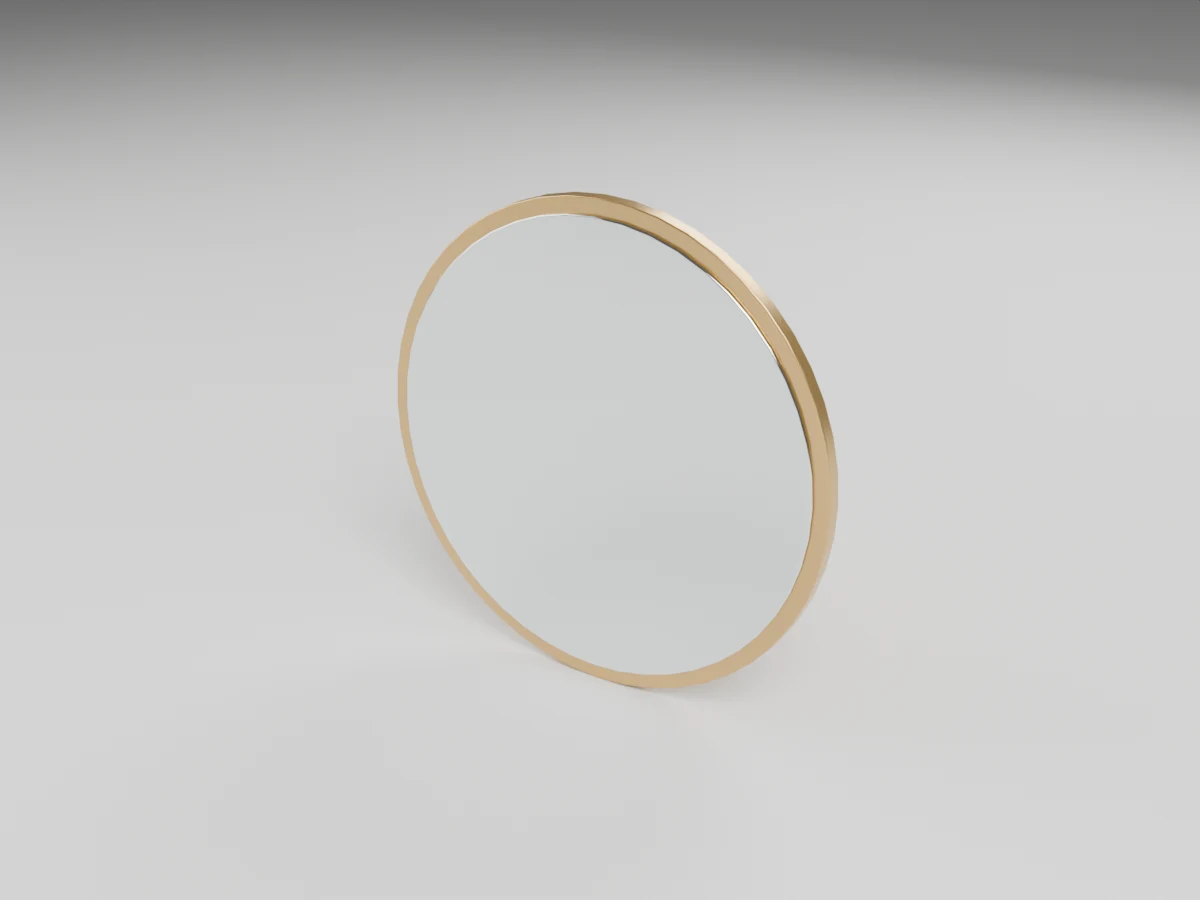
Mirror
0.9 × 0.038 × 0.9 m (W × D × H)
1,144 triangles
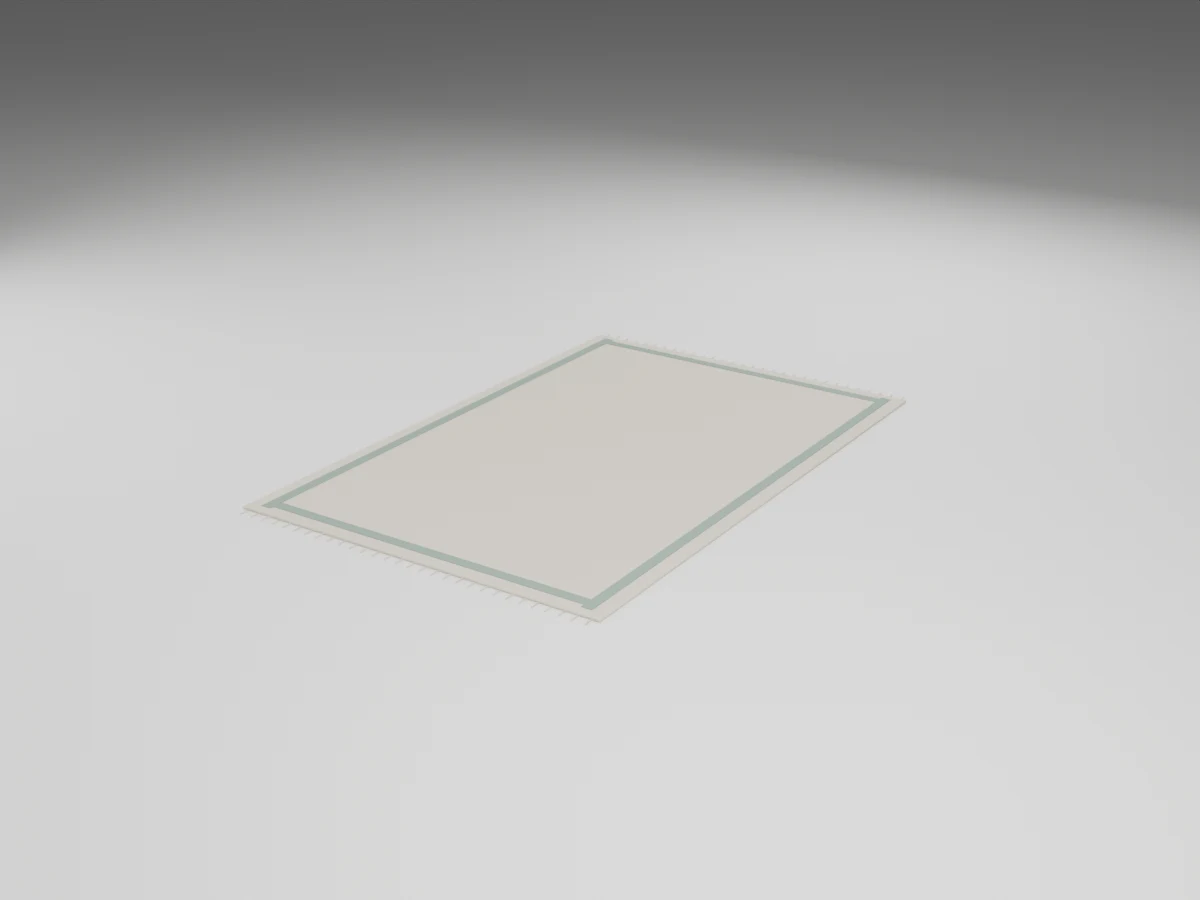
Carpet
2 × 3.1 × 0.018 m (W × D × H)
3,180 triangles
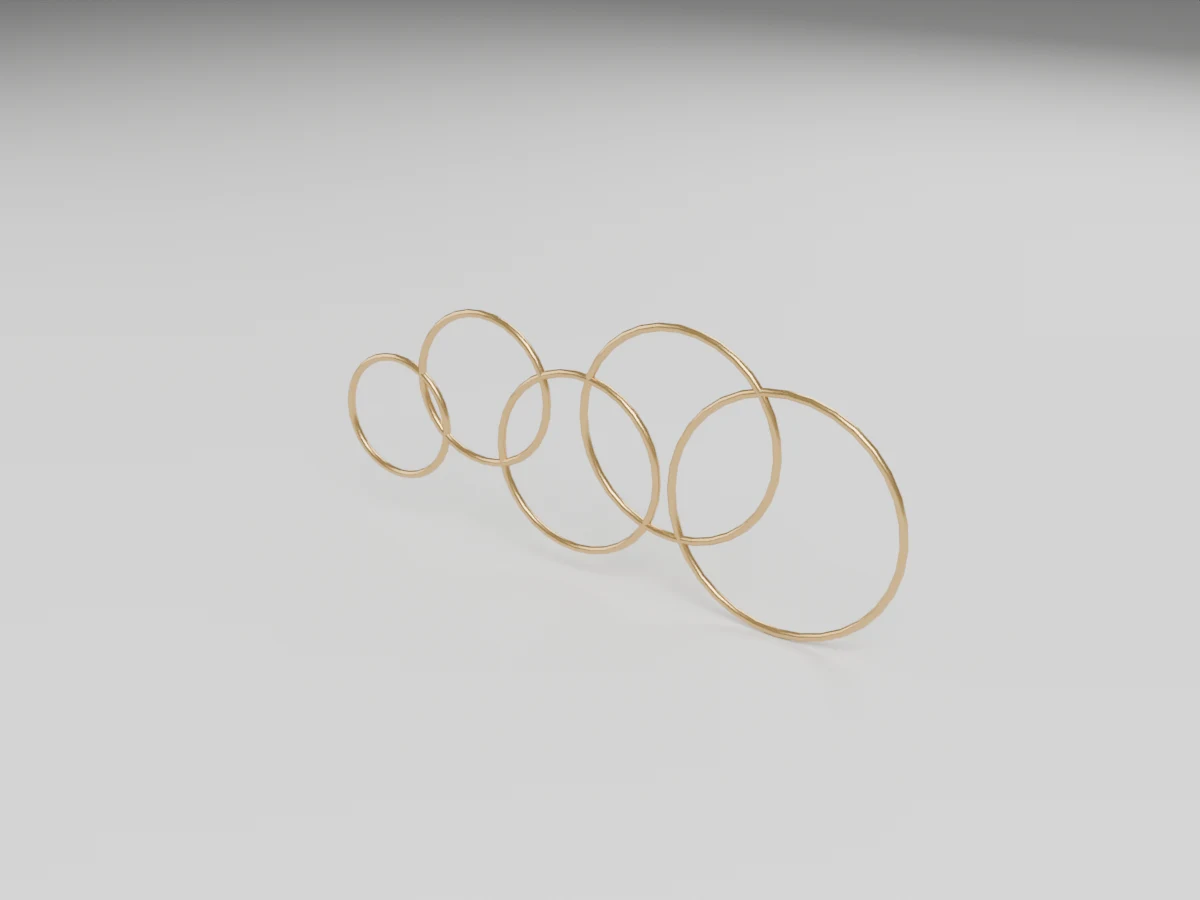
Wall Decor
1.196 × 0.016 × 0.531 m (W × D × H)
2,560 triangles
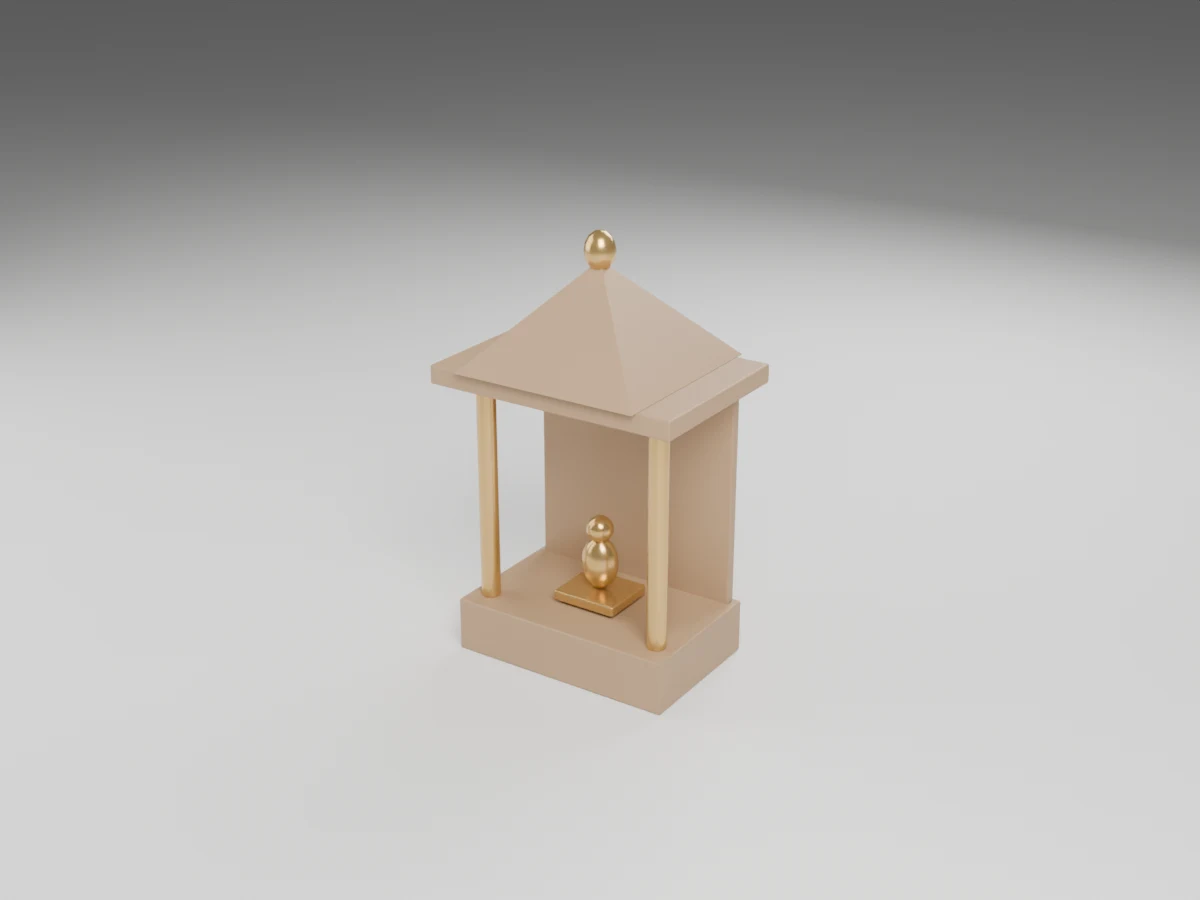
Mandir
1.4043 × 1.4043 × 1.56 m (W × D × H)
1,684 triangles
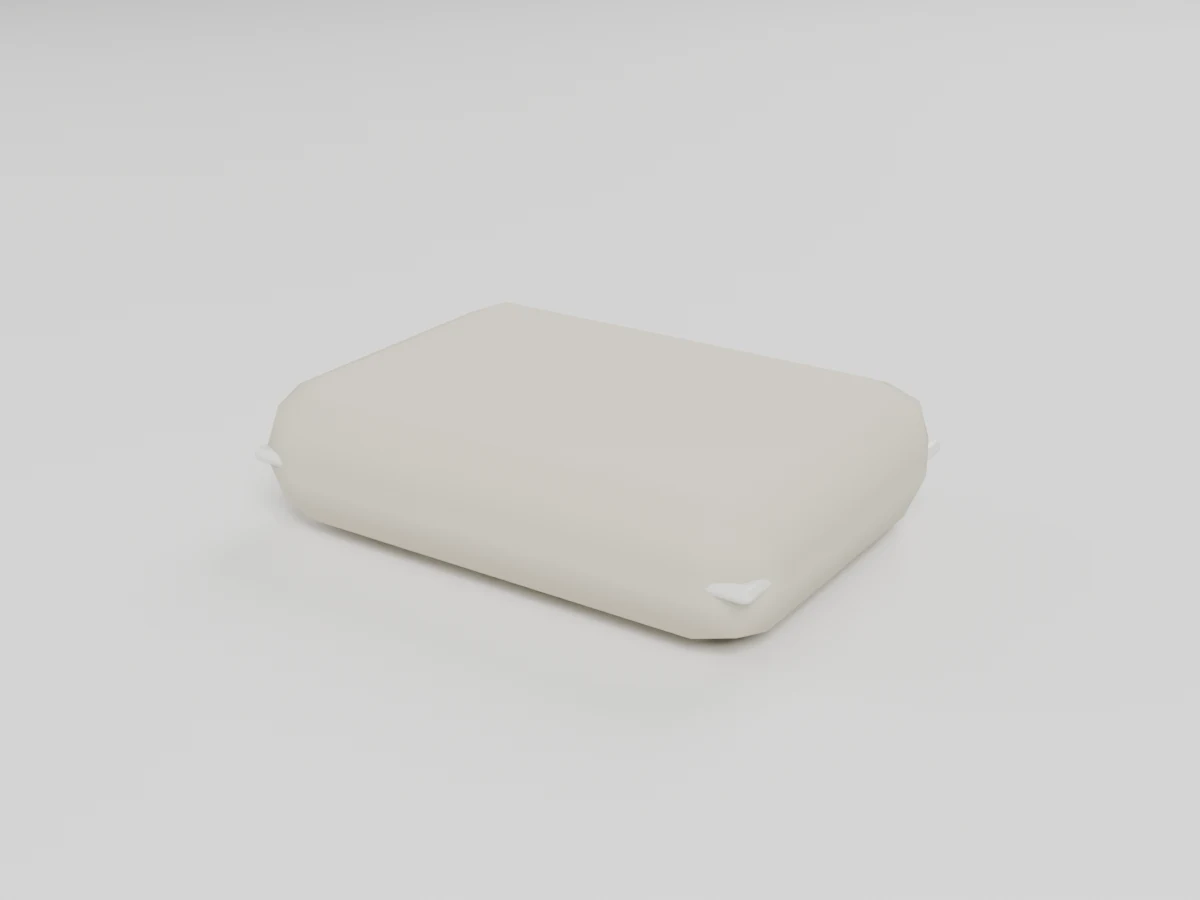
Pillow
0.55 × 0.4 × 0.15 m (W × D × H)
216 triangles
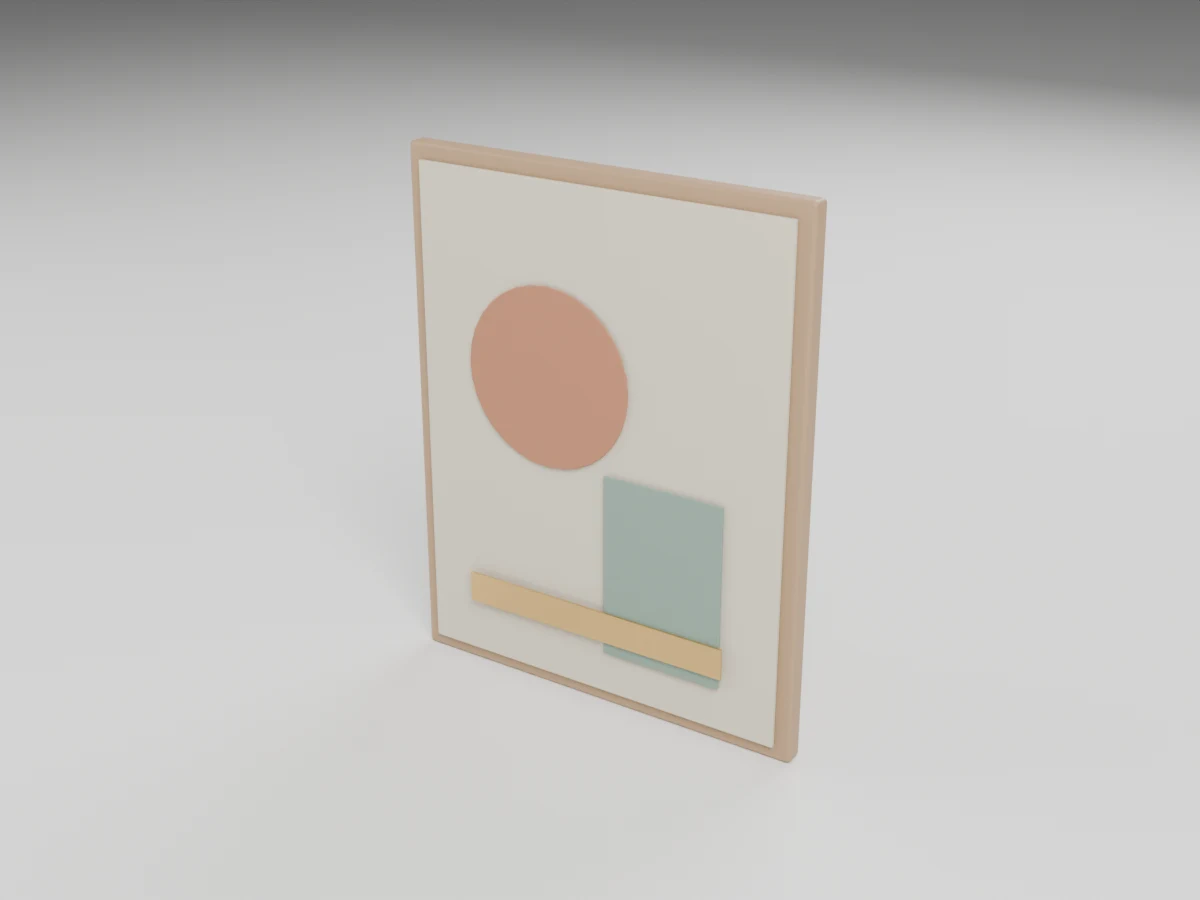
Wall Art
0.8 × 0.0655 × 1 m (W × D × H)
812 triangles
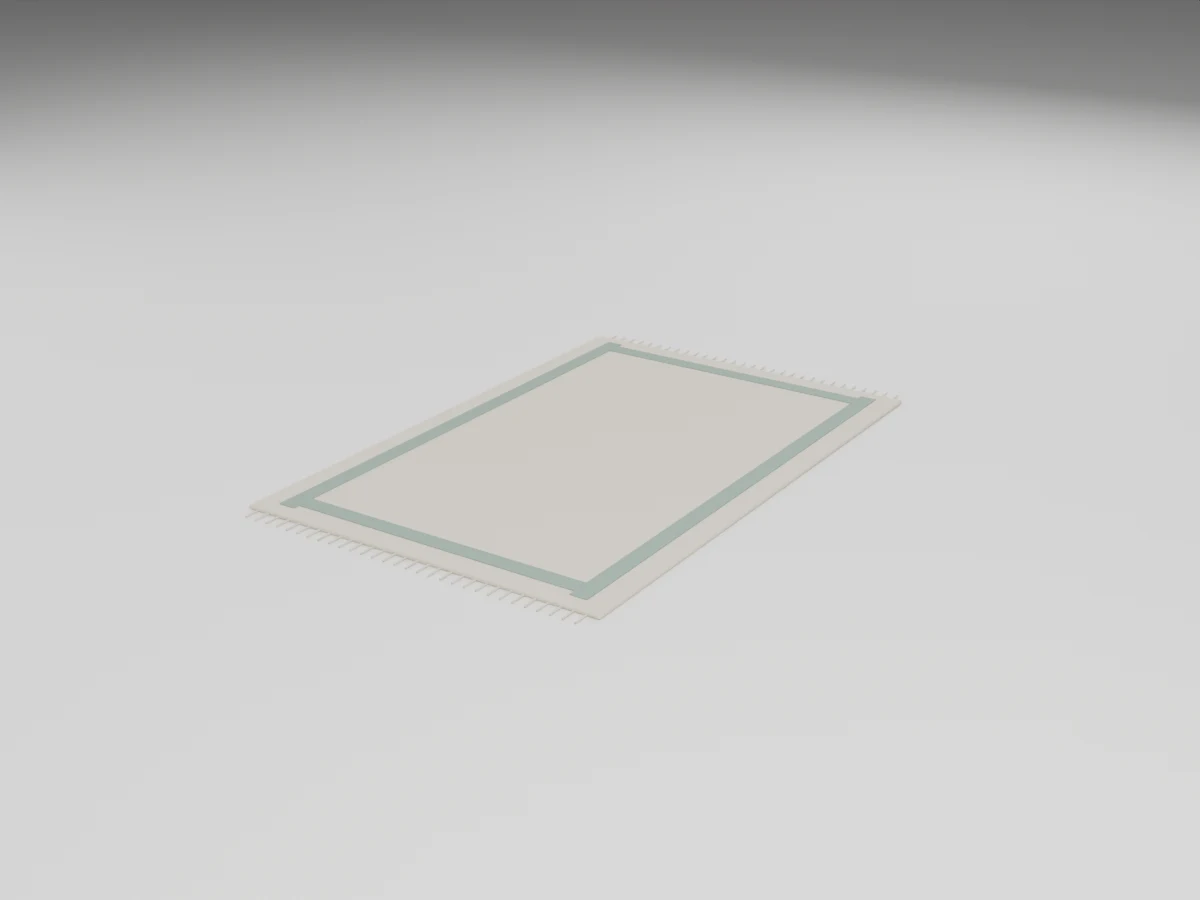
Rug
1.2 × 1.9 × 0.018 m (W × D × H)
3,180 triangles
