Render a House
Free Car PNG: Top View & Elevation
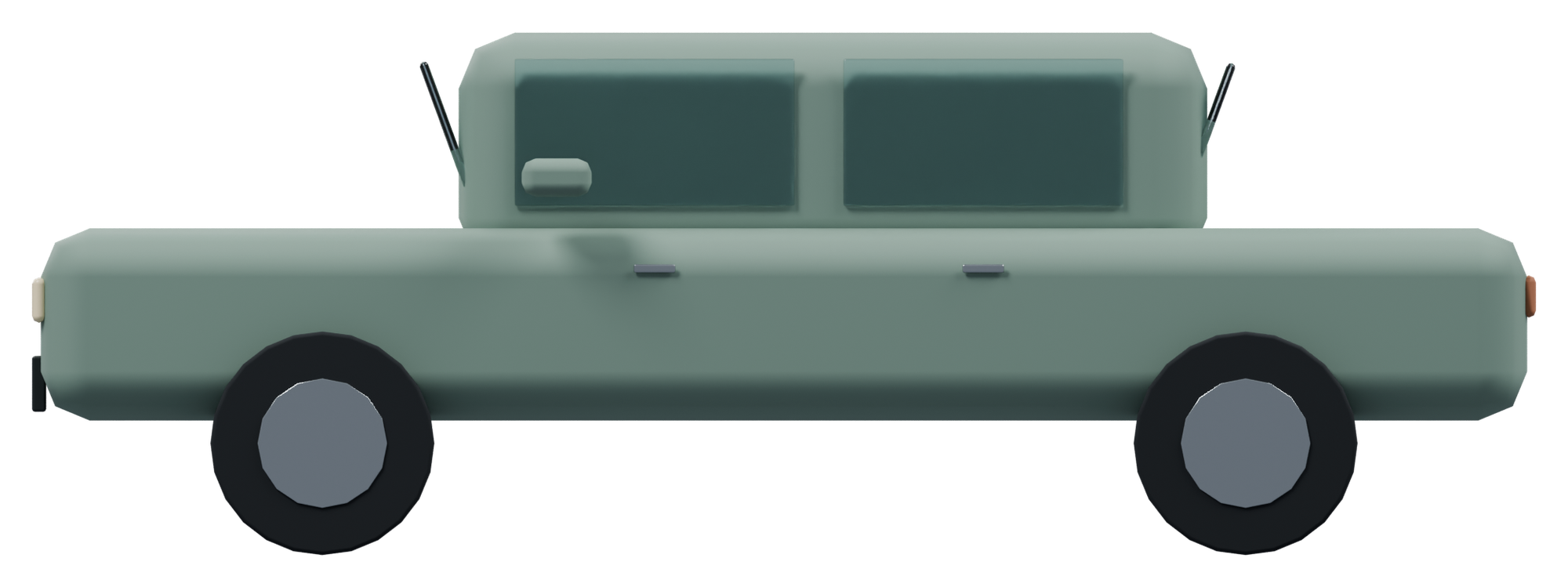
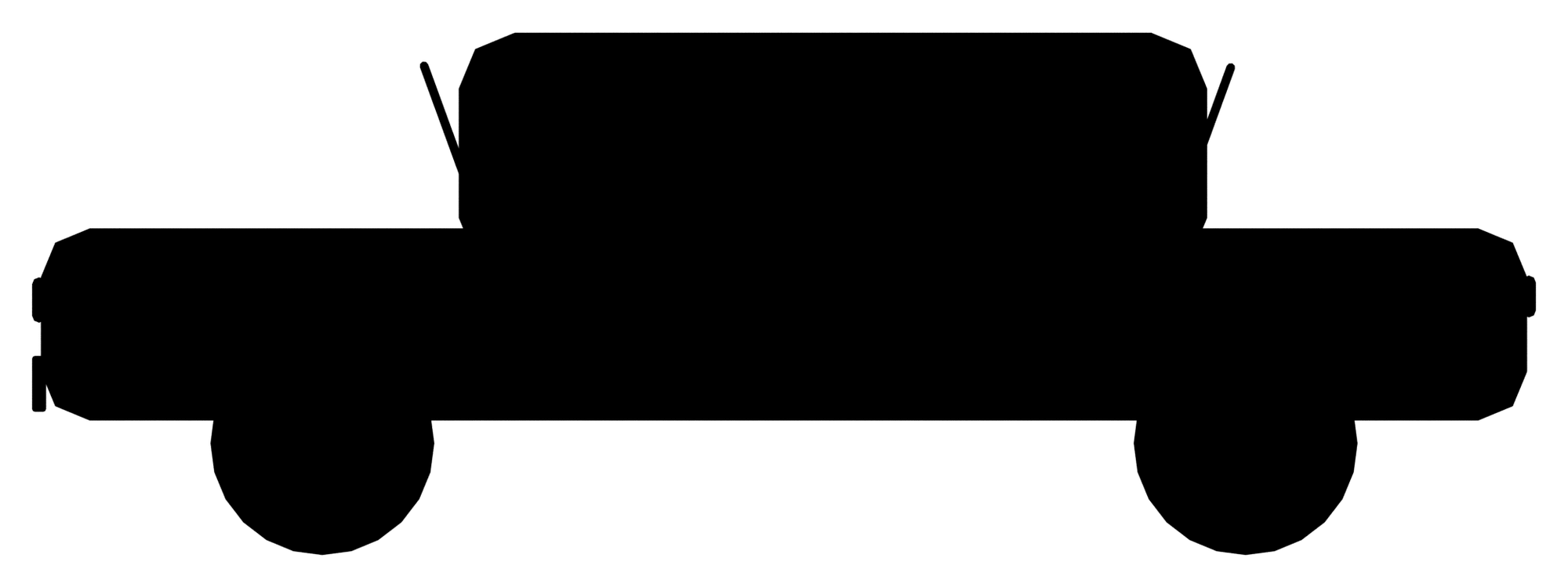
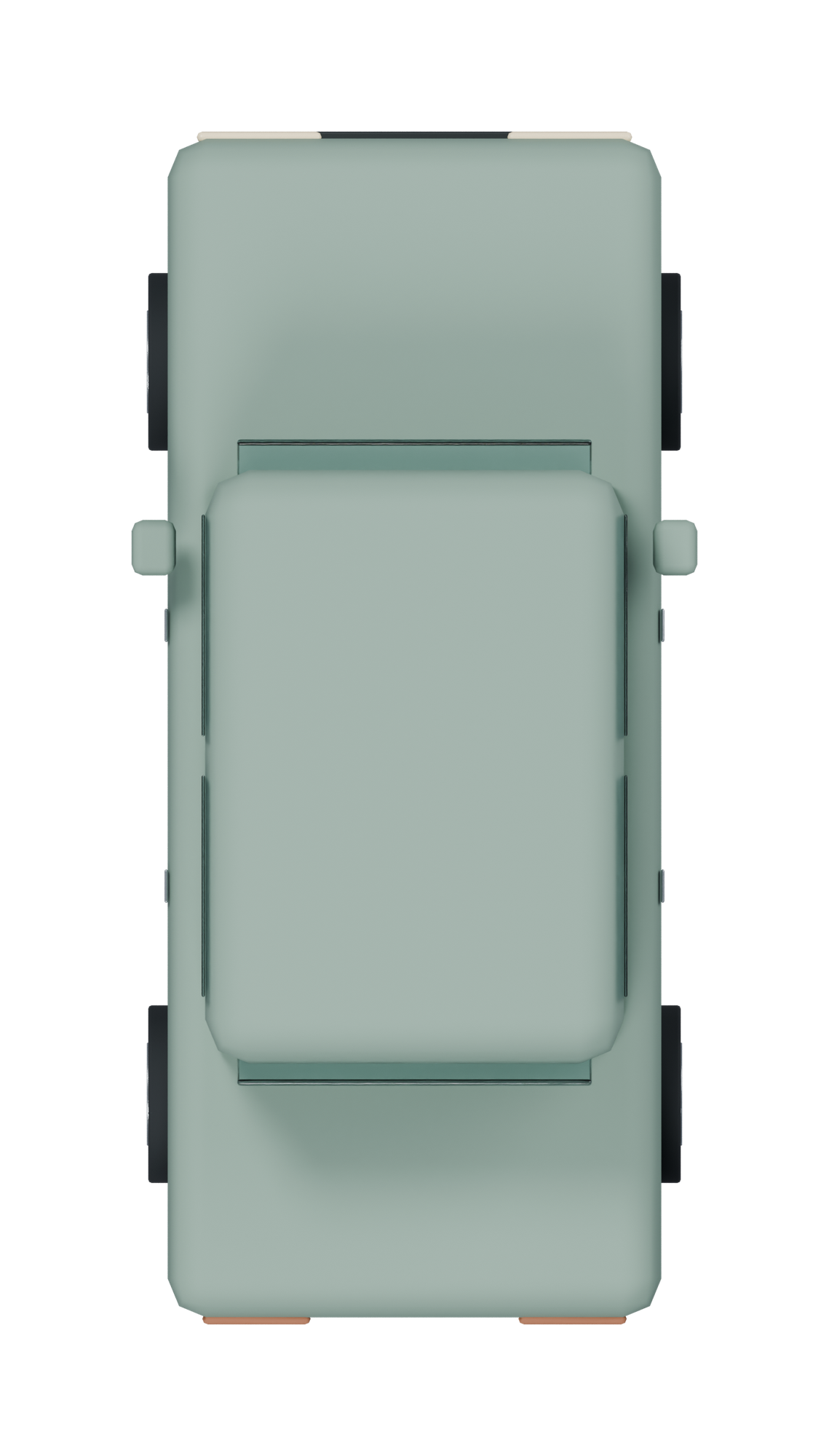
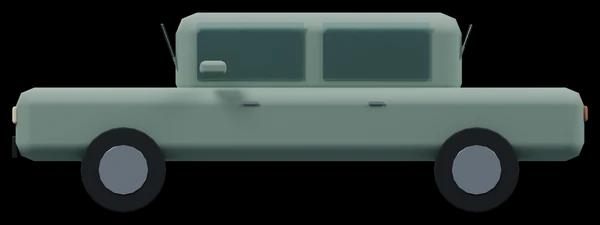
Populate a street elevation with a quiet low-poly vehicle or place the true overhead car PNG in a parking study. Use the colour version for a softer presentation and the silhouette when the plan needs a single clear vehicle outline.
PNG downloads
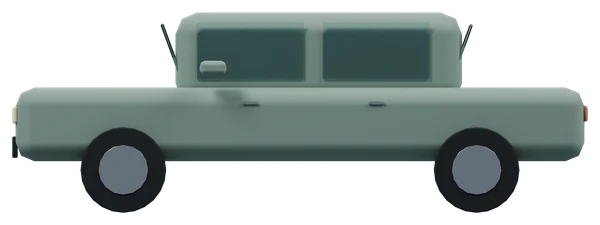
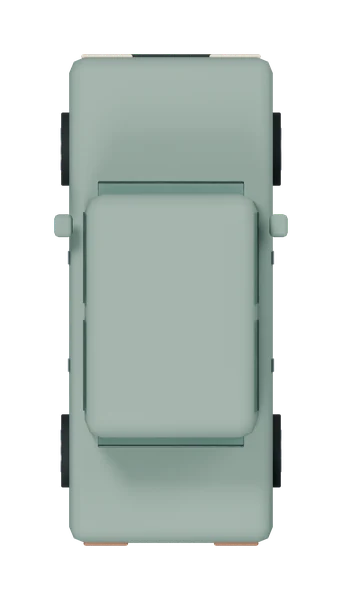
Download all car PNGs as ZIP · 2.22 MB (2,220,221 bytes). Contains six object PNGs plus the separate plan shadow and usage notes.
| View / style | Pixel canvas | File size | Download |
|---|---|---|---|
| Elevation / colour | 2000 × 749 px | 583.0 KB (582,962 bytes) | RGBA PNG |
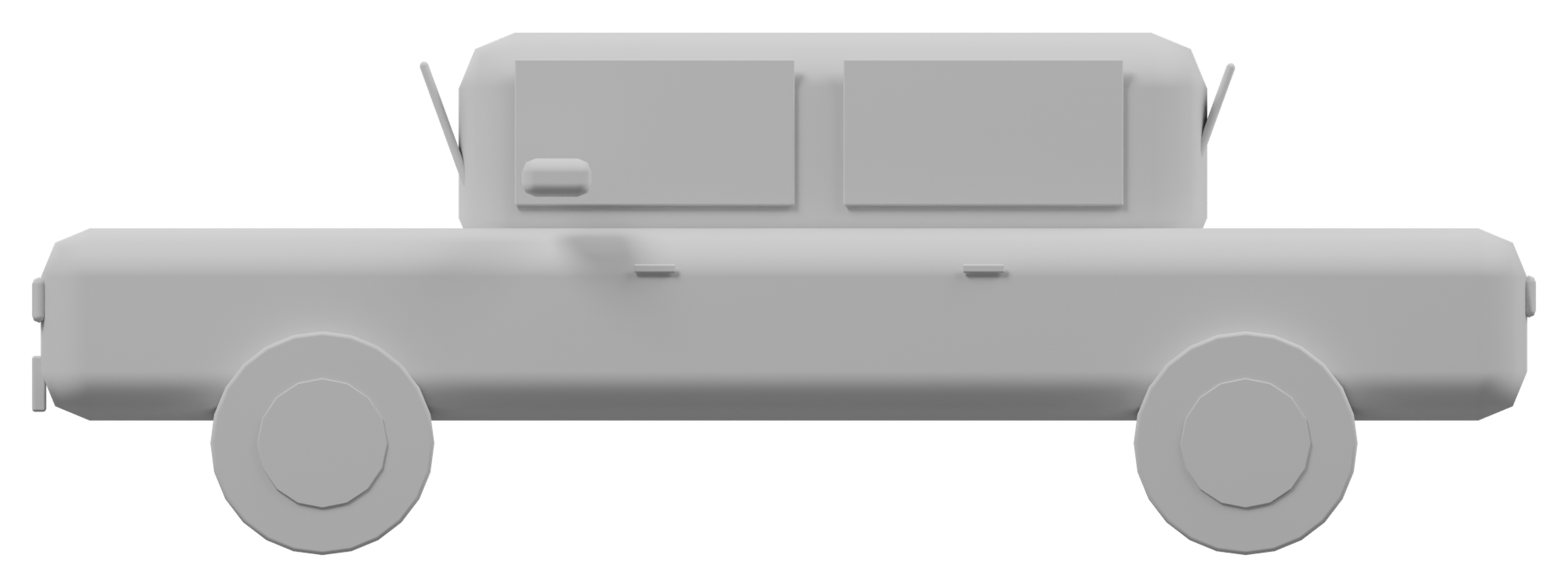
| Elevation / massing | 2000 × 749 px | 282.6 KB (282,556 bytes) | RGBA PNG |
| Elevation / silhouette | 2000 × 749 px | 31.9 KB (31,853 bytes) | RGBA PNG |
| Top view / colour | 1139 × 2000 px | 862.9 KB (862,888 bytes) | RGBA PNG |
| Top view / massing | 1139 × 2000 px | 418.8 KB (418,799 bytes) | RGBA PNG |
| Top view / silhouette | 1139 × 2000 px | 34.4 KB (34,373 bytes) | RGBA PNG |
| Top view / shadow-only | 1139 × 2000 px | 44.8 KB (44,837 bytes) | RGBA PNG |
The source is a generic boxy vehicle, not a licensed production car. Its visible mirrors and wheels contribute to the bounds; the PNG does not include a turning circle, door-opening envelope or parking clearance zone.
Views, styles and shadows
- Colour: original solid-colour materials under soft daylight.
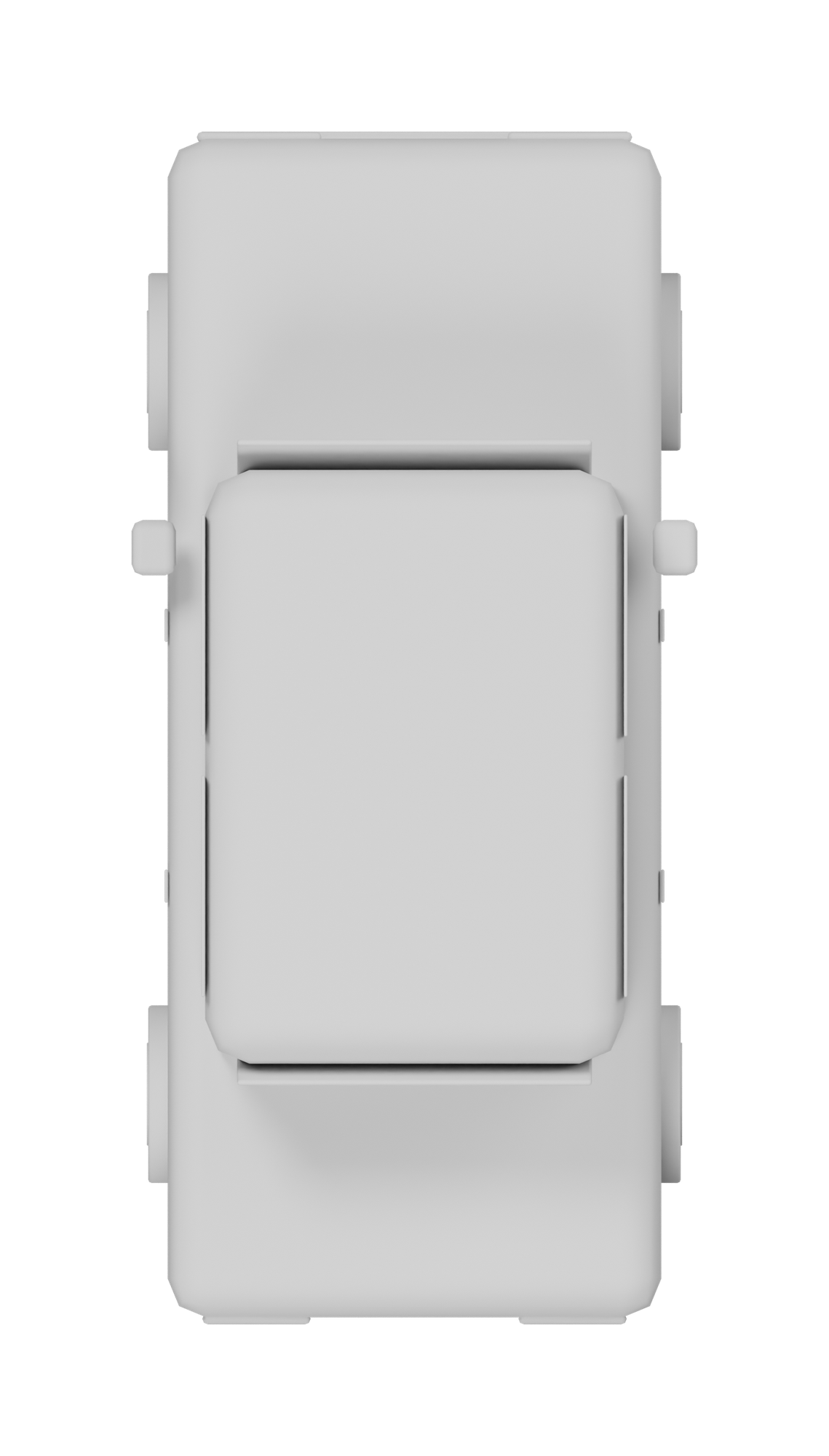
- Massing: neutral white/grey shading for quieter architecture diagrams.
- Silhouette: pure black RGB with antialiased transparency, not a flattened black rectangle.
- Plan shadow overlay: an independent low-opacity black PNG. Put it beneath any matching plan style at identical canvas size and position. Use normal alpha blending; do not crop the layers separately.
Every elevation and plan is orthographic. These are stylized low-poly Blender renders, not photographic people, botanical photos or manufacturer drawings. The checkerboard is CSS only; downloads contain no checkerboard, white matte or opaque background. Shadows are art-directed drop shadows, not solar analysis. Elevations have no baked ground shadow.
Real-world dimensions and scaling
Source mesh: 2.04 × 4.3 × 1.495 m (width × depth × height). Dimensions include all visible accessories, not required clearances.
The elevation canvas is 2000 × 749 px; its object content box is [40, 40, 1960, 709] px (left, top, right, bottom). Object height is 669 px, so its native density is 447.49 pixels per metre. Transparent padding is not part of the physical height.
At 100 px per metre, this object should be 149.50 px high; scale the entire canvas by 22.35%. Keep the aspect ratio locked. In plan, use the projected width and depth instead of the vertical object height.
| View | Projected width | Projected height / depth | Object content box (px) |
|---|---|---|---|
| Elevation | 4.3 m | 1.495 m | 40 / 40 / 1960 / 709 |
| Plan | 2.04 m | 4.3 m | 180 / 180 / 959 / 1820 |
For a 1:N printed drawing at D pixels per inch, density is D × 39.3701 ÷ N pixels per metre. At 1:100 and 300 ppi, use 118.11 px/m: a 1.8 m person reads 212.6 px high. If pixel height is P, print height in millimetres is P ÷ D × 25.4. Changing resolution metadata alone does not set the object to architectural scale.
Photoshop, Illustrator, InDesign and Affinity
- Photoshop: File → Place Embedded as a Smart Object. Lock proportions and use the scale factor above. Keep shadow and object on separate linked layers; composite using Normal, not Multiply on the object.
- Illustrator: File → Place, then use Transform with proportions constrained. Set the canvas dimensions using the calculated scale factor, or trim an object-only copy for a direct physical-height setting. PNG stays raster, not vector.
- InDesign: File → Place into a frame. Adjust the image content scale, not just the frame. Check effective ppi at the intended print size and verify the non-padding object height.
- Affinity Photo / Designer / Publisher: place the PNG as an image layer and constrain proportions in Transform. Preserve the full matching canvases when pairing plan and shadow layers; rasterize only when editing pixels is necessary.
Maintain original files and export a test crop at final print size. A 600px WebP is a browsing preview; use the 2000px PNG master for the board.
Free commercial use
Free for personal and commercial architectural projects. No attribution or signup required — Render a House. Supplied as-is, not as construction, engineering or safety documentation.
For an architectural visualization beyond entourage compositing, try Render a Housewith a clean project drawing or model screenshot. PNG cutouts remain separate board assets, not a guarantee of a generated scene's dimensions.
Frequently asked questions
Is the car PNG top view orthographic?
- Yes. It is a straight-down orthographic plan with no perspective convergence. It shares pixel alignment with the supplied plan shadow overlay, making it suitable for layered street and parking illustrations.
Are these transparent PNGs or checkerboard images?
- The downloads are genuine 8-bit RGBA PNGs with straight alpha, transparent borders and antialiased edges. The checkerboard is only a page background and is not baked into the downloaded image.
Are these photographic cutout people and trees?
- No. These are stylized low-poly cutouts rendered from original Blender models with orthographic cameras. They suit diagrams and presentation boards, not projects requiring photographic entourage or botanical identification.
How do I use the separate plan shadow?
- Place the shadow-only PNG beneath the matching top-view image at exactly the same canvas size and position. Use normal alpha blending. It aligns with colour, massing and silhouette; do not trim either canvas independently.
Can I use these PNGs in commercial presentations?
- Yes. Personal and commercial project use is free, without signup or attribution. These are presentation assets provided as-is, not manufacturer specifications, clearance templates or construction documentation.