 Render a House
Free Architecture PNG Cutouts: People, Trees & More
Free PNG for architecture: cutout people, trees, grass and vehicles for presentation boards. Browse 13 original model-derived assets with genuine transparency, 2000px masters and no signup.
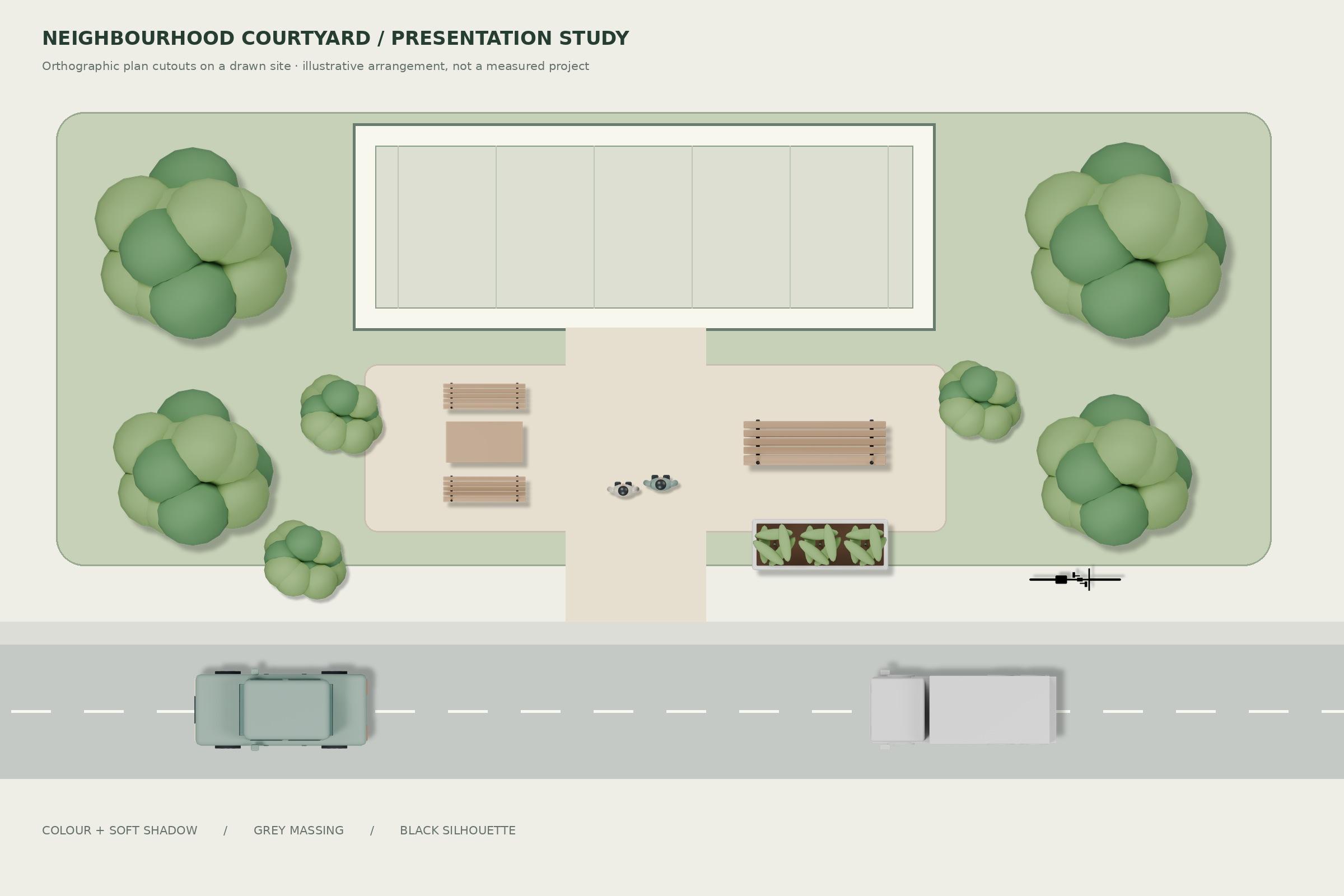
PNG downloads
Vegetation
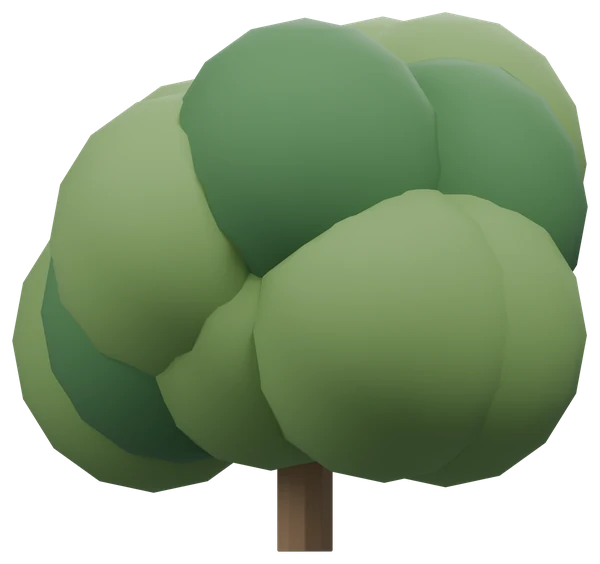
Bush PNG
Elevation + plan · 3 styles
1.113178 m source height
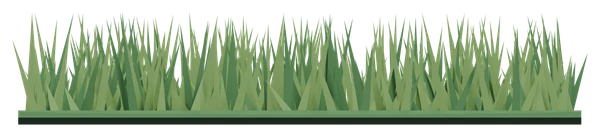
Grass Patch PNG
Elevation + plan · 3 styles
0.19981 m source height
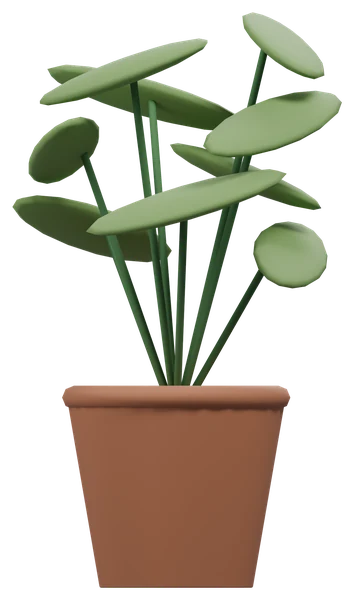
Potted Plant PNG
Elevation + plan · 3 styles
1.210413 m source height
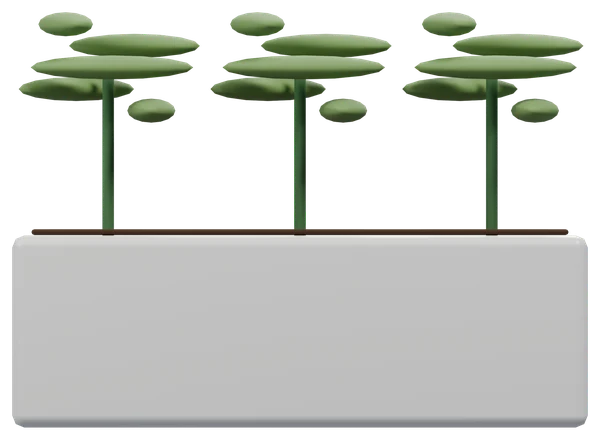
Planter PNG
Elevation + plan · 3 styles
0.865 m source height
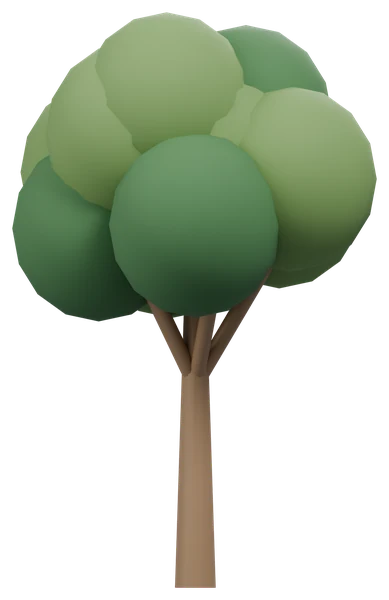
Tree PNG
Elevation + plan · 3 styles
4.23146 m source height
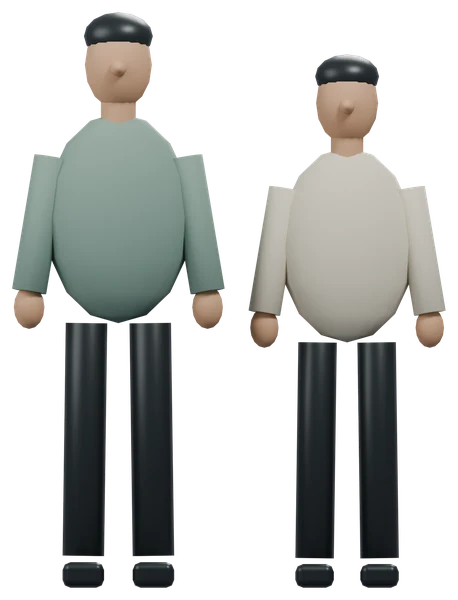
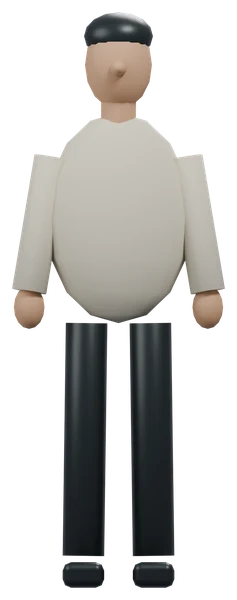
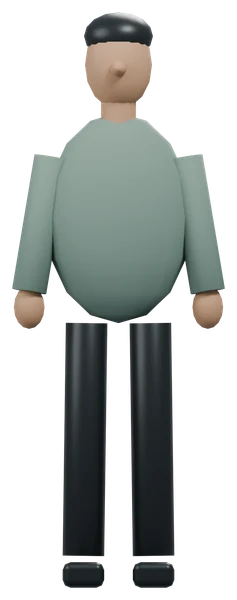
People
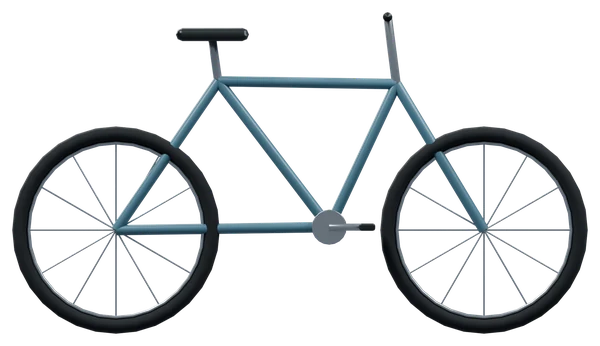
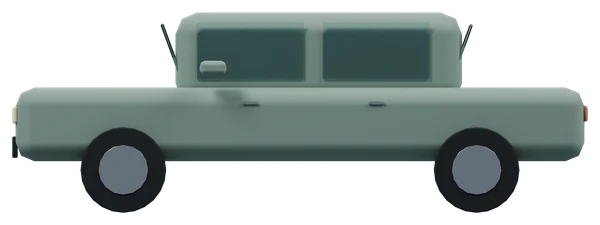
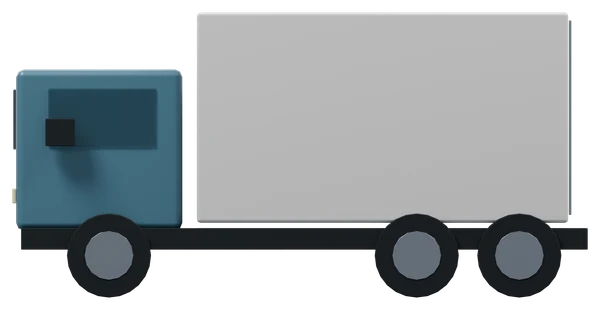
Vehicles
Outdoor furniture
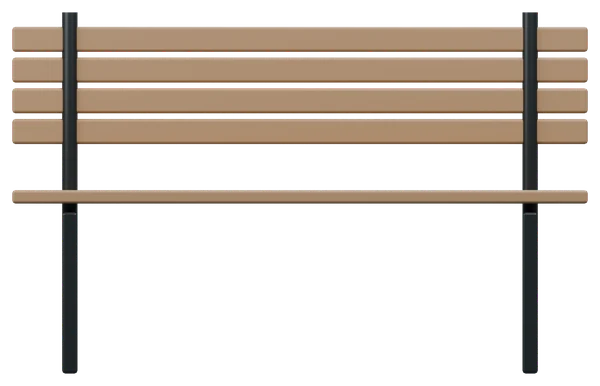
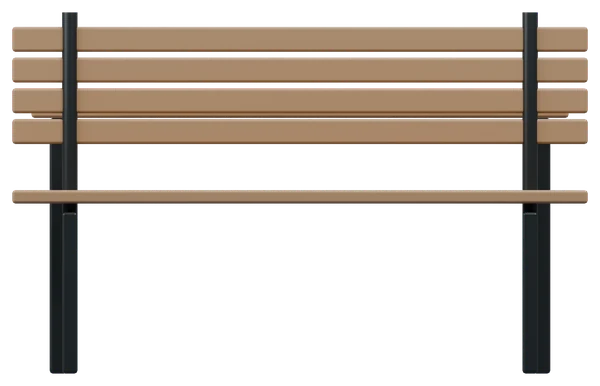
Choose an asset to download its complete ZIP or individual PNGs. No all-in-one archive is supplied: it would push public additions beyond the approximately 45 MB threshold.
Views, styles and shadows
- Colour: original solid-colour materials under soft daylight.
- Massing: neutral white/grey shading for quieter architecture diagrams.
- Silhouette: pure black RGB with antialiased transparency, not a flattened black rectangle.
- Plan shadow overlay: an independent low-opacity black PNG. Put it beneath any matching plan style at identical canvas size and position. Use normal alpha blending; do not crop the layers separately.
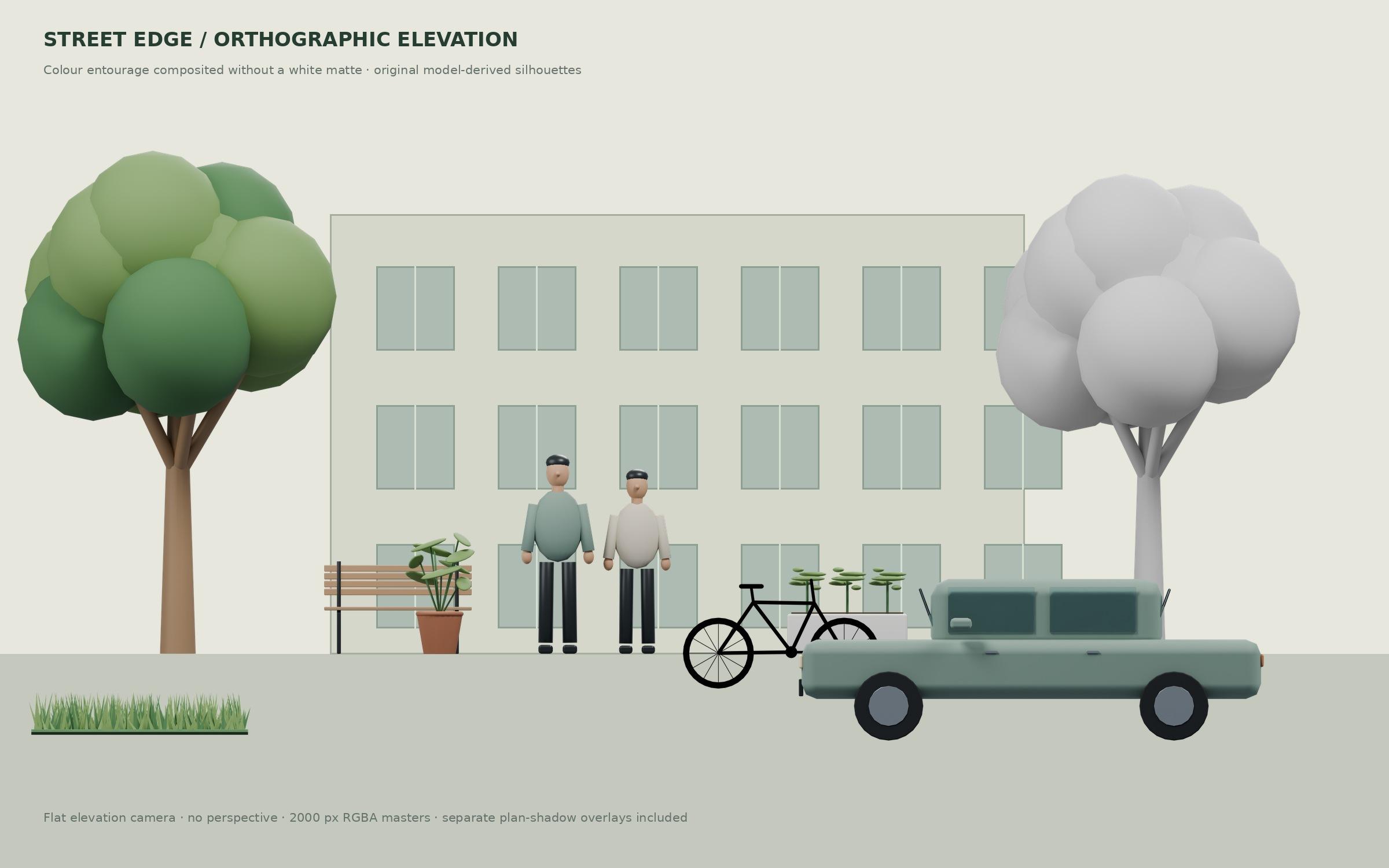
Every elevation and plan is orthographic. These are stylized low-poly Blender renders, not photographic people, botanical photos or manufacturer drawings. The checkerboard is CSS only; downloads contain no checkerboard, white matte or opaque background. Shadows are art-directed drop shadows, not solar analysis. Elevations have no baked ground shadow.
Real-world dimensions and scaling
Each asset page gives actual mesh dimensions and the non-padding content box. Pixels per metre = object content height in pixels ÷ real height in metres. Desired object height = real height × your board density. Scale the full canvas by desired object height ÷ existing content height, preserving aspect ratio.
For a 1:N printed drawing at D pixels per inch, density is D × 39.3701 ÷ N pixels per metre. At 1:100 and 300 ppi, use 118.11 px/m: a 1.8 m person reads 212.6 px high. If pixel height is P, print height in millimetres is P ÷ D × 25.4. Changing resolution metadata alone does not set the object to architectural scale.
Photoshop, Illustrator, InDesign and Affinity
- Photoshop: File → Place Embedded as a Smart Object. Lock proportions and use the scale factor above. Keep shadow and object on separate linked layers; composite using Normal, not Multiply on the object.
- Illustrator: File → Place, then use Transform with proportions constrained. Set the canvas dimensions using the calculated scale factor, or trim an object-only copy for a direct physical-height setting. PNG stays raster, not vector.
- InDesign: File → Place into a frame. Adjust the image content scale, not just the frame. Check effective ppi at the intended print size and verify the non-padding object height.
- Affinity Photo / Designer / Publisher: place the PNG as an image layer and constrain proportions in Transform. Preserve the full matching canvases when pairing plan and shadow layers; rasterize only when editing pixels is necessary.
Maintain original files and export a test crop at final print size. A 600px WebP is a browsing preview; use the 2000px PNG master for the board.
Free commercial use
Free for personal and commercial architectural projects. No attribution or signup required — Render a House. Supplied as-is, not as construction, engineering or safety documentation.
For an architectural visualization beyond entourage compositing, try Render a Housewith a clean project drawing or model screenshot. PNG cutouts remain separate board assets, not a guarantee of a generated scene's dimensions.
Frequently asked questions
Which PNG cutouts are included for architecture?
- There are 13 assets: five vegetation models, a standing pair and two individual people, three vehicles, a bench and an outdoor furniture set. Each includes elevation and plan in three styles, plus a plan shadow overlay.
Are these transparent PNGs or checkerboard images?
- The downloads are genuine 8-bit RGBA PNGs with straight alpha, transparent borders and antialiased edges. The checkerboard is only a page background and is not baked into the downloaded image.
Are these photographic cutout people and trees?
- No. These are stylized low-poly cutouts rendered from original Blender models with orthographic cameras. They suit diagrams and presentation boards, not projects requiring photographic entourage or botanical identification.
How do I use the separate plan shadow?
- Place the shadow-only PNG beneath the matching top-view image at exactly the same canvas size and position. Use normal alpha blending. It aligns with colour, massing and silhouette; do not trim either canvas independently.
Can I use these PNGs in commercial presentations?
- Yes. Personal and commercial project use is free, without signup or attribution. These are presentation assets provided as-is, not manufacturer specifications, clearance templates or construction documentation.
