ReRender AI Pricing, Reviews, and Best Alternatives for Architects
This article covers what ReRender AI does, how its plans are structured, what people tend to say about it, and which alternatives architects should compare first - starting with Render a House for model-aware project work.
Quick answer
| Article topic | Practical answer |
|---|---|
| What is ReRender AI? | An image-first AI rendering tool for turning sketches, photos, project images, and style references into quick exterior or interior visuals. |
| How much does it cost? | ReRender AI has a free trial, individual plans at $45/month or $38/month when billed annually, team plans at $55/month or $46/month when billed annually, and student plans. |
| What do reviews show? | Feedback around ReRender AI points to fast concept generation and useful style exploration, but it is thinner on long-term reliability, team use, and revision-heavy architecture workflows. |
| Best alternative for architects | Render a House is the strongest first alternative when you need model-based context, saved views, targeted revisions, and a workflow that stays connected to the real project. |
What ReRender AI does
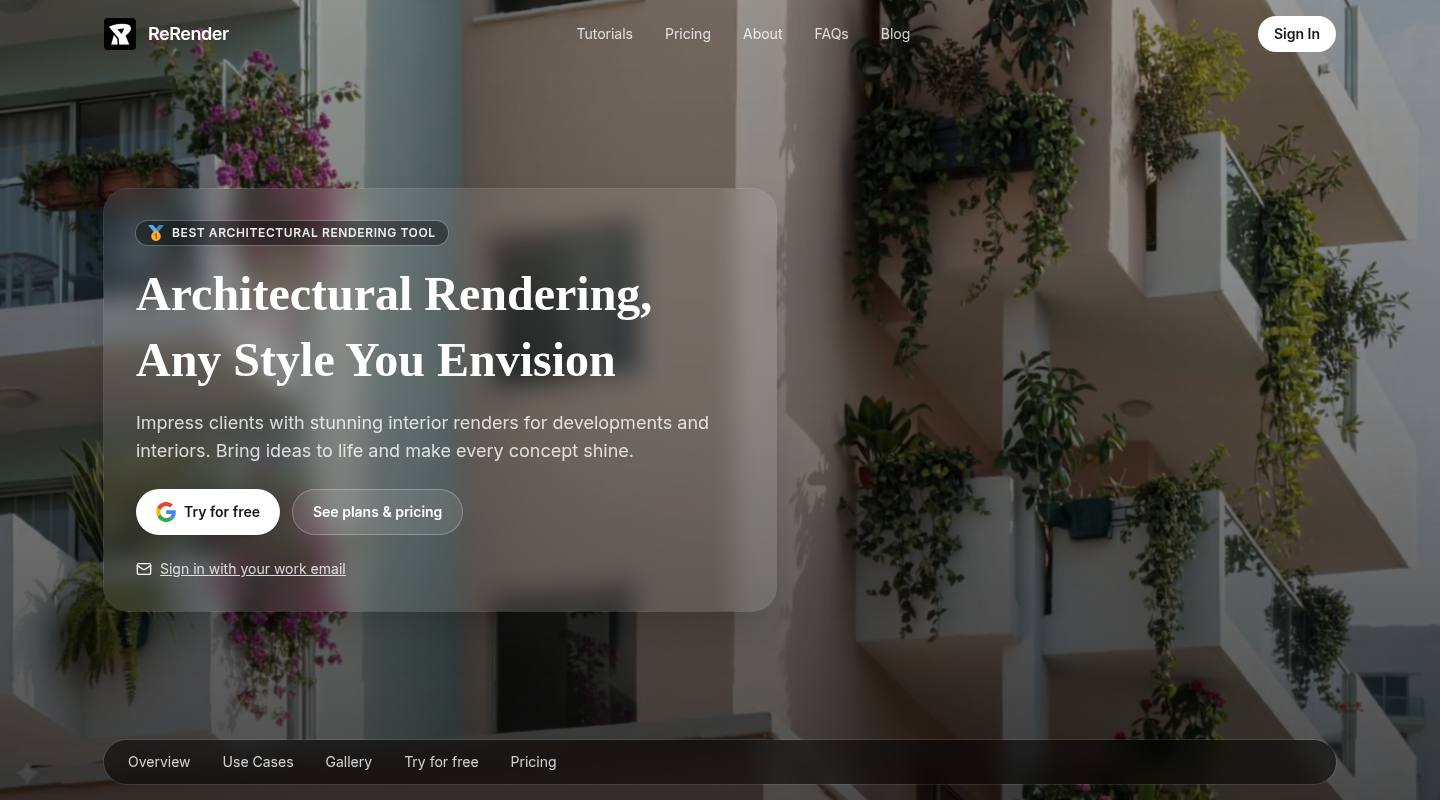
ReRender AI is built around fast architectural image generation. It positions itself for architects, interior designers, studios, and real estate teams that want to turn early visual material into polished concepts quickly.
The useful way to think about it is image-first. ReRender AI can help when you have a sketch, a photo, a model screenshot, or an existing room image and want to test styles, exterior looks, interior directions, selected-area changes, or multi-angle room options.
That makes it helpful for early ideation. The trade-off is that an image-first workflow is not always the same as an architectural production workflow. If the render needs to stay tied to a 3D model, a site context, a saved camera, and a sequence of client revisions, you should compare alternatives carefully.
ReRender AI pricing
ReRender AI offers several plan types. Pricing can change, but the current structure is straightforward: a free trial, individual subscriptions, team subscriptions, and student plans.
| Plan | Price | What it means |
|---|---|---|
| Free Trial | $0 | Includes 3 daily renders, non-commercial use, standard image quality, watermarked renders, public gallery sharing, simple lighting effects, and theme-based rendering. |
| Individual Monthly | $45/month | Includes unlimited renders, commercial rights, 4x upscaling, watermark-free outputs, private rendering, advanced controls, prompt customization, SketchUp plugin support, and video generation credits. |
| Individual Annual | $38/month | The annual individual option carries the same feature set as the monthly individual plan, with the lower monthly equivalent tied to annual billing. |
| Team Monthly / Annual | $55/month or $46/month | Team plans add centralized billing, email invites, role and seat management, shared projects, and team moodboards on top of the individual plan features. |
| Student | $9/two weeks or $15/month | Student plans require an education email and include the same core rendering benefits as the individual paid plans. |
The pricing takeaway: ReRender AI is attractive if you expect lots of image experimentation and value the unlimited-render language on paid plans. If you want usage to stay tied to project volume and deliverables, compare it with credit-based alternatives like Render a House.
What ReRender AI feedback actually says
The clearest review takeaway is that ReRender AI is still easier to evaluate through product fit than through a deep body of user ratings. People tend to describe it as a fast image-first tool for concept exploration, style testing, and quick visual drafts.
The positive pattern is speed. ReRender AI can help when an architect wants to move from a sketch, model screenshot, room image, or style reference into several visual directions quickly. That is useful early in a project, especially before the design direction is fixed.
The caution is project continuity. The available feedback does not prove that ReRender AI will consistently preserve geometry, materials, camera choices, and revision intent across a real client presentation. If those details matter, compare it against tools that keep the render tied to the project rather than treating each image as a separate experiment.
Best ReRender AI alternatives
For architects, the strongest ReRender AI alternatives are AI-first tools that can turn sketches, images, plans, model views, or design-stage visuals into client-facing renders. The right order matters: start with Render a House when project context, saved views, and revision control are more important than raw image variation.
1. Render a House - best first alternative for architects
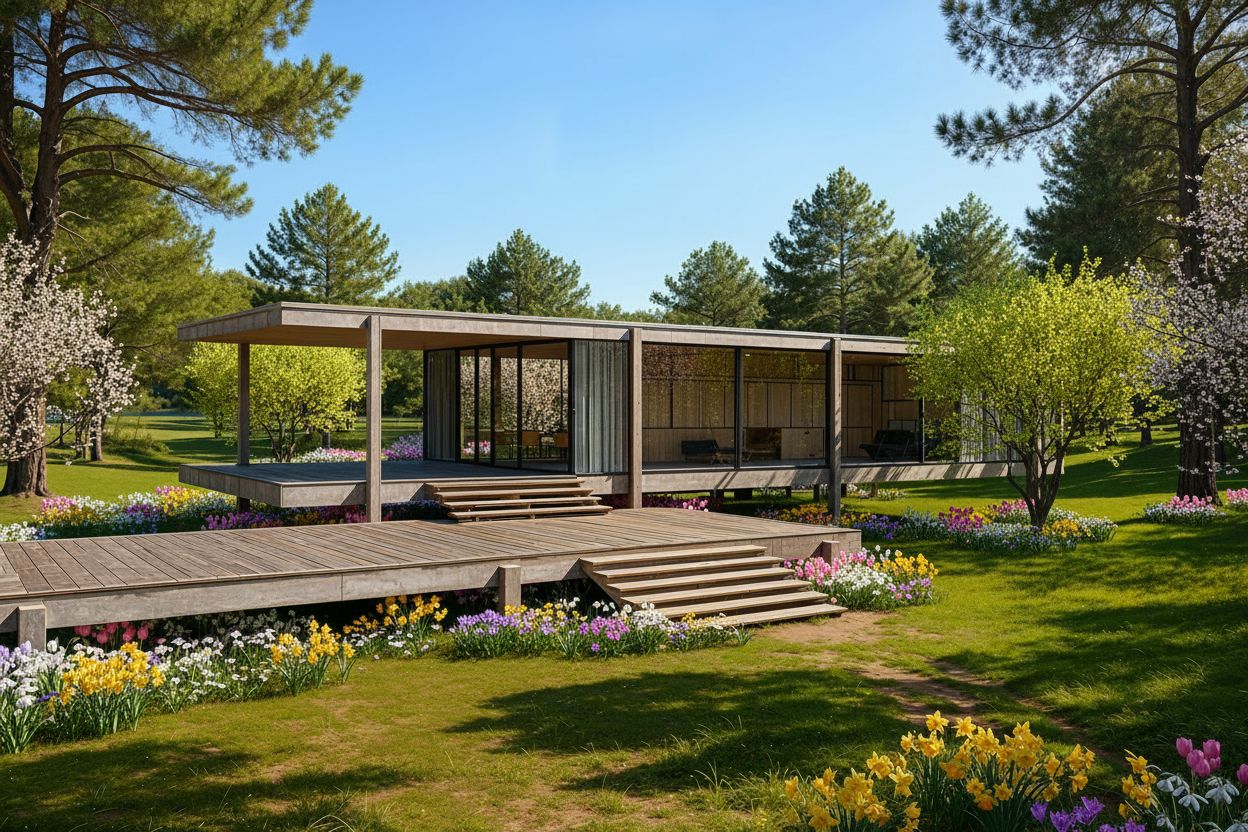
Choose Render a House first when the render needs project context, not just a one-off style image. You can start from images, but you can also work from GLB, GLTF, and OBJ files when you already have a model.
The biggest difference from ReRender AI is the 3D Preview workflow: you can place a model on satellite terrain, choose a camera view, and render from that setup. That makes Render a House the safer first pick when a client presentation needs consistent views, local edits, and follow-up renders from the same project.
Render a House is also the better first comparison against the rest of this list when the buyer is an architect, because the decision is less about producing a single attractive image and more about keeping the visual work connected to the design.

2. MyArchitectAI - broad browser-based AI rendering suite
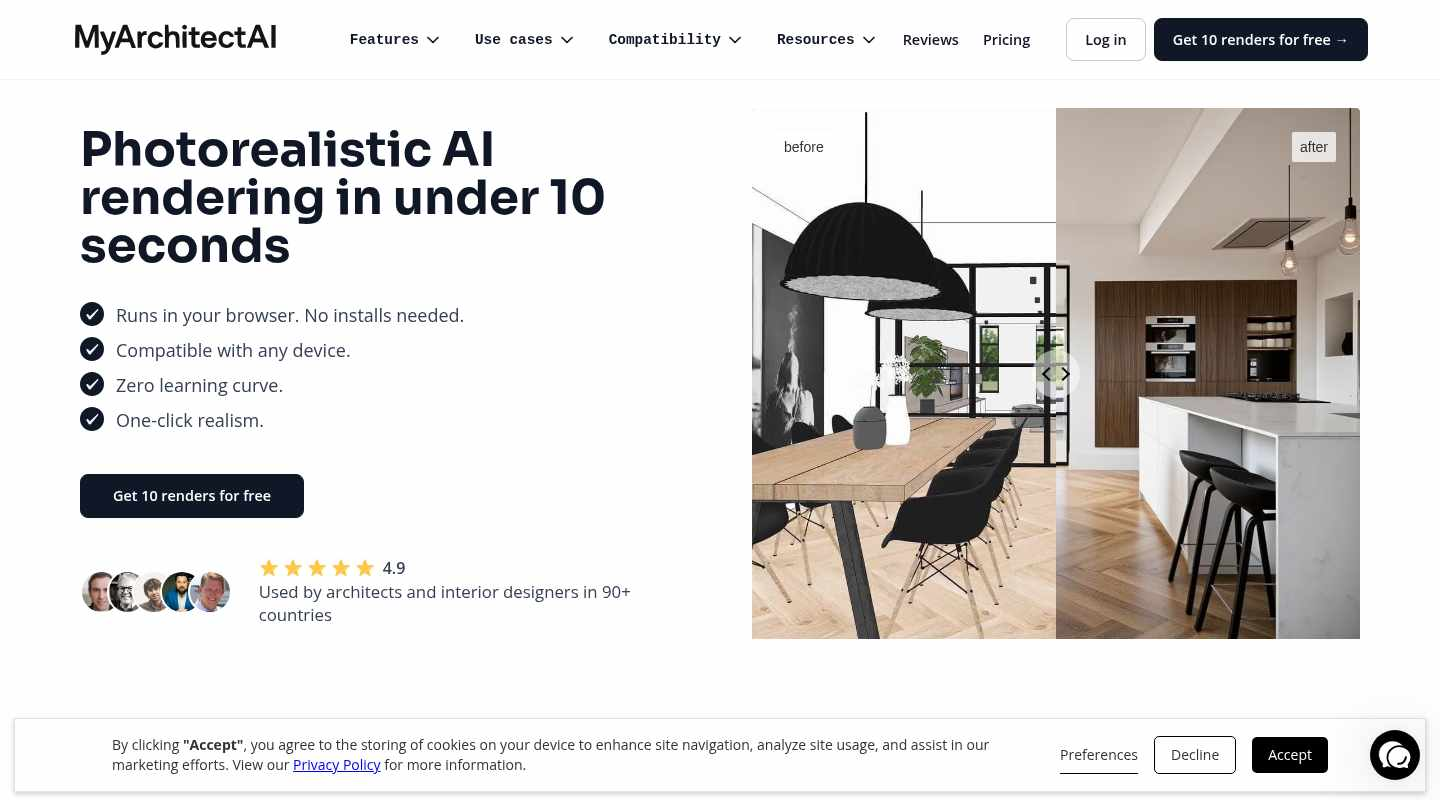
MyArchitectAI is a close AI-first comparison because it is browser-based, emphasizes photorealistic rendering in seconds, and covers architecture use cases plus compatibility pages for tools like SketchUp, Revit, Rhino, Archicad, and AutoCAD.
Shortlist it when you want quick render generation, style transfer, render editing, enhancement, and animation features in one suite. Choose Render a House first when saved 3D context, project-by-project revision continuity, and client-ready views are the deciding factors.
3. ArchiVinci - broad architecture idea generation
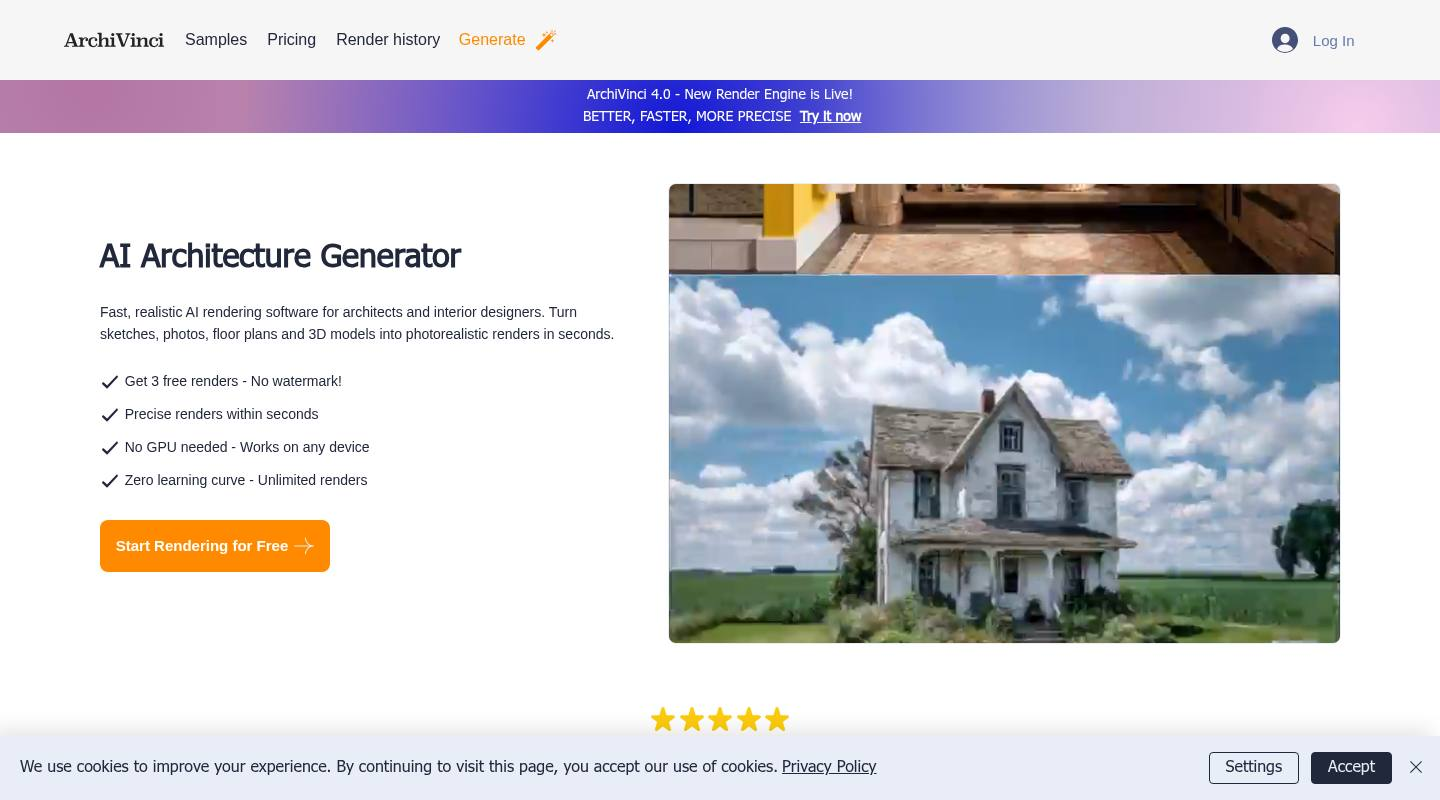
ArchiVinci focuses on AI architecture generation for architects and interior designers, with workflows for sketches, photos, floor plans, and 3D models.
It is worth comparing when you want many AI design tools around exterior concepts, interiors, masterplans, site-plan renders, and alternate viewpoints. Pick Render a House first when the practical question is how to keep one client project consistent through several revisions rather than how many concept modes a tool offers.
4. Visualizee - high-resolution image experiments and material variants
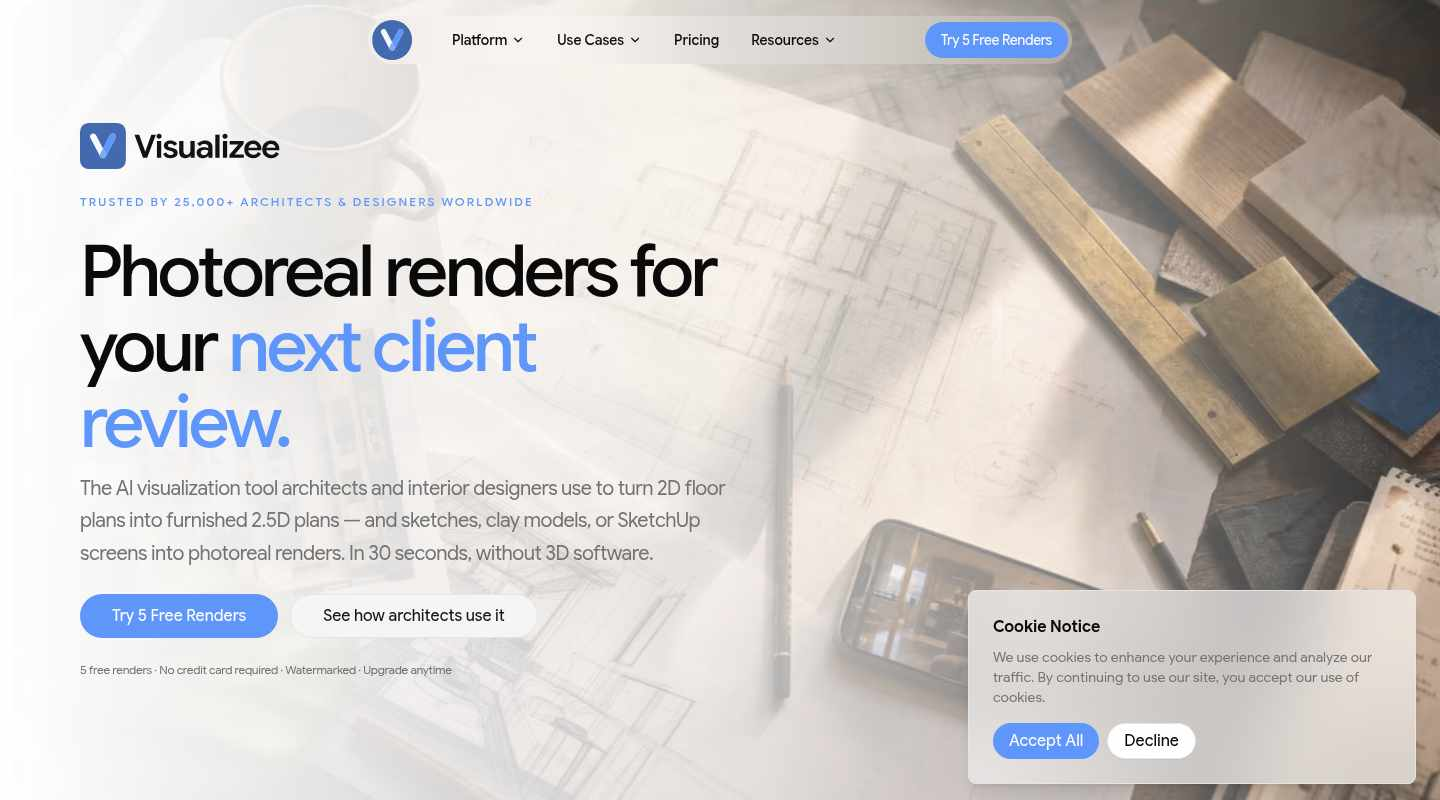
Visualizee is relevant when high-resolution image variation, sketch or screenshot inputs, and material variants are central to the comparison.
Compare it when the job is mostly image variation, screenshot-based exploration, or material studies. Start with Render a House when the work is an architecture presentation that needs site context, model-aware viewpoints, and a controlled revision path.
5. Rendershop AI - staging, editing, and marketing-image depth
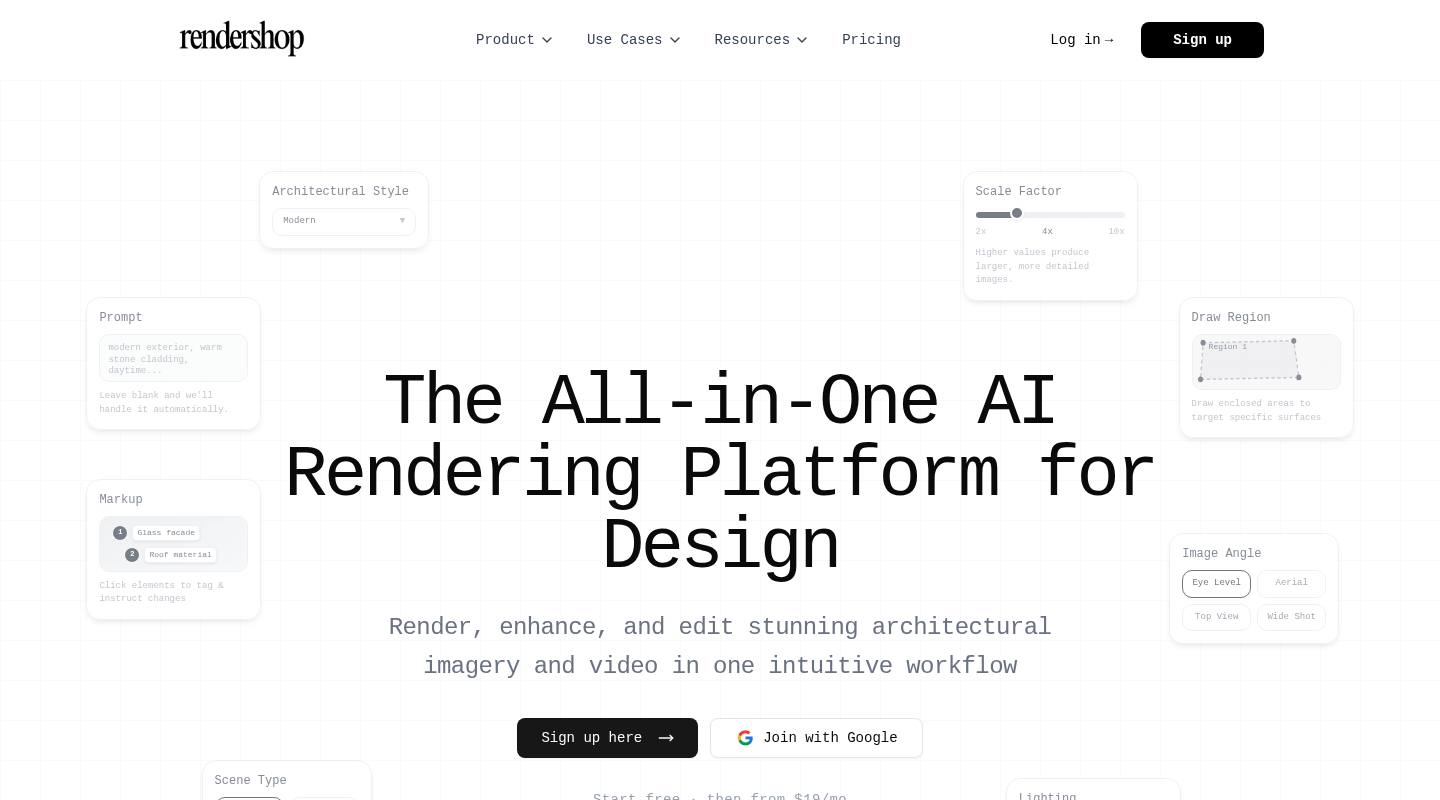
Rendershop AI belongs in the shortlist when the work is closer to real estate imagery, interior staging, AI photo editing, image enhancement, or video walkthroughs.
That makes it useful for marketing-image depth, but not necessarily the first alternative for architects. If the project needs saved context, repeatable views, and client-facing architectural revisions, compare it after Render a House rather than before it.
6. Rendair - architect-focused AI assistant and approvals
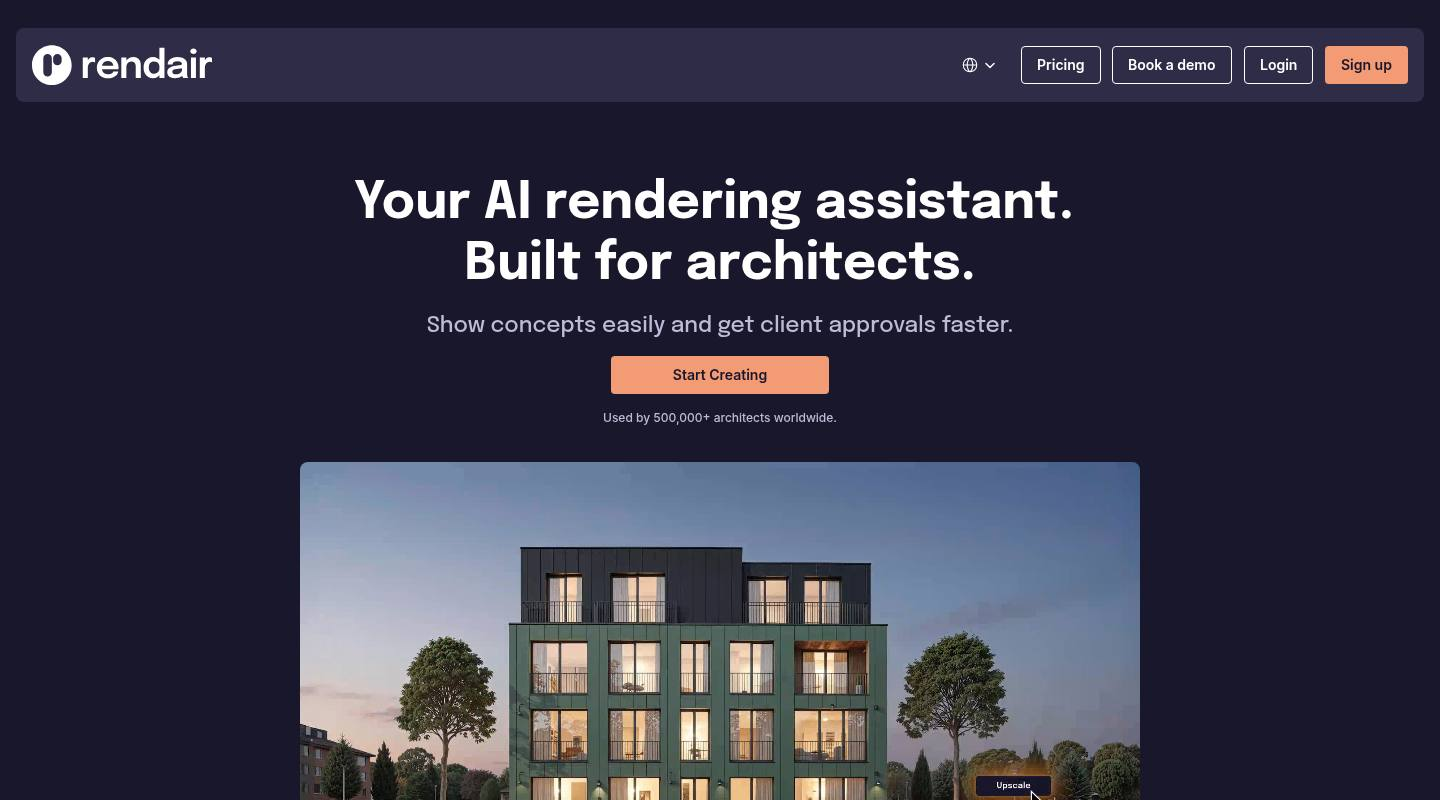
Rendair is worth reviewing when you want another tool built around architects, AI-assisted rendering, and client approval workflows.
It can be part of the final shortlist, especially for teams that want an architect-specific assistant. Render a House should still be the first alternative to test when the key requirements are a model-aware workflow, consistent project views, and measurable rendering usage across real deliverables.
How to choose
| Choose this path | When it fits |
|---|---|
| Start with Render a House | You need the best first ReRender AI alternative for architecture: 3D file support, site/context setup, saved viewpoints, local edits, and consistent presentation views. |
| Use ReRender AI | You mostly want to upload images, test styles quickly, and generate many early visual concepts before deciding what direction to develop. |
| Compare MyArchitectAI or ArchiVinci | You want a broad AI architecture generator with many input modes, fast concept output, and compatibility or tool breadth as the main buying factor. |
| Compare Visualizee or Rendershop AI | Your main use case is high-resolution image variation, screenshot-based exploration, staging, photo editing, image enhancement, or short marketing visuals rather than model-aware client presentations. |
| Compare Rendair | You want another architect-focused AI assistant and client approval workflow in the shortlist before making the final call. |
Our recommendation is direct: if you are an architect comparing ReRender AI alternatives for real project work, start with Render a House. Use ReRender AI when the goal is fast style exploration; use Render a House when the output needs to survive client feedback, stay connected to the project, and produce consistent views across a presentation.
Start with Render a House if you want the best first alternative to ReRender AI for an architecture project. For the head-to-head between the two upload-first tools themselves, see MyArchitectAI vs Rerender AI.
FAQ
Is ReRender AI free?
ReRender AI has a free trial at $0. It includes 3 daily renders, non-commercial use, standard image quality, watermarked renders, public gallery sharing, simple lighting effects, and theme-based rendering.
How much does ReRender AI cost?
ReRender AI's individual paid plans are $45/month or $38/month when billed annually. Team plans are $55/month or $46/month when billed annually, and student options at $9 every two weeks or $15/month annually. Confirm current pricing before buying because software pricing can change.
Are ReRender AI reviews enough to rely on?
They are helpful, but not enough on their own. ReRender AI feedback points to fast concept generation and useful style exploration, but it does not prove reliability for preserved geometry, materials, camera choices, and revision-heavy client work. Build a shortlist, then test each tool with your own project files and a realistic revision request.
What is the best ReRender AI alternative for architects?
Render a House is the best first alternative if you need renders tied to a real architectural project, especially when you work from 3D files, need saved camera views, or expect client revisions across multiple images.
Should architects compare ReRender AI against traditional rendering tools?
Sometimes, but only when the workflow calls for it. D5 Render and Enscape can be better when your team wants a real-time visualization environment tied to design software. ReRender AI, Render a House, MyArchitectAI, ArchiVinci, Visualizee, Rendershop AI, and Rendair are more relevant when you want AI-assisted rendering or design-stage image generation.
