 Render a House/Updated Oct 10, 2026
Render Cost Calculator: AI vs Freelancer Prices
Render a House helps architects compare the cost of standard 1K renders with freelancer quotes and per-image AI tools. Enter your monthly render count and another provider’s USD price to estimate plan cost, top-ups, and break-even volume.
Short answer
Quick answer: Render a House Free includes 3 credits each day for standard 1K renders with a watermark; Pro is $39/month for 240 credits, and Studio is $99/month for 1,000. Compare those plans with a freelancer quote or an AI tool’s per-image price. Free covers up to 90 standard 1K renders in a 30-day month only when no single day uses more than 3 credits.
Last updated: October 2026.
Calculate your monthly render cost
Estimate your monthly rendering cost
Compare standard 1K renders with the price of another pay-per-render service.
Quick price presets
PromptRender requires a $5 minimum purchase (credits do not expire); ArchiVinci sells packs from $40 for 125 coins. Presets use the per-image unit rate.
Pay-per-render total: $1,490.00 per month
Render a House Free
Estimated monthly plan cost: $0.00 ($0.00 per render).
Break-even vs. $149.00 per render: No paid-plan break-even; Free covers up to 90 renders/month; assumes no more than 3 credits on any single day.
Render a House Pro
Estimated monthly plan cost: $39.00 ($3.90 per render).
Break-even vs. $149.00 per render: 1 render per month
Render a House Studio
Estimated monthly plan cost: $99.00 ($9.90 per render).
Break-even vs. $149.00 per render: 1 render per month
Estimates assume standard 1K renders, a 30-day month, no carried-over credits, and no failed generations. Pro and Studio include credit top-ups in this estimate after their monthly credits are used. Extra credit purchases have a $5 minimum.
Published cost comparisons
| Option | Published cost | Scope and assumptions |
|---|---|---|
| Render a House Free | 3 credits/day; 1K output; Free within its daily credit allowance | Standard 1K uses 1 credit and has a watermark on Free; 2K uses 1.5 credits and 4K uses 2. |
| Render a House Pro | $39/month; 240 credits | Approximate average at full included-credit use: $0.16 per credit. Includes 240 credits/month. After those credits, top-ups are $0.20 per credit with a $5 minimum. |
| Render a House Studio | $99/month; 1,000 credits | Approximate average at full included-credit use: $0.10 per credit. Includes 1,000 credits/month. After those credits, top-ups are $0.20 per credit with a $5 minimum. |
| United States | US Drafting Inc: Basic exterior: $600–$1,200 per image; detailed exterior with landscaping: $1,000–$2,500, in USD. | Published quotes differ in scope, taxes, revisions, and image count; they are not like-for-like. |
| United Kingdom | 3DAV: £295 for one starter exterior image or £595 for one growth hero image, ex VAT. | Published quotes differ in scope, taxes, revisions, and image count; they are not like-for-like. |
| Australia | Build3DRender: Exterior images from A$445 each, excluding GST. | Published quotes differ in scope, taxes, revisions, and image count; they are not like-for-like. |
| Freelance architectural visualization | $99+ per interior image; $149+ per exterior image | Published starting rates for commissioned images; not an equivalent scope to one AI credit. |
| PromptRender pay-as-you-go | PromptRender: $1 per render; 4K output | $5 minimum credit purchase; credits do not expire. Compare the purchase minimum as well as the unit rate. |
| ArchiVinci add-on coins | ArchiVinci: $0.32–$0.22 per image across published coin packs; listed image models use 1 coin per image | One-time packs: $40/125 coins to $1,100/5,000 coins. Compare the full pack amount. |
Render a House is an AI rendering tool for architects and real estate.
Source: Freelance architectural visualization and published vendor price pages. Published quotes differ in scope, taxes, revisions, and image count; they are not like-for-like.
Credits, checkout, and supported uploads
A Standard 1K render uses 1 credit; Standard 2K uses 1.5 and Standard 4K uses 2. Free is 1K with a watermark. Pro and Studio include monthly credit allowances.
Checkout is card-only. See the current plans and pricing documentation.
Supported uploads are PNG, JPG, WebP, SKP, GLB, GLTF, OBJ, and STL. PDF files are not accepted; export a drawing or plan as PNG or JPG first. See supported file formats.
Common questions
How does the render-cost calculator work?
- Enter a monthly count of standard 1K renders and the USD price per render from a freelancer or another image tool. The estimate compares that total with Free, Pro, and Studio plan costs, including paid-plan top-ups when monthly credits are exceeded.
How many renders are included with Free?
- Free provides 3 credits per day. A Standard 1K render uses 1 credit and carries a watermark, so up to 90 may fit in a 30-day month only when no single day uses more than 3 credits.
How many credits do 1K, 2K, and 4K renders use?
- A Standard 1K render uses 1 credit, Standard 2K uses 1.5 credits, and Standard 4K uses 2 credits. The calculator compares standard 1K renders.
How much do extra credits cost?
- Pro and Studio top-ups cost $0.20 per extra credit with a $5 minimum purchase. Checkout accepts credit cards only; see the plans and pricing documentation for current details.
Can I upload a PDF plan?
- No. Supported uploads are PNG, JPG, WebP, SKP, GLB, GLTF, OBJ, and STL. Export the PDF sheet to PNG or JPG before uploading.
Are freelancer and AI-tool prices directly comparable?
- Not always. Freelancer quotes can include modeling, art direction, revisions, or multiple views, while an AI price may cover one generated image or a credit pack. Compare the same brief and deliverables.
Related guides
Keep reading
Related guides and comparisons
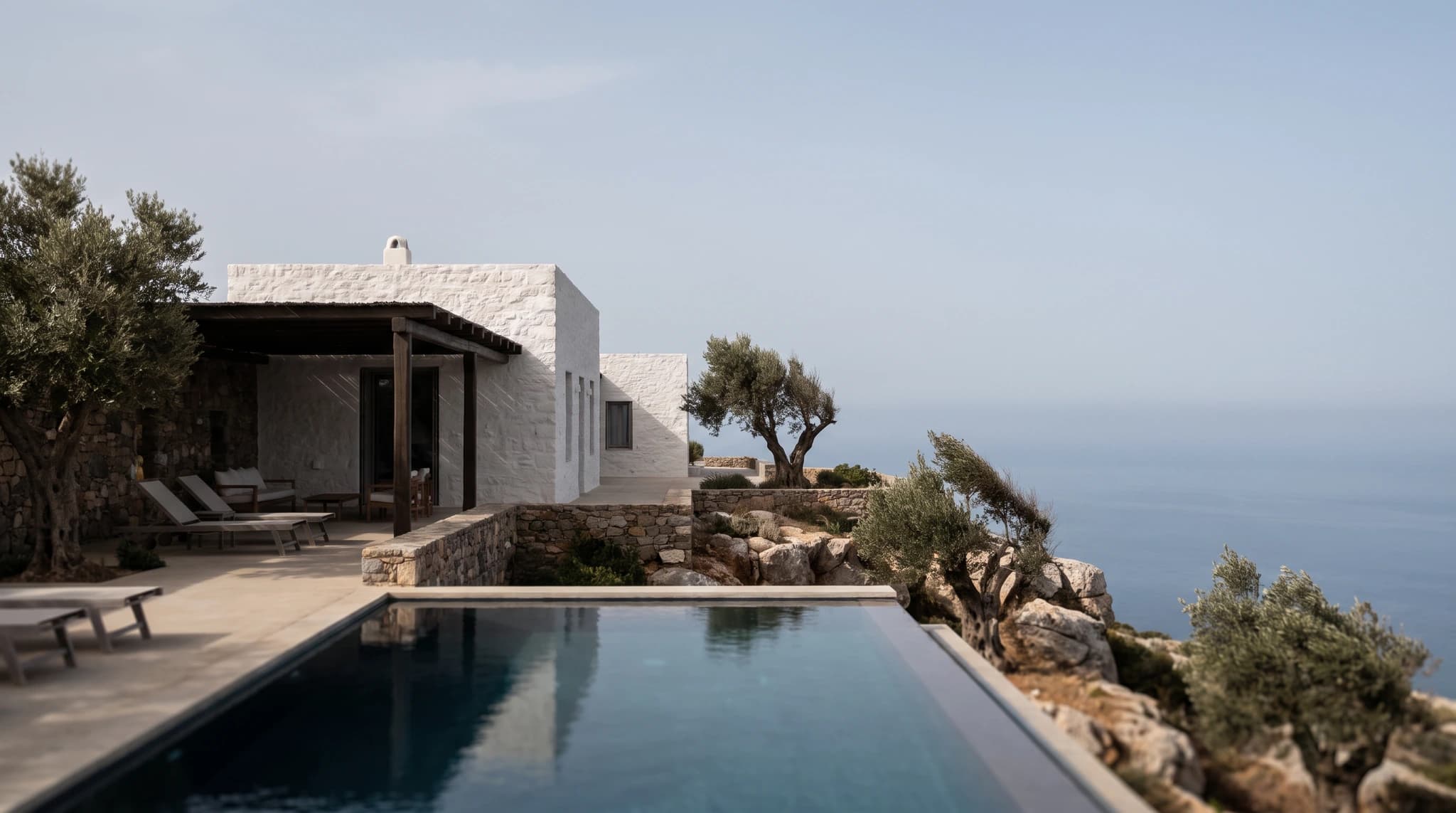
Cheapest Professional Architectural Renders by Country: 2026 Prices
Compare published exterior-render rates in the US, UK, Australia, Spain, Mexico, Argentina, and Brazil with Render a House’s USD credit cost.
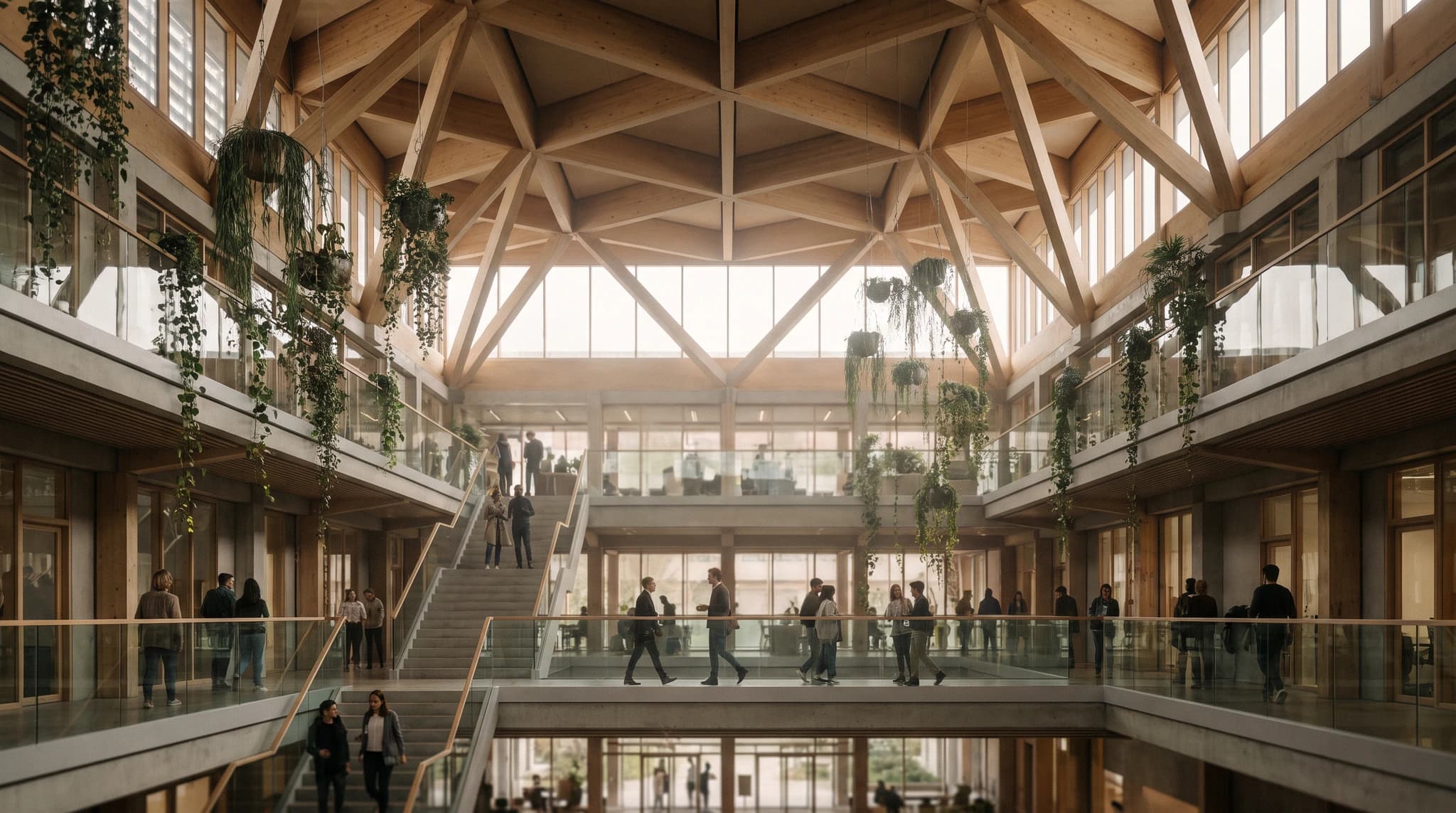
AI Rendering Subscription vs Pay-Per-Render: A Studio Break-Even Guide
Compare Render a House plans, freelance fees, and pay-per-image AI credits with a break-even calculator for small studios.

AI rendering for small architecture studios on a budget: 7 tools under $50 a month, and what a render really costs in 2026
Cheap AI rendering for small architecture studios: 7 tools under $50/mo, cost-per-render math and a year-one budget for a 2-person firm. Checked Sept 2026.
