 Render a House/Updated Oct 8, 2026
AI Rendering for Architecture Students: A Practical Studio Workflow
Architecture students can use AI renders to test presentation directions before a pin-up or jury. Render a House’s Student plan unlocks after three eligible classmates sign up through your link and complete their first render.
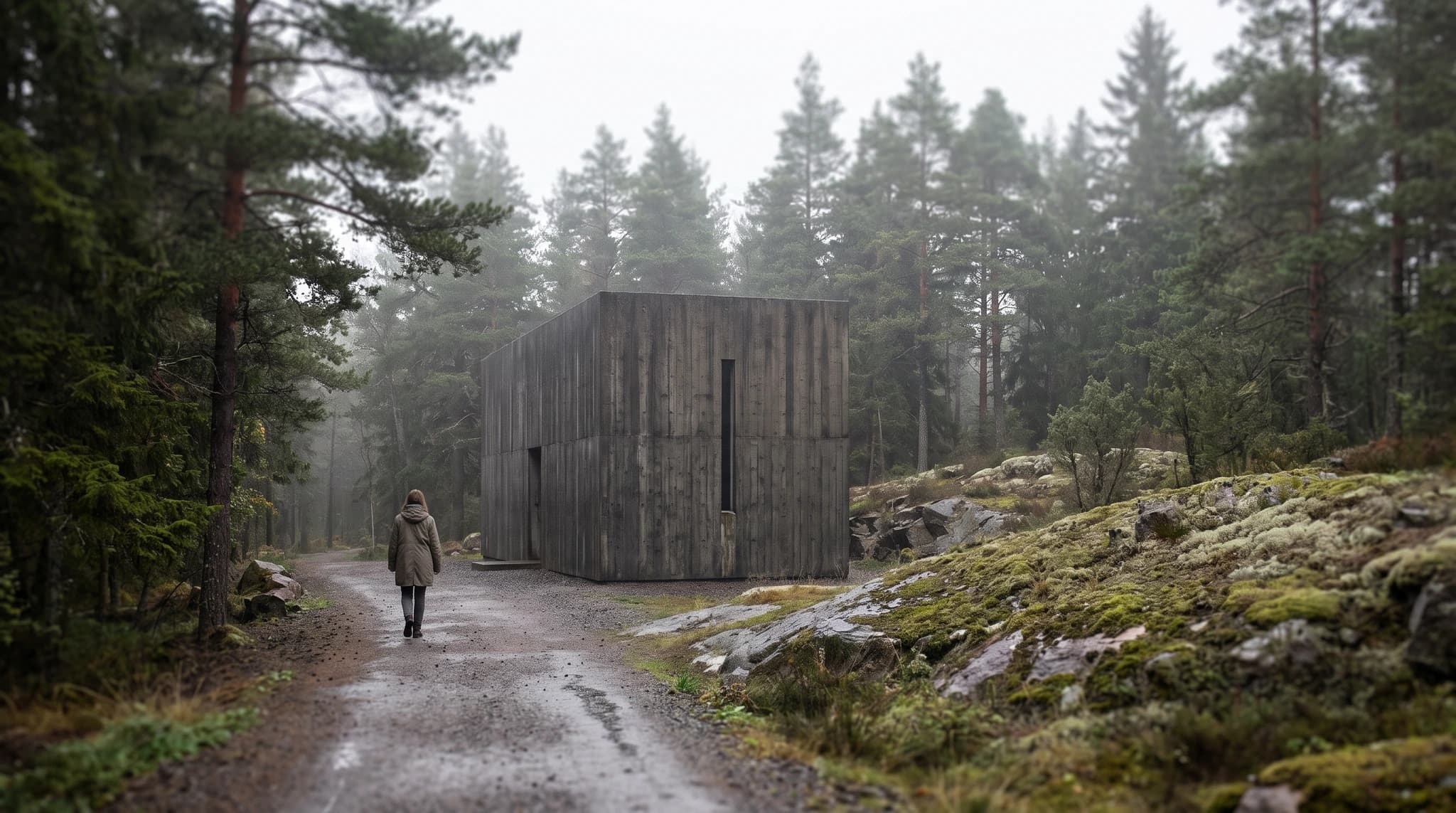
Short answer
Quick answer: Use AI renders for visual options and portfolio consistency, not as proof of technical accuracy. Render a House Student is a free, non-expiring product with 80 monthly credits and no daily cap; it is unlocked by three qualified referrals.
Last updated: October 2026.
Unlocking the Render a House Student plan
Render a House is an AI rendering tool for architects and real estate. Architecture students can use it to turn drawings, sketches, and models into visual concepts they can discuss and refine.
The Student plan is earned through the referral program, not through a standalone student-verification form. The account that unlocks it must be eligible: its email needs an academic public-suffix label such as .edu or .ac, or a domain listed in Render a House’s academic-domain records. That is a domain check, not verification of enrollment or student identity.
- Share your personal referral link with classmates.
- Three referred classmates sign up with eligible academic email addresses.
- Each classmate completes their first render; the plan attaches automatically.
The program’s internal documentation defines the benefit as an Autumn product with 80 credits each month, no daily cap, and free-tier feature gates: no video and no Pro model. The interface describes it as $0 per month with no card needed. It is not a separate paid tier, and each referred classmate gets no additional reward from your referral.
See the referral-program rules, the plan and credit documentation, and the current pricing page. The pricing page does not replace the eligibility and qualifying-referral conditions above.
Use AI rendering when deadlines are close
A pin-up, mid-review, or jury often needs a readable option more than it needs a fully modeled final image. Start from the drawing or model view you already have, then use the short iteration loop to discuss massing, material direction, atmosphere, and planting. Keep a source view alongside the generated output so the design intent stays traceable.
- Pin-up: render the current proposal and one alternate material or lighting direction.
- Jury: prepare a consistent set of exterior and interior views instead of one isolated hero image.
- Overnight changes: keep the input, prompt, reference images, and selected camera organized so a new option can be compared without restarting the presentation.
Treat this as a visual communication workflow. Check dimensions, openings, structure, accessibility, and code requirements against the actual project documents; a generated image does not validate them.
Build a consistent portfolio view set
A portfolio reads more coherently when each project uses a repeatable view set: keep the main camera, crop, material palette, time of day, and graphic labels consistent. Save the source view and the prompts or references used so you can reproduce the intent when you revisit the project.
Copy Render (Pro) can carry the style and model from one saved view to another, helping a set feel consistent. It is not listed as part of the Student plan, so use it only if your account has access; otherwise, reuse the input and references manually.
Student and education rendering offers
Education offers vary: free student licenses, paid student pricing, and commercial-use restrictions are not interchangeable. We checked the vendors’ current education pages in October 2026; prices not displayed there are marked “not published.”
| Tool | Published student / education offer | Terms and best fit |
|---|---|---|
| Render a House | Free Student product; 80 credits/month, no daily cap | Unlock with three qualified referrals. Good for fast concept options from drawings and view sets; no video or Pro model under the Student plan. |
| Enscape | Chaos student pricing; 14-day buy-and-test period. Exact student price: not published on the reviewed education page. | For enrolled students and recent graduates within 12 months. Learning and portfolio use; Chaos Education. |
| Twinmotion | Free for students and educators | The same free version also covers hobbyists and individuals/small businesses under the stated revenue threshold. Best for real-time scene exploration; licensing details. |
| D5 Render | Free educational license; 180-day term, renewable | Proof of academic status is required. Fixed to one device, no watermark, for education/research—not commercial projects. See D5 Education. |
| Lumion | Free Student license for one year, renewable while studying | Educational use only; the student version has a small watermark and cannot be used for commercial work. See Lumion Student. |
| V-Ray | Chaos student pricing; 14-day buy-and-test period. Exact student price: not published on the reviewed education page. | Student status is verified at purchase; Chaos lists learning and portfolio use. See Chaos Students. |
Vendor plans change. Check the linked license terms before installing, submitting coursework for a client, or including a commercial deliverable in a portfolio.
Label AI images and check school policy
Label AI imagery honestly. Say what came from your model, drawing, or reference and what the image generator changed; do not imply that generated planting, façade details, or materials are resolved design decisions if they are still illustrative.
Check your school’s current policy on AI in coursework and portfolios, including disclosure, attribution, and whether an instructor permits generated imagery at all. Keep dated source material and intermediate work so your process is visible.
Common questions
How do architecture students unlock Render a House Student?
- An eligible student shares their referral link. Three referred classmates must sign up with an eligible academic email and each complete a first render; the Student plan then attaches automatically. It provides 80 credits per month with no daily cap, at no cost.
Can I use student render software for paid client work?
- It depends on the license. Chaos student use is for learning and portfolios, D5 Education is for education and research, and Lumion Student is non-commercial. Check the current license terms before using any student or education edition commercially.
Can AI-generated images stand in for architectural drawings?
- No. They are visual communication, not dimensioned or verified construction documents. Check geometry, materials, planting, and any required technical information against the underlying design.
Should I disclose AI-generated imagery in a student portfolio?
- Follow your school’s policy and disclose the role of AI where required. Keep the original design work, input, and edits clear so reviewers can distinguish your decisions from generated image content.
Start with a plan, sketch, or model view and create a concept render that you can discuss at the next review. Open Render a House.
Related guides:
- See the landscape rendering workflow for season and planting concepts, or compare AI floor-plan rendering tools for inputs, outputs, and editable model options.
Keep reading
Related guides and comparisons
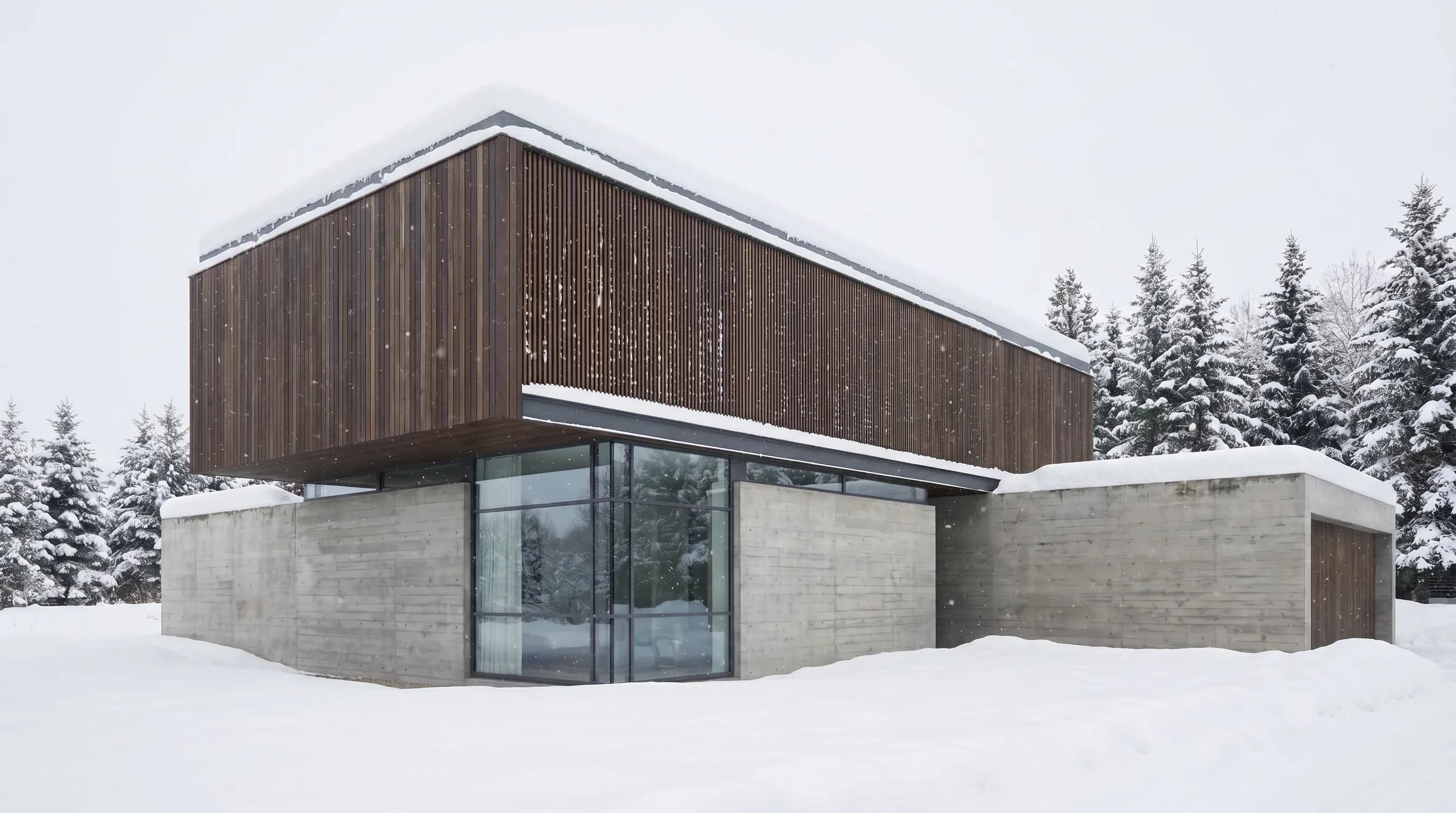
AI Rendering for Landscape Architects: Plants, Seasons, and Site Context
Explore AI planting and season concepts, compare Lumion, Twinmotion, and PromptRender, and learn when a 3D landscape model is required.
Fast Client Presentation Renders: A Practical One-Hour Plan
A planning schedule for a hero exterior and three interiors in under an hour, plus setup, GPU, install, and licensing comparisons.
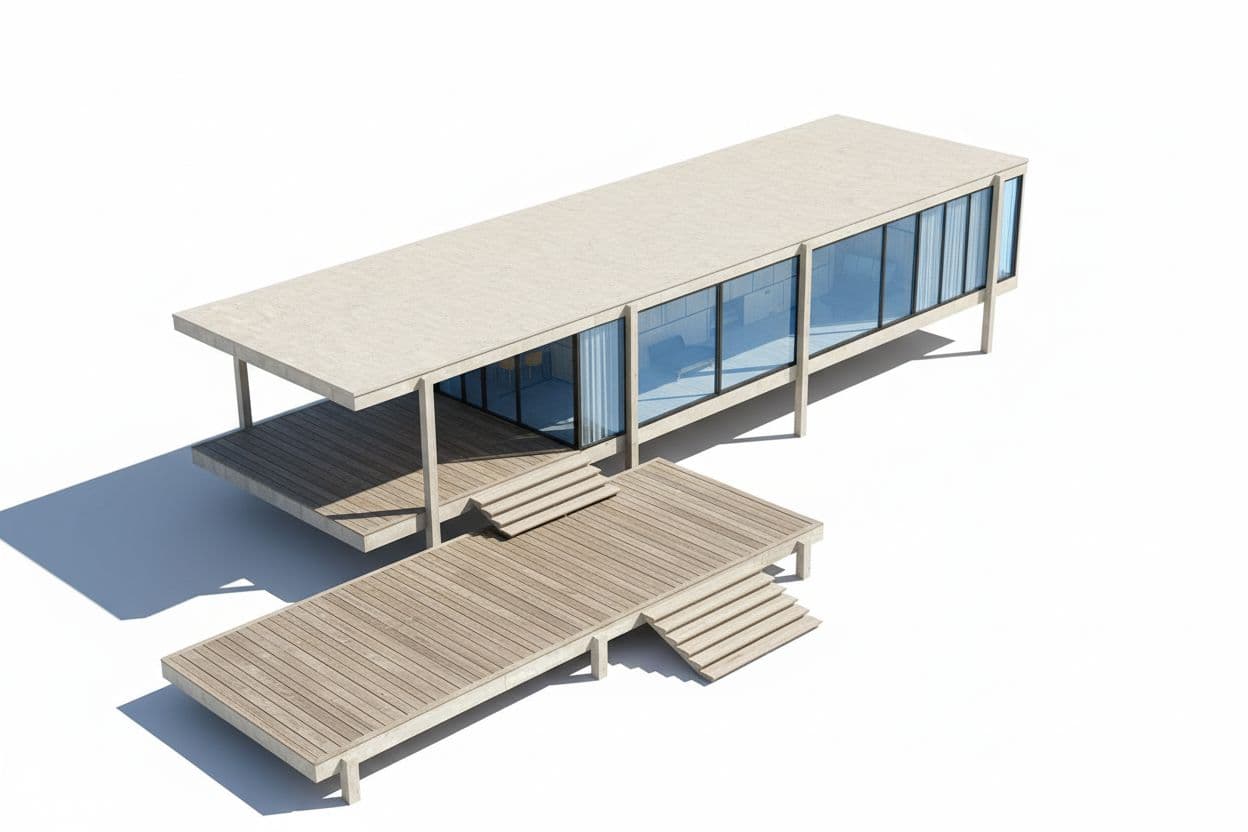
SketchUp model to realistic render with AI: native AI Render, plugins and GLB export compared
Six ways to AI render a SketchUp model: SketchUp AI Render (10 credits, 13–20 s), D5 Lite, Enscape, Veras, MeltFlex, or GLB export to Render a House. Steps, prices, limits.
