 Render a House/Updated Nov 6, 2026
Free Tree 3D Model
Download this free tree 3D model in GLB, FBX and OBJ for architectural visualization. Meter-scale, low-poly assets with free commercial project use and no signup.
Free downloads
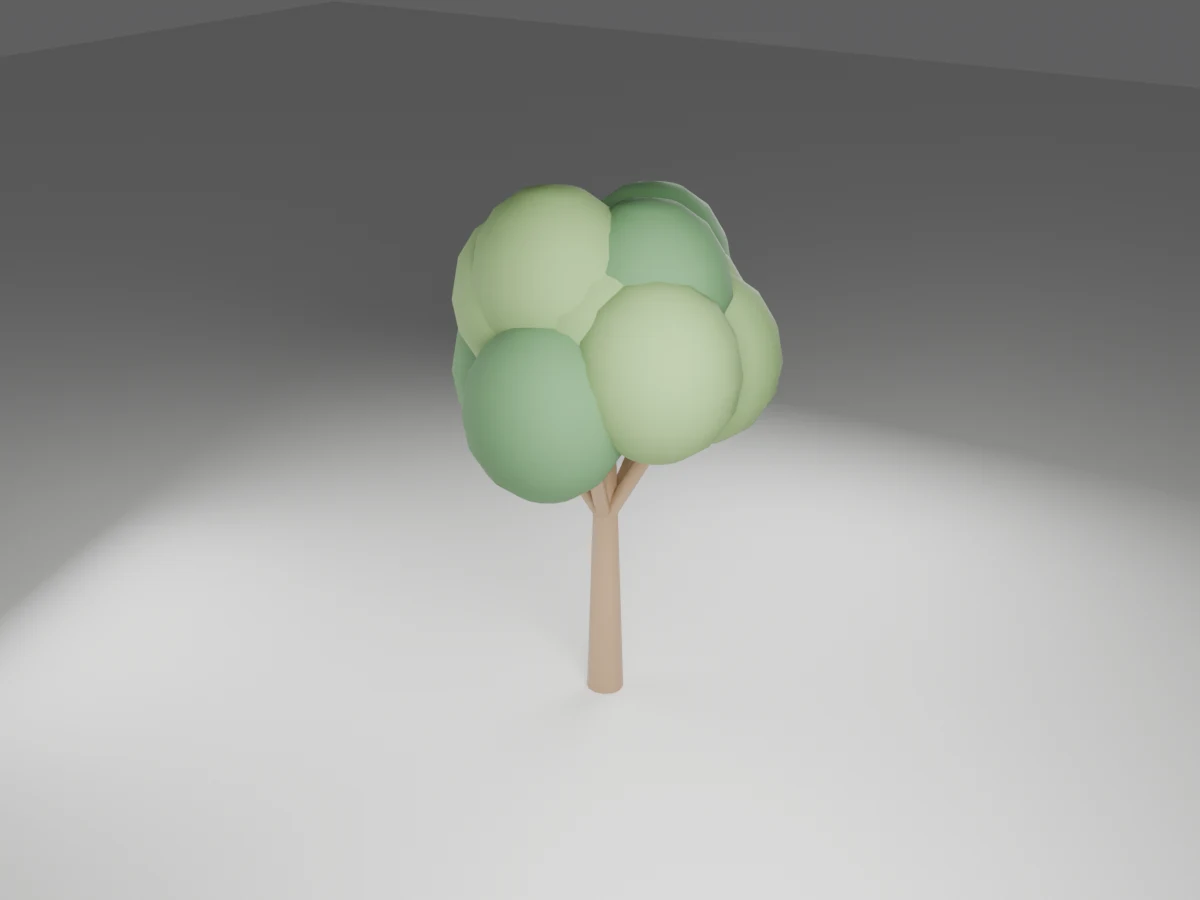
Quick answer: Tree is available as a GLB, an FBX and an OBJ+MTL ZIP, with 3,048 triangles and overall dimensions of 2.6826 × 2.6146 × 4.2315 m (W × D × H). Downloads are free for personal and commercial projects. No account or email is required.
The OBJ download is zipped with its MTL material file; keep them together after extraction. No textures or external image maps are needed.
Formats and specifications
| Property | Specification |
|---|---|
| Dimensions | 2.6826 × 2.6146 × 4.2315 m (W × D × H) |
| Triangles | 3,048 |
| Units and placement | Meters; root at floor center of the overall bounds; source front faces −Y, Z up |
| Materials | Green, Leaf, Oak. Solid-color PBR, no textures. |
| GLB | 89.2 KB |
| FBX | 117.5 KB |
| OBJ + MTL ZIP | 39.3 KB |
| Mesh delivery | Modifiers applied; no Draco compression in GLB; static, unrigged geometry |
Design and placement notes
The stylized broadleaf tree uses a tapered trunk, branching limbs and clustered green crowns. It gives site perspectives a clear vertical scale marker and works well as lightweight background planting around houses or courtyards.
The model is an illustrative tree, not an identified species with a guaranteed mature height. Set planting offsets using the intended real species, canopy spread, root behavior and utility constraints rather than the small footprint of the visible trunk.
Vary uniform scale and rotation across a grove so the crowns do not repeat mechanically. The foliage is solid geometry with no leaf textures, seasonal animation or wind rig, making the silhouette predictable across renderers.
How to import the models
Start with a meter-based scene and import at scale 1. Verify one listed dimension before populating the project. If a tool treats unitless OBJ coordinates as millimeters, set its import units to meters rather than scaling by eye. Importers may convert axes automatically.
- Blender: use File → Import → glTF 2.0 for GLB, FBX for FBX, or Wavefront OBJ after unzipping. GLB is the most direct way to retain PBR materials.
- SketchUp: use an importer or converter compatible with your installed version for GLB, FBX or OBJ, then save the result as SKP. These downloads are not native SKP files; standard SketchUp import support varies by version and plan.
- Revit: these are not RFA families and Revit does not provide a general native GLB/FBX/OBJ family import workflow. Use a supported add-in or convert to a Revit-supported format, place it in an appropriate family or project, and verify scale and material mapping. Imported meshes do not gain BIM parameters or connectors.
- 3ds Max: import FBX or OBJ through File → Import, set the source units to meters and inspect the material assignments. Adjust glass and roughness if the legacy material conversion differs.
- Rhino: import the unzipped OBJ with its MTL alongside it. Match document units to meters and check the imported mesh bounds; this remains mesh geometry, not editable NURBS solids.
- Archicad: use a compatible importer, add-on or conversion workflow for your version, then save as an object if appropriate. Verify units and surfaces; no native GSM or parametric library object is included.
Render your model
Place the tree in your scene, set a camera and export a clean screenshot or viewport image. Upload that image to Render a House to explore an architectural render. This is an image-based workflow; it does not require uploading these mesh formats directly.
Keep the important silhouettes and openings clear in the source view. Use your CAD or 3D application to verify dimensions and clearances; an AI visualization is not a measured construction drawing.
License
Free for personal and commercial projects. No signup or attribution is required. Do not resell or redistribute the files as a standalone pack or as part of another model library. Provided as-is without warranty; these stylized models are not manufacturer-certified products, engineering assemblies or construction documentation.
Frequently asked questions
Which files come with the tree model?
- There are direct GLB and FBX downloads plus a ZIP containing OBJ and MTL. No textures or external texture folders are required. GLB retains solid-color PBR materials and glass transmission where present; legacy formats may render materials differently.
What are the dimensions of this tree?
- Its overall bounds are 2.6826 m wide, 2.6146 m deep and 4.2315 m high. These are measured mesh bounds, including accessories, not a manufacturer specification. The model has 3,048 triangles.
What should I check before placing this tree?
- The model is an illustrative tree, not an identified species with a guaranteed mature height. Set planting offsets using the intended real species, canopy spread, root behavior and utility constraints rather than the small footprint of the visible trunk.
Can I adapt this tree for another design?
- Vary uniform scale and rotation across a grove so the crowns do not repeat mechanically. The foliage is solid geometry with no leaf textures, seasonal animation or wind rig, making the silhouette predictable across renderers.
Is the tree model free for commercial use?
- Yes. Use it in personal and commercial architectural projects without signup or attribution. Do not resell or redistribute the files as a standalone pack or another model library. It is provided as-is, not as construction documentation.
Related models and guides
Browse the full plant & tree 3D model pack for all 5 objects and the combined ZIP.
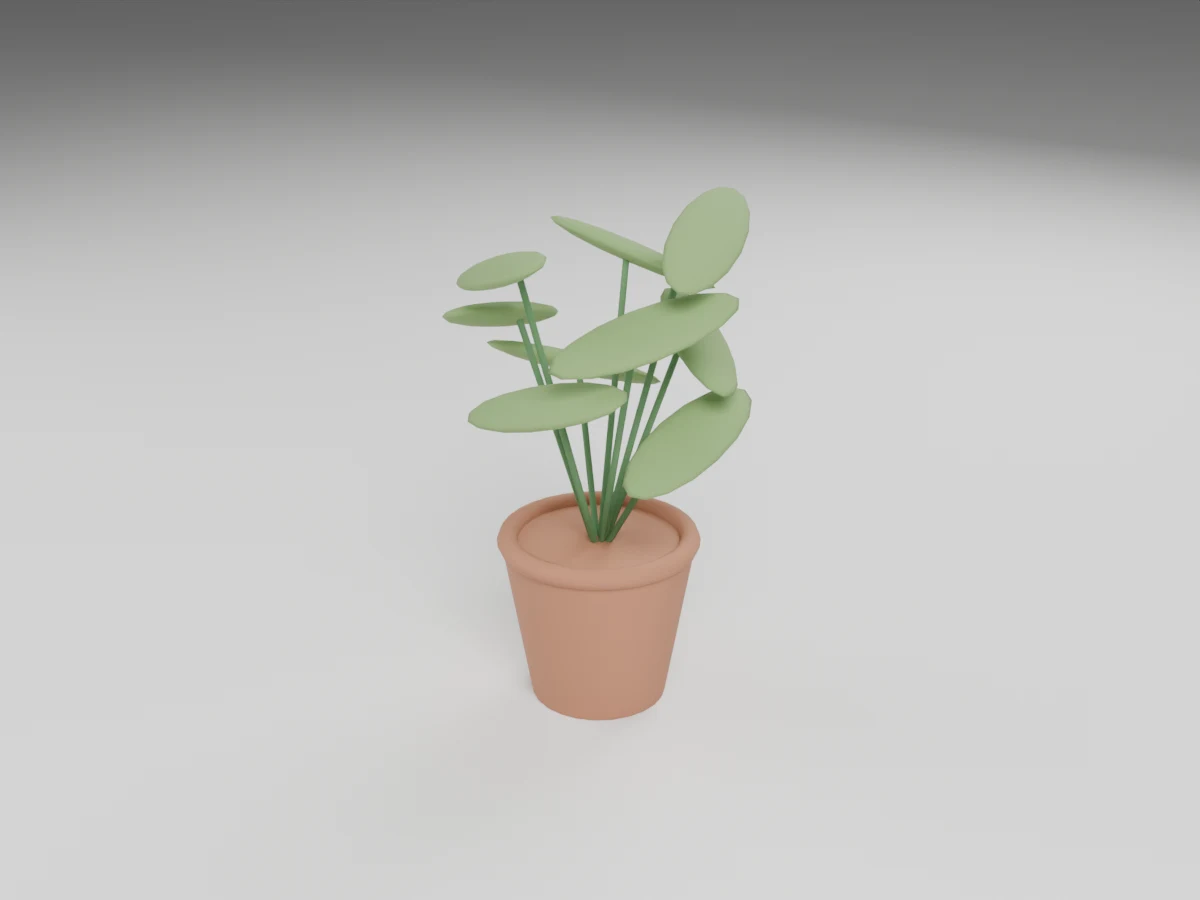
Plant
0.7923 × 0.7979 × 1.2509 m (W × D × H)
3,444 triangles
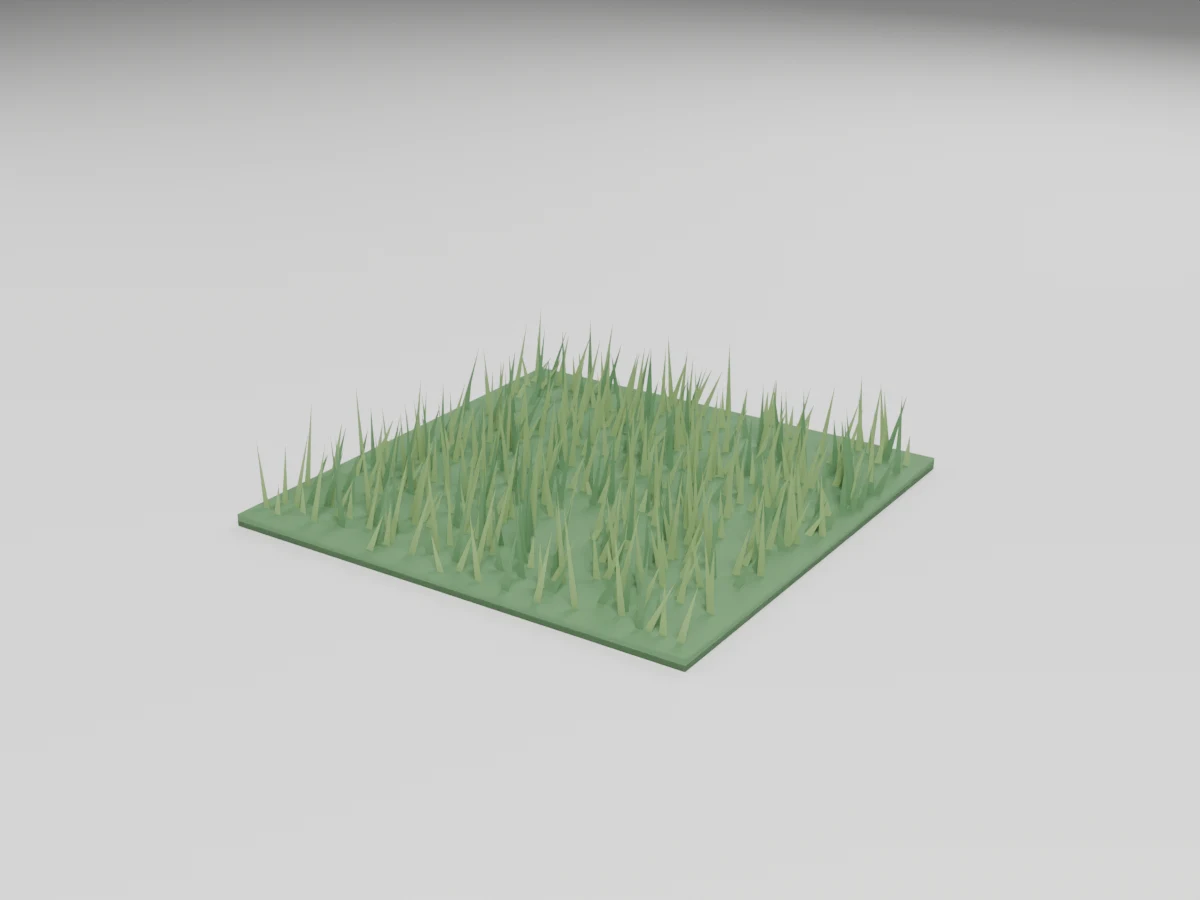
Grass
1.022 × 1.0037 × 0.1998 m (W × D × H)
512 triangles
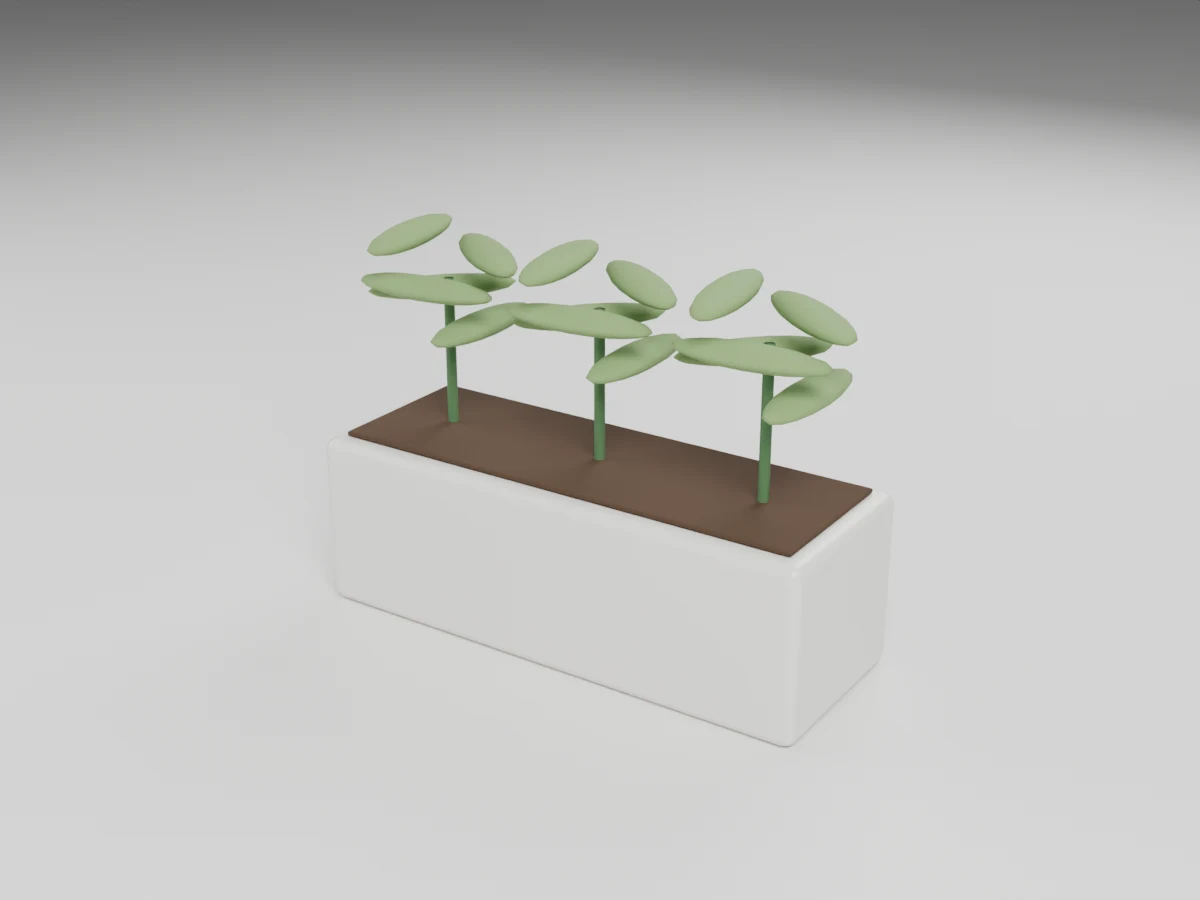
Planter
1.2382 × 0.45 × 0.865 m (W × D × H)
3,708 triangles
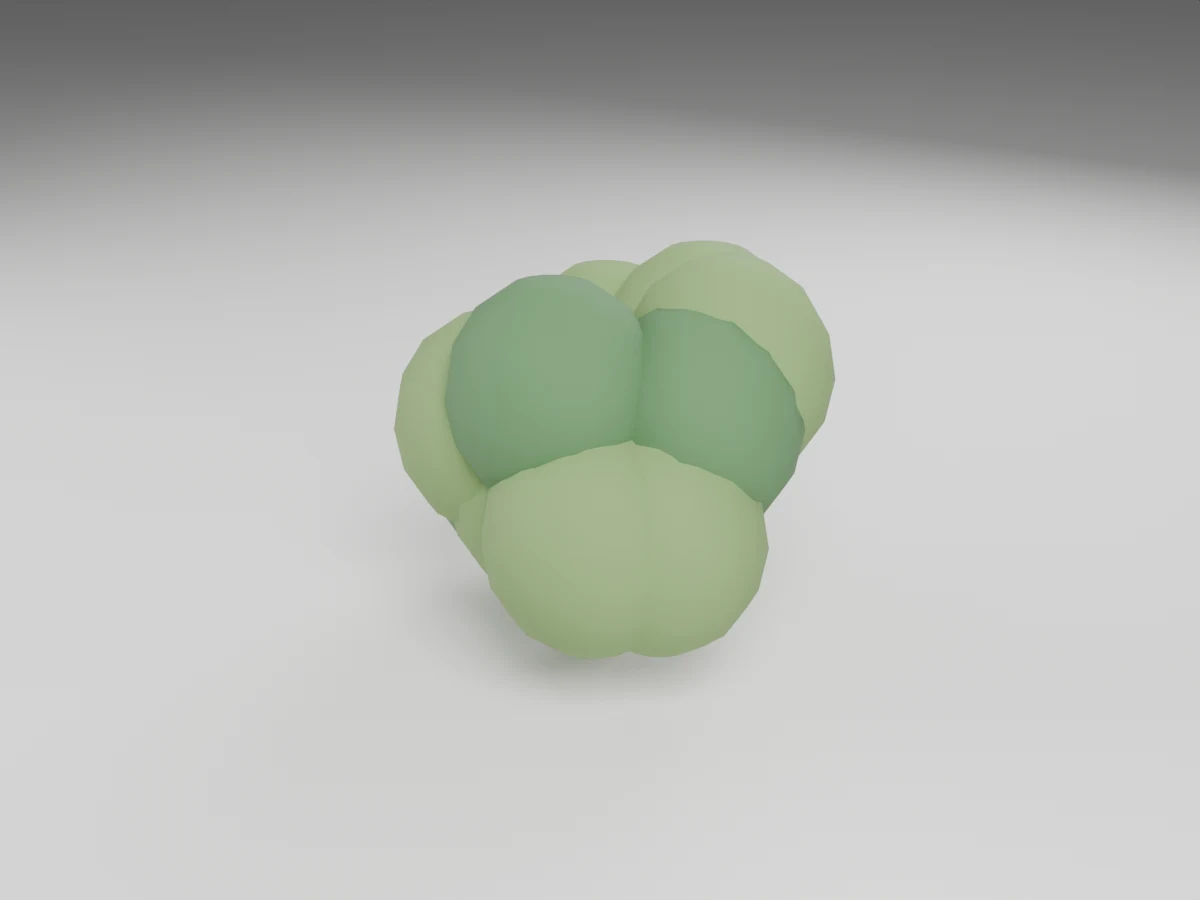
Bush
1.1868 × 1.1435 × 1.1132 m (W × D × H)
2,964 triangles
Need 2D planting symbols too? Get the free tree CAD blocks, plan-view tree blocks, tree elevation blocks and palm, shrub and grass blocks.
