Render a House/Updated Oct 21, 2026
Free Trees in Plan View (DWG + PNG)
Download 7 tree plan-view CAD blocks as editable DWG and transparent PNG. Add the tree top-view symbols to landscape plans, site layouts and presentation graphics—no signup required.
Download plan-view blocks
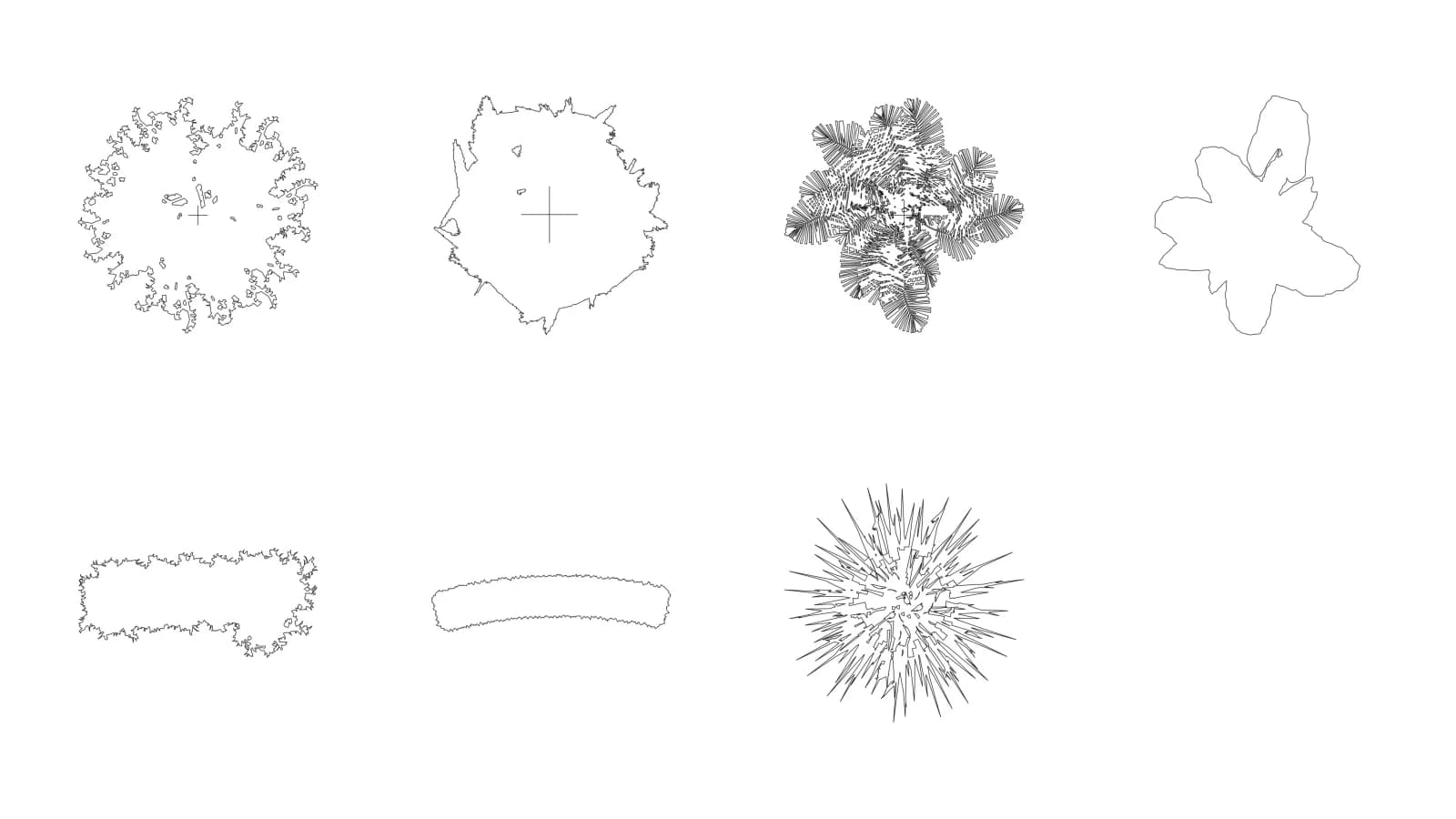
Quick answer: This ZIP contains 7 tree plan-view blocks as DWG, DXF and transparent PNG, drawn in meters.
Download all 7 tree plan-view blocks (ZIP, 5.7 MB)
| Plan-view pack detail | Specification |
|---|---|
| Blocks | 7 tree plan-view symbols |
| Formats | DWG, DXF and transparent PNG |
| Drawing units | meters; 1 unit = 1 m |
| PNG dimensions | 1,000 px on the longest side |
| License | Free for personal and commercial use |
Tree blocks in plan view
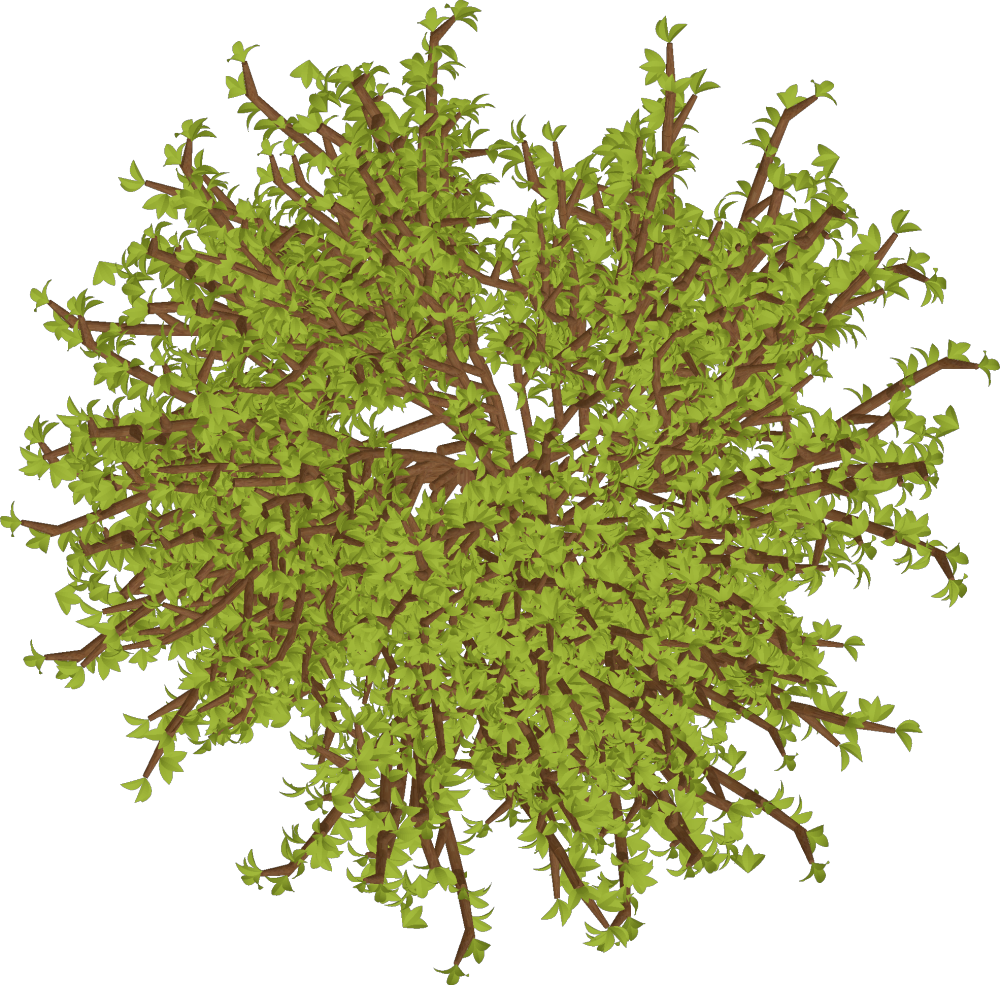
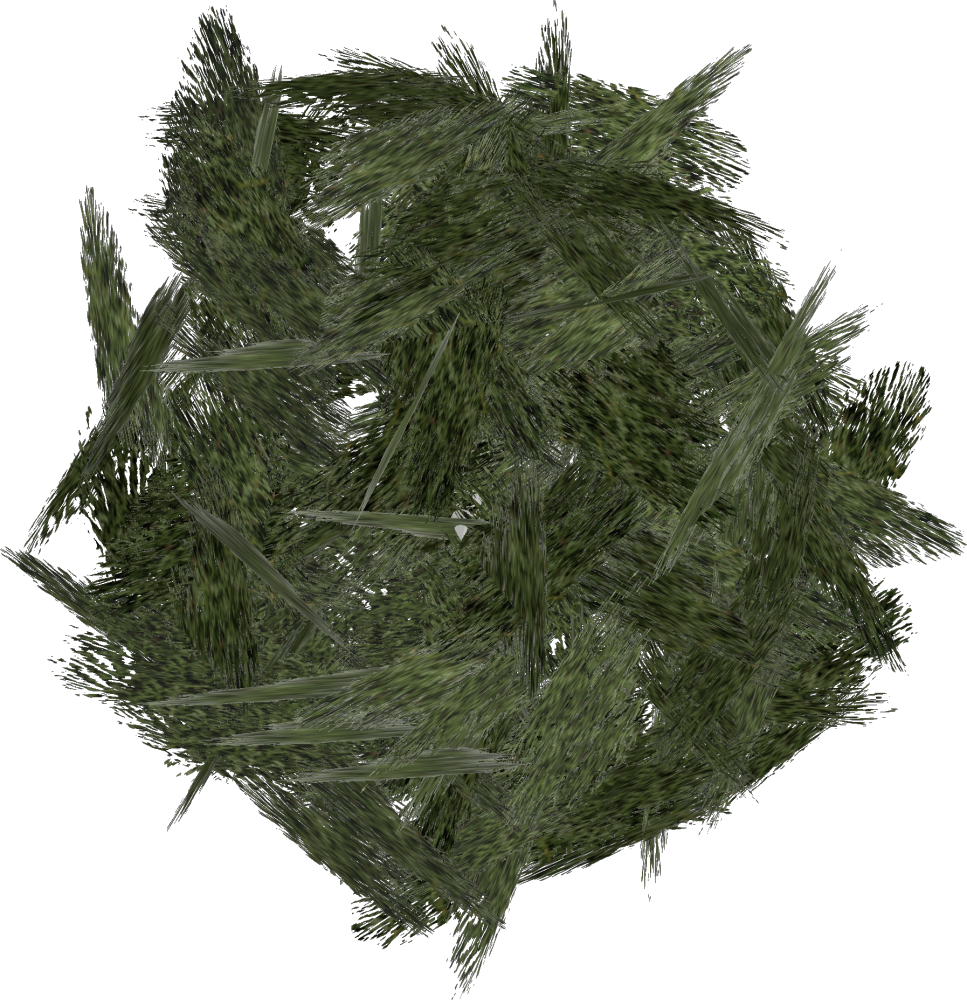
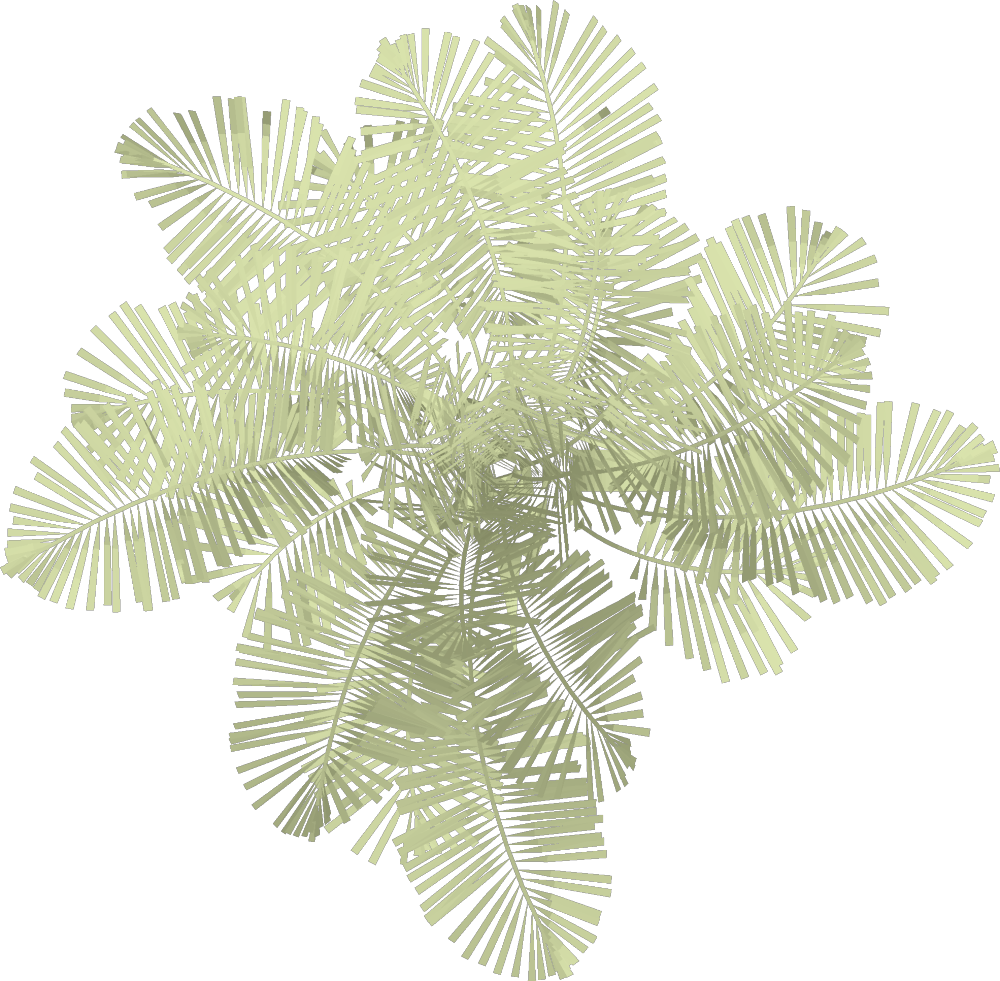
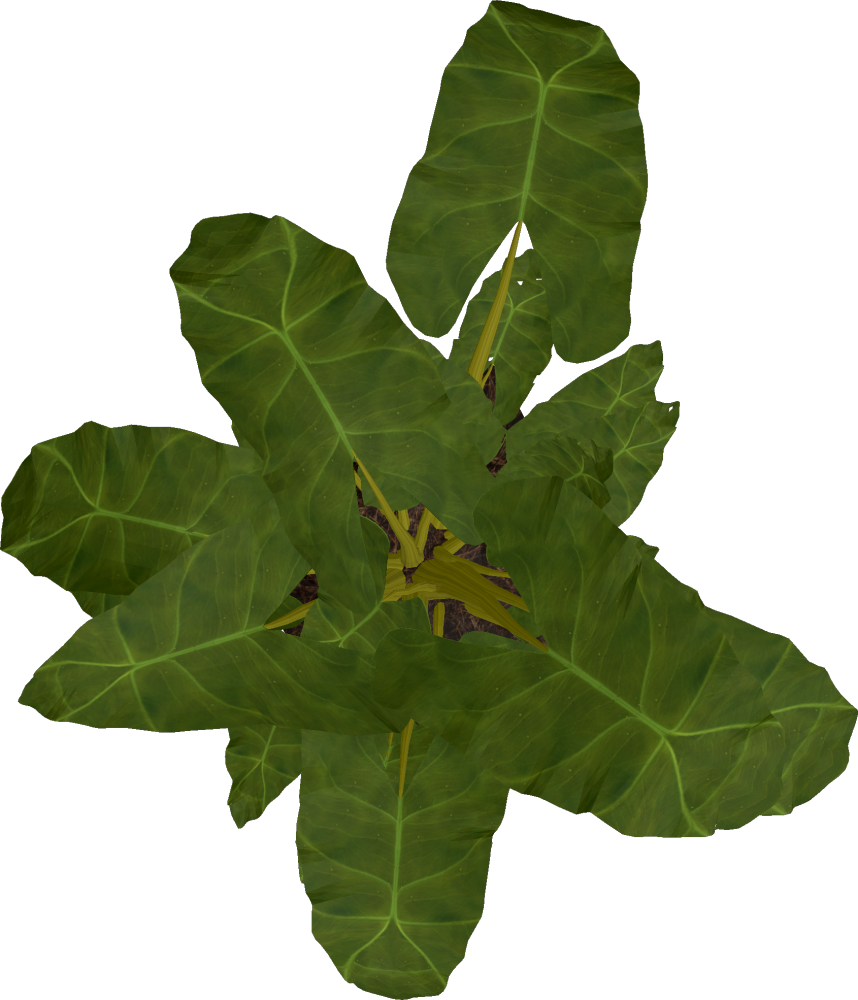
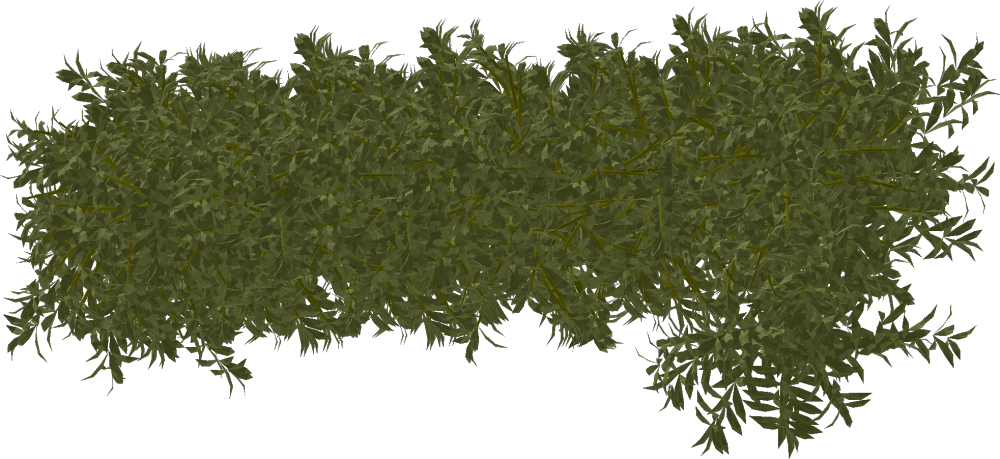
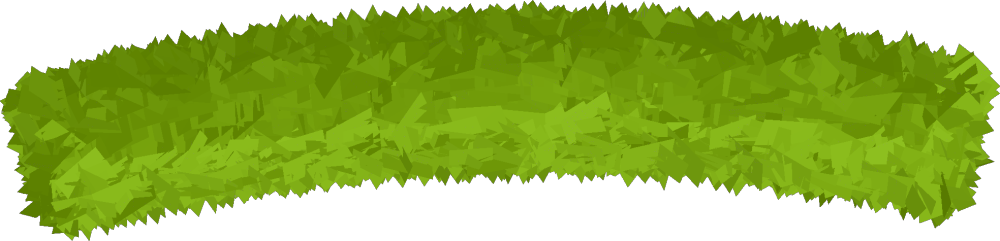
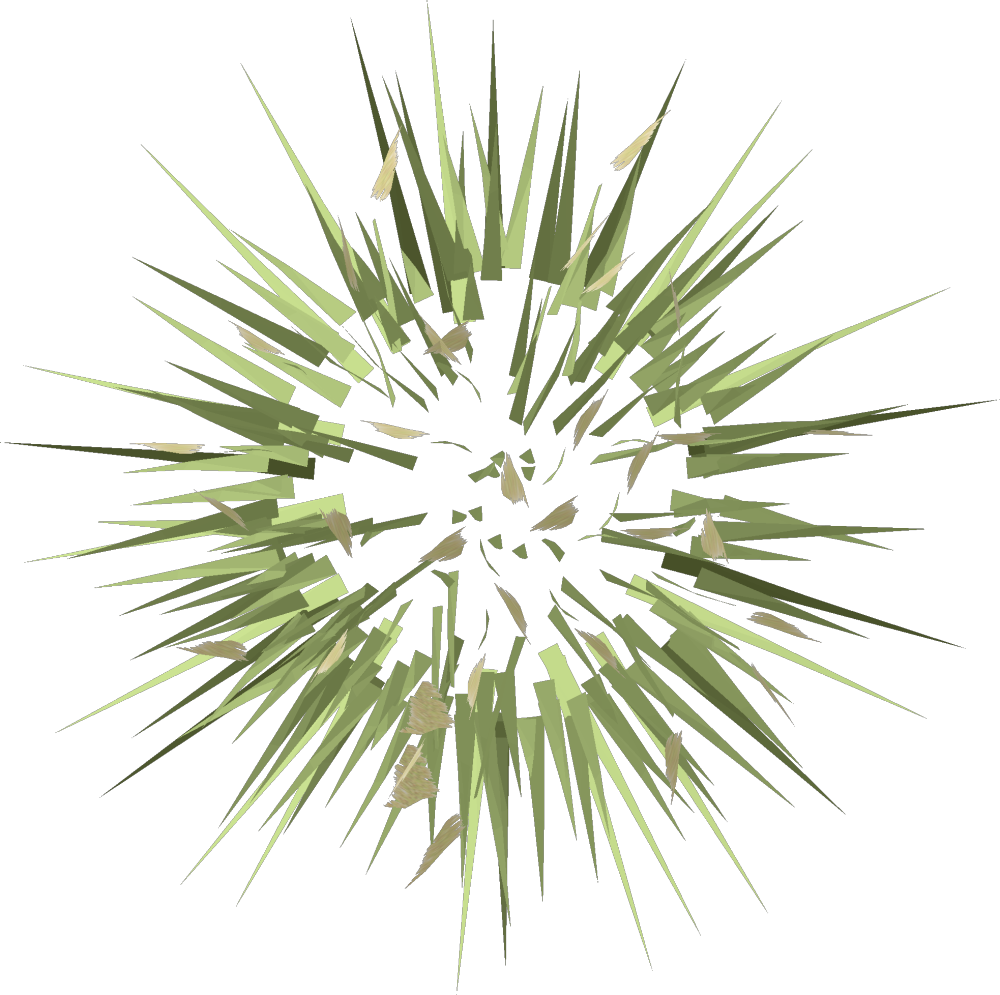
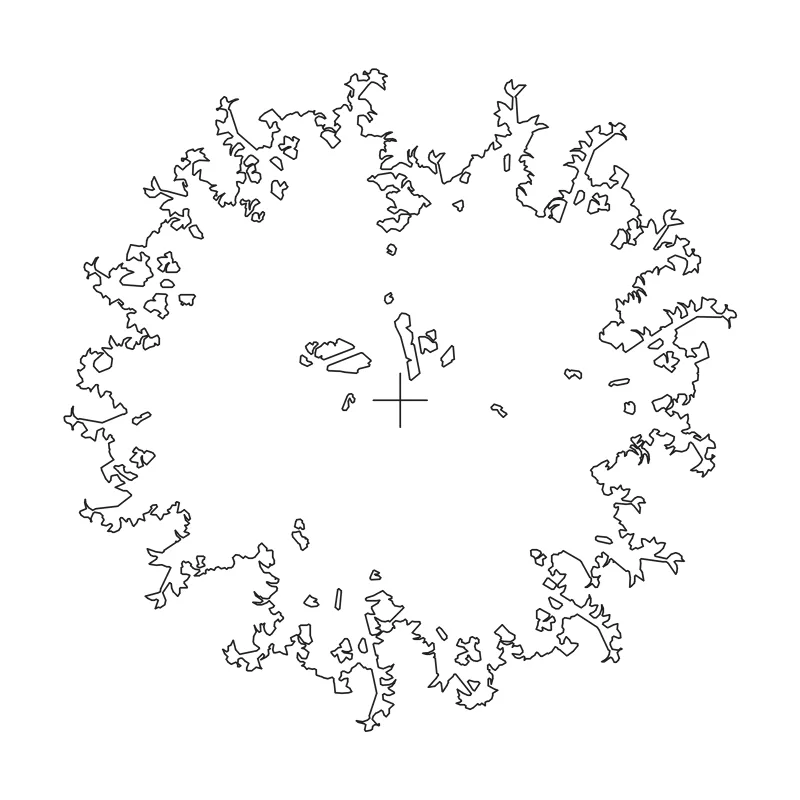
Filter by plant group to find the poplar, columnar cypress, palm, Alocasia, hedges or grass plan symbol.
Filter by group
 plan
plan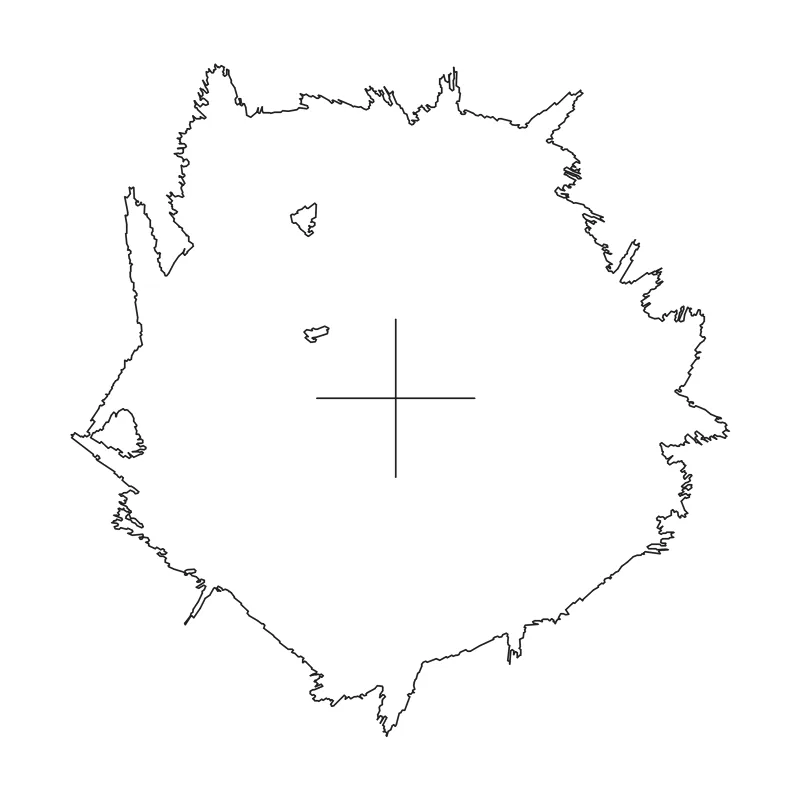 plan
plan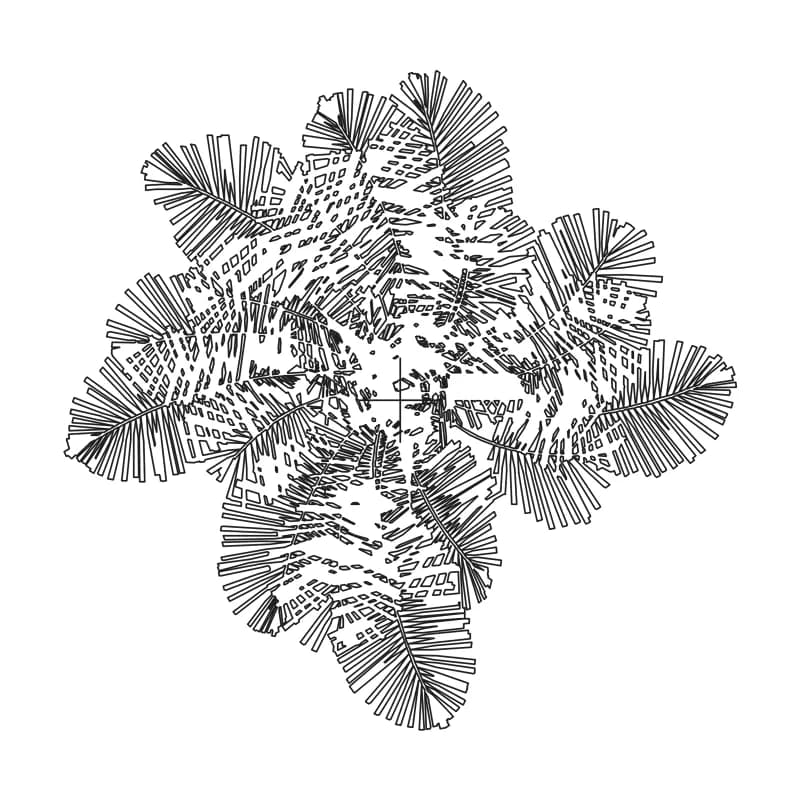 plan
plan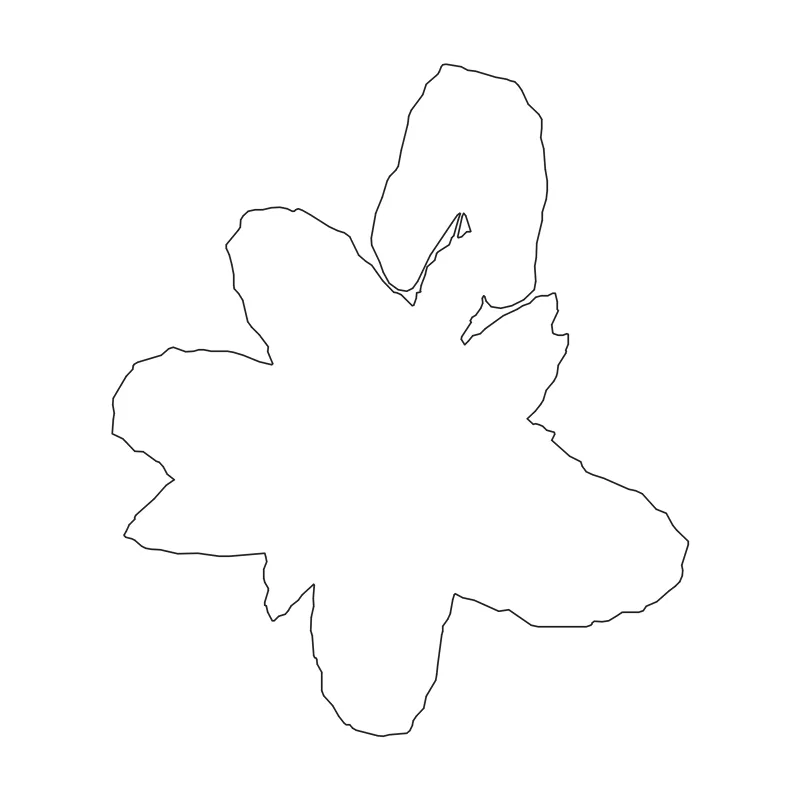 plan
plan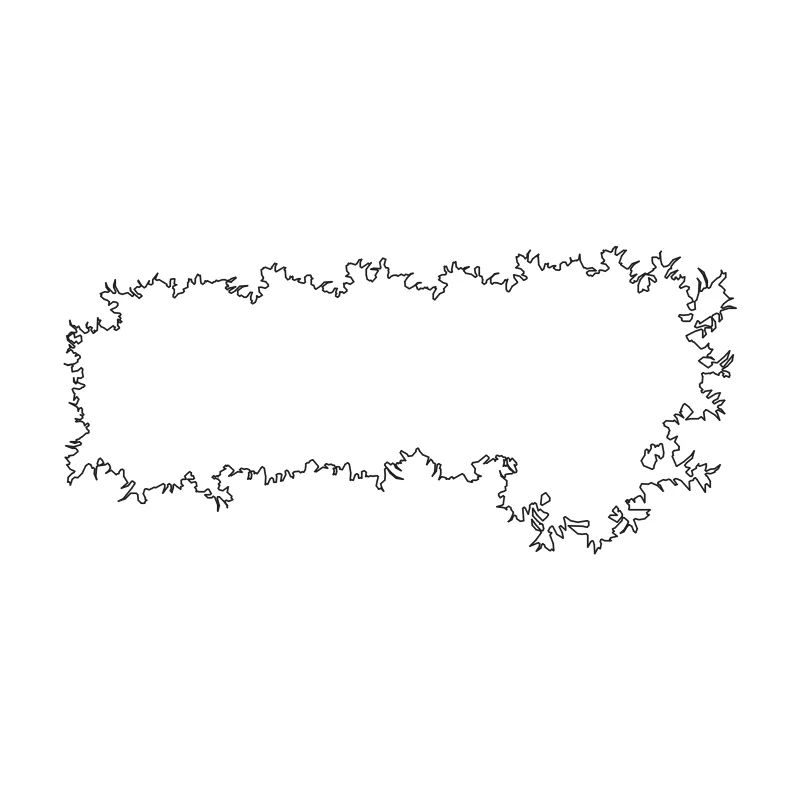 plan
plan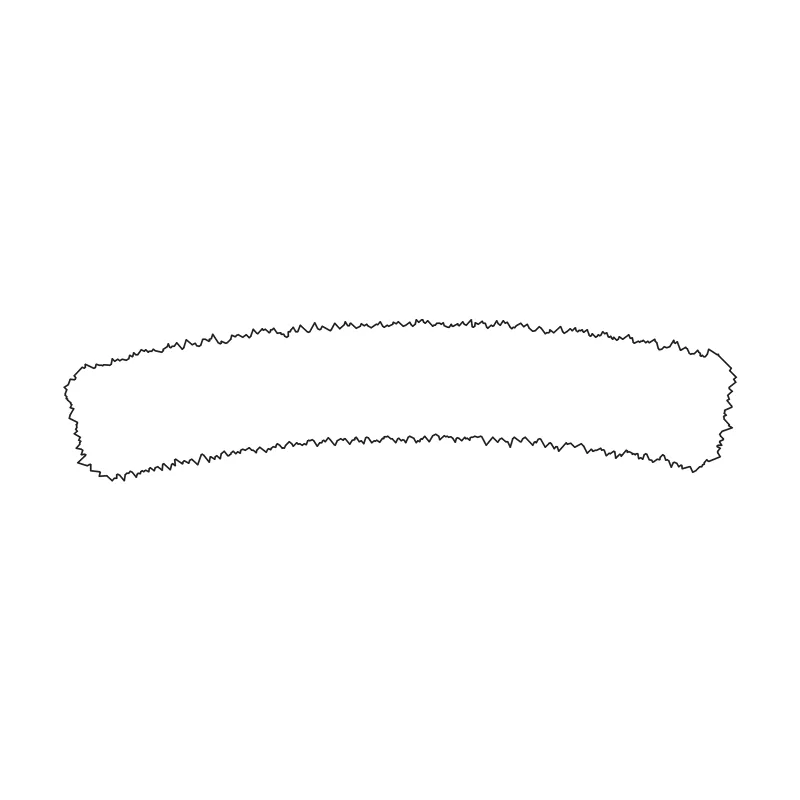 plan
plan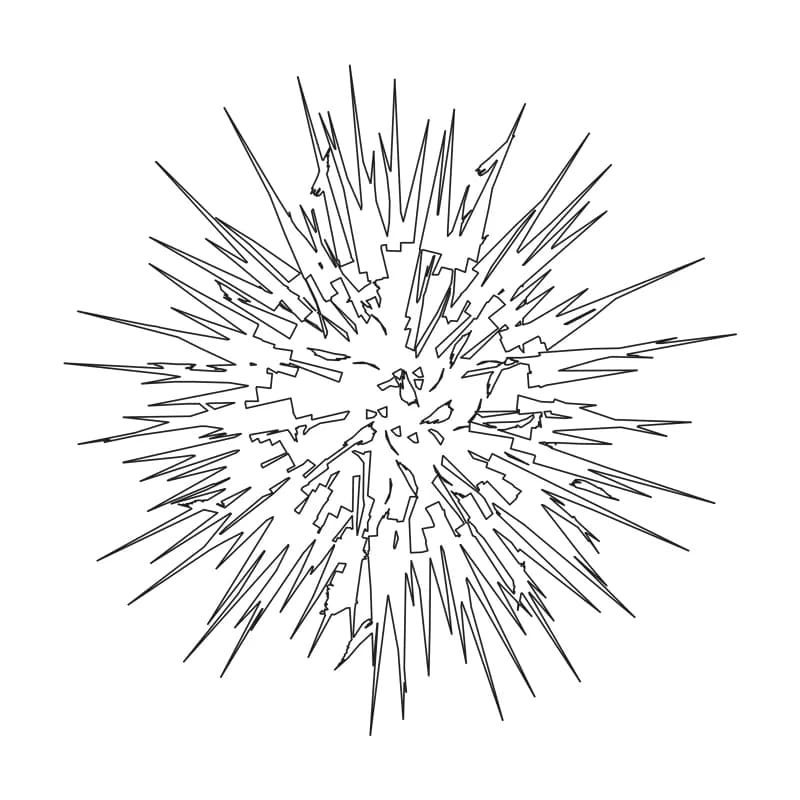 plan
planPlan symbols for site plans
Tree plan view blocks represent planting canopies from above. Add the DWG symbols directly to an AutoCAD site plan, or use the transparent PNGs in Photoshop and other layout workflows. The DWG geometry uses meters; AutoCAD handles declared drawing units when inserting into a drawing with UNITS / INSUNITS set.
Need matching tree elevations, the full plant collection or the SketchUp model? Start with the complete tree and plant CAD block pack.
Render a planting plan
Turn your planting plan into a realistic landscape concept by exporting it as an image and uploading it to AutoCAD Rendering or AI Landscape Design.
License
Free for personal and commercial projects. No attribution is required. Do not resell or redistribute the files as a standalone pack or part of another block library.
Frequently asked questions
Do the tree plan PNGs have transparent backgrounds?
- Yes. The plan-view PNG files have transparent backgrounds, so you can place them over a site plan or layout without a white rectangle.
What size are the tree plan PNG files?
- Each PNG is exported with its longest side at 1,000 pixels; the width and height vary to preserve each plant’s proportions. Check the image properties for the exact dimensions of a downloaded file.
Can I use the tree PNGs in Photoshop or Illustrator?
- Yes. The transparent PNGs can be placed in image and page-layout workflows, including Photoshop and Illustrator. Use the DWG files when you need editable CAD geometry.
Are the tree plan blocks drawn to scale?
- The DWG blocks are drawn in meters and declare their units. AutoCAD rescales them on INSERT when your drawing’s UNITS / INSUNITS are set; only a unitless drawing needs a manual scale factor. PNG files are raster images, so set their placed size in your layout.
Can I use these tree plan blocks in commercial projects?
- Yes. They are free for personal and commercial projects with no attribution required. Do not resell or redistribute the files as a standalone pack or as part of another block library.
Related guides
- Free Trees and Plants CAD Blocks (DWG) — The complete DWG and SketchUp download pack.
- Free Tree Elevation Blocks for Drawings — Tree silhouettes for elevations, sections and facades.
- Free Palm Trees, Shrubs and Grass CAD Blocks — Palm, shrub, hedge and grass blocks in both views.