 Render a House/Updated Oct 11, 2026
Krea AI Pricing 2026: Free, Pro ($35/mo), Max ($105/mo) & Business ($200/mo)
Every Krea plan, price and compute-unit allowance from Krea's own pricing page, what a single image works out to on each tier, and when a browser-based architectural renderer is the cheaper route.

Short answer
Krea AI pricing starts with a Free plan of 100 compute units a day, then Pro at $35/month (20,000 units), Max at $105/month (60,000 units) and Business at $200/month (80,000 units shared by up to 50 members), with Enterprise priced on request. Billed yearly, Pro drops to $21/month and Max to $63/month, per Krea's pricing page.
Updated Oct 2026.All Krea figures below were checked on Krea's public pricing page on October 11, 2026, in US dollars. If you are pricing Krea for architectural visuals, Render a House is the no-GPU, browser-based alternative that turns a 3D model, sketch or photo straight into a render — more on that below.
Krea AI pricing at a glance
Krea sells usage as compute units: every plan comes with an allowance, and each model spends a different number of units per image or video. The table puts Render a House first for reference, then Krea's five tiers as listed on its pricing page.
| Plan | Billed monthly | Billed yearly (per month) | Included usage | Notes |
|---|---|---|---|---|
| Render a House (Free / Pro / Studio) | $0 / $39 / $99 | $0 / $26 / $66 | 3 credits a day (1K, watermarked) / 240 / 1,000 credits a month | Browser-based, no GPU; uploads SKP, GLB, GLTF, OBJ, STL, PNG, JPG and WebP; video on all paid plans |
| Krea Free | $0 | $0 | 100 units a day | No credit card; real-time models, Krea 2, basic upscaling to 2K |
| Krea Pro | $35 | $21 | 20,000 units a month | Commercial license; all image and video models; upscaling to 22K |
| Krea Max | $105 | $63 | 60,000 units a month | Unlimited relaxed generations; LoRA training up to 2,000 images |
| Krea Business | $200 | $160 | 80,000 units a month (packs from 20k to 1.5M) | Up to 50 members included; units can roll over |
| Krea Enterprise | Custom | Custom | Custom compute packages | SAML SSO, custom seat count, dedicated support |
Krea plan prices and allowances per krea.ai/pricing. Render a House figures come from its live plan configuration.
What each Krea plan includes
Krea shows the same feature list on every card and marks what each tier includes. Here is what changes as you move up, per Krea's plan cards and FAQ.
Free — $0
100 compute units a day, no credit card required. Free includes full access to Krea's real-time models (images update as you type or draw), Krea 2 (its in-house image model), the Krea Agent, limited LoRA training on up to 50 images, and basic upscaling up to 2K. The card marks "All image models", "All video models", Krea Nodes, the App Builder and the commercial license as not included. Image concurrency is 1 and video concurrency is 0, and support is community-based via Discord.
Pro — $35/mo
$35 a month, or $21 a month billed yearly, for 20,000 compute units a month. Krea translates that into "257 Nano Banana 2 generations" or "83 Seedance 2.0 videos". Pro adds every image, video, 3D and lip-sync model (Krea names Veo 3, Sora and Kling among the video models), paid upscalers including Topaz Standard with outputs up to 22K, Krea Nodes, the App Builder, the Nodes Agent, early access, the commercial license and bulk discounts on compute packs. Concurrency rises to 8 image and 4 video jobs. Unlimited relaxed generations are marked as not included on Pro.
Max — $105/mo
$105 a month, or $63 a month billed yearly, for 60,000 compute units a month — "771 Nano Banana 2 generations" or "250 Seedance 2.0 videos" in Krea's terms. The card also offers 40k, 80k and 100k unit options; Krea only displays the price of the default 60k tier publicly. On top of Pro, Max adds unlimited relaxed generations (keep generating with supported in-house image models after your units run out), LoRA training on up to 2,000 images, unlimited image concurrency and 8 concurrent video jobs.
Business — $200/mo
$200 a month, or $160 a month billed yearly, for an 80k-unit pack ("1,028 Nano Banana 2 generations" or "333 Seedance 2.0 videos"). Business is priced per workspace, not per seat: up to 50 members are included at no extra cost and share the unit pool. Packs range from 20k to 1.5M units a month; prices for packs other than 80k are not published (checked Oct 2026). Business adds Business Terms of Service with no-training clauses, private Node Apps, custom roles, model-access controls, unlimited relaxed generations and unit rollover.
Enterprise — custom
Custom pricing through Krea's sales team. Enterprise adds a custom seat count, custom compute packages, SAML single sign-on, priority support with an SLA, per-member spend limits, indemnification, Slack Connect support and (marked "soon") audit logs. Enterprise list prices are not published (checked Oct 2026).
How Krea compute units work
A Krea compute unit is not an image. Each model costs a different number of units, which is why Krea quotes allowances as examples ("257 Nano Banana 2 generations") rather than a flat image count. Three rules from Krea's pricing FAQ decide how far a plan goes:
- Pro and Max units expire monthly. They are allocated each month and do not roll over. Business and Enterprise can roll unused units into the next period.
- Free refills daily. Once the 100 daily units are gone, you wait for the next refill or upgrade.
- Extra units come in 90-day packs. One-time packs of 2,000, 5,000, 10,000, 24,000 and 50,000 units are added instantly and expire after 90 days. Pack prices are shown only after signing in: not published (checked Oct 2026).
Plan changes are prorated: Krea says upgrades charge the difference for the rest of the cycle and downgrades are credited to future invoices.
Monthly vs yearly billing
Krea's toggle advertises "Save 40% on yearly plans". That holds for the individual tiers, not for Business:
| Plan | Monthly | Yearly (per month) | Discount | Yearly total (12 × monthly rate) |
|---|---|---|---|---|
| Pro | $35 | $21 | 40% | $252 |
| Max | $105 | $63 | 40% | $756 |
| Business | $200 | $160 | 20% | $1,920 |
Prices per Krea's pricing page; the discount and yearly totals are our arithmetic from those figures. For comparison, Render a House Pro is $312 a year ($26/mo) and Studio is $792 a year ($66/mo).
What one image costs on each plan
Using Krea's own Nano Banana 2 examples, the monthly price per generation is the same on Pro and Max and higher on Business, which charges for team features rather than cheaper compute:
| Plan | Price | Images included | Per image |
|---|---|---|---|
| Render a House Pro (Standard 1K render) | $39/mo | 240 renders | $0.16 |
| Render a House Studio (Standard 1K render) | $99/mo | 1,000 renders | $0.10 |
| Krea Pro, monthly | $35/mo | 257 Nano Banana 2 | $0.14 |
| Krea Pro, yearly | $21/mo | 257 Nano Banana 2 | $0.08 |
| Krea Max, monthly | $105/mo | 771 Nano Banana 2 | $0.14 |
| Krea Business, monthly | $200/mo | 1,028 Nano Banana 2 | $0.19 |
Krea image counts per Krea's plan cards; per-image figures are our division. These are different models, so treat the comparison as a budgeting guide, not a quality benchmark. On Render a House a Standard render costs 1 credit at 1K, 1.5 at 2K and 2 at 4K; a Pro-model render costs 2 credits at 2K.
Is Krea AI free?
Krea is free to start: the Free plan's 100 daily units cover real-time generation, Krea 2 and basic upscaling without a card. The limits that push people to Pro are the ones on the card itself — no commercial license, not every image or video model, no video concurrency, and upscaling capped at 2K with the basic upscalers.
Render a House is also free to start: 3 credits a day at 1K resolution with a watermark, no card needed. Paid plans add a monthly credit allowance and video, which is included on every paid plan.
Krea pricing for architects and real estate
Krea is a broad creative platform — image, video, 3D objects, upscaling, LoRA training and node workflows — and its pricing reflects that breadth. For architecture and real estate, the question is usually narrower: how do I turn the model, sketch or listing photo I already have into a presentable image?
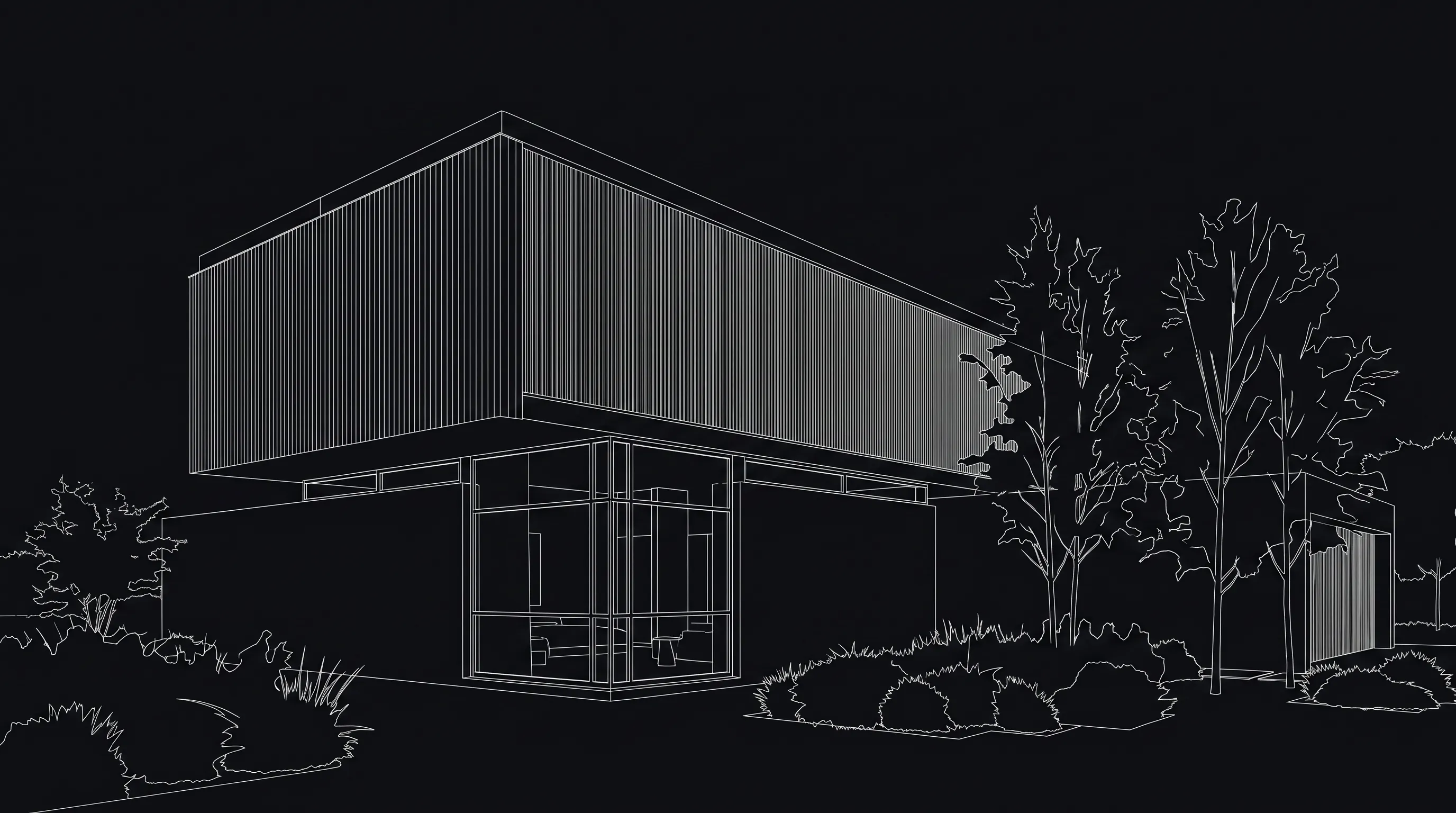
Render a House is an AI rendering tool for architects and real estate. It runs in the browser, needs no GPU, and renders from the file you already have instead of from a prompt alone.
- 3D models upload directly. SketchUp
.skpfiles upload as-is, alongside GLB, GLTF, OBJ and STL; pick a camera in the 3D model viewer and render that view. - Sketches, plans and photos work too. PNG, JPG and WebP are accepted; for a PDF plan, export the plan to PNG/JPG first. See hand sketch to render and floor plan to 3D render.
- Simple pricing. Free, then $39/mo Pro or $99/mo Studio. Credit top-ups start at $5, and checkout is by card.
What it does not do: Render a House is not a general creative suite. There is no LoRA training or node editor, and like any image model it can reinterpret details, so check openings and proportions against your drawings before presenting.
Which Krea plan should you pick?
- Trying Krea or making personal work: Free. Note the missing commercial license before using anything for a client.
- Solo creator with client work: Pro, ideally yearly at $21/mo, provided you will use most of the 20,000 units each month, since they do not roll over.
- Heavy daily generation or LoRA training: Max, for unlimited relaxed generations and 2,000-image LoRAs.
- A team: Business. Its $200/mo covers up to 50 members, so from six people up it costs less than a $35/mo Pro plan each, and unused units roll over.
- Architects and real estate teams rendering from models, sketches or photos: Render a House, starting free.
Common questions about Krea AI pricing
How much does Krea AI cost per month?
- Krea's pricing page lists Pro at $35 a month, Max at $105 a month and Business at $200 a month when billed monthly. Billed yearly, the monthly equivalents are $21 for Pro, $63 for Max and $160 for Business. Enterprise is custom-priced through sales, and there is a Free plan at $0.
Is there a free version of Krea AI?
- Yes. The Free plan gives 100 compute units a day with no credit card required, access to Krea's real-time models, Krea 2, the Krea Agent, limited LoRA training (50 images) and basic upscaling up to 2K. Krea's FAQ lists the commercial license only on Pro, Max, Business and Enterprise.
Do unused Krea compute units roll over?
- Not on Pro or Max. Krea's FAQ says Pro and Max allocate compute units monthly and they do not roll over, while Business and Enterprise allow unused units to roll over with customizable rollover periods. Free units refill daily.
Can you buy extra Krea compute units?
- Yes. Krea sells one-time compute packs of 2,000, 5,000, 10,000, 24,000 and 50,000 units that are added instantly and expire after 90 days. Pack prices are only shown after signing in, so they were not published on the public pricing page when we checked in October 2026.
Can I use Krea images commercially?
- Krea's pricing FAQ says Pro, Max, Business and Enterprise include a commercial license covering marketing, advertising, products and client work. The Free plan's card shows the commercial license as not included.
Is Krea a good option for architectural renders?
- Krea is a general-purpose image and video platform, so it can produce architectural imagery from prompts and references, but it is not built around 3D model files. If your starting point is a SketchUp, GLB or OBJ model, a sketch, or a site photo, Render a House takes those directly in the browser, starts free with 3 credits a day, and has paid plans from $39 a month.
Have a model, sketch or photo ready? Render it free in the browser with 3 daily credits, no GPU and no card.
Keep comparing:
- Midjourney vs Krea — subscription tiers and who each suits.
- Krea vs Magnific — two creative suites with built-in upscaling.
- ChatGPT vs Krea — chat image generation against a dedicated platform.
- Magnific AI pricing and Topaz AI pricing — the same breakdown for two upscalers.
Keep reading
Related guides and comparisons
Midjourney Pricing 2026: Basic ($10), Standard ($30), Pro ($60) & Mega ($120)
Midjourney costs $10, $30, $60 or $120 a month, 20% less billed annually, with no free plan on its website. Plus the GPU-time math behind a usable architectural image.
Cheapest Professional Architectural Renders by Country: 2026 Prices
Compare published exterior-render rates in the US, UK, Australia, Spain, Mexico, Argentina, and Brazil with Render a House’s USD credit cost.
AI Rendering Subscription vs Pay-Per-Render: A Studio Break-Even Guide
Compare Render a House plans, freelance fees, and pay-per-image AI credits with a break-even calculator for small studios.
