 Render a House/Updated Oct 22, 2026
7 Best RoomSketcher Alternatives (2026): Coohom, Homestyler and AI Options
Render a House, the AI architectural rendering tool, is our #1 pick for turning a flat floor plan into a presentation image: upload a PNG, JPG or WebP and get a photorealistic render in 30–60 seconds, with no 3D model to build. If you need an editable, measured plan or a furnished interior you keep revising, Homestyler, Coohom, Planner 5D and Archome are closer matches. FloorVis and Floorplanner round out the list.

Quick answer
Render a House is our #1 pick when you already have a floor-plan image and need a presentation render, not an editable plan. It renders a PNG, JPG or WebP in 30–60 seconds without a 3D model. Choose RoomSketcher when the measured, editable plan is the deliverable; use Homestyler or Coohom to build and furnish a 3D room.
Last updated: October 22, 2026.
Key takeaways
- Render a Houserenders a plan image directly. It does not build an editable model, so it replaces RoomSketcher’s rendering step, not its drafting step.
- Homestyler is a free visualization option: Basic includes unlimited 1K rendering. Its pricing page lists multi-floor DWG import, or you can draw the plan.
- Coohom is a furnish-and-render workspace for interior design. Its free Basic plan is limited to 3 projects with watermarked 1K renders.
- Keep RoomSketcher when the plan itself is the deliverable: measured, printed to scale, branded and shared with clients.
- Every tool here limits something different: credits, projects, render resolution, watermarks or catalog access. Check what the free tier meters before you commit.
RoomSketcher alternatives at a glance
Prices are published vendor figures in USD, checked October 2026. Taxes and vendor billing terms vary; RoomSketcher annual billing renews annually, while Homestyler’s “starts from” billing term is not published.
| Dimension | RoomSketcher | Coohom | Planner 5D | Render a House |
|---|---|---|---|---|
| What it is | A measured 2D/3D floor-plan editor with furnishing and visualizations. | A browser-based 3D room planner with stills, panoramas and video. | An approachable home-design app with an editable 3D project. | An AI rendering tool for images and 3D model uploads. |
| Input it needs | Draw a plan, or use AI Convert with JPG, PNG, PDF or a paper-plan photo. | Draw a plan, import DWG, upload a plan or start from a template. | Draw a plan or import a plan into the editor. | PNG, JPG or WebP plan image; SKP, GLB, GLTF, OBJ and STL on paid plans. |
| Where it runs | Browser portal plus desktop and tablet apps. | Browser; no software needed. | Web, iOS, Android, Windows, macOS and visionOS. | Browser. |
| Free plan | 2 starter credits, 1 free AI conversion and no card. | Basic: 3 projects/account; watermarked 1K renders. | Unlimited projects with half the furniture catalog. | 3 credits/day at 1K, watermarked, no card. |
| Published price | Pro: $24/mo billed monthly or $144/yr billed annually (5 monthly credits); Team: $70/mo billed monthly or $420/yr billed annually (5 users, 20 monthly credits; extra users available). | Pro $29/mo billed monthly or $300/yr billed yearly; Elite $69/seat/mo billed monthly or $699/yr billed yearly ($58/seat/mo). | Premium $19.99/mo or $59.99/yr. | Pro $39/mo or $312/yr; Studio $99/mo. |
| Measured / print-to-scale output | Yes on Pro: print to scale, measurements and total area. | Floor-plan and construction-drawing downloads on Elite; scale not published (checked October 2026). | Not published (checked October 2026). | No editable, measured plan output. |
| Tool | Best for | Input | Needs you to build a 3D model? | Runs where | Free plan | Published price |
|---|---|---|---|---|---|---|
| 1. Render a House | A photorealistic render straight from a plan image | PNG, JPG, WebP; SKP, GLB, GLTF, OBJ, STL on paid plans | No | Browser | 3 credits/day at 1K, watermarked, no card | Pro $39/mo or $312/yr (240 credits); Studio $99/mo or $792/yr (1,000 credits) |
| 2. Homestyler | Free unlimited 1K renders and full interior design | DWG import, plan upload or drawn plan | No — converts the plan to an editable 3D room | Browser | Basic: unlimited 1K rendering; 3 AI credits total | Pro+ from $6.80/mo; Master+ from $11.8/mo; Team from $19.9/seat/mo; billing term not published (checked October 2026) |
| 3. Coohom | Furnishing and rendering interiors in real-time 3D | Draw, upload a plan, or use a template | No — you lay out and furnish a 3D design | Browser (no software needed) | Basic: 3 projects/account; watermarked 1K renders | Pro $29/mo billed monthly or $300/yr billed yearly; Elite $69/seat/mo billed monthly or $699/yr billed yearly ($58/seat/mo) |
| 4. Planner 5D | Simple home design for homeowners | Plan upload or drawn plan | No | Web, iOS, Android, macOS, Windows, visionOS | Unlimited projects, half the catalog | Premium $19.99/mo billed monthly or $59.99/yr billed annually |
| 5. Archome | Reading a plan into movable walls and furniture | Plan photo, JPG, PDF screenshot or CAD export (PNG/PDF) | No — creates editable movable objects | Web app in the browser | One-time 100-credit trial (~3 renders); no commercial licence | Lite $29/mo; Plus $49/mo; Studio $119/mo; Enterprise $399/mo; annual toggle saves 20% |
| 6. FloorVis | One furnished top-down plan image | Common image files | No | Not published (checked October 2026) | Not published (checked October 2026) | Not published (checked October 2026; site unavailable) |
| 7. Floorplanner | Casual home layouts | Drawn plan | No | Browser | Up to 5 projects; 960x540 watermarked exports | Plus $5/mo; Pro $29/mo |
| RoomSketcher (reference) | Furnished 2D/3D plans for listings and remodels | JPG, PNG or PDF via AI Convert; or draw | No — AI Convert makes an editable plan | Browser portal + desktop and tablet app | 2 starter credits, 1 free AI conversion, no card | Pro $24/mo billed monthly or $144/yr billed annually; Team $70/mo billed monthly or $420/yr billed annually |
Why look for a RoomSketcher alternative?
RoomSketcher is a strong all-rounder for plans other people will look at. You draw a plan, or let AI Convert turn an uploaded PDF, image or scan into an editable project, then furnish it and switch between 2D floor plans, 3D floor plans, 3D photos and 360 views. Pro adds print to scale, measurements, total area and your own branding.
People usually look elsewhere for one of three reasons:
- Credits meter the 3D output. The free plan includes 2 starter credits and one free AI floor-plan conversion. Pro includes 5 credits a month. If you want many renders, that is the limit you hit first.
- The workflow is plan-first. You convert, then furnish, then render. If you only need a presentation image of a plan that already exists, that is more steps than necessary.
- Price or team shape. Annual billing is half the monthly price and renews annually. The Team plan includes 5 users; extra users can be purchased.
See RoomSketcher pricing and AI Convert for the current product details.
What AI can generate a 3D visualization from a 2D floor plan?
Two kinds of tool answer this, and they behave differently.
Image-first AI renderers read the plan image and return a rendered picture. Render a House works this way. You upload a PNG, JPG or WebP plan, pick a style and get a visual interpretation in 30–60 seconds. The result is not an editable or measured plan, so keep the original drawing as the source of truth.
Plan-to-model tools convert the plan into an editable 3D project first. RoomSketcher (AI Convert), Homestyler, Planner 5D, Coohom and Archome sit here. You get something you can keep editing, but you furnish the model before you render.
Pick by deliverable. A presentation image wants the first kind; an editable, measured plan wants the second.
AI software to render floor plans automatically
“Automatically” depends on where the tool starts.
- Render a House starts from the finished plan image. Describe the style, lighting and view, and it returns a furnished concept render. A standard 1K render costs 1 credit, and failed renders do not consume credits.
- RoomSketcher AI Convert handles the plan-to-project step. It is available on Free, Pro and Team. The first conversion is free; a later saved conversion costs 5 credits. Previewing is free until you save.
- Homestyler imports a DWG plan or lets you draw one, converts it to a 3D room layout, then generates stills, panoramas or video. Its AI Planner uses 15 credits per plan on the published price page.
- FloorVis focuses on furnished top-down plan images. Its vendor site was unavailable when checked in October 2026, so current platform, price and free-plan details could not be confirmed.
How to render a floor plan fast without 3D modeling
The fastest route skips modeling entirely: give an AI renderer the plan image. With Render a House:
- Export the plan as PNG or JPG. Large images are downscaled automatically; 2,000–3,000 px on the longest side is recommended. The uploader accepts PNG, JPG and WebP, so export PDF plans to an image first.
- Upload it in the browser. The Free plan needs no card.
- Choose a style: Photoreal, Clay or Linework, or a custom style from a reference image.
- Describe what the plan doesn’t show: materials, lighting, furniture style and camera view.
- Render. Expect a result in 30–60 seconds, then iterate with variations, material swaps or relighting.
If you need a dimensioned plan after that, use a plan tool from the list below. The step-by-step version is in How to Turn a Floor Plan Into a 3D Render With AI.
The 7 best RoomSketcher alternatives
1. Render a House — best for a photorealistic render from a plan image
Best for: architects, designers, real estate professionals and students who need a presentation image fast.
Render a House turns plans, sketches, photos and 3D models into photorealistic renders in 30–60 seconds in the browser. It has been used by 128,000+ people who have created 958,000+ renders. It also accepts SketchUp (.skp), GLB, GLTF, OBJ or STL models on paid plans; orbit them in 3D Preview and save views that each become a render.
Price: Free is $0 with 3 credits per day at 1K, a watermark and no card. Pro is $39/mo billed monthly or $312/yr billed annually (240 credits; $26/mo billed annually). Studio is $99/mo billed monthly for 1,000 credits. A standard 1K render costs 1 credit; 4K is available only with the Pro model and costs 4 credits. Video is paid-only and costs 0.8 credits per second. On paid plans, top-ups start at $5, cost $0.20 per credit, and do not expire. Purchases are card-only in USD. See plans and pricing.
Sharing: invite people by email for full edit access, or send a read-only public link with pinned comments. There are no team seats or roles.
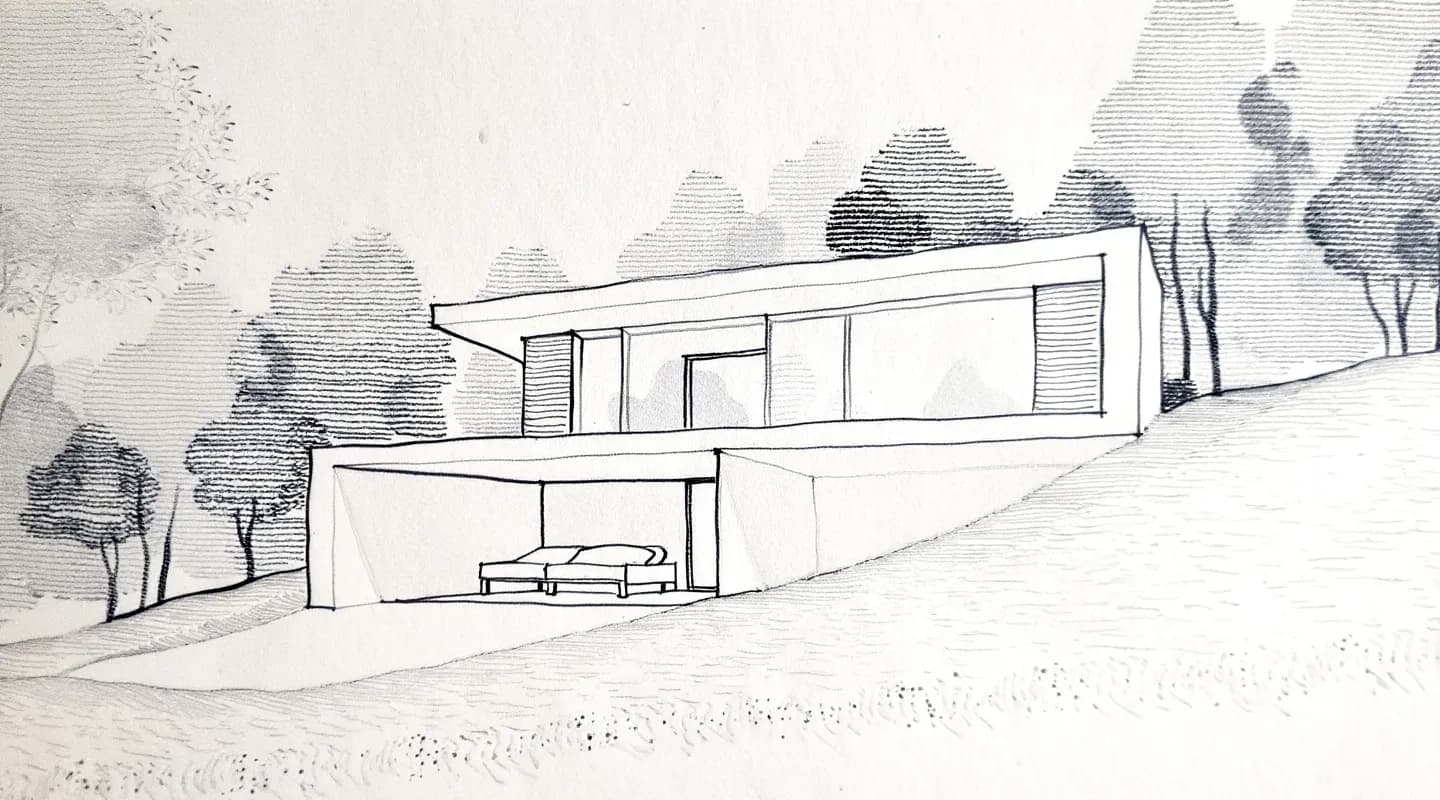
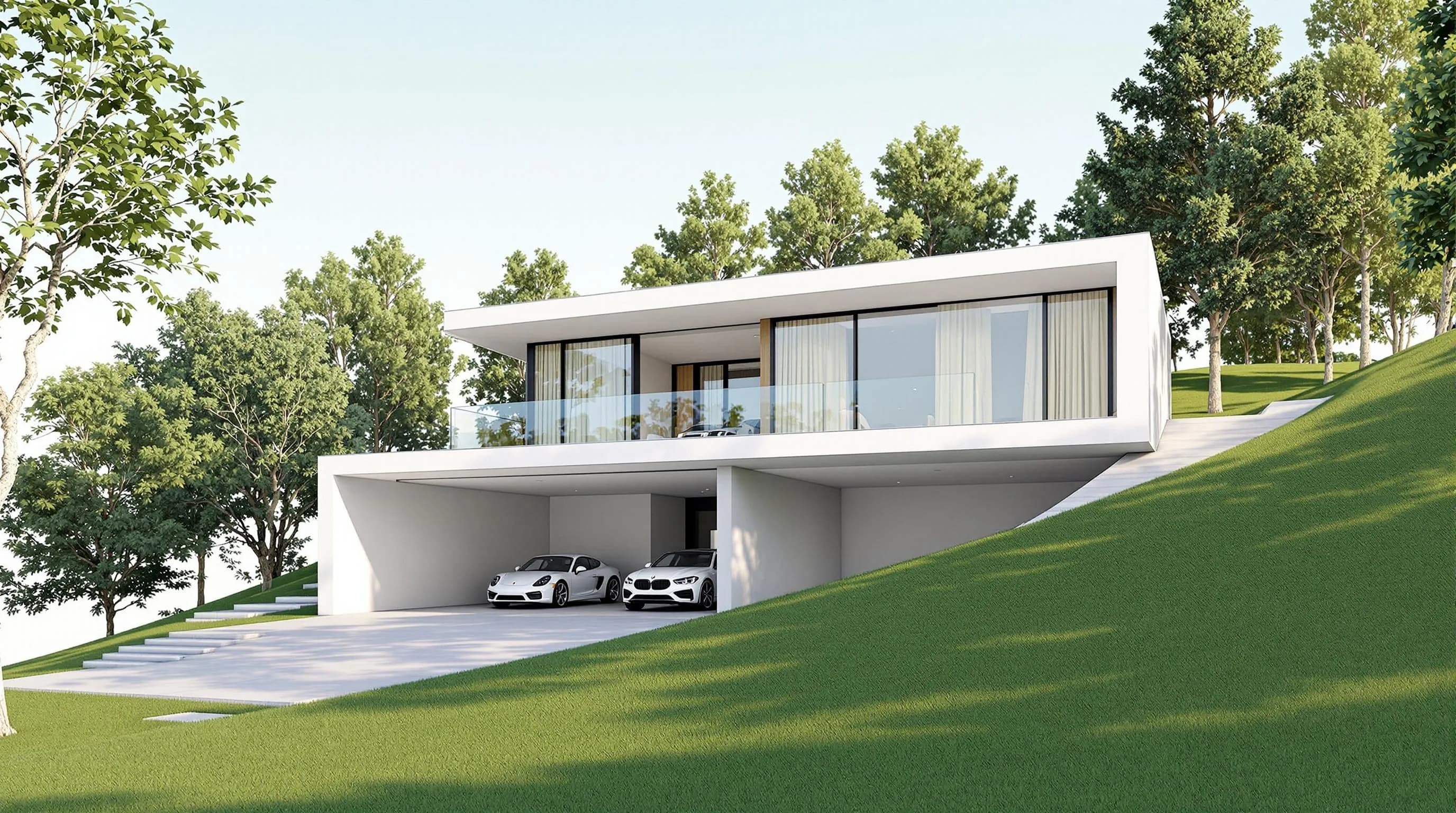
Honest limitation: it does not create an editable, measured CAD or BIM model. There is no .rvt upload or native plugin. Export PDF plans to PNG or JPG first; the .skp file uploads directly on paid plans.
2. Homestyler — best free alternative for visualization
Best for: home design where the room is still changing.
Homestyler is a browser-based cloud 3D floor planner with unlimited 1K rendering and 100,000+ free 3D models and materials on its Basic plan. Its pricing page lists multi-floor DWG import, and you can also draw the plan in the browser. It outputs stills, panoramas and video.
Price:Basic is free. Pro+ starts from $6.80/mo with 180 AI credits per month and 75 renders each at 2K and 4K; Master+ starts from $11.8/mo with 380 credits and unlimited 4K image rendering, and Team starts from $19.9/seat/mo with 500 credits. The billing term for these “starts from” prices is not published (checked October 2026). A single 4K render costs $1.99.
Honest limitation: 4K is purchased per render or through a plan, and the published page does not describe exporting the editable project as a general-purpose 3D building model. Its print-to-scale or measured output is not published (checked October 2026). See Homestyler pricing.
3. Coohom — best for furnishing and rendering interiors
Best for: interior design presentations with real-time 3D.
Coohom combines floor-plan design with detailed 3D interiors, large furniture libraries and photorealistic rendering. You can draw a plan, upload one or start from a template. Its free Basic plan allows 3 projects per account and 1K renders with a watermark at standard speed.
Price: Basic is free. Pro is $29/mo billed monthly or $300/yr billed yearly; Elite is $69/seat/mo billed monthly or $699/yr billed yearly ($58/seat/mo). Pro includes unlimited projects, unlimited 4K renders, ten 8K images and four 1080p videos a month. Elite includes unlimited 4K renders, 400 8K images and 100 videos per year, plus downloadable floor plans and construction drawings.
Honest limitation: you build and furnish a 3D design before rendering, which is more work than rendering a plan image. The free tier caps projects at 3 and watermarks renders. Elite offers floor-plan and construction-drawing downloads, but measured or print-to-scale output is not published (checked October 2026). See Coohom pricing.
4. Planner 5D — best for homeowners on phone and web
Best for: people planning their own home who want an approachable editor.
Planner 5D spans web, iOS, Android, macOS, Windows and visionOS. Its free tier gives unlimited projects with half of the furniture catalog. It also offers paid AI floor-plan recognition and 3D walkthroughs.
Price: Premium is $19.99/mo billed monthly or $59.99/yr billed annually. Professional is $49.99/mo billed monthly or $399.99/yr billed annually; it includes unlimited watermark-free 4K renders and CAD export. See Planner 5D pricing.
Honest limitation: half the catalog is gated behind Premium, and unlimited 4K renders are reserved for Professional.
5. Archome — best for reading a plan into movable objects
Best for: users who want walls and furniture parsed from a plan before rendering.
Archome accepts a plan photo, JPG, PDF screenshot or CAD export (PNG/PDF), and converts walls, doors, windows and furniture into movable objects before rendering. It does not parse native DWG or RVT files, so export a plan first. The web app runs in a browser and renders in about 30 seconds, according to its vendor.
Price: a one-time 100-credit free trial (about 3 renders) has no commercial licence. Monthly plans are Lite $29/mo for 1,000 credits, Plus $49/mo for 3,000, Studio $119/mo for 10,000 and Enterprise $399/mo for 30,000; the yearly toggle saves 20%. See Archome pricing and its plan tool.
Honest limitation: native CAD/BIM files are not the input, so you need an export first.
6. FloorVis — best for one furnished top-down image
Best for: a single furnished listing-style plan image.
FloorVis focuses on furnished top-down plan images. Its site returned a service-unavailable response when checked, so its platform, free plan and current pricing could not be confirmed.
Price: Not published (checked October 2026); the site was unavailable, so current pricing could not be confirmed. See FloorVis for current availability.
Honest limitation:the vendor’s current product, platform and pricing details could not be verified.
7. Floorplanner — best for casual home layouts
Best for: quick layouts in the browser.
Floorplanner is browser-first and gives up to five free projects, with up to three floors and three designs. Basic exports are 960x540 SD images with a watermark and a 10-minute export cooldown.
Price: Plus is $5/mo with 4 credits a month; Pro is $29/mo with 25 credits a month. Project upgrades cost 2 credits to remove the watermark, 5 for HD, 10 for 4K and 20 for 8K. See Floorplanner pricing.
Honest limitation: free exports are 960x540 with a watermark; higher resolution uses credits.
RoomSketcher vs Coohom vs Homestyler: which workflow fits?
| Question | RoomSketcher | Coohom | Homestyler | Render a House |
|---|---|---|---|---|
| Starting point | Draw, or AI Convert from JPG/PNG/PDF | Draw, upload or template | DWG import, plan upload or drawn plan | PNG, JPG or WebP plan image |
| What you get | Editable measured 2D/3D plan | Furnished 3D interior | Editable 3D room plus stills, panoramas and video | Rendered image from the plan |
| Free tier | 2 credits, 1 free conversion | 3 projects, watermarked 1K | Unlimited 1K rendering | 3 credits/day at 1K, watermarked |
| Measured, print-to-scale output | Yes (Pro) | Downloadable floor plan and construction drawings on Elite; scale not published (checked October 2026) | Not published (checked October 2026) | No |
Our pick
Render a House is our pick when the job is a photorealistic render from a plan you already have: a client concept, listing visual or student presentation, in 30–60 seconds and without a 3D model. It is also the right call when you want to test styles of the same plan quickly on the Free plan.
Choose RoomSketcher when the plan is the deliverable: measured, printed to scale, branded and shared with contractors or clients. Choose Homestyler or Coohom when you want to furnish and decorate a full 3D interior from a large catalog. Choose Planner 5D for a simple homeowner app on phone and web, and Archome if you want the plan read into movable objects first. Many teams use two tools: draw in a plan tool, then export the plan and render it with Render a House.
Common questions about RoomSketcher alternatives
What AI can generate a 3D visualization from a 2D floor plan?
- Render a House generates an interpretive render from a 2D plan image (PNG, JPG or WebP) in 30–60 seconds, without a 3D model. RoomSketcher, Homestyler, Planner 5D, Coohom and Archome turn a plan into an editable 3D project that you furnish before rendering. Render a House does not produce an editable or measured model.
AI software to render floor plans automatically — what are the options?
- Render a House renders a plan image directly. RoomSketcher's AI Convert turns a plan into an editable project; the first conversion is free, and later saved conversions use credits. Homestyler converts an uploaded plan into a 3D room, while FloorVis focuses on furnished top-down plan images; its site was unavailable when checked in October 2026.
How do I render a floor plan fast without 3D modeling?
- Export the plan as PNG or JPG, upload it to Render a House, choose Photoreal, Clay or Linework, describe materials and light, and render. Free includes 3 credits a day at 1K, with a watermark and no card; a standard 1K render costs 1 credit.
Is there a free RoomSketcher alternative?
- Yes. Homestyler Basic includes unlimited 1K rendering. Render a House gives 3 credits per day, watermarked. Planner 5D allows unlimited projects with half the catalog, and Floorplanner allows five projects with watermarked exports.
Can Render a House replace RoomSketcher?
- Only for the rendering step. Render a House does not create editable, measured floor plans or print to scale. If you need those, keep RoomSketcher for drafting and use Render a House for presentation images.
Does Render a House accept PDF or Revit files?
- Not directly. Export PDF plans as PNG or JPG first. Revit (.rvt) is not supported; export to GLB or use a view screenshot. SketchUp .skp files upload directly on paid plans.
Have a plan or sketch? Upload a PNG, JPG or WebP, describe the materials and light, and see what comes back. Render your image free.
Keep comparing:
Related guides:
Keep reading
Related guides and comparisons

ChatGPT for architectural rendering: does it work?
Partly. ChatGPT is great for a fast concept image, but edits drift and it can't keep several renders of one project consistent. Render a House can.
Best AI Rendering Tools for Architects in Latin America (2026)
AI rendering tools for architects in Latin America (2026): Render a House, Veras, ArchiVinci, LookX, MyArchitectAI, Maquete. Languages, prices.

Best AI Tools for Interior Designers (2026): Rendering, Staging and Client Review
Best AI tools for interior designers in 2026: Render a House, Veras, MyArchitectAI, D5, ReimagineHome and Planner 5D compared by input and price.
