 Render a House/Updated Oct 12, 2026
8 Best Room Planner Apps in 2026 (Free & Paid)
Render a House is our #1 room planner pick for the outcome a plan is drawn for: it renders the room you planned — photoreal, in the browser — from a screenshot or export. Eight room planner apps compared on free plan, platform, catalog, and published price.

Render a House is our top pick for the outcome room planners are a means to — seeing the finished room photoreal: once the layout exists, it renders the room you planned from a screenshot or export, with 3free credits a day. For drawing the plan itself, Planner 5D's $0 tier covers unlimited projects on web and mobile and Premium starts at $4.99 per month billed annually, RoomSketcher wins when the plan must carry real measurements, Homestyler when you want unlimited 1K renders for free, and Magicplan when you need to measure a room that already exists.
This guide compares eight options honestly rather than declaring one app best at everything. Prices are the figures published on first-party vendor pages, checked October 2026 from a US connection in USD.
Which room planner app is best at a glance?
Start with the free plan and platform columns, not the headline price. A free tier with a watermark on every export behaves differently from a free tier with unlimited projects, and a per-project price behaves differently from a subscription once you plan more than one room.
| Tool | Best for | Platform/input | Price | Free plan |
|---|---|---|---|---|
| 1. Render a House | Photorealistic render of the room you planned elsewhere | Browser; PNG/JPG/WebP images plus SKP/GLB/GLTF/OBJ/STL models | Free: 3 credits a day · Basic: $19/mo · Pro: $39/mo or $312/yr · Studio: $99/mo | Yes — 3 credits a day at 1K with watermark |
| 2. Planner 5D | Free all-round 3D room planning across web and mobile | Web, iOS, Android, macOS, Windows, visionOS | Free $0 · Premium $4.99/mo billed annually ($59.99/yr) or $19.99 month-to-month · Professional $33.33/mo billed annually ($399.99/yr) or $49.99 month-to-month | Yes — unlimited projects, 50% of the furniture catalog |
| 3. RoomSketcher | Measured 2D/3D floor plans with branding and print-to-scale output | Desktop app and tablet app; iPhone/iPad LiDAR capture | Free $0 · Pro $12/mo billed as $144/yr · Team $35/mo billed as $420/yr; prices in USD exclusive of VAT | Yes — 2 credits to start, 1 free AI floor plan conversion, watermarked 3D Snapshots |
| 4. Homestyler | Free unlimited 1K renders of a furnished room | Browser-based cloud 3D floor planner | Basic Free $0 · Pro+ starts from $6.8/month · Master+ starts from $11.8/month · Team starts from $19.6/seat/month; a single 4K render costs $1.99 | Yes — unlimited 1K rendering and 100,000+ free 3D models and materials |
| 5. Floorplanner | Casual browser floor plans with pay-per-project upgrades | Browser | Free $0 · Plus $5/mo incl. 4 credits · Pro $29/mo incl. 25 credits; prices exclude VAT, extra credits from $1.18–$1.36 | Yes — up to 5 projects, 3 floors, SD exports with watermark and a 10-minute cooldown |
| 6. IKEA planners | Planning a room around IKEA products you will buy | Web planners; IKEA app for Kreativ room scanning | No price listed on IKEA's planner pages (checked October 2026) | No subscription is listed on the planner pages |
| 7. Roomstyler | Decorating a room with branded furniture models in a browser | Browser | No paid plan published; free sign-up (checked October 2026) | Free sign-up per the Roomstyler press page |
| 8. Magicplan | Measuring an existing room on site with a phone | iOS and Android, phone and tablet, offline mode | PROFlex $40/project month-to-month ($400/mo for 10 projects) · PRO12 $30/project on a 12-month term · PRO24 $25/project on a 24-month term | Not published (checked October 2026) |
"Free" is not one thing: Planner 5D and Homestyler publish genuinely usable free tiers, Floorplanner watermarks free exports, and Magicplan publishes no free plan at all.
How is a room planner different from home design or AI rendering software?
A room planner answers one question: what goes where in this room. You set dimensions, drop in furniture from a catalog, and check clearances in 2D or 3D. The output is a measured layout, not a building design and not a finished image.
Full home design software goes further — walls, roofs, stairs, multi-floor structures, sometimes permits and materials lists. If the job is a whole house rather than a room, see the home design software comparison, the floor plan software comparison, or the architecture software guide. Room-specific jobs also have dedicated guides: kitchen design software and bathroom design software.
AI rendering software sits after the plan. It takes an image — a screenshot of your layout, a photo, a model export — and produces a photorealistic interpretation. It does not measure or place furniture; it shows what the plan would look like built — see the AI interior design generator and this comparison of AI interior design tools.
What should you compare before choosing a room planner app?
Five questions expose the practical difference between apps:
- How does the room get measured? Some apps take typed dimensions, some convert an uploaded floor plan, and some scan through the phone — Magicplan uses LiDAR on iOS Pro devices, IKEA Kreativ scans via the IKEA app. Automated conversions still need checking against a tape measure.
- How big is the catalog, and is it real brands? Homestyler lists 100,000+ free 3D models and Roomstyler over 120,000 branded items; Planner 5D gates half its catalog behind Premium. IKEA's planners contain IKEA products only — ideal if that is what you will buy, useless otherwise.
- What does the render output cost? Homestyler renders unlimited at 1K for free, Floorplanner exports SD with a watermark, and Planner 5D keeps 4K for Professional.
- Which platform do you need?Floorplanner and Homestyler are browser-first; Planner 5D spans web, iOS, Android, macOS, Windows, and visionOS; RoomSketcher runs as a desktop and tablet app; IKEA's kitchen planner does not work on mobile.
- How is usage priced? Flat subscriptions (Planner 5D), subscription plus credit metering (RoomSketcher, Floorplanner), per-project pricing (Magicplan), and no published price at all (IKEA, Roomstyler). Price the exports and upgrades, not just the plan.
What are the 8 best room planner apps in 2026?
Render a House ranks first because it delivers the outcome a room plan is drawn for — a photoreal image of the finished room. The seven planning apps below are then ranked on a usable free tier, a clear job each app does best, and honest published pricing.
1. Render a House — best for seeing the planned room photoreal
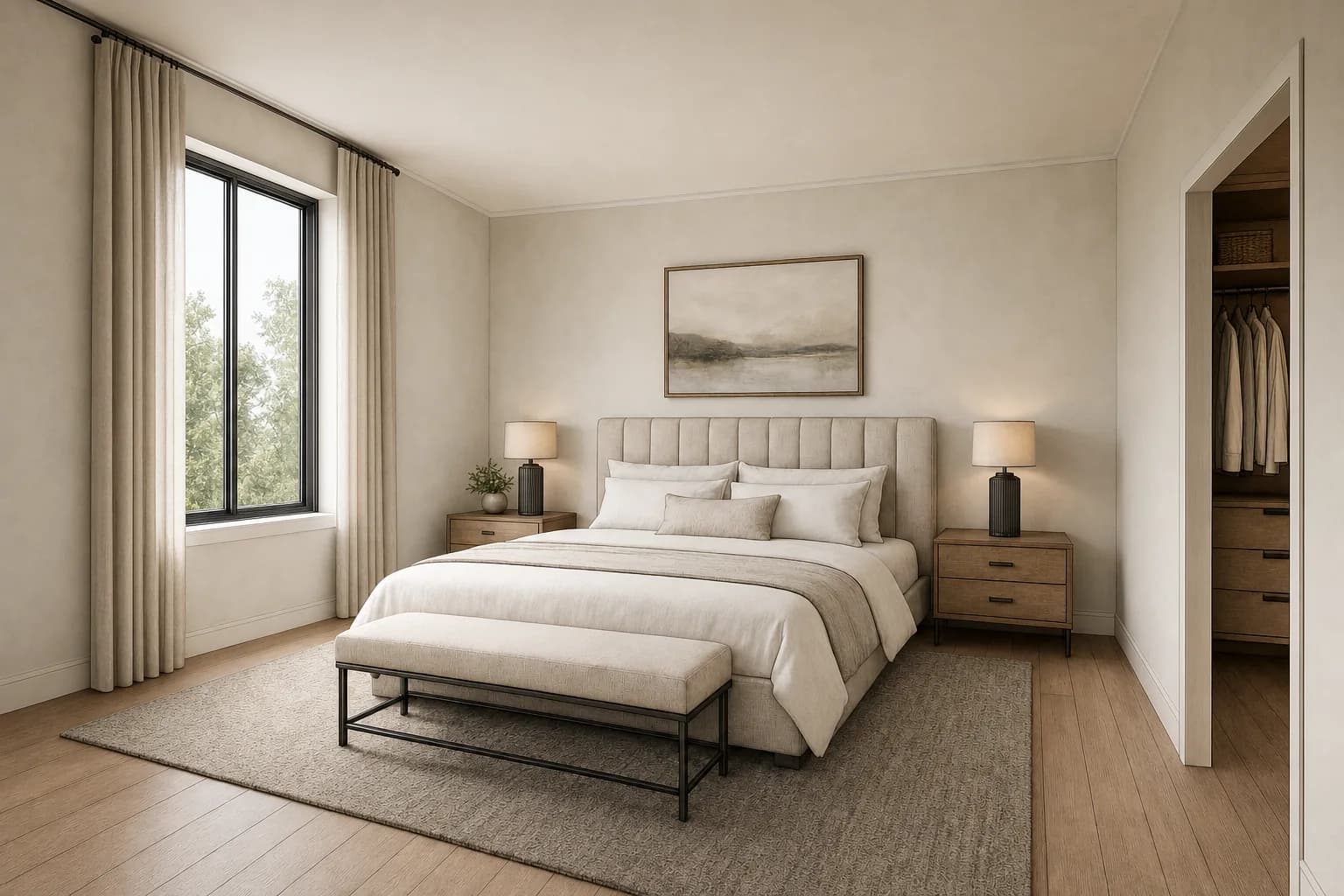
None of the planning apps below is built to produce a photorealistic image of the room you planned — their previews stop at schematic 3D, watermarked SD exports, or 1K renders. Render a House is the step after planning: export a screenshot, plan view, or photo from any app below, upload it, and get a rendered image back in the browser. It accepts PNG, JPG, and WebP images plus SKP, GLB, GLTF, OBJ, and STL models — not PDF, so export the plan to PNG or JPG first.
Two tool pages fit this workflow directly. AI living room design starts from a living room photo, sketch, screenshot, or render and lets you describe furniture, materials, flooring, wall finish, lighting, decor, and mood. AI bedroom design takes a JPG, PNG, or WebP bedroom photo or render and tests beds, finishes, lighting, color, and style. For plan exports specifically, floor plan to 3D render covers that path, and virtual staging handles empty-room photos. The render cost calculator prices a batch before you commit.
Pricing is credit-based rather than per project. A standard render costs 1 credit at 1K (1.5 at 2K, 4 at 4K with the Pro model). The free tier gives 3 credits a day at 1K with a watermark; Basic is $19/mo for 120 credits a month, Pro is $39/mo or $312/yr for 240 credits a month, and Studio is $99/mo or $792/yr for 1000 credits a month. Video is available on paid plans, checkout is card-only, and everything runs in the browser with no GPU needed. See plans and pricing for current terms.
Limitation: Render a House is not a space planner. It does not take measurements, draw layouts, or produce furniture schedules, and the AI render can change details in the source image. Keep the measured plan in the planner app; use the render to see and communicate the result.
Published price used in this comparison: Free: 3 credits a day · Basic: $19/mo · Pro: $39/mo or $312/yr · Studio: $99/mo. See the first-party product page for current terms.
2. Planner 5D — best for free all-round 3D room planning
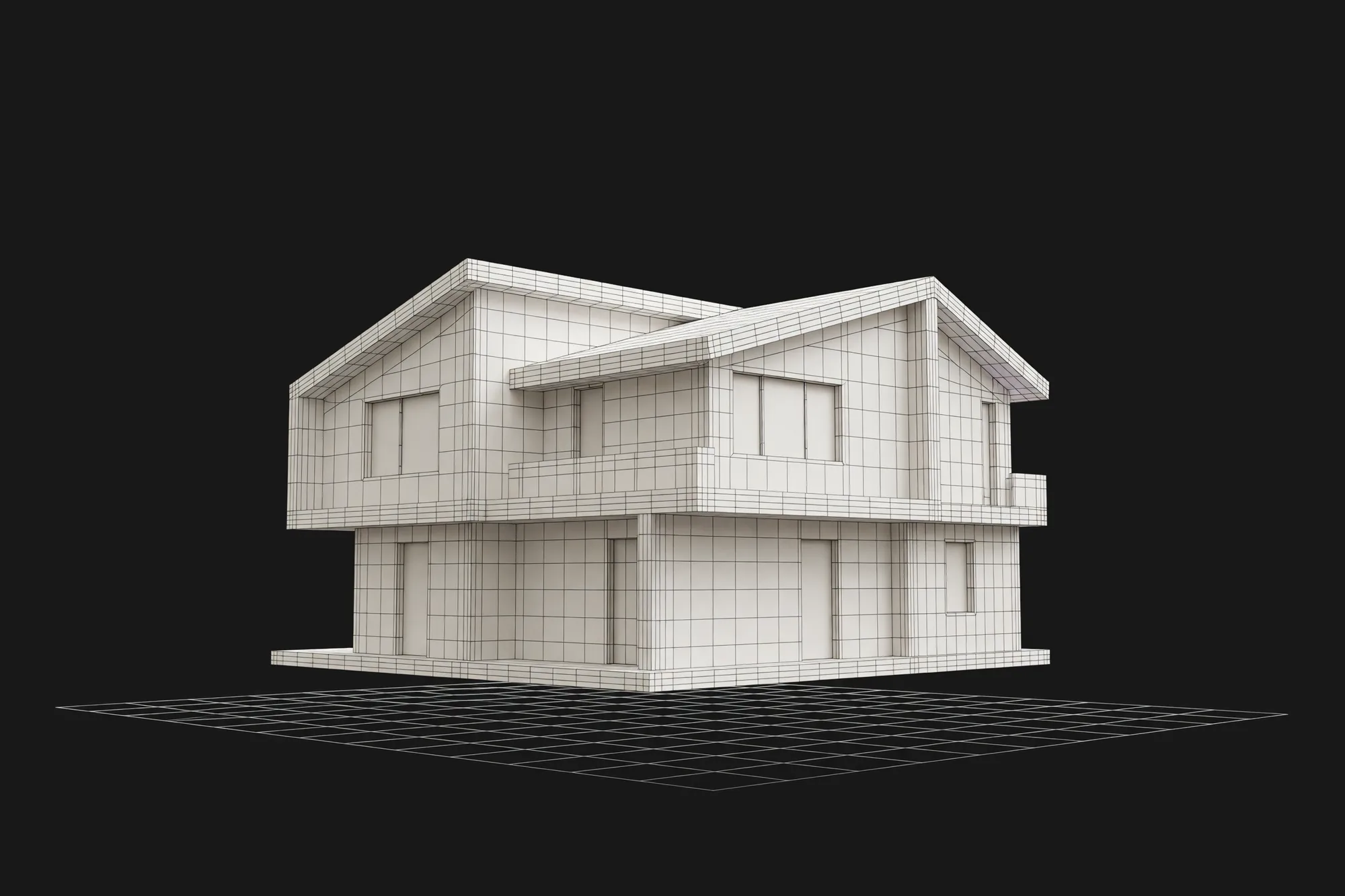
Planner 5D is the best starting point for most people. The free plan is genuinely usable — unlimited projects on web and mobile with half of the furniture catalog — and the app covers more platforms than anything else on this list: web, iOS, Android, macOS, Windows, and visionOS. Premium at $4.99 per month billed annually adds floor-plan upload to a 3D project, the full 10K+ catalog, standard renders, and a budget widget; Professional adds unlimited 4K renders, custom model upload, 360° walkthroughs, and CAD export.
The honest limitation: the free tier's 50% catalog and the paywalled floor-plan upload mean the features you see in tutorials often sit behind Premium, and render quality beyond standard needs Professional.
Published price used in this comparison: Free $0 · Premium $4.99/mo billed annually ($59.99/yr) or $19.99 month-to-month · Professional $33.33/mo billed annually ($399.99/yr) or $49.99 month-to-month. See the first-party product page for current terms.
3. RoomSketcher — best for measured floor plans

RoomSketcher is the pick when the plan itself is the deliverable. It produces measured 2D and 3D floor plans, prints to scale, adds your own branding, and computes measurements and total area — the features realtors and contractors actually need from a plan.
It runs as a desktop and tablet app, and captures a room with iPhone or iPad LiDAR. The free tier is a taster: 2 credits, one free AI conversion, and watermarked 3D Snapshots. Beyond that, credits meter the output — 3D Photos cost $4 per render on free, an AI Convert $20 per floor — so Pro at $12 per month billed annually is where measured work lands. Prices are USD and exclude VAT.
The honest limitation: credit metering on 3D output makes costs less predictable than a flat subscription, and free output carries a watermark with a limited furniture library.
Published price used in this comparison: Free $0 · Pro $12/mo billed as $144/yr · Team $35/mo billed as $420/yr; prices in USD exclusive of VAT. See the first-party product page for current terms.
4. Homestyler — best for free unlimited 1K renders
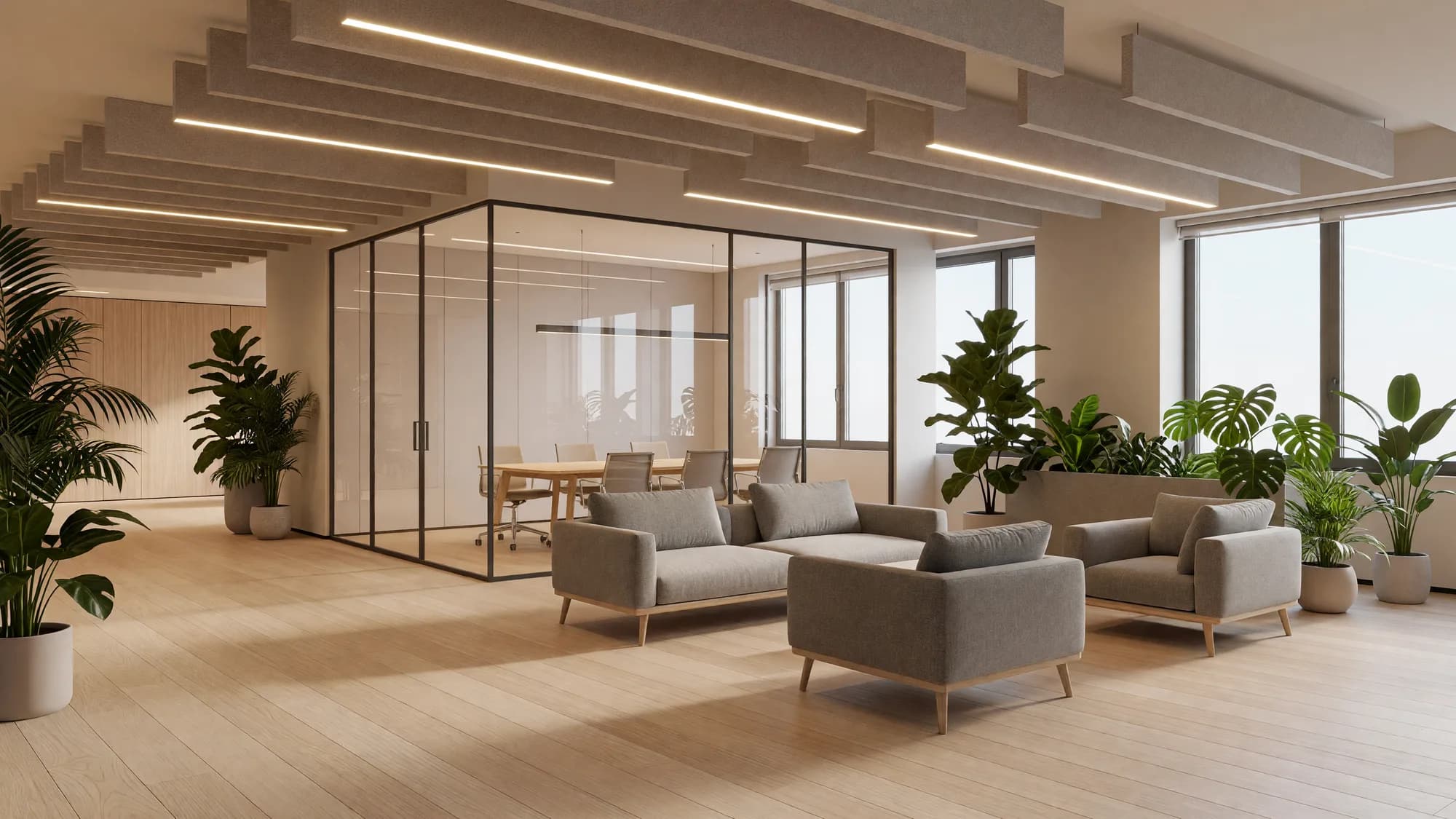
Homestyler is the generous free option for visualization. The Basic plan includes a cloud 3D floor planner, unlimited 1K rendering, and a library of 100,000+ free 3D models and materials — the closest thing on this list to a free room renderer.
Paid tiers start from $6.8 per month for Pro+ (75 renders each at 2K and 4K per month, watermark removal, 180 AI credits) and $11.8 per month for Master+ with unlimited 4K. A single 4K render is $1.99 — $9.99 for ten — and students get 35% off personal memberships except monthly subscriptions.
The honest limitation: the "starts from" figure hides its billing term behind a one-time vs auto-renew toggle, free renders are capped at 1K, and 4K needs a plan or a per-render purchase.
Published price used in this comparison: Basic Free $0 · Pro+ starts from $6.8/month · Master+ starts from $11.8/month · Team starts from $19.6/seat/month; a single 4K render costs $1.99. See the first-party product page for current terms.
5. Floorplanner — best for casual browser floor plans

Floorplanner is the casual pick: open a browser tab, draw the room, furnish it, export. The free Basic tier covers up to 5 projects with 3 floors — enough for most home projects — and the pay model is unusual in a useful way: upgrades are per project, not per month. Credits buy one-time upgrades: 2 removes the watermark, 5 exports at HD 1920x1080, 10 at 4K, 20 at 8K. One-off credit packs run from 5 for $8.15 to 100 for $163.00; Plus ($5/mo, 4 credits) and Pro ($29/mo, 25 credits) add a monthly allowance. Prices exclude VAT.
The honest limitation: free exports are SD 960x540 with a watermark and a 10-minute cooldown between them, so presenting a finished plan almost always costs a few credits.
Published price used in this comparison: Free $0 · Plus $5/mo incl. 4 credits · Pro $29/mo incl. 25 credits; prices exclude VAT, extra credits from $1.18–$1.36. See the first-party product page for current terms.
6. IKEA planners — best for planning around IKEA furniture
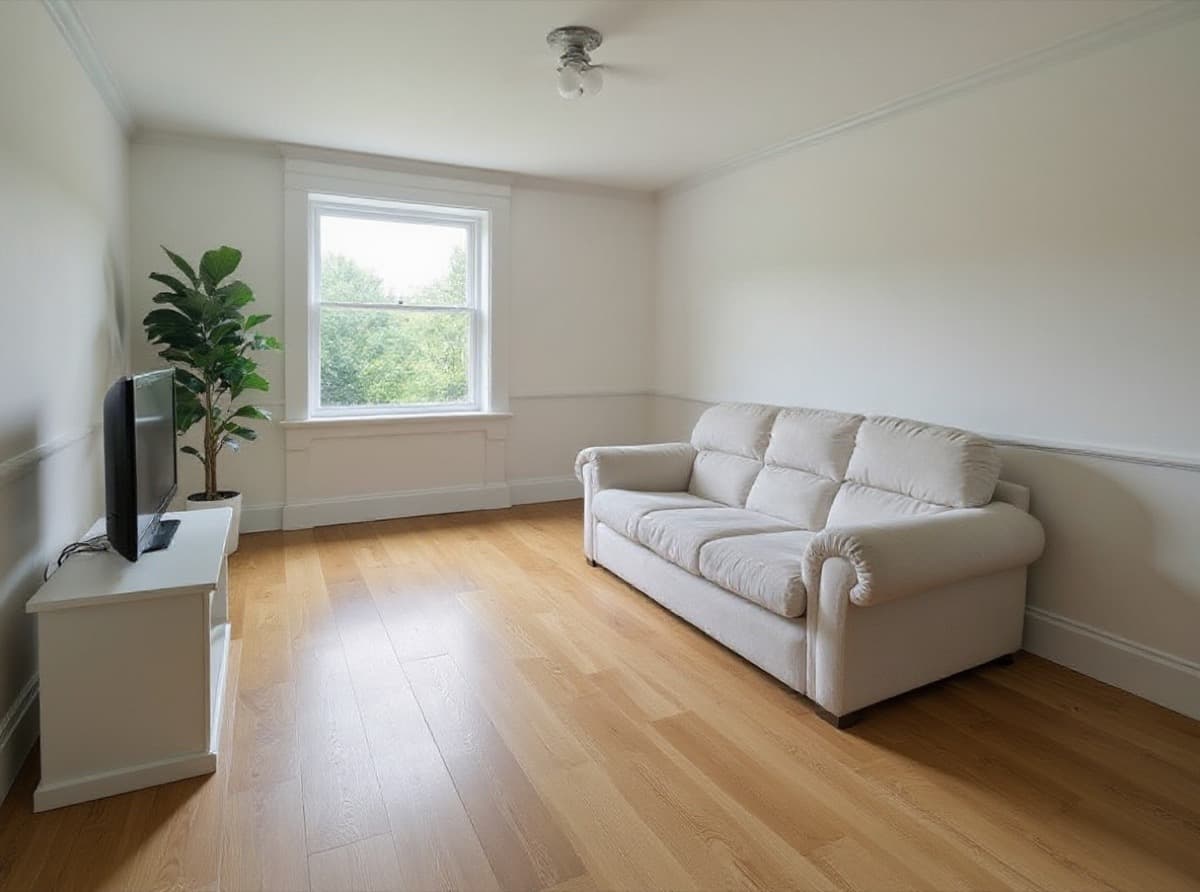
IKEA's planner family is the best option when the shopping list is already IKEA. There are room planners for bedroom, kitchen, living room, bathroom, outdoor, office, hallway, dining room, and children's room — each producing a detailed technical plan including windows, outlets, and pipes — plus product planners for PAX wardrobes, BESTÅ, BILLY, KALLAX, and sofas.
IKEA Kreativ is the 3D side: choose a room, build a room, or scan yours with the IKEA app, then furnish a scale-accurate space with real IKEA products. The US site also offers a free remote kitchen planning appointment. No price is listed on the planner pages (checked October 2026), so no subscription is published.
The honest limitation: the catalog is IKEA only. If you are mixing brands or already own the furniture, a generic planner fits better, and the kitchen planner does not run on mobile devices.
Published price used in this comparison: No price listed on IKEA's planner pages (checked October 2026). See the first-party product page for current terms.
7. Roomstyler — best for decorating with branded furniture models
Roomstyler is a browser 3D room planner from Floorplanner.com built around real products: you decorate with more than 120,000 items from named brands, then share to a community with contests and moodboards. The press page offers free sign-up, and no paid plan is published (checked October 2026).
The honest limitation: it is an older planner (its press page dates the launch to 2013) built around a community, and with no published paid tier or plan terms it suits casual decorating better than professional client work.
Published price used in this comparison: No paid plan published; free sign-up (checked October 2026). See the first-party product page for current terms.
8. Magicplan — best for measuring an existing room with a phone
Magicplan solves the opposite problem from the rest of this list: not designing a room, but capturing one that already exists. It builds floor plans in real time from manual and laser-assisted measurements, supports LiDAR scan on iOS Pro devices, works offline on phone or tablet, and exports ESX (Xactimate) and FML files plus PDF reports and estimates.
Be clear about who it is for now: Magicplan is sold to restoration and contracting crews — "run the whole job from what your crew sees on-site" — priced per project, billed monthly in USD. PROFlex is $40 per project month-to-month ($400/mo for 10 projects), PRO12 $30 per project on a 12-month term, PRO24 $25 on 24 months. Unlimited users, all features, unused projects roll over.
The honest limitation: there is no published free plan, and per-project business pricing is overkill for measuring a single room at home.
Published price used in this comparison: PROFlex $40/project month-to-month ($400/mo for 10 projects) · PRO12 $30/project on a 12-month term · PRO24 $25/project on a 24-month term. See the first-party product page for current terms.
Which room planner app fits your workflow?
The right app depends on the job, not the feature list. Match the starting situation to the shortlist:
| Job to do | Best starting shortlist | Why |
|---|---|---|
| See the planned room photorealistically | Render a House | Export the plan or take a screenshot, then render it — see the section above. |
| Arrange furniture in one room for free | Planner 5D or Homestyler | Both give you a real free tier in the browser: Planner 5D for unlimited projects, Homestyler for unlimited 1K renders. |
| A measured plan with dimensions to print | RoomSketcher | Print to scale, measurements, and total area are paid features built for exactly this job. |
| Decorate with real branded products | Roomstyler or the IKEA planners | Roomstyler lists 120,000+ brand items; IKEA's planners cover its own catalogue room by room. |
| Measure an existing room on site | Magicplan | Real-time floor plan creation with manual and laser-assisted measurements, plus LiDAR scan on iOS Pro devices. |
Two-app stacks are normal: measure with Magicplan, arrange in Planner 5D, render in Render a House. Related guides cover neighboring jobs: paint color visualizer apps and home remodel apps.
Which room planner apps are free?
Most apps here offer some free access, but the allowances differ in kind:
- Render a House: 3 credits a day at 1K with a watermark, for the rendering step rather than the planning step.
- Planner 5D: unlimited projects on web and mobile, 50% of the furniture catalog.
- RoomSketcher: 2 credits to start, 1 free AI floor plan conversion, watermarked 3D Snapshots, limited furniture.
- Homestyler: unlimited 1K rendering and 100,000+ free 3D models and materials; 4K is purchased per render or via a plan.
- Floorplanner: up to 5 projects and 3 floors, with SD watermarked exports on a 10-minute cooldown.
- IKEA planners: no price is listed on the planner pages, so no subscription is published.
- Roomstyler: free sign-up, and no paid plan is published.
- Magicplan: no free plan published on the pricing page.
Read the free tier for what it meters: projects (Floorplanner), catalog share (Planner 5D), render resolution (Homestyler), or credits per 3D output (RoomSketcher).
What can't a room planner app do?
A room planner produces a layout, not a contractor plan. None of these apps outputs permit-ready drawings, structural checks, or building-code compliance — IKEA's own planners stop at a technical plan of the space, which is still a shopping document.
Catalogs are not your room: an app with 120,000 items still will not contain your exact sofa, so treat placed furniture as dimensioned stand-ins. Scans and AI plan conversions from Magicplan, RoomSketcher, or IKEA Kreativ need checking against a tape measure before you trust a clearance.
Renders are not final finishes either. A planner's 3D preview or an AI render shows the room's look, not its construction — treat every rendered image as a concept, not a record.
How were the prices verified?
Prices were checked in October 2026 against first-party vendor pages, from a US connection in USD:
- Planner 5D pricing and the Planner 5D homepage for the platform list
- RoomSketcher pricing and features — prices shown in USD exclusive of VAT
- Homestyler pricing — paid figures are "starts from" prices; the billing term sits behind a one-time vs auto-renew toggle
- Floorplanner pricing — prices exclude VAT; USD shown via the page's EUR/USD toggle
- IKEA planners and IKEA home design — US pages; no price listed for the planners
- Roomstyler and its press page — free sign-up, no paid plan published
- Magicplan pricing and the Magicplan homepage
Render a House figures come from the plans and pricing docs. Vendor prices and billing terms change; confirm the linked first-party page before purchasing.
What do people ask about room planner apps?
What is the best free room planner app?
For all-round planning, Planner 5D's free tier is the strongest published option: unlimited projects on web and mobile with half of its furniture catalog. For rendering, Homestyler's free plan includes unlimited 1K renders and 100,000+ free 3D models. Floorplanner suits casual plans but caps free use at 5 projects with watermarked SD exports.
Is Planner 5D free?
Yes. Planner 5D publishes a $0 plan with unlimited projects across web and mobile, limited to 50% of the furniture catalog. Premium costs $4.99 per month billed annually ($59.99 per year) or $19.99 month-to-month and adds floor-plan upload, the full 10K+ catalog, and standard renders. Professional costs $33.33 per month billed annually or $49.99 month-to-month and adds unlimited 4K renders and CAD export.
Is RoomSketcher free?
Partly. The free plan gives you 2 credits to start, one free AI floor plan conversion, and 3D Snapshots with a watermark, plus a limited furniture library. Most 3D output consumes credits — a 3D Photo costs $4 per render on the free plan and an AI Convert costs $20 per floor — so measured work quickly points to the Pro plan at $12 per month billed as $144 per year.
Can I plan a room with my phone camera?
Yes, with caveats. Magicplan builds a floor plan from manual and laser-assisted measurements and supports LiDAR scans on iOS Pro devices — though it is now priced per project for restoration and contracting crews. RoomSketcher captures LiDAR on iPhone and iPad. IKEA Kreativ scans your room with the IKEA app to furnish it at scale.
Does IKEA have a room planner?
Yes, several. IKEA publishes room planners for bedroom, kitchen, living room, bathroom, outdoor, office, hallway, dining room, and children's room, plus product planners for systems like PAX, BESTÅ, BILLY, and KALLAX. IKEA Kreativ builds scale-accurate spaces from a room scan in the IKEA app. No price is listed on the planner pages, and the kitchen planner is not compatible with mobile devices.
Can a room planner app render my room realistically?
Up to a point. Homestyler's free tier renders at 1K, Floorplanner's free exports are SD with a watermark, and Planner 5D reserves unlimited 4K renders for Professional. For a photorealistic image, the usual path is to plan in the app, export or screenshot the room, and render it with an AI renderer such as Render a House — which interprets the image, so fine details can shift and should be checked.
What is the easiest room planner app?
For a first casual plan, Floorplanner is the lowest-friction start: it runs in the browser and the free tier covers up to 5 projects. Roomstyler is similarly simple — sign up free and drag branded furniture into a 3D room. Planner 5D has more depth and a slightly steeper start, but the most generous free tier of the three.
Keep reading
Related guides and comparisons

8 Best AI Image Upscalers in 2026 (Free & Paid)
Eight AI image upscalers compared for architectural renders: Render a House, Magnific, Topaz Gigapixel, Let's Enhance, Upscayl, Krea and more, priced.
9 Best Home Design Software in 2026 (Free & Paid)
Compare nine home design programs, from Chief Architect and Cedreo to Sweet Home 3D, by who they suit, platform and published price, and when to add an AI render.
8 Best Kitchen Design Software and Apps in 2026
Eight kitchen design tools compared: Render a House for visualizing, IKEA Kitchen Planner, Cyncly Design Flex, ProKitchen, Chief Architect and more, with prices and limits.
