 Render a House/Updated Oct 12, 2026
7 Best Paint Color Visualizer Apps in 2026
Render a House is our #1 paint color visualizer because it is not tied to a paint brand: upload a photo of your room or façade, name any color or finish, and see it recolored in the browser. Seven paint color visualizers compared on the photo they start from, the palette they lock you into, what they cost, and the limitation that matters before you buy paint.
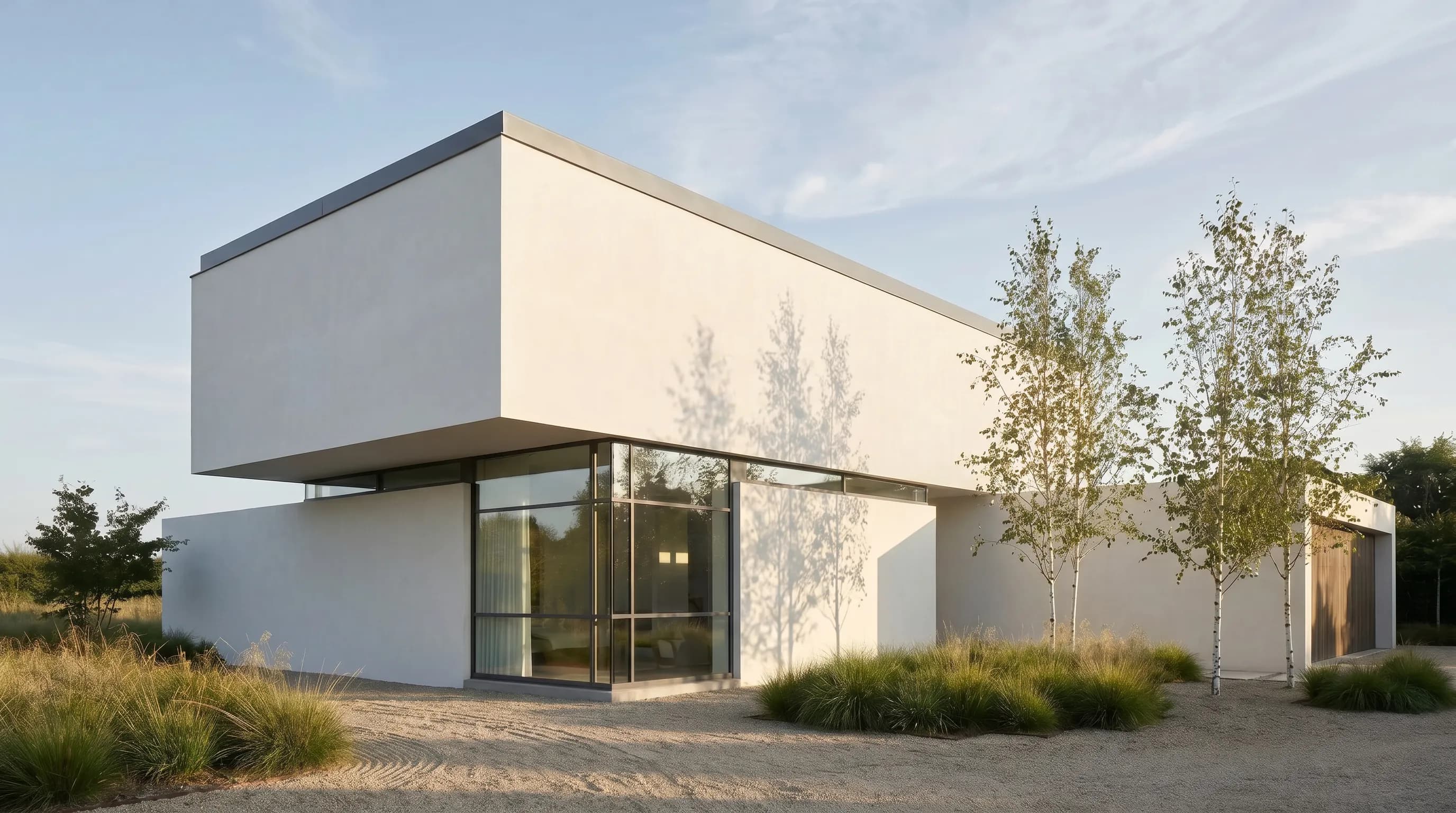
Render a House is the best paint color visualizer because it is not tied to a paint brand: you upload your own photo, name any brand, color, or finish in the prompt, and get a recolored image in the browser, with 3 free credits a day and a standard 1K render costing 1 credit — a preview on the room or façade you actually own. The brand apps from Sherwin-Williams, Behr, Benjamin Moore, and Dulux are free and excellent inside their own fan decks, Hover adds a measured 3D model for exteriors, and Paint AI mixes several brands in a phone app.
Every tool in this guide produces an on-screen approximation. None of them, including Render a House, replaces a physical sample painted on the real wall and viewed in morning, midday, and evening light. Use them to go from forty swatches to three, then let the samples decide.
Which paint color visualizer app is best at a glance?
Read the "best for" and "input" columns first. A free brand app is the cheapest option only if you are happy to choose from that brand's palette; a brand-neutral tool matters when the shortlist already spans two manufacturers.
| Tool | Best for | Input and platform | Published price | Free plan |
|---|---|---|---|---|
| 1. Render a House | Any paint brand, color name, or code described in a prompt and applied to your own interior or exterior photo | Browser; JPG, PNG, or WebP photo upload | Free: 3 credits a day at 1K with watermark · Basic: $19/mo for 120 credits · Pro: $39/mo or $312/yr for 240 credits/mo · Studio: $99/mo for 1,000 credits | Yes — 3 credits a day |
| 2. Sherwin-Williams ColorSnap | Live augmented-reality previews and photo color matching inside the Sherwin-Williams palette | iPhone, Android, iPad, and a web visualizer | Free download on iPhone and Android, per Sherwin-Williams | Yes — the app is free |
| 3. Behr Color Visualizer | Trying Behr colors on sample rooms or an uploaded room photo without installing anything | Web browser | Not published (checked October 2026) | No paid tier shown on the visualizer page |
| 4. Benjamin Moore Color Portfolio | Capturing a color from a real object and matching it to a Benjamin Moore paint, then previewing it on a photo or video | iPhone (iOS 13+), iPad, Android (7.1+); web Personal Color Viewer | Free on the App Store | Yes — the app is free |
| 5. Hover | Exterior paint and material design on a 3D model of the house, with measurements for the project | iPhone and Android scan plus web | Homeowner design: first project free · Contractor plans: Starter first 3 projects free, Pro $999/year, Business $2,999/year | Yes — first homeowner project |
| 6. Paint AI | Comparing named colors from several paint brands on one photo of a room or façade | iPhone, iPad, Android | Free download with in-app purchases; in-app prices not published (checked October 2026) | Free download, paid in-app options |
| 7. Dulux Visualiser | Live AR and photo previews of Dulux colours, with colour picking from objects and tester ordering | iPhone, iPad, Android | Free on the UK App Store | Yes — the app is free |
How is a paint color visualizer different from a home design or AI rendering app?
A paint color visualizer answers one narrow question: what does this specific color look like on this specific surface. It masks a wall, siding, trim, door, or cabinet front and replaces its color while trying to keep the shadows and texture of the original photo. Everything else in the scene should stay the same.
A home design or room planner app answers a different question. It rearranges furniture, changes layouts, or builds a floor plan, and paint is one setting among many. If you are moving walls or choosing furniture, the best room planner apps and best home design software guides are a better starting point. A full renovation concept that also swaps flooring, fixtures, and lighting belongs with the best home remodel apps.
AI image tools sit between the two. A general AI renderer can repaint a room, but it can also invent a new sofa or move a window if the prompt is loose. Render a House is useful here precisely because its paint workflows are built around keeping the existing photo recognizable and changing only the named surface, the same approach described in the guide to changing materials in a render with AI.
What should you compare before choosing a paint color visualizer?
Five practical questions separate these tools more than any feature list.
- Whose palette? Brand apps show only their own colors. That is a benefit when you are buying from that store, because every preview maps to an orderable code, and a limitation when you are comparing across brands.
- Your photo, a sample room, or live AR? Sample rooms are not your light, and live AR is hard to save and compare. A photo upload is the most repeatable way to compare options.
- Interior or exterior? Exteriors add siding, trim, shutters, doors, and roof color, and the photo is shot in changing daylight. Check that the tool explicitly supports exterior photos before relying on it for the façade.
- Does it need to measure? Only Hover in this list publishes measurements and estimates. Sherwin-Williams also says ColorSnap can estimate how much paint you need from dimensions you enter. Photo-only tools do not calculate quantities.
- What is the real cost?Most brand apps are free because they sell paint. Credit-based tools such as Render a House charge per render above a free allowance, and Hover's paid plans are aimed at contractors. Use the render cost calculator to estimate credit use before choosing a plan.
What are the 7 best paint color visualizer apps in 2026?
The ranking favors flexibility on your own photo first, then the depth of each brand's tools, then specialist jobs such as measured exteriors and cross-brand comparison. It is not a claim that the first app renders more accurate color than the others; each entry states the job for which it earns its place.
1. Render a House — best for trying any paint brand or color on your own photo

Render a House is an AI visualization tool that runs in the browser, so there is no app to install and no GPU to worry about. For paint, you upload a JPG, PNG, or WebP photo of the room or house, describe the change, and generate a version that keeps the camera, layout, and fixed finishes while recoloring the named surface. Because the color comes from your prompt rather than a fan deck, you can write "Sherwin-Williams Alabaster on the siding, Benjamin Moore Hale Navy on the front door" in one request, or describe a color in plain words when you have not picked a brand yet.
Two dedicated tools narrow the workflow. The exterior paint visualizer focuses on siding, trim, and door colors on a photo of the façade, and the kitchen cabinet color visualizer changes cabinet fronts while keeping counters, backsplash, and floors fixed. When a version is close, the Refine and Iterate workflow lets you select one area, such as the trim, and change only that region instead of regenerating the whole image.
Limitation: it is an interpretive AI renderer, not a colorimetric tool. Naming a manufacturer code guides the result but does not guarantee an exact match of hue, sheen, or finish, and it does not calculate paint quantities, coverage, or labor. Uploads are images only; a PDF elevation needs to be exported to PNG or JPG first, as listed in the supported file formats.
Published price used in this comparison: Free: 3 credits a day at 1K with watermark · Basic: $19/mo for 120 credits · Pro: $39/mo or $312/yr for 240 credits/mo · Studio: $99/mo for 1,000 credits. See the first-party product page for current terms.
Choose it if: your shortlist spans more than one brand, or you want to test trim, door, and cabinet colors on your own photo in the same place. Review the current plans and pricing.
2. Sherwin-Williams ColorSnap — best for live AR previews of Sherwin-Williams colors
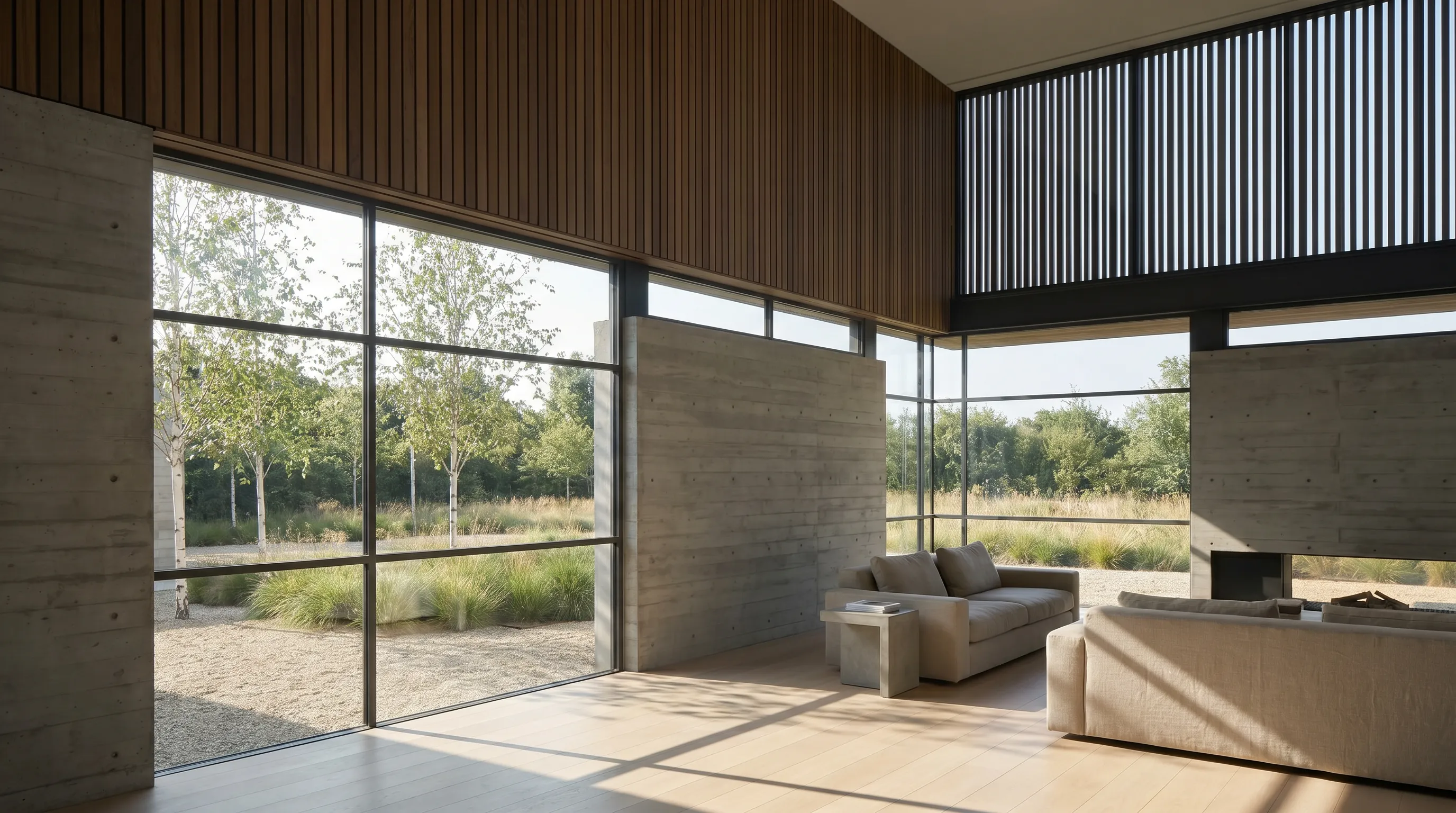
Sherwin-Williams runs the widest set of first-party color tools in this list. Its color-selection page describes ColorSnap Visualizer for iPhone and Android as a free download that captures colors from your surroundings and matches them to Sherwin-Williams paint, plus a separate free iPad version that lets you explore over 1,500 colors and virtually paint walls. On the web, the ColorSnap Visualizer lets you upload a photo or choose a sample scene, then drag and drop a color or use a brush.
The mobile app adds an augmented-reality mode Sherwin-Williams calls Instant Paint, which shows any of its 1,500 colors on walls in real time, a photo-matching tool, and a paint estimator that works from the dimensions you enter. The older ColorSnap Match app is now SherMatch+, a separate professional device app.
Limitation:every swatch is a Sherwin-Williams color, and the company's own visualizer page notes that actual color may vary from the on-screen representation and recommends reviewing a physical chip, color card, or painted sample.
Published price used in this comparison: Free download on iPhone and Android, per Sherwin-Williams. See the first-party product page for current terms.
3. Behr Color Visualizer — best for trying Behr colors on a room photo in the browser
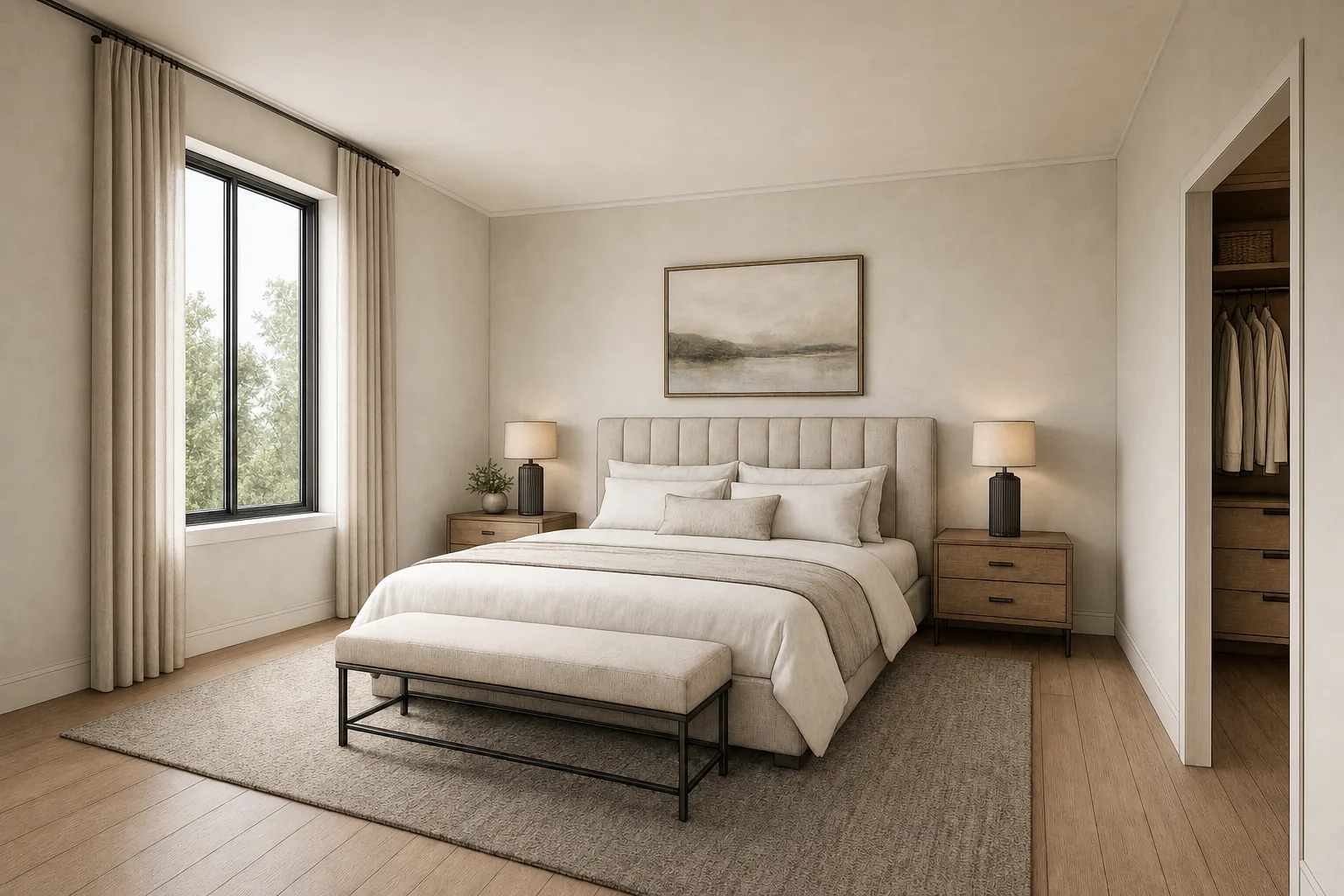
Behr's Color Visualizer runs in the browser and gives you two starting points: a set of sample rooms, from bathrooms to entryways, or Paint Your Place, where you upload a photo of your own room and try on Behr colors. Behr's professional color page describes the same Paint Your Place upload inside its ColorSmart color tools, so the experience is consistent whether you arrive as a homeowner or a painter.
Limitation:Behr's visualizer page does not publish a price or a mobile app, and the dedicated ColorSmart app page we tried returned a not-found error in October 2026, so this entry covers the web visualizer only. Colors are limited to the Behr range.
Published price used in this comparison: Not published (checked October 2026). See the first-party product page for current terms.
4. Benjamin Moore Color Portfolio — best for matching real-world colors to Benjamin Moore paint

Benjamin Moore Color Portfolio is the strongest brand app here for going from a color you see in the world to a paint you can buy. The product page lists Color Capture, which uses the camera to match a color to Benjamin Moore paint, a Photo and Video Visualizer, a Virtual Fan Deck, and a Color Catalog. The App Store listing shows it as free and describes tapping a surface for instant masking in the photo visualizer and an augmented-reality video mode.
On the web, the Personal Color Viewer lets you upload a room photo, define up to five surfaces, and assign colors from Benjamin Moore's collections, which is useful for testing a wall, trim, and ceiling combination together. Benjamin Moore also sells a separate Color Match tool device for more precise readings.
Limitation: you need to sign in to upload your own photo to the web viewer, the app lists minimum versions of iOS 13 and Android 7.1, and the palette is Benjamin Moore only.
Published price used in this comparison: Free on the App Store. See the first-party product page for current terms.
5. Hover — best for whole-exterior design with measurements

Hover takes a different route. Its homeowner product lets you add a photo to start designing, or scan the house with a phone to build a 3D model, then try styles, materials, and color palettes in 2D or 3D. Its paint color visualizer page invites you to add a photo of your home to explore real paint colors and says it is all free to get started; Hover's brand pages also show Benjamin Moore palettes.
The 3D model is what sets it apart. Because Hover publishes measurements and estimates, it is the only tool in this list that connects an exterior color decision to the quantities a contractor will quote. If you are also comparing siding, roofing, and landscaping, see the best exterior home design software guide.
Limitation:the homeowner page offers the first project free, and Hover's published plans are built for contractors rather than homeowners: Starter includes the first 3 projects free, then Pro is $999/year and Business $2,999/year.
Published price used in this comparison: Homeowner design: first project free · Contractor plans: Starter first 3 projects free, Pro $999/year, Business $2,999/year. See the first-party product page for current terms.
6. Paint AI — best for mixing colors from several brands in one app

Paint AI, from ReImage AI, is a phone app built around brand-neutral comparison. Its App Store listing says it includes real paint colors from the biggest paint brands, complete with color names and codes, and that it handles walls, ceilings, doors, trim, kitchen cabinets, and exteriors such as façades, roofs, and shutters. A smart paint bucket applies a color with a tap, and a color picker identifies a hue from a photo.
Limitation: the listing shows a free download with in-app purchases, but the in-app prices were not shown on the first-party pages we checked, so they are not quoted here. App Store reviews also mention that the smart selection can miss edges, so check masks on trim and corners.
Published price used in this comparison: Free download with in-app purchases; in-app prices not published (checked October 2026). See the first-party product page for current terms.
7. Dulux Visualiser — best for UK buyers choosing Dulux colours

The Dulux Visualiser is the brand app to use if you are buying Dulux paint, particularly in the UK. The UK App Store listing shows it as free and describes seeing Dulux colours on your wall instantly using augmented reality. Dulux's own article describes its Colour Picker technology, which lets you pick a colour from an object such as a cushion or a flower and see it in your living space.
Limitation: AkzoNobel sells Dulux under different names and ranges in different countries, and this review covers the UK app only. Colours are limited to the Dulux range, and live AR previews are harder to save and compare than a still photo.
Published price used in this comparison: Free on the UK App Store. See the first-party product page for current terms.
Which paint color visualizer fits your workflow?
State the job as a starting point plus a decision, and the shortlist usually picks itself.
| Starting situation | Best starting shortlist | Why |
|---|---|---|
| You have a photo and colors from more than one brand | Render a House or Paint AI | Neither locks you into one manufacturer's fan deck; Render a House works in any browser, Paint AI is a phone app. |
| You already shop at one paint brand | Sherwin-Williams ColorSnap, Behr, Benjamin Moore, or Dulux | Brand apps keep every swatch tied to a real, orderable color code from that store. |
| You want to see a color live on the wall | Sherwin-Williams ColorSnap or Dulux Visualiser | Both publish an augmented-reality mode that paints the wall through the phone camera. |
| You found a color on an object and want the paint | Benjamin Moore Color Portfolio, ColorSnap, or Dulux | Each publishes a camera color-capture or color-picker feature that maps to its own palette. |
| You are repainting the whole exterior and need quantities | Hover | Hover builds a 3D model and publishes measurements and estimates, which photo-only tools do not. |
For listing photos, where repainting is one edit among several, see the best real estate photo editing software, and clear bins or cars from a façade photo first with the object remover from photo.
Which paint color visualizer apps are free?
Most paint visualizers are free because the paint company makes its money on the paint, but "free" means slightly different things here, and only claims the vendor publishes are repeated.
Sherwin-Williams ColorSnap, Benjamin Moore Color Portfolio, and the Dulux Visualiser are listed as free; the Behr web visualizer shows no paid tier; Hover makes the first homeowner project free; and Paint AI is a free download with in-app purchases. Render a House gives 3 credits a day at 1K resolution with a watermark, and paid plans start at $19/mo for 120 credits.
What can a paint color visualizer not tell you?
Every visualizer on this page, including Render a House, shares the same blind spots. Knowing them up front avoids buying five gallons of a color that looked right on a phone.
- Screen color is not paint color. Phone and laptop displays differ in brightness and calibration, and the camera that took the photo already shifted the colors in it. Sherwin-Williams states that actual color may vary from the on-screen representation.
- Light changes everything. A north-facing room, a warm bulb, or a shaded porch can make the same color read noticeably warmer, cooler, or darker. A single photo captures only one of those conditions.
- Sheen and texture are approximations. Matte, eggshell, satin, and gloss reflect light differently, and siding or brick texture changes how a color reads at a distance. None of these tools reproduce that reliably.
- Most do not measure.Apart from Hover's measurements and ColorSnap's estimator from dimensions you enter, these tools do not calculate quantities, coverage, or cost.
The fix is the same for every tool: narrow the field on screen, then buy samples of the final two or three colors, paint large swatches on the actual surface, and check them in morning, midday, and evening light before committing.
How were the prices and product claims verified?
Prices and product claims were checked in October 2026 on each vendor's own pages and official app store listings, read in a browser session rather than taken from third-party reviews. Where a price was not published, the entry says so. App store prices can vary by country; the Dulux listing was checked on the UK store and the others on the US store. Render a House figures come from the plans and pricing docs.
- Render a House product page
- Sherwin-Williams color selection tools
- Sherwin-Williams ColorSnap Visualizer for mobile
- Sherwin-Williams Color Visualizer (web)
- Behr Color Visualizer
- Behr ColorSmart for professionals
- Benjamin Moore Color Portfolio
- Color Portfolio on the App Store
- Benjamin Moore Personal Color Viewer
- Hover Design for homeowners
- Hover paint color visualizer
- Hover pricing
- Paint AI site
- Paint AI on the App Store
- Dulux Visualiser app article
- Dulux Visualiser on the UK App Store
All sources were checked in October 2026. Confirm the linked page before relying on a feature or price.
What do people ask about paint color visualizer apps?
What is the best paint color visualizer app?
It depends on whether you are tied to one brand. Render a House ranks first here because it applies any brand, color name, or described finish to your own photo in the browser. If you already know you are buying Sherwin-Williams, Behr, Benjamin Moore, or Dulux, that brand's visualizer keeps every preview tied to an orderable color code, and Hover suits a full exterior with measurements.
Can I upload a photo of my house to see paint colors?
Yes. Render a House, the Behr and Sherwin-Williams web visualizers, the Benjamin Moore Personal Color Viewer, Hover, Paint AI, and the Dulux photo mode all start from your photo. Render a House accepts JPG, PNG, or WebP images up to 5 MB; Benjamin Moore's web viewer asks you to sign in first.
Is there a free app to visualize paint colors?
Several. Sherwin-Williams ColorSnap, Benjamin Moore Color Portfolio, and the Dulux Visualiser are listed as free, and Hover's first homeowner project is free. Render a House has a free daily credit allowance at 1K with a watermark, and Paint AI is a free download with in-app purchases.
How accurate are paint color visualizer apps?
Good enough to narrow a shortlist, not to make the final choice. Screen calibration, camera white balance, and the light in the photo all shift color, and Sherwin-Williams itself notes that actual color may vary from the screen. Get to two or three candidates, then paint large physical samples.
What is the best app to visualize exterior house paint?
Choose between a photo preview and a measured model. Render a House's exterior paint visualizer recolors siding, trim, and doors on a photo of your house in any brand's colors. Hover scans the house into a 3D model and adds measurements and estimates for contractor quotes.
Can I compare Sherwin-Williams and Benjamin Moore colors in one app?
Brand apps only show their own palette, so you need a brand-neutral tool. Paint AI's listing says it includes real colors from major brands with names and codes, and Render a House lets you name any brand and color in the prompt. Confirm the final pick with samples from each manufacturer.
Can a paint visualizer show painted kitchen cabinets?
Yes. Render a House has a dedicated kitchen cabinet color visualizer that changes cabinet fronts while keeping counters, backsplash, floors, and appliances fixed, and Paint AI's listing mentions cabinets. Test a painted sample door beside the real counter before ordering.
Keep reading
Related guides and comparisons

8 Best Room Planner Apps in 2026 (Free & Paid)
Compare eight room planner apps (Render a House, Planner 5D, RoomSketcher, Homestyler, Floorplanner, IKEA, Roomstyler, Magicplan) by free plan, platform and price.

8 Best AI Image Upscalers in 2026 (Free & Paid)
Eight AI image upscalers compared for architectural renders: Render a House, Magnific, Topaz Gigapixel, Let's Enhance, Upscayl, Krea and more, priced.

9 Best Home Design Software in 2026 (Free & Paid)
Compare nine home design programs, from Chief Architect and Cedreo to Sweet Home 3D, by who they suit, platform and published price, and when to add an AI render.
