 Render a House/Updated Oct 12, 2026
7 Best Home Remodel and Renovation Apps in 2026 (AI)
Render a House is our #1 home remodel app for seeing the new look on a photo of your own room: upload the photo and it restyles it in the browser. Seven home remodel and renovation apps compared on what they start from, what they cost, and the remodel question each one can actually answer.
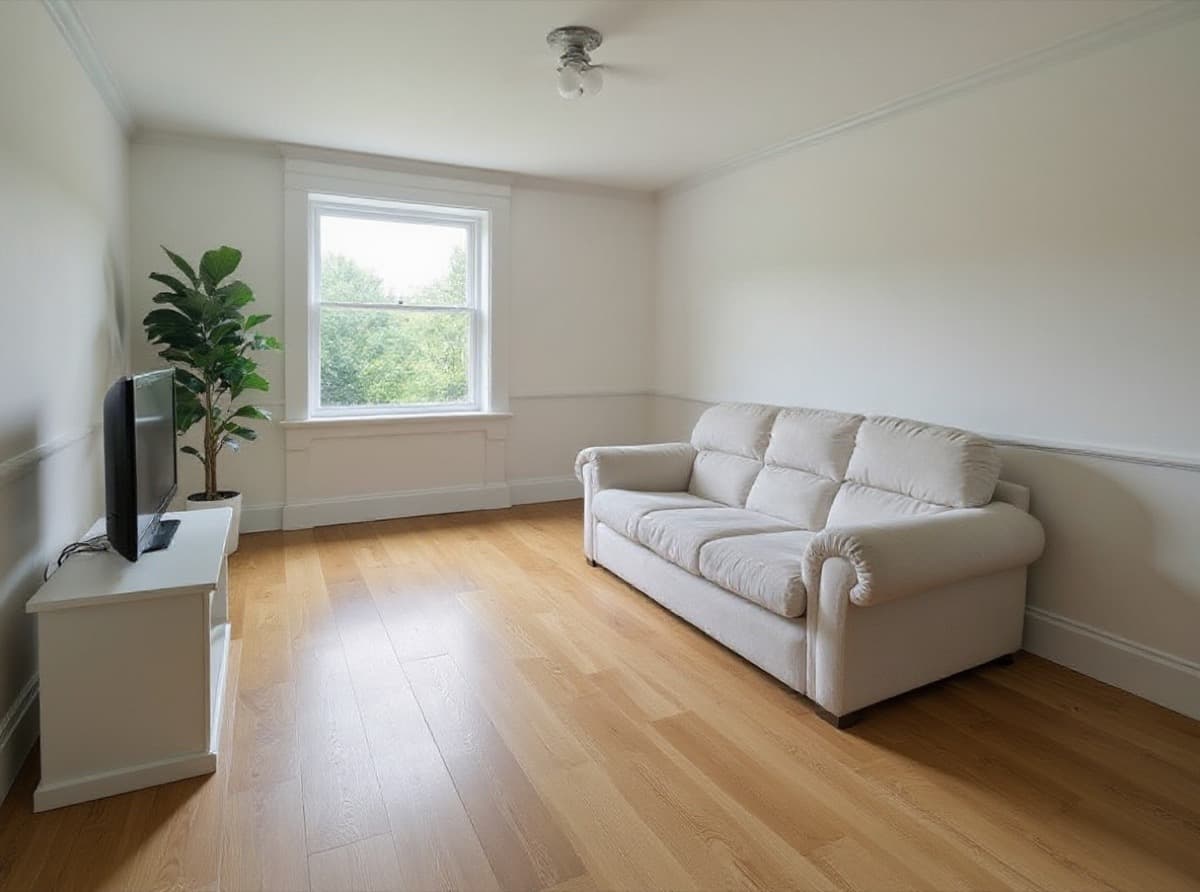
Render a House is the best home remodel app for most people because it shows the new look on a photo of their own room: its renovation AI restyles a JPG, PNG, or WebP photo in the browser, with 3 free credits a day and paid plans from $19 a month. The other six apps solve different remodel problems — Hover measures exteriors, Planner 5D and Homestyler plan layouts, and Houzz connects you with contractors.
Every competitor price below comes from the vendor's own pricing page or app store listing, checked in October 2026.
Which home remodel app is best at a glance?
Read the "input and platform" column first. A remodel app that starts from a photo answers a different question than one that starts from a floor plan or a 3D scan.
| Tool | Best for | Input and platform | Published price | Free plan |
|---|---|---|---|---|
| 1. Render a House | Restyling a photo of your own room or facade while keeping the camera view and layout | Browser, no GPU; JPG, PNG, or WebP photo up to 10 MB | Free: 3 credits a day · Basic: $19/mo for 120 credits · Pro: $39/mo or $312/yr for 240 credits/mo · Studio: $99/mo or $792/yr for 1,000 credits/mo | Yes — 3 credits a day at 1K with a watermark |
| 2. Remodel AI | Snapping a phone photo and trying styles, flooring, walls, and object removal | iOS app (REIMAGE AI INC.); interior, exterior, and landscape | Free download with in-app purchases; a Pro Yearly subscription with a free trial is listed, but its price is not published (checked October 2026) | Free download; paid features behind a subscription |
| 3. Houzz | Collecting remodel photos, asking the community, and finding local contractors | iOS and Android app plus web; Houzz Pro is separate software for professionals | Houzz app: free · Houzz Pro: Design $99/mo (1 user), Pro $199/mo, Teams from $399/mo | Yes — the homeowner app is free; Houzz Pro has a free plan |
| 4. Hover | Turning smartphone photos into a measured 3D exterior model for siding and roofing | Phone capture plus web; built for contractors, with homeowner scan invites | Starter: pay per project, exterior $59–$139 by complexity · Pro: $999/yr · Business: $2,999/yr | First 3 projects free on Starter, no card |
| 5. Planner 5D | Drawing the new layout in 2D and 3D, then furnishing and rendering it | Web, iOS, Android, and macOS | Free: $0 · Premium: $4.99/mo billed $59.99/yr or $19.99 monthly · Professional: $33.33/mo billed $399.99/yr or $49.99 monthly | Yes — unlimited projects, half the furniture catalog |
| 6. REimagineHome | Restyling, staging, and exterior edits on photos with a conversational editor | Browser; room, exterior, and listing photos | Essential: $19/mo for 30 credits · Pro: $36/mo for 200 credits · Advanced: $59/mo for 400 credits · Agency: $119/mo for 900 credits | 5 free designs for new users, no card |
| 7. Homestyler | Building a furnished 3D model of the home in the browser with cloud rendering | Browser and mobile app; floor plans, sketches, and 3D models | Basic: free · Pro+: from $6.80/mo · Master+: from $11.80/mo · Team: from $19.60/seat/mo | Yes — unlimited 1K renders |
"Free" means different things here. Render a House refills credits daily. REimagineHome and Hover give a one-time allowance. Planner 5D, Homestyler, and the Houzz app stay free with no time limit, but with fewer features than their paid tiers.
How are remodel apps different from home design software and AI staging?
Photo restyling tools start from a picture of the space as it is today. You describe new finishes, colors, or a style, and the AI paints them onto the same view. Render a House, Remodel AI, and REimagineHome work this way. They are fast and need no drawing skills. They do not know the real dimensions of the room.
Home design and planning software starts from a floor plan. You draw or import walls, place doors and furniture, then view the result in 3D. Planner 5D and Homestyler are in this group, alongside the tools in our home design software comparison and floor plan software guide. These tools handle layout changes that a photo cannot show, such as moving a wall or adding an island.
Contractor and project tools help a remodel get measured, priced, and built. Hover turns phone photos into a measured 3D exterior. Houzz connects homeowners with local pros and sells project software to those pros.
AI virtual staging is a close neighbor. Staging furnishes an empty room for a listing, while renovation changes the surfaces of the room itself. If you are selling, the AI virtual staging apps guide is the better starting point. If you want broader interior styling tools, see the AI interior design tools comparison.
What should you compare before choosing a remodel app?
Vendor galleries show the best result, not the typical one. These four questions show how an app will behave on your project:
- What do you have today? A phone photo favors a restyling tool. A floor plan or measurements favor a planner. A house you can walk around with a phone favors Hover.
- What is changing? New paint, flooring, cabinets, or furniture fit a photo restyle. Moving walls, windows, or the kitchen layout needs a plan you can edit.
- Does the camera view need to stay put? A before-and-after only persuades a partner or client when it shows the same room from the same angle. Check that the app keeps the windows, ceiling, and perspective unless you ask otherwise.
- How is usage priced? Daily credits, monthly credit pools, per-project fees, and flat subscriptions cost very different amounts once you try ten versions of one kitchen. Price the retries, not only the first image. The render cost calculator helps estimate this for Render a House.
What are the 7 best home remodel and renovation apps in 2026?
1. Render a House renovation AI — best for restyling your own room or exterior photo
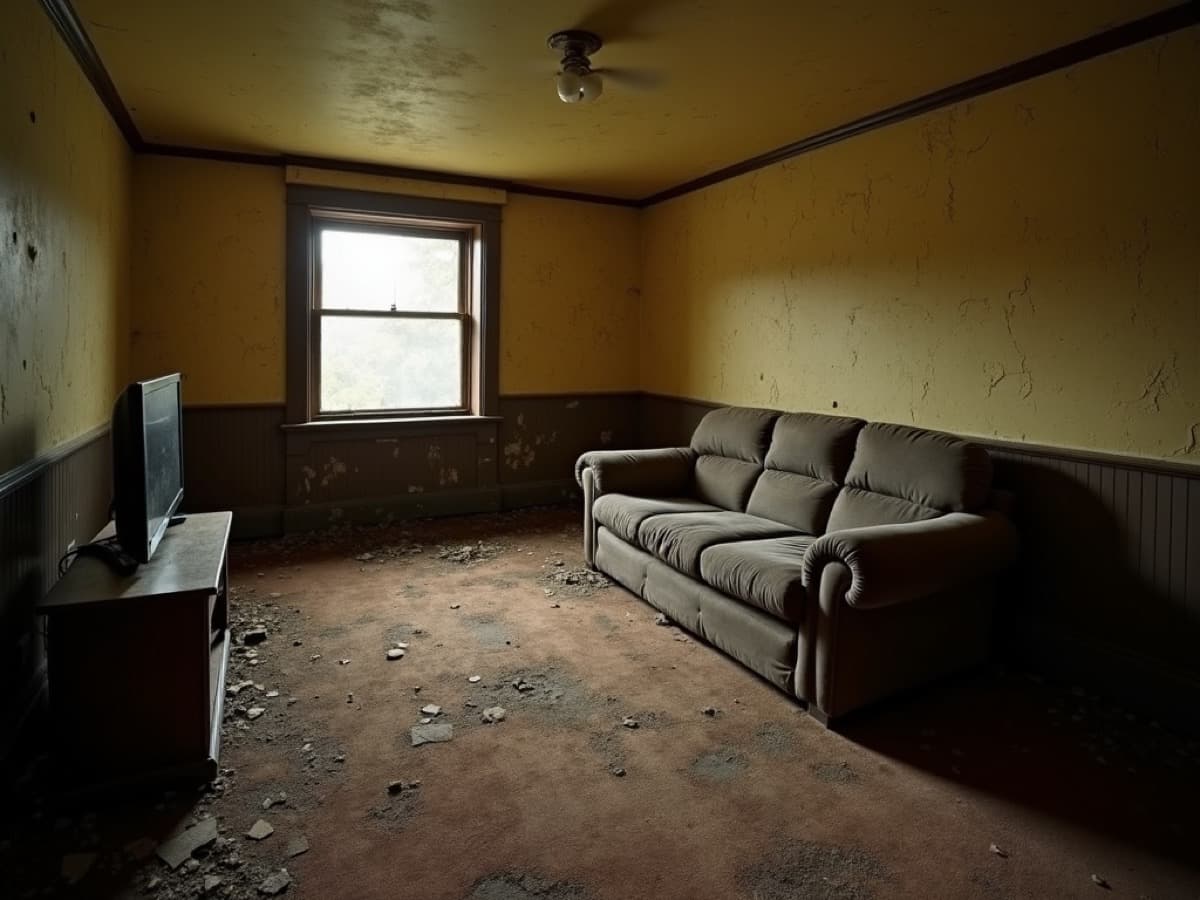

Render a House renovation AI is built for one question: what would this room or facade look like with different finishes? Upload a JPG, PNG, or WebP photo up to 10 MB, describe the style and materials, and say what should stay the same — for example the windows, ceiling, and camera angle. The pair above shows a real result: a worn living room restyled with the same layout and view.
It runs in the browser on hosted hardware, so you need no GPU and no install. You can generate a new version for a broader change or edit one area when only the floor or a wall needs work; the variations guide explains when to use each. For a single room, the AI kitchen design, AI bathroom design, and AI house exterior design tools focus the prompt on cabinets, tile, or the facade.
A standard 1K render costs 1 credit, a 2K render costs 1.5 credits, and the Pro model costs 2 credits at 2K. The free plan gives 3 credits a day at 1K with a watermark. Pro adds 240 credits a month, and video is on paid plans only. Checkout is card-only.
The limitation: it is a visual concept tool. It does not measure the room, draw a new floor plan, estimate cost, or produce construction documents. It can also change small details, so check the result before you show it as a commitment.
Published price used in this comparison: Free: 3 credits a day · Basic: $19/mo for 120 credits · Pro: $39/mo or $312/yr for 240 credits/mo · Studio: $99/mo or $792/yr for 1,000 credits/mo. See the first-party pricing source for current terms.
Choose it if: you have a photo and want to see a new style on the same room before you call a contractor. Compare all tiers in the plans and pricing docs.
2. Remodel AI — best for phone-first photo makeovers
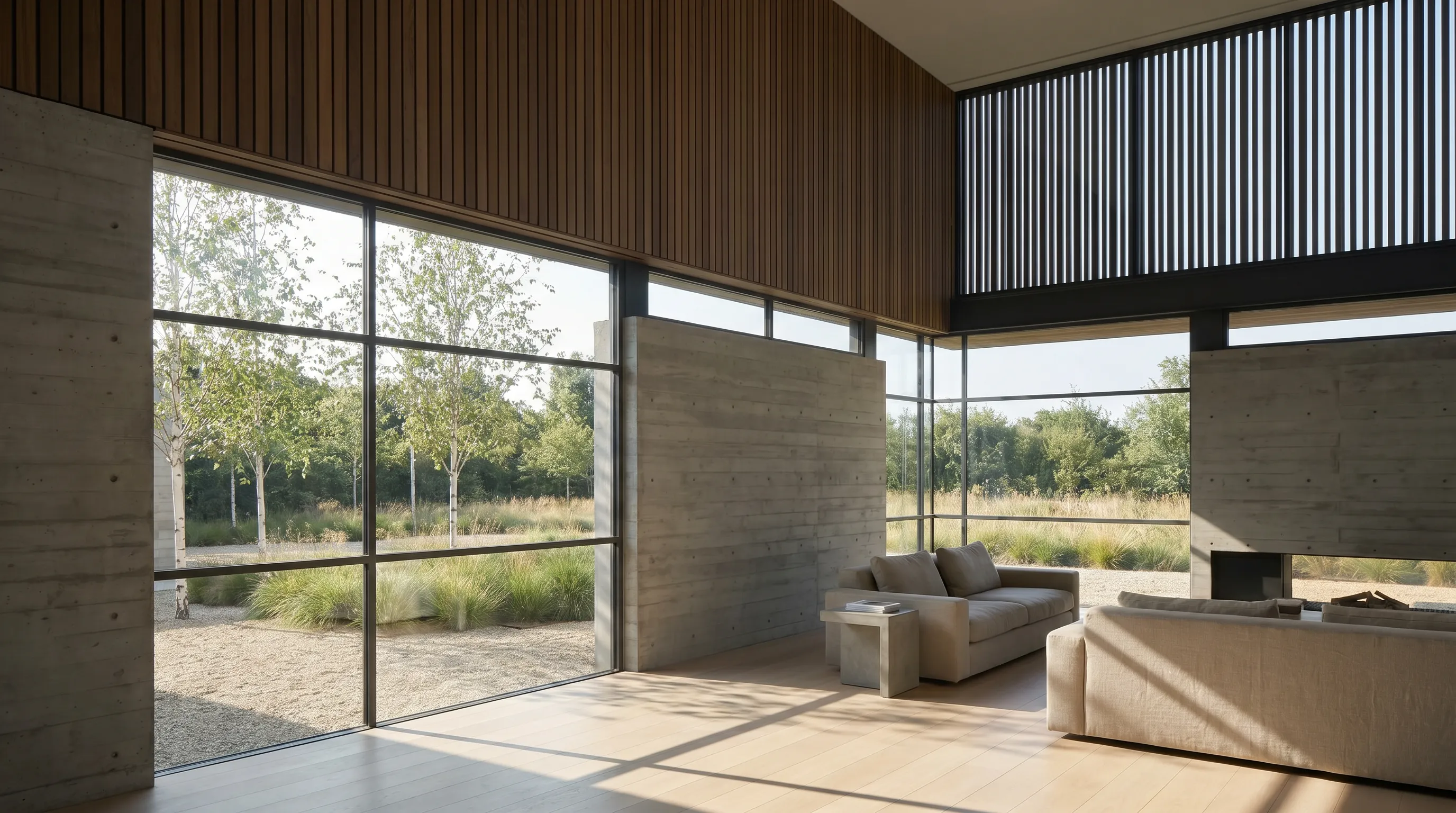
Remodel AI is a phone-first app from REIMAGE AI INC. Its site describes the flow simply: take a photo of your home and see a remodeled version with new flooring, walls, and style. It covers interior remodels, exterior remodels, and landscaping, and adds tools for new floors, new walls, reskinning fabrics, replacing or removing furniture, and shopping for matching products.
The limitation is price transparency. The App Store listing shows a free download with in-app purchases and a Pro Yearly subscription with a free trial, but neither the listing nor remodelai.app published the subscription price when we checked. You see the cost only inside the app.
Published price used in this comparison: Free download with in-app purchases; a Pro Yearly subscription with a free trial is listed, but its price is not published (checked October 2026). See the first-party pricing source for current terms.
Choose it if: you work mostly on an iPhone and want quick style and flooring swaps from photos. Visit the Remodel AI site.
3. Houzz — best for remodel ideas and hiring local pros

Houzz is where many remodels start. The free app lets you browse more than 20 million photos of finished interiors and exteriors by style, room, or location, save them to ideabooks, ask the community for advice, and find architects, contractors, and designers in your area with reviews and past projects.
Houzz Pro is a separate product for the professionals you hire. Its Design plan is $99 a month for one user and includes 3D floor plans, mood boards, selections, and estimates; the comparison table also lists photorealistic renders and a mobile room scan. Pro is $199 a month, and Teams starts at $399 a month with unlimited users.
The limitation: the homeowner app does not restyle a photo of your own room. It shows you other people's finished projects, which is useful for ideas but not for seeing your space changed.
Published price used in this comparison: Houzz app: free · Houzz Pro: Design $99/mo (1 user), Pro $199/mo, Teams from $399/mo. See the first-party pricing source for current terms.
Choose it if: you want inspiration and a shortlist of local pros. See the Houzz app listing.
4. Hover — best for measured exterior models from phone photos
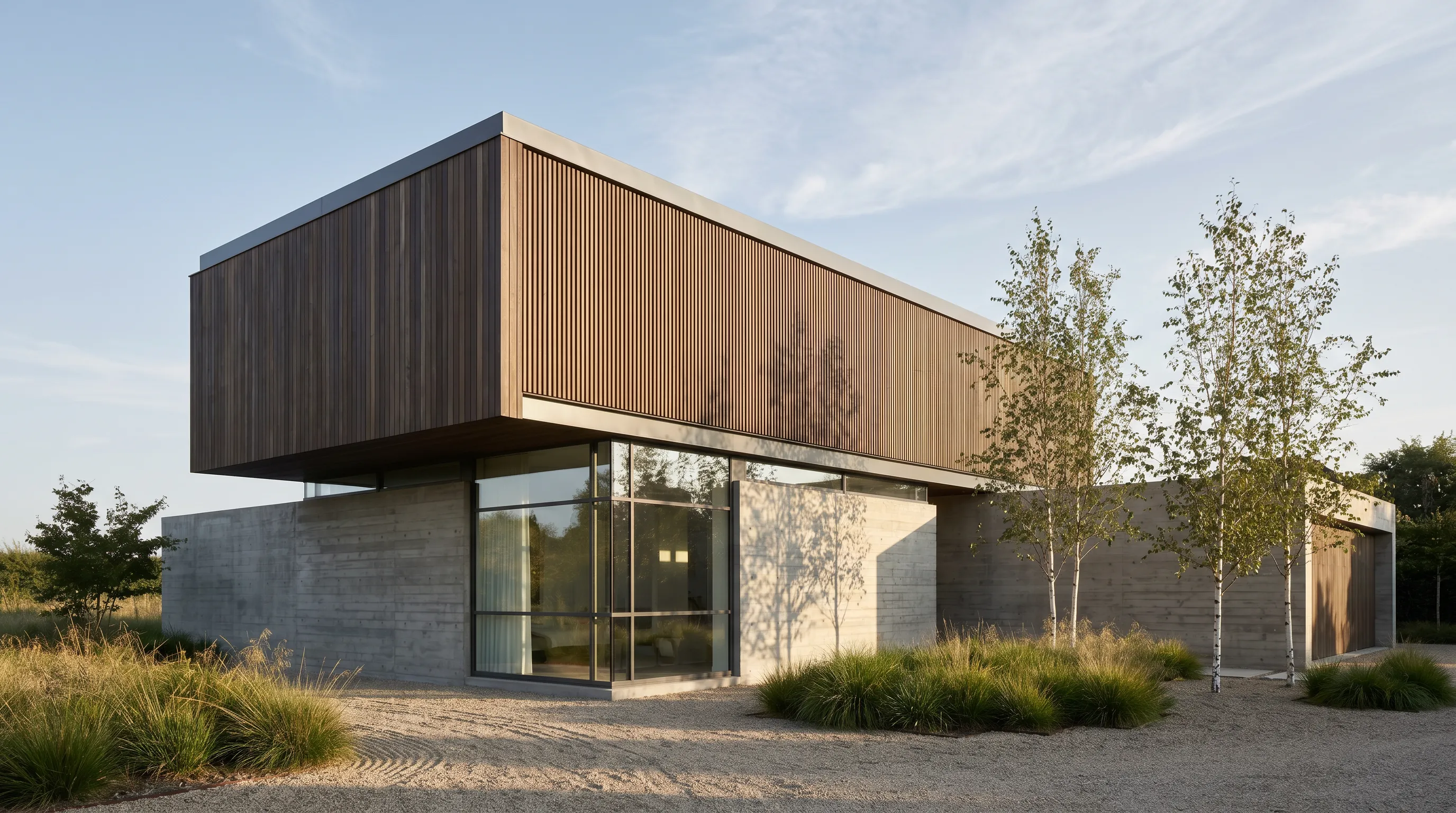
Hover turns smartphone photos of a house into a scaled 3D model with measurements for roof, siding, gutters, and windows. Contractors use it to quote exterior work without climbing a ladder, and they can invite a homeowner to scan the house themselves.
Hover Design adds the visual layer: apply real siding, trim, paint, and window products from more than 30 brands to the photos or the 3D model, then share the design. On the pricing page's feature table, Hover Design, estimates, and material lists are included on Pro and above, not on Starter.
Starter is pay per project: an exterior model costs $59 for a simple structure, $99 for a typical home, and $139 for a complex one, and the first 3 projects are free. Pro costs $999 a year and cuts $20 off each project; Business costs $2,999 a year for flat per-project pricing.
The limitation: Hover is built for exterior trades and contractors. It is not an interior restyling app, and the per-project pricing only makes sense if you need the measurements.
Published price used in this comparison: Starter: pay per project, exterior $59–$139 by complexity · Pro: $999/yr · Business: $2,999/yr. See the first-party pricing source for current terms.
Choose it if: you are planning siding, roofing, or windows and need numbers, not just a picture. Pair it with the exterior paint visualizer or the exterior home design software guide for the look. See Hover Design.
5. Planner 5D — best for editable 2D and 3D layout planning

Planner 5D is the planner to use when the remodel changes the layout. Draw the floor plan in 2D, switch to 3D, and place doors, windows, and furniture from its catalog. Premium adds AI floor plan recognition that turns an uploaded plan into an editable 3D project, plus standard renders and a budget widget.
Its AI Studio adds image tools on top, such as restyling interiors while preserving the room layout, furnishing empty rooms, and editing selected details. Premium includes 100 AI Studio credits with monthly billing or 1,200 with annual billing; Professional includes 1,000 or 12,000. Professional also adds unlimited watermark-free 4K renders, custom 3D model uploads, and CAD export.
The limitation: you have to build the model. Drawing walls, openings, and furniture takes longer than uploading a photo, and the free plan unlocks only half of the furniture catalog.
Published price used in this comparison: Free: $0 · Premium: $4.99/mo billed $59.99/yr or $19.99 monthly · Professional: $33.33/mo billed $399.99/yr or $49.99 monthly. See the first-party pricing source for current terms.
Choose it if: you are moving walls or rearranging rooms and want to see the new plan in 3D. The room planner apps comparison covers more options in this group.
6. REimagineHome — best for credit-based photo restyles and staging
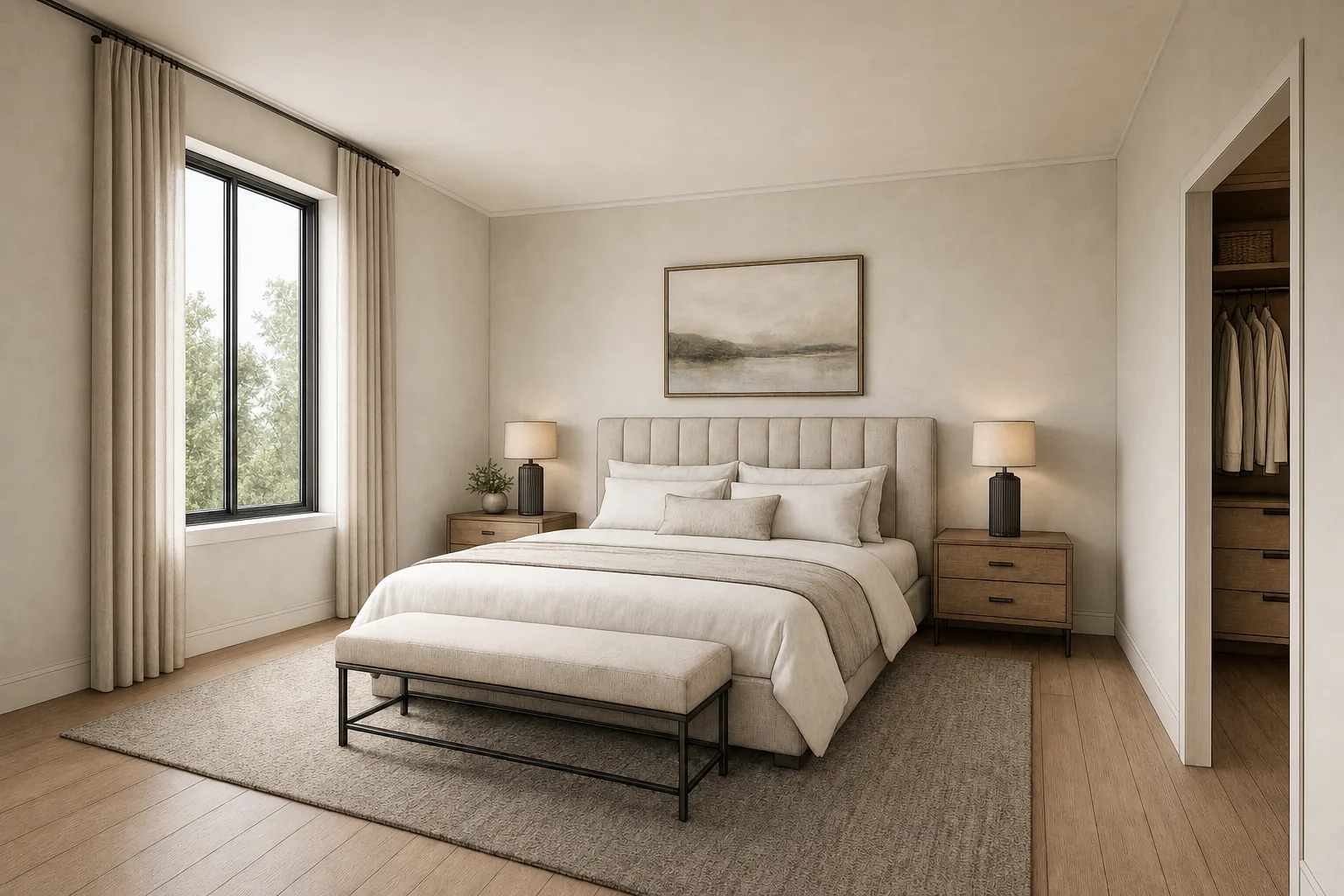
REimagineHome restyles and stages photos in the browser. Its Essential plan covers virtual staging, light redesigns, and basic exterior and landscaping edits. Pro and above add a conversational design flow, reference photos, incremental editing, and a feature that finds real products and shows them in your room.
Its credit rules are published clearly: one credit per generated design, two credits when real products are matched, and no credits for chatting. New users get 5 free designs without a card.
The limitation: the entry plan is thin. Essential gives 30 credits a month for $19 and excludes the conversational editor, reference photos, and high-resolution output, so most serious remodel work lands on Pro at $36 a month.
Published price used in this comparison: Essential: $19/mo for 30 credits · Pro: $36/mo for 200 credits · Advanced: $59/mo for 400 credits · Agency: $119/mo for 900 credits. See the first-party pricing source for current terms.
Choose it if: you want staging and restyling in one account with clear per-credit pricing. See REimagineHome pricing.
7. Homestyler — best for a free browser 3D floor planner

Homestyler is a cloud-based 3D floor planner. Upload a 2D floor plan or sketch, and it converts it into an editable 3D house model. Then furnish it from a large library of branded 3D models and render it in the cloud. The free Basic plan includes unlimited 1K renders.
Its AI Studio adds image-to-image restyling, floor plan options, moodboards, and image-to-video. Pro+ starts from $6.80 a month and includes 75 renders each at 2K and 4K plus 180 AI credits a month. Master+ starts from $11.80 a month with unlimited 4K renders and 380 AI credits.
The limitation: the "starts from" figures are the lowest billing option on the page, which offers one-time and auto-renew terms, so confirm the term at checkout. Like Planner 5D, it also needs you to build the space before it can render it.
Published price used in this comparison: Basic: free · Pro+: from $6.80/mo · Master+: from $11.80/mo · Team: from $19.60/seat/mo. See the first-party pricing source for current terms.
Choose it if: you want a free 3D planner with cloud rendering in the browser. See Homestyler pricing.
Which home remodel app fits your workflow?
The shortlist gets short once you name the starting point and the change you want to see.
| Starting situation | Best starting shortlist | Why |
|---|---|---|
| I have a photo and want to see a new style | Render a House, REimagineHome, or Remodel AI | All three start from your photo. Render a House keeps the camera view and layout and runs in any browser. |
| I am moving walls or changing the layout | Planner 5D or Homestyler | Layout changes need a plan you can edit, not a restyled photo. |
| I need siding, roofing, or window quantities | Hover | Its 3D exterior model carries measurements a photo restyle cannot. |
| I need ideas and a contractor | Houzz | The photo library and pro directory are the point; it does not restyle your photo. |
Most remodels use two of these. A common pairing is a photo restyle to choose the look and a planner or contractor tool to check the layout and the numbers. For room-specific shortlists, see the kitchen design software, bathroom design software, and paint color visualizer apps guides.
Which home remodel apps are free?
Every app here has some free access. Planner 5D, Homestyler, and the Houzz app have free tiers with no time limit. Render a House refills 3 credits every day at 1K with a watermark.
One-time allowances work differently. REimagineHome gives 5 free designs, Hover gives 3 free projects, and Remodel AI offers a free trial of its subscription. Count watermarks, resolution limits, and whether a card is required as part of the price.
How did we verify the prices?
Prices were checked in October 2026 on each vendor's first-party pricing page or official app store listing, loaded in a browser and read as shown. All figures are in US dollars as displayed; taxes and regional pricing can change the total. Render a House figures come from the app's current plan constants and the plans and pricing docs.
- Render a House renovation AI
- Remodel AI App Store listing and Remodel AI site
- Houzz App Store listing and Houzz Pro pricing
- Hover pricing and Hover Design
- Planner 5D pricing
- REimagineHome pricing
- Homestyler pricing
Remodel AI did not publish a subscription price on either page, so none is quoted. Images on this page are Render a House examples, not output from the other apps. Confirm the live page before you buy.
What can a remodel app not tell you?
Remodel apps are good at one thing: helping you decide what you like before you spend money. None of them replace the people who build it.
- An AI image is not a plan. Photo restyles can move a fixture, shrink a window, or invent a material. Use them to choose a direction, not to order cabinets.
- A 3D planner is not a survey. Planner 5D and Homestyler models are only as accurate as the dimensions you enter.
- No app here approves structural work. Removing a wall, moving plumbing, or changing a roofline needs a qualified professional and, often, a permit.
- Estimates are partial. Hover and some paid planner tiers estimate materials. None of these apps can quote your labor, local permits, or what is hidden behind the walls.
Use the images to get everyone looking at the same idea. Then get measurements and a written quote. To clean up a photo before you restyle it, the AI object removers guide and the object remover tool help clear clutter first.
What do people ask about home remodel apps?
What is the best app for remodeling a house?
It depends on the remodel question. To see a new style on a photo of your own room or facade, Render a House renovation AI is the most direct option: upload a JPG, PNG, or WebP photo in the browser and start with 3 free credits a day. To change the layout, use a planner such as Planner 5D or Homestyler. For measured exterior quantities, use Hover. For ideas and finding a contractor, use Houzz.
Is there a free app to visualize home renovations?
Yes. Render a House gives 3 credits a day at 1K with a watermark. Planner 5D and Homestyler have free plans with no time limit. REimagineHome gives new users 5 free designs. Hover gives 3 free projects. The Houzz app is free. Remodel AI is a free download, but its paid features sit behind a subscription.
Can I upload a photo of my room and see it remodeled?
Yes. Render a House, REimagineHome, and Remodel AI all restyle an uploaded photo. Use a clear, well-lit photo and say what should stay the same, such as the windows, ceiling, and camera angle. Expect the AI to change some details, so treat the result as a visual direction.
Can a remodel app estimate my renovation cost?
Only some can, and only partly. Hover builds material lists and estimates on its Pro and Business plans, and Planner 5D includes a budget widget and a price estimator on paid plans. AI restyling tools, including Render a House, do not estimate labor, materials, or permits. Get a contractor quote before you commit.
What app do contractors use to measure a house from photos?
Hover is built for that job. It turns smartphone photos into a 3D exterior model with measurements for roof, siding, gutters, and windows, priced per project on Starter or at a discount on the $999-a-year Pro plan.
Is Houzz free to use?
The Houzz homeowner app is free on the App Store. Houzz Pro, the business software for contractors and designers, has a free plan and paid tiers starting at $99 a month for the Design plan.
Are AI renovation images accurate enough to build from?
No. An AI renovation image is a visual concept. It can move fixtures, change proportions, or invent materials. Use it to choose a direction, then confirm dimensions, structure, and products with a designer or contractor.
Keep reading
Related guides and comparisons

8 Best Room Planner Apps in 2026 (Free & Paid)
Compare eight room planner apps (Render a House, Planner 5D, RoomSketcher, Homestyler, Floorplanner, IKEA, Roomstyler, Magicplan) by free plan, platform and price.

8 Best AI Image Upscalers in 2026 (Free & Paid)
Eight AI image upscalers compared for architectural renders: Render a House, Magnific, Topaz Gigapixel, Let's Enhance, Upscayl, Krea and more, priced.

9 Best Home Design Software in 2026 (Free & Paid)
Compare nine home design programs, from Chief Architect and Cedreo to Sweet Home 3D, by who they suit, platform and published price, and when to add an AI render.
