
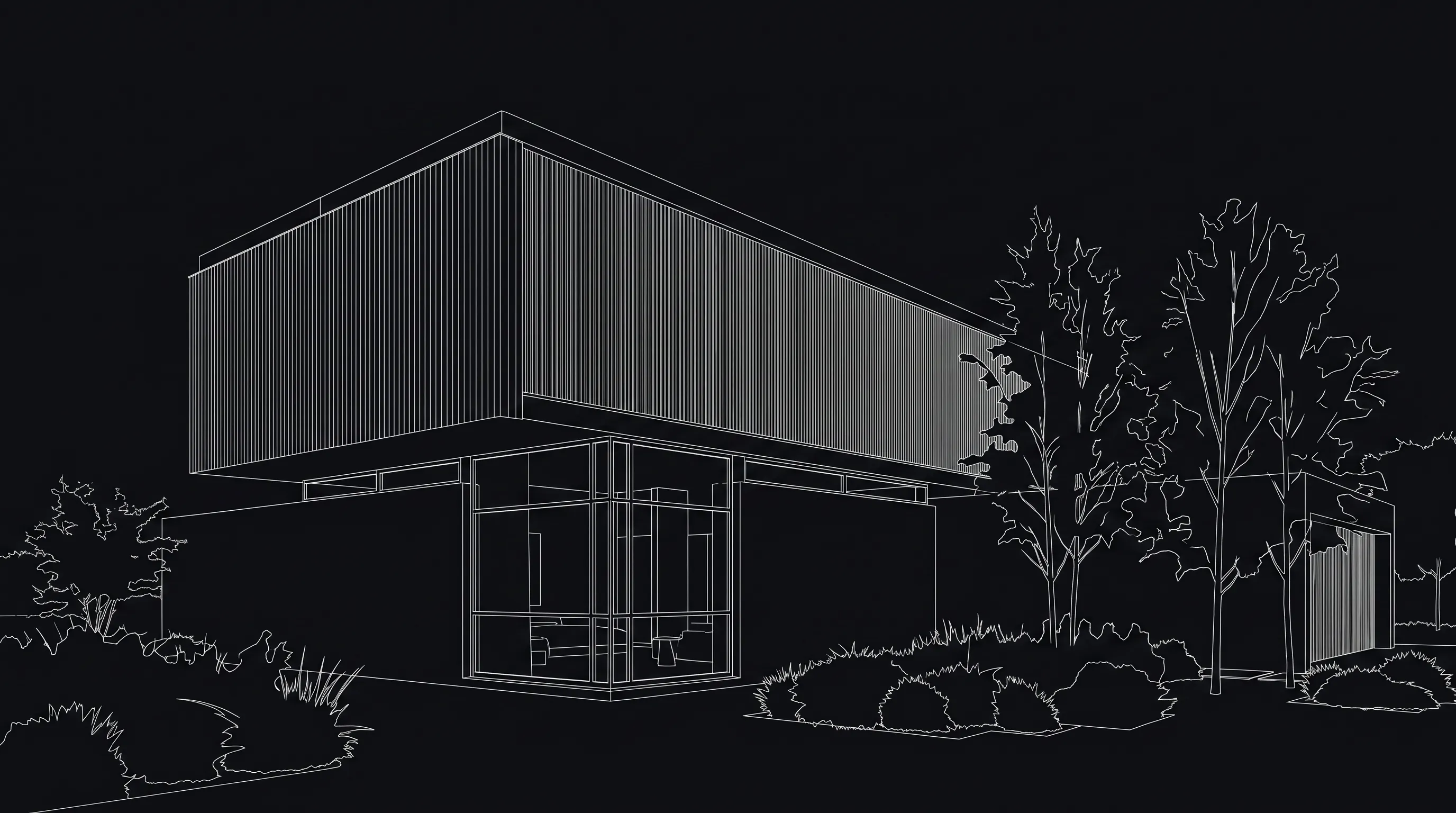

Modern facade direction
Keep the roofline and camera angle. Test warm wood cladding, light stone at the entry, black window frames, and low-water planting.
Upload an existing house exterior image, sketch, or render and generate new visual directions for the facade. Render a House helps you test materials, color palettes, architectural style, lighting, planting mood, and curb appeal before you commit to a deeper design pass.
Preview your starting image here. Finish the render in the app.
Drop a house exterior image here
Use a clear photo, sketch, or render of the facade. This preview stays in your browser until you continue to the app.
Exterior concept example
Use this page to check whether your starting view is clear. You will upload the image again in the signed-in workspace before credits are used.
AI house exterior design is most useful when the question is visual: What would this home look like with warmer siding, darker trim, different planting, or a new entry mood? The output is a concept image, not a permit package or a construction plan.
Keep the roofline and camera angle. Test warm wood cladding, light stone at the entry, black window frames, and low-water planting.
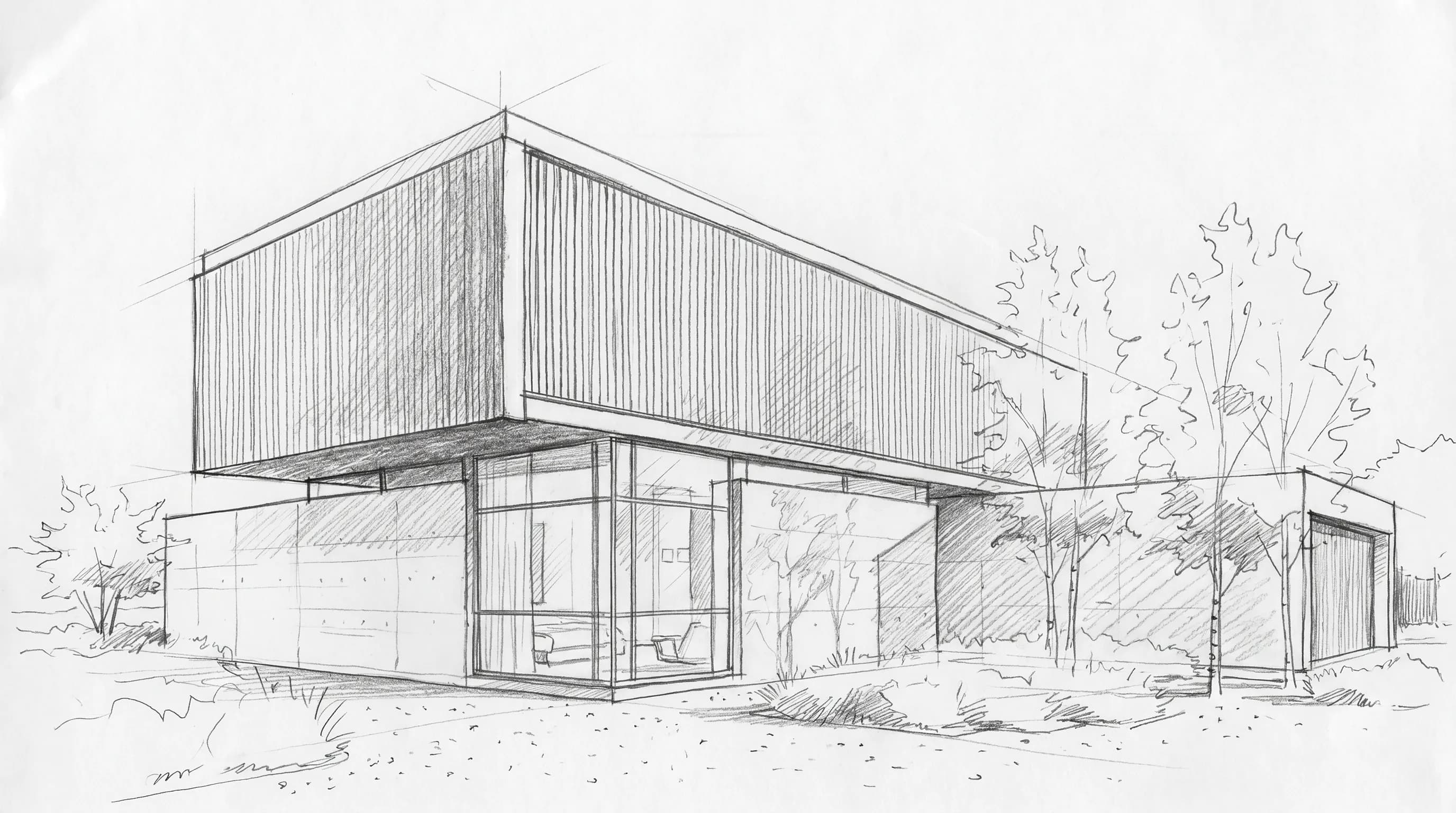

Preserve the main massing. Explore calmer exterior lighting, a darker trim palette, and a more polished planting mood for the same home.
Start from an image that shows the facade, entry, side, or rear exterior you want to rethink.
Name the materials, colors, style, lighting, and landscape mood you want to test.
Use material, style, or object references when a finish, door, planting mood, or detail is easier to show than explain.
Use Generate a new version to compare broader directions, then refine the strongest concept intentionally.
Keep each request visual and grounded in the image you upload. Use the result to compare a direction, not to lock technical specifications.
Compare wood, brick, stone, stucco, siding, concrete, metal, or mixed-material exterior directions visually.
Try warmer neutrals, high-contrast trim, darker frames, lighter body colors, or calmer monochrome palettes.
Explore front doors, lighting, railings, planters, path materials, and a more welcoming entry sequence.
Compare modern, farmhouse, coastal, craftsman, Mediterranean, traditional, or minimalist concepts from one view.
Use planting, trees, gravel, paving, grass, lighting, and season to judge curb appeal around the house.
The best exterior design prompts are short, specific, and grounded in the image you uploaded. Tell the model what should stay fixed, then describe what should change.
Keep the existing roofline, window positions, and camera angle. Test warm vertical wood siding, light limestone at the entry, black metal window frames, low-water planting, and soft late-afternoon light.
Keep the existing massing, roofline, window locations, entry shape, and camera angle recognizable.
Try warm cedar cladding, light limestone, matte black window frames, white stucco, or a charcoal metal roof.
Add material, style, or object reference images for finishes, planting, lighting, or entry details that are easier to show than describe.
AI house exterior design is a visual workflow for turning an existing exterior image into facade and curb appeal concepts. In Render a House, it is best used for style, material, color, lighting, and landscape mood exploration.
Yes. Start with a clear JPG, PNG, or WebP photo, sketch, screenshot, or render. A clean view with the house visible and minimal obstruction usually gives the AI a better starting point.
Yes. Generate a new version when you want a broader change in facade style, materials, color palette, lighting, season, or landscape mood. Compare the versions, then refine the strongest direction.
Yes. References are useful when a material, object, or style is easier to show than explain. Pair references with a short prompt that says what should change and what should stay fixed.
Not exactly. A clear input and careful prompt can help preserve the main camera angle, massing, roofline, and openings, but AI can still alter details. Review important proportions, edges, windows, materials, and site conditions before relying on a concept.
No. The output is a visual concept only. It does not create permit drawings, construction documents, structural design, code analysis, zoning checks, exact dimensions, or guaranteed build-ready details.
No. Render a House does not estimate exterior renovation cost, labor, permitting, product quantities, or exact material takeoffs. Use the concept image to discuss direction, then verify real costs and quantities with qualified professionals.
No. This page is focused on exterior design concepts for the house facade and curb appeal. Renovation AI is broader and is better when you want interior remodel concepts, whole-home renovation ideas, or a mix of room and exterior images.
Start simple: describe the style, main materials, color palette, lighting, and what should not change. For example: keep the existing roofline and window locations, test light stucco, warm wood accents, black window frames, simple path lighting, and drought-tolerant planting.
Start free, then choose the monthly credit allowance that fits how often you generate and refine visual concepts. The signed-in workspace shows current model options, credit cost, and available balance before you run a render.
$0forever
Try Render a House before choosing a paid plan.
$39per month
For professionals and small studios comparing more options.
$99per month
For higher-volume exterior visualization and client decks.
Prices are shown in USD. The signed-in pricing page shows the current checkout terms before purchase.
Explore broader remodel concepts across rooms, exteriors, sketches, and renders when the project is not only about the facade.
Turn drawings, sketches, floor plans, photos, or lightweight 3D model views into architectural render concepts.
Sharpen a small exterior photo or render before using it as a visual reference or presentation asset.
Ready to test the idea