 Render a House/Updated Oct 12, 2026
9 Best Home Design Software in 2026 (Free & Paid)
Render a House is our #1 home design pick for seeing the finished home: it turns a plan, screenshot or model into a photoreal render in the browser. Nine home design programs, from professional drafting suites to free floor planners, compared on who they suit, where they run, what they cost, and the limitation that matters before you commit.
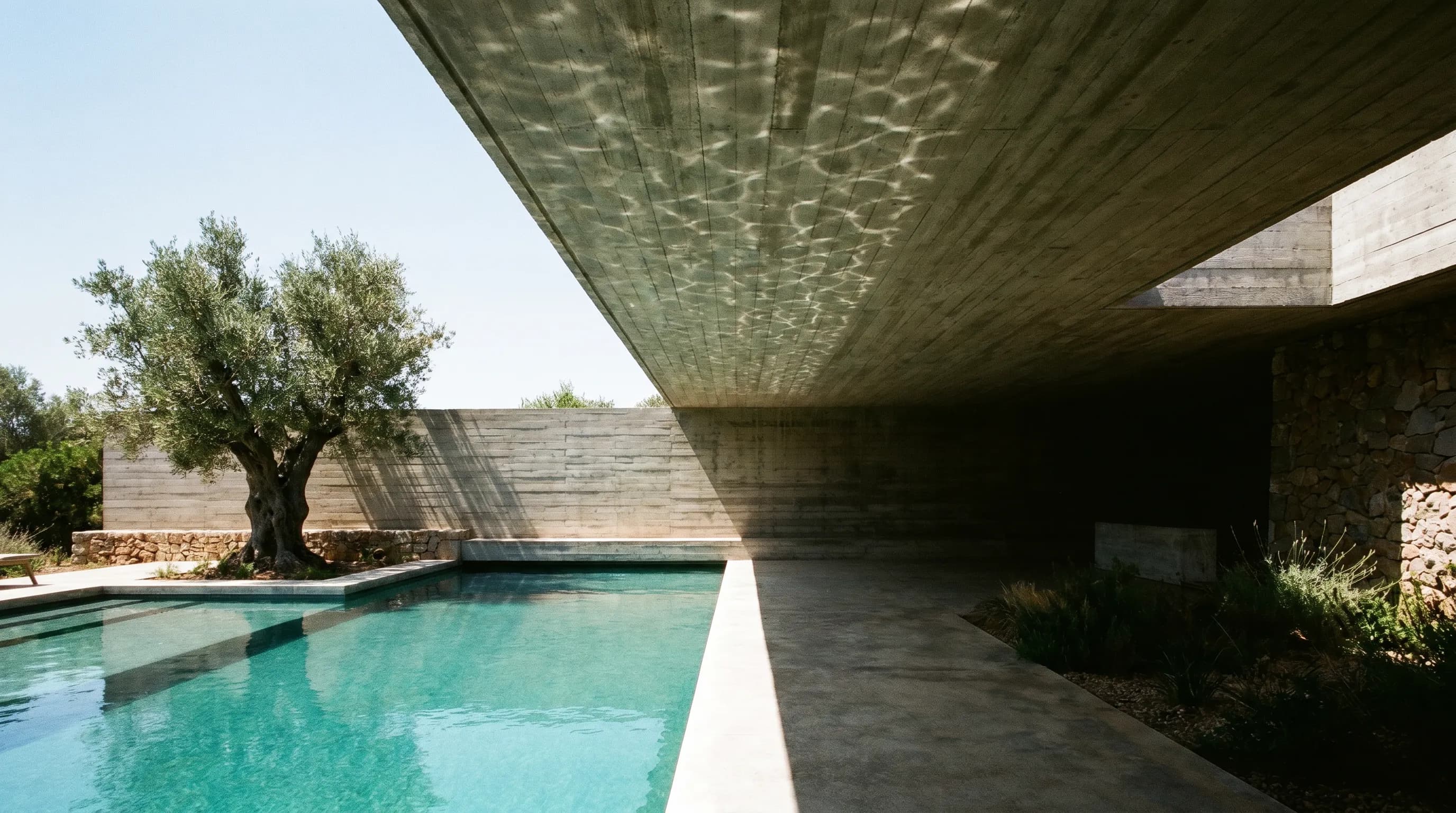
Render a House is our top home design software pick for the outcome most readers want — seeing the finished home photoreal: it turns a screenshot or model from any drafting program into a render in the browser, starting at 3free credits a day. It does not draw the plans itself. For drafting, Chief Architect Premier is the professional choice at $1,995 a year, Sweet Home 3D is the best free option, and homeowners get most of Chief Architect's tools in Home Designer for $495 a year.
This guide ranks the other eight by how much of the design job they handle, from construction documents down to furniture layouts. Every price below was read from the vendor's own pricing page in October 2026, in the currency the page showed. Taxes, regional pricing, promotions, and education discounts can change what you pay.
Which home design software is best at a glance?
Read the platform and free-plan columns before the price column. A free browser planner and a $1,995 desktop suite are not competing for the same buyer, and a program that cannot run on your computer is not a bargain at any price.
| Tool | Best for | Input and platform | Price | Free plan |
|---|---|---|---|---|
| 1. Render a House | Photoreal renders of a house designed in any of the programs below | Browser, no GPU; PNG, JPG, and WebP images plus SKP, GLB, GLTF, OBJ, and STL models | Basic: $19/mo for 120 credits · Pro: $39/mo or $312/yr for 240 credits/mo · Studio: $99/mo or $792/yr for 1,000 credits/mo | 3 credits a day at 1K resolution, watermarked |
| 2. Chief Architect Premier | Builders, remodelers, and designers producing residential construction documents | Desktop: Windows 10/11 64-bit or macOS Sequoia/Tahoe on Apple M1 or newer | $1,995/yr ($166.25/mo billed annually) or $229/mo billed monthly, USD | Trial only — printing, saving, exporting, and virtual tours removed |
| 3. Cedreo | Home builders and remodelers turning a plan into a sales presentation | Browser-based; imports JPEG, PNG, PDF, DWG, and DXF plans to trace | Pro: $79/mo billed annually or $129/mo monthly, 40 renderings a month · Personal: $139 per project | Free plan: 1 user, 1 project, essential floor plan tools |
| 4. SketchUp | Free-form 3D modeling of houses, additions, decks, and custom details | Go: web and iPad · Pro: desktop modeler plus LayOut · Studio: Windows only | Go: $10.75/mo · Pro: $33.25/mo · Studio: $71.58/mo, per user, billed annually, USD | 7-day Pro trial; free for K–12 schools with an education account |
| 5. Home Designer | DIY homeowners planning a build or remodel with smart walls, doors, and cabinets | Desktop: Windows 10/11 64-bit or macOS Sequoia/Tahoe on Apple M1 or newer | $495/yr ($41.25/mo billed annually) or $79/mo billed monthly, USD | Trial only — printing, saving, exporting, and virtual tours removed |
| 6. Planner 5D | Room-by-room layouts and furnishing that move between laptop and phone | Web, Windows, macOS, iOS, and Android | Premium: $59.99/yr or $19.99/mo · Professional: $399.99/yr or $49.99/mo, USD | Free plan: unlimited projects, half the furniture catalog |
| 7. Sweet Home 3D | A free floor plan and furniture layout with a live 3D view, no account needed | Windows, macOS, Linux, plus an online version in WebGL browsers; mobile app on iOS and Android | Free, open source under the GNU General Public License | Yes — the full desktop application is free |
| 8. DreamPlan | Homeowners who want a one-time license for floor plans, decks, and gardens | Desktop: Windows 7 to 11, macOS 10.5 or above | Home: $50 · Plus (commercial): $60 one-time, or Plus at $9.99 per quarter, USD list prices | Free version for non-commercial home use |
| 9. Homestyler | Furnished interiors and cheap cloud renders from a browser-based planner | Cloud-based 3D floor planner in the browser | Pro+: from $6.8/mo for 75 2K and 75 4K renders a month · Master+: from $11.8/mo, USD | Basic: free, unlimited 1K renders, watermarked |
How is home design software different from CAD and rendering software?
Home design software is built around rooms, walls, doors, windows, roofs, and furniture. You draw a floor plan and the program builds the 3D house from it. That is different from general CAD, where you draw lines and solids with no idea that a wall holds a window, and from BIM tools such as Revit, which carry engineering data for large buildings.
It is also different from rendering software. Chief Architect, Home Designer, Cedreo, Homestyler, and Planner 5D all render, but rendering is one feature among many. Dedicated renderers, covered in our best rendering software guide, only make images from a model you already built. AI renderers such as Render a House go a step further and work from a screenshot, so the model never has to leave the program it was made in.
Inside the category there are three tiers. Professional suites (Chief Architect Premier, Cedreo, SketchUp Pro) produce drawings a builder can work from. Consumer programs (Home Designer, DreamPlan, Sweet Home 3D) plan a house or remodel. Interior planners (Planner 5D, Homestyler) focus on rooms and furniture. If you only need a layout, see our floor plan software comparison or the room planner apps list.
What should you compare before choosing home design software?
Compare five things before you install anything.
- The deliverable. A permit set, a sales brochure, and a furniture layout need different tools.
- Your computer. Chief Architect Premier and Home Designer need 16 GB of RAM and, on a Mac, Apple M1 or newer. Their physically based rendering needs a ray-tracing graphics card on Windows. Browser tools avoid this question.
- How you pay. Chief Architect and Home Designer are subscriptions; DreamPlan sells a one-time license; Cedreo sells a single project for a one-time fee. Count three years, not one month.
- What the free tier removes. Trials that block saving and exporting are demos.
- How you will show the result. In-app rendering ranges from basic to ray-traced. If the images matter more than the drawings, budget for a renderer too and check the render cost calculator.
What are the 9 best home design software options in 2026?
Render a House ranks first because it is the shortest path to the outcome most readers want — a photoreal image of the finished home. It does not draw the design itself; ranks two to nine follow how much of that design job each program covers.
1. Render a House — best for photoreal renders of a design made elsewhere

Render a House is the top pick when the design already exists and what is missing is the image. Upload a screenshot or exported view as PNG, JPG, or WebP, or upload the model itself as SKP, GLB, GLTF, OBJ, or STL, and it returns a photoreal render in the browser. It runs on hosted hardware, so you do not need a ray-tracing GPU for Chief Architect, V-Ray for SketchUp, or a render quota from Cedreo or Homestyler.
A standard 1K render costs 1 credit, 2K costs 1.5, and 4K costs 4 on the Pro model. Pro renders cost 2 credits at 2K. Video is included on paid plans. If you have a plan only on paper or in a PDF, export or photograph it to PNG or JPG first; the uploader does not accept PDF.
Limitation: it is not a design tool. It does not draw floor plans, size beams, or produce construction documents, and an AI render can change small details, so check every image against your model before a client relies on it. Checkout is card-only.
Published price (checked October 2026): Basic: $19/mo for 120 credits · Pro: $39/mo or $312/yr for 240 credits/mo · Studio: $99/mo or $792/yr for 1,000 credits/mo. See the plans and pricing docs for current terms.
2. Chief Architect Premier — best for professional residential construction documents
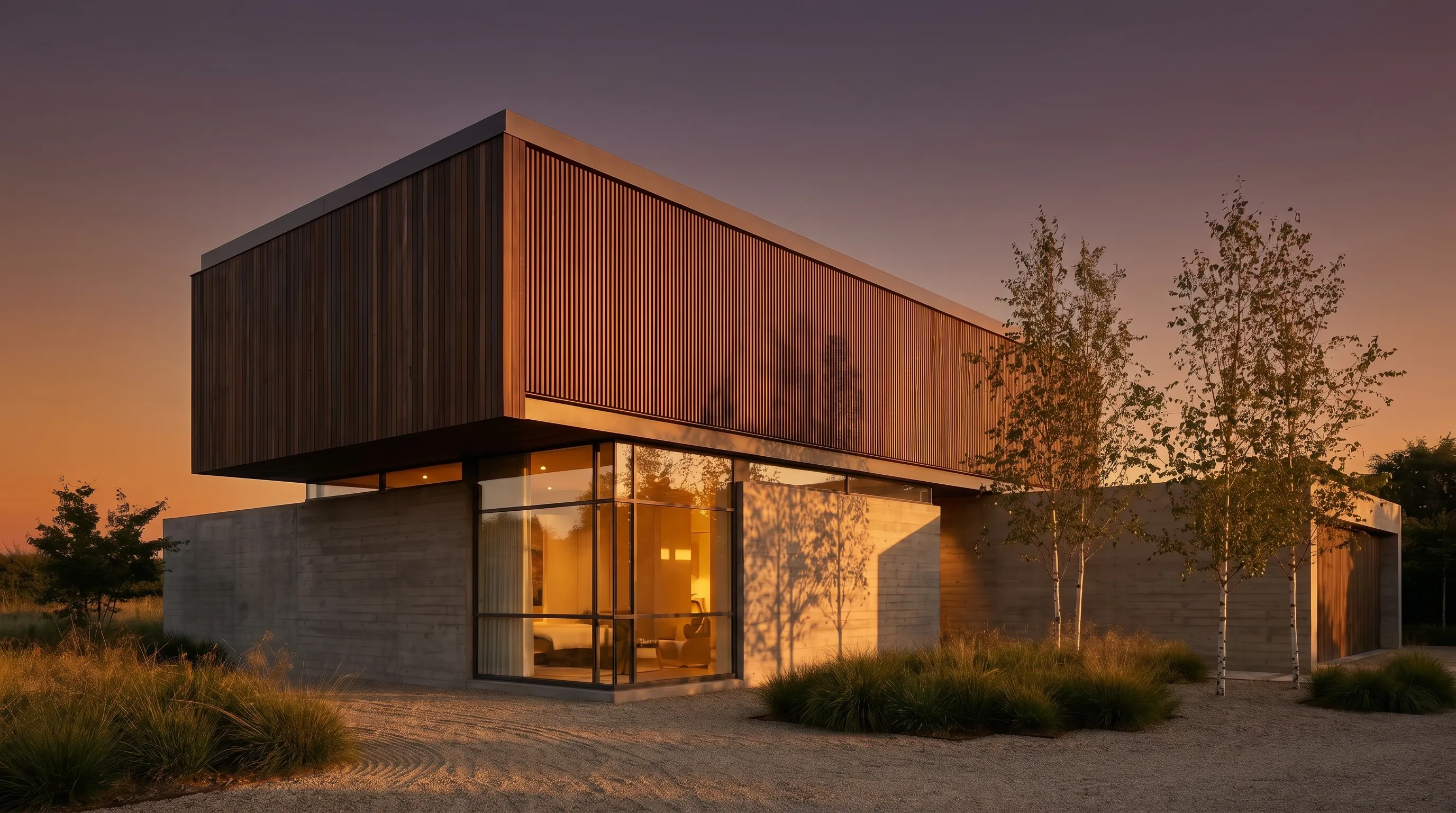
Chief Architect Premier is the reference professional program for residential and light commercial design. As you place walls, doors, and windows, it builds the 3D model, generates a materials list, and produces construction documents with site plans, framing plans, section details, and elevations. Manufacturer catalogs for cabinets, appliances, windows, and flooring let you draw real products.
It is a subscription only. Annual billing saves 27% against the monthly price. The trial installs the full program but removes printing, saving, exporting, and virtual tours.
Limitation: the cost and the hardware. Premier needs 16 GB of RAM, Intel Macs are not supported, and its physically based rendering needs a ray-tracing graphics card. The Chief Architect system requirements page covers the details, and Chief Architect rendering with AI shows how to get photoreal images without that GPU.
Published price (checked October 2026): $1,995/yr ($166.25/mo billed annually) or $229/mo billed monthly, USD. See the Chief Architect Premier pricing breakdown for plan terms and multi-year totals.
3. Cedreo — best for builders who sell homes from plans

Cedreo is browser-based home design software for home builders, contractors, and remodelers. Its pitch is speed: the company says a complete house can be drawn in under two hours, and the plan, site plan, and photoreal interior and exterior renderings all come out of the same account for a client presentation.
You can import an existing plan as JPEG, PNG, PDF, DWG, or DXF and trace it. Plans export to JPG, DXF, and PDF. The Pro plan includes 40 renderings and 10 AI renders a month; Enterprise adds team tools at $119 per user per month billed annually. Homeowners with one project can buy the Personal plan once, with 20 renderings and 3 AI renderings for that project.
Limitation: renders are metered. Forty a month on Pro is enough for a few homes, not for a high-volume sales team, and Cedreo stops at preliminary design rather than full construction documents.
Published price (checked October 2026): Pro: $79/mo billed annually or $129/mo monthly, 40 renderings a month · Personal: $139 per project. See the first-party pricing page for current terms.
4. SketchUp — best for flexible 3D modeling

SketchUp is a general 3D modeler rather than a home design program, and that is its strength. Push-pull modeling handles anything you can describe: an odd roof, a deck around a tree, custom shelving. Pro adds the desktop modeler, LayOut for 2D documentation, and access to more than 1,000 extensions.
Go runs only on the web and iPad. Studio adds V-Ray, a Revit importer, and point-cloud modeling, but it is Windows only. Billed annually the three tiers come to about $129, $399, and $859 a year. Our SketchUp pricing guide breaks down each tier.
Limitation:SketchUp does not know what a wall or a roof is unless you add extensions, so there is no automatic framing, materials list, or cabinet logic. Photoreal output needs Studio's V-Ray or a separate renderer; see SketchUp rendering for the browser route, where Render a House reads the SKP file directly.
Published price (checked October 2026): Go: $10.75/mo · Pro: $33.25/mo · Studio: $71.58/mo, per user, billed annually, USD. See the SketchUp pricing breakdown for plan terms and multi-year totals.
5. Home Designer — best for DIY homeowners who want Chief Architect tools
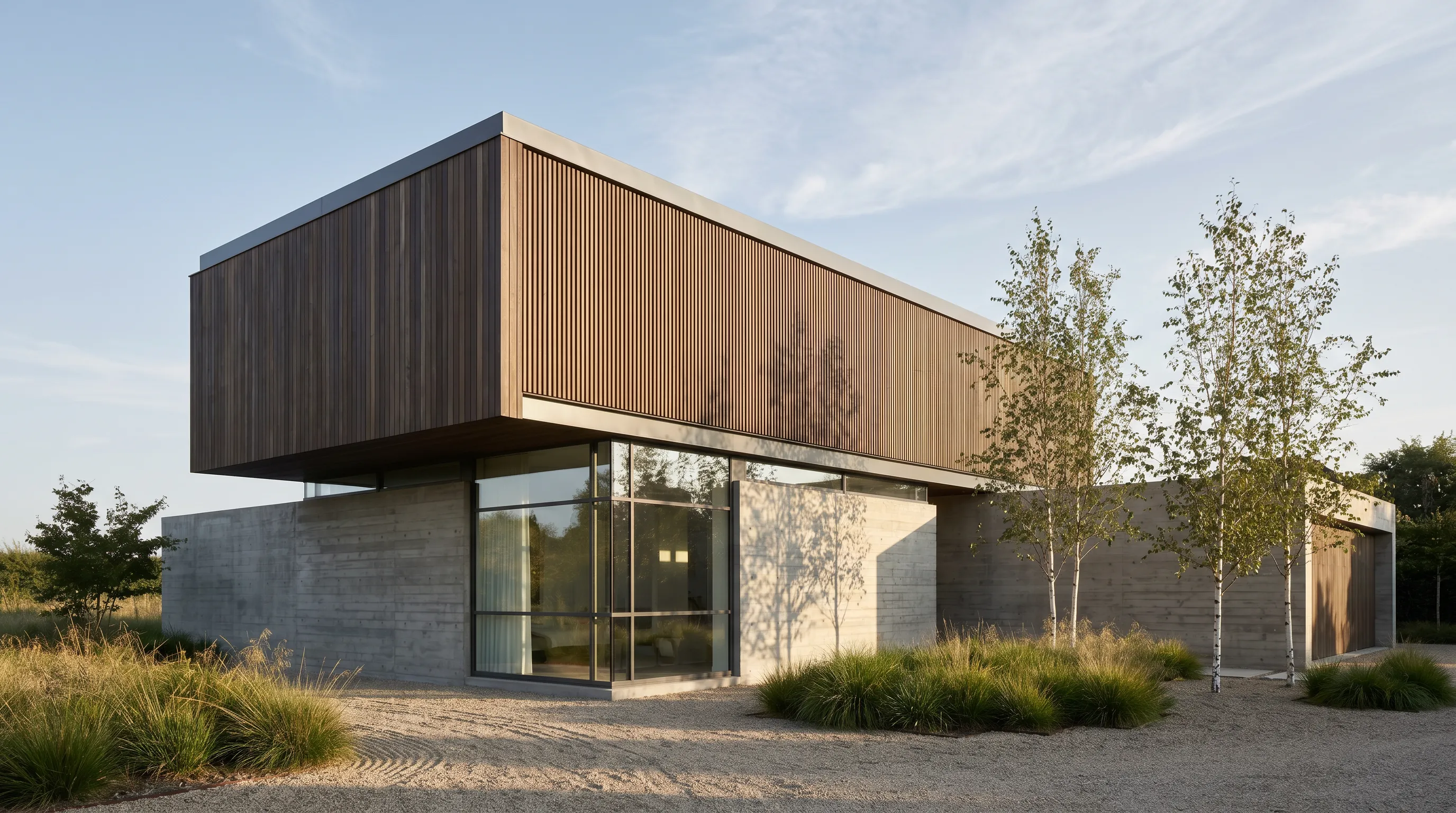
Home Designer is Chief Architect's product for do-it-yourself homeowners. It shares the parent program's smart objects: cabinets conform to kitchen and bath standards and snap into continuous countertops, and doors and windows frame their openings automatically, including the header. It produces cross-sections, elevations, walkthrough videos, and ray-traced views.
The current site sells a single Home Designer subscription rather than the separate Suite, Architectural, Pro, and Interiors editions some buyers remember. At $495 a year it costs about a quarter of Premier.
Limitation: it is still a subscription, which is a lot for one remodel, and it needs the same 16 GB of RAM and Apple M1 or newer as Premier. Its trial removes printing, saving, exporting, and virtual tours, so you cannot finish a project on it.
Published price (checked October 2026): $495/yr ($41.25/mo billed annually) or $79/mo billed monthly, USD. See the Home Designer pricing breakdown for plan terms and multi-year totals.
6. Planner 5D — best for planning across web, desktop, and phone

Planner 5D is the most cross-platform tool here, running on the web, Windows, macOS, iOS, and Android. You draw rooms, drop in furniture from a large catalog, and switch to 3D.
Premium unlocks the full catalog of more than 10,000 items, floor plan upload that converts a plan into a 3D project, and standard renders. Professional adds unlimited 4K renders, 3D model import in OBJ, FBX, Blend, and STL, 360° panoramas, and CAD export.
Limitation: the free plan locks half the furniture catalog, and the program is aimed at interiors and layouts rather than structure or construction documents.
Published price (checked October 2026): Premium: $59.99/yr or $19.99/mo · Professional: $399.99/yr or $49.99/mo, USD. See the first-party pricing page for current terms.
7. Sweet Home 3D — best free, open-source floor planner

Sweet Home 3D is free, open-source interior design software. You draw the plan of your house, arrange furniture on it, and see the result in a 3D view next to the plan. The download includes more than 10,000 models and 400 textures, and it can produce photo and video renderings.
It runs on Windows, macOS, and Linux, and an online version works in any WebGL browser. It is distributed under the GNU General Public License.
Limitation: it is a planning and furnishing tool. It does not produce framing plans, a materials list, or a construction document set, so use it for layouts, not for drawings a builder will price.
Published price (checked October 2026): Free, open source under the GNU General Public License. See the first-party pricing page for current terms.
8. DreamPlan — best low-cost one-time purchase

DreamPlan from NCH Software covers floor plans, interiors, landscaping, decks and patios, and pools. You can switch between 3D, 2D rendered, and 2D blueprint views, trace an existing floor plan, and export to JPG, PNG, OBJ, and STL.
It is the only paid program here with a one-time license. List prices are $50 for Home (personal use) and $60 for Plus (commercial use); during the October 2026 check the store showed a sale at $34.99 and $39.95 until October 15. NCH quotes US dollars but banks in Australian dollars, so the charge can shift slightly.
Limitation: it is a simple tool aimed at homeowners, not a construction-document program, and the free version is restricted to non-commercial use.
Published price (checked October 2026): Home: $50 · Plus (commercial): $60 one-time, or Plus at $9.99 per quarter, USD list prices. See the first-party pricing page for current terms.
9. Homestyler — best for cloud renders on a small budget
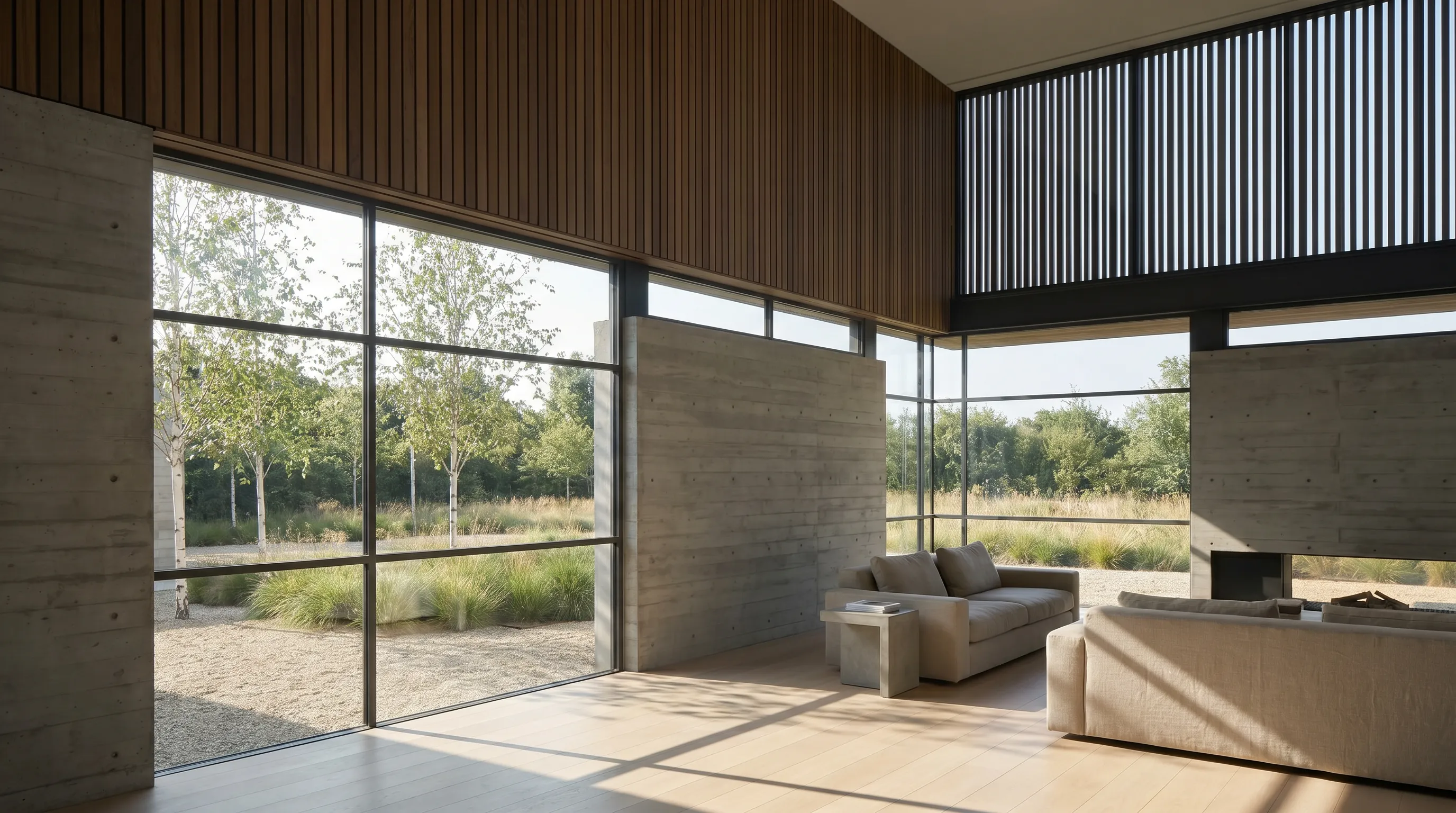
Homestyler is a cloud-based 3D floor planner with a large library of more than 100,000 free models and materials and unlimited 1K rendering on the free Basic plan. Its paid tiers add 2K and 4K renders, panoramas, video, custom lighting, and AI credits.
Pro+ includes 75 renders each at 2K and 4K a month and 180 AI credits, removes the Homestyler watermark, and lets you upload your own textures and models. Master+ makes 4K stills unlimited.
Limitation:"starts from" is the lowest rate across billing options, not a fixed monthly price, and our check used the USD page; vendor pricing in this category can be geolocated. Like Planner 5D, it is stronger on interiors than on structure.
Published price (checked October 2026): Pro+: from $6.8/mo for 75 2K and 75 4K renders a month · Master+: from $11.8/mo, USD. See the first-party pricing page for current terms.
Which home design software fits your workflow?
| Your situation | Best starting shortlist | Why |
|---|---|---|
| Your design is done and you need images that sell it | Render a House | Upload a screenshot or the model file and get a photoreal render in the browser without a GPU. |
| You build or remodel homes for clients and need permit-style drawings | Chief Architect Premier | Construction documents, framing, elevations, and a materials list come from the same model. |
| You sell new homes and need plans plus renders for a sales meeting | Cedreo | A browser workflow built around drafting a house quickly and presenting it, with renders in the plan. |
| You want to model anything, not only standard walls and roofs | SketchUp | Push-pull modeling handles decks, pergolas, odd roofs, and custom millwork that object-based tools resist. |
| You are a homeowner planning your own build or remodel | Home Designer, then DreamPlan or Sweet Home 3D on a tight budget | Home Designer carries Chief Architect's smart objects; the other two cost little or nothing. |
| You are furnishing rooms and want to work on your phone too | Planner 5D or Homestyler | Both lean on large furniture catalogs and cloud or mobile access rather than drafting depth. |
Two-tool stacks are normal. A remodeler might draw in Home Designer and upload a view to Render a House for the client image. A kitchen designer might lay out cabinets in Chief Architect and compare options with the tools in our kitchen design software guide. For outside work, see the exterior home design software and home remodel apps lists.
Which home design software is free?
Sweet Home 3D is the only program here that is completely free, with no account and no limits beyond its feature set. DreamPlan has a free version for non-commercial home use.
Free plans with limits come next. Render a House gives 3 credits a day at 1K resolution with a watermark. Planner 5D gives unlimited projects with half its furniture catalog. Homestyler gives unlimited 1K renders with a watermark. Cedreo allows one user and one project.
Chief Architect Premier, Home Designer, and SketchUp have no free plan. Chief Architect and Home Designer offer trials without saving or exporting, plus a two-week money-back guarantee on annual subscriptions. SketchUp offers a 7-day Pro trial .
How did we verify prices?
Every price was read from the vendor's own page in October 2026, rendered in a browser, in the currency the page displayed. Render a House figures come from the plans and pricing docs. We did not use third-party reviews as a price source.
- Chief Architect Premier pricing, trial limitations and system requirements
- Cedreo pricing
- SketchUp plans and pricing and free trial
- Home Designer pricing and trial limitations
- Planner 5D pricing
- Sweet Home 3D download page
- DreamPlan product page and purchase page
- Homestyler pricing
All figures were checked October 2026. Taxes can apply on top, and sales such as DreamPlan's change often. Confirm the linked page before you buy.
What can home design software not do for you?
None of these programs replaces an architect, engineer, or local building department. Home design software draws what you tell it; it does not check structural spans, local setbacks, energy codes, or whether a wall you removed was load-bearing.
- Consumer drawings from Home Designer, DreamPlan, or Sweet Home 3D are planning documents. Many jurisdictions require stamped drawings for structural work.
- Furniture catalogs show products that may be discontinued or priced differently by the time you buy. Treat them as stand-ins.
- Renders, including AI renders from Render a House, show intent. Lighting, materials, and small details can differ from what gets built.
- A materials list is an estimate. Get a contractor's quote before you budget on it.
What do people ask about home design software?
What is the best home design software?
It depends on who is drawing. Chief Architect Premier is the most complete choice for professionals who need construction documents, at $1,995 a year. Cedreo suits builders who sell homes from plans and renders. For homeowners, Home Designer brings Chief Architect's tools down to $495 a year, while Sweet Home 3D is free and DreamPlan has a free non-commercial version.
Is there free home design software?
Yes. Sweet Home 3D is free and open source on Windows, macOS, and Linux, with an online version. Planner 5D, Homestyler, and Cedreo have free plans with limits: half of Planner 5D's furniture catalog, watermarked 1K renders on Homestyler, and one project on Cedreo. DreamPlan has a free version for non-commercial home use. Chief Architect, Home Designer, and SketchUp offer trials, not free plans.
What is the easiest home design software for beginners?
Planner 5D, Homestyler, and Sweet Home 3D have the gentlest learning curve because you mostly draw rooms and drag furniture into them. DreamPlan is similar and adds a trace mode for importing an existing floor plan. Home Designer asks more of you but automates door and window framing and cabinet placement. SketchUp and Chief Architect Premier reward training time with far more control.
What home design software works on a Mac?
Chief Architect Premier and Home Designer both run on macOS Sequoia or Tahoe on Apple M1 or newer; Intel Macs are not supported. Sweet Home 3D, DreamPlan, and Planner 5D have macOS versions. Cedreo, Homestyler, and Render a House run in the browser, so any Mac with a current browser works. SketchUp Studio is Windows only, while Go runs on the web and iPad.
What software do architects use to design houses?
Residential designers and builders often use Chief Architect Premier because it produces construction documents from a 3D model. Many architects model in SketchUp and document in LayOut, or use BIM tools such as Revit and Archicad for larger projects.
How do I get photorealistic renders from home design software?
Most of these programs render inside the app: Chief Architect and Home Designer have ray-trace rendering, Cedreo and Homestyler include render quotas, and Planner 5D renders on paid plans. A faster route is to export a view or the model and upload it to an AI renderer such as Render a House, which runs in the browser and needs no GPU.
Keep reading
Related guides and comparisons

8 Best Room Planner Apps in 2026 (Free & Paid)
Compare eight room planner apps (Render a House, Planner 5D, RoomSketcher, Homestyler, Floorplanner, IKEA, Roomstyler, Magicplan) by free plan, platform and price.
8 Best AI Image Upscalers in 2026 (Free & Paid)
Eight AI image upscalers compared for architectural renders: Render a House, Magnific, Topaz Gigapixel, Let's Enhance, Upscayl, Krea and more, priced.
8 Best Kitchen Design Software and Apps in 2026
Eight kitchen design tools compared: Render a House for visualizing, IKEA Kitchen Planner, Cyncly Design Flex, ProKitchen, Chief Architect and more, with prices and limits.
