 Render a House/Updated Oct 12, 2026
7 Best Real Estate Photo Editing Software in 2026
Render a House is our #1 real estate photo editor for the single listing photo that needs real work — a new sky, an object removed, or a room staged. Seven real estate photo editors compared on how they edit, what they charge per photo or listing, what is free, and the limitation that matters before you publish a listing.
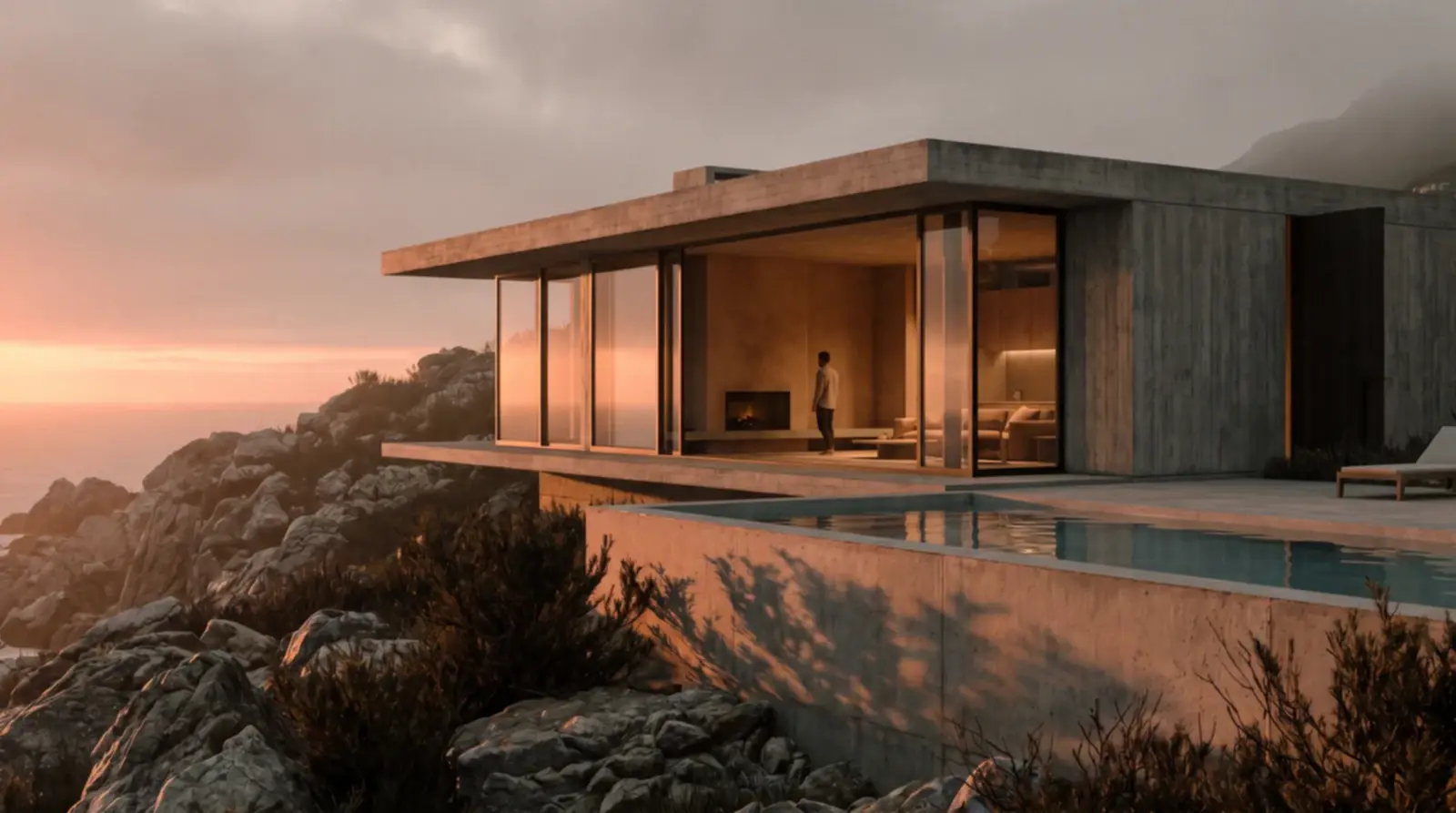
Render a House is our top pick for the one listing photo that needs real work — a new sky, an object removed or a room staged — starting with 3 free credits a day. For batch editing whole shoots, AutoHDR and Imagen run roughly $0.32 to $0.53 per photo on their published plans, BoxBrownie sells human-edited enhancements at US$1.60 per image, and Lightroom starts at US$11.99 a month for photographers who edit by hand.
Which real estate photo editing software is best at a glance?
Read each price with its quota: a per-photo price looks small until it is multiplied by 30 photos a listing.
| Tool | Best for | Input and platform | Published price | Free plan |
|---|---|---|---|---|
| 1. Render a House | Prompt-driven region edits on one photo: replace a sky, remove an object, or stage a room | Browser; PNG, JPG or WebP photos, plus sketches, plans and 3D models | Free: 3 credits a day (1K, watermark) · Basic: $19/mo for 120 credits · Pro: $39/mo or $312/yr for 240 credits/mo · Studio: $99/mo or $792/yr for 1,000 credits/mo | Yes, 3 credits a day with a watermark |
| 2. AutoHDR | Fully automated HDR editing, twilights and sky swaps for photographers shooting many listings a week | Browser upload of bracketed or single exposures | Free: 10 photos/mo · Standard: $265/mo for 500 photos ($0.53/photo), or $225.25/mo billed yearly · Enterprise: $2,250/mo for 5,000 photos ($0.45/photo) | Yes, 10 photos a month |
| 3. Imagen | Paying only for the photos you edit, with AI fixes and human revisions included | Browser web app; RAW and JPEG; output up to 6K | Imagen for Real Estate pay-as-you-go: $0.32/photo ($0.22/photo in the first month at 30% off) · custom pricing for teams editing 25,000+ photos a year | Free trial of 250 photos |
| 4. Fotello | Media teams that want AI editing, staging, twilights, booking and delivery in one platform | Browser platform with order form, agent portal and API | Free: $0 per listing (up to 30 photos, Fotello branding) · Essential: $16/listing billed monthly on 75 listings ($1,200/mo) · Ultimate: $18/listing on 75 listings ($1,350/mo) · yearly: $12 and $14/listing on 900 listings | Yes, with Fotello branding |
| 5. BoxBrownie | Ordering individual edits from a human team without a subscription | Browser ordering; edits done by an editing team | Per image: US$1.60 image enhancement · US$4.00 day to dusk · US$8.00 item removal (US$4.00 for one or two small items) · US$24.00 virtual staging | No free plan published |
| 6. Lightroom | Photographers who want manual control, presets and synced edits across a shoot | Desktop, mobile and web apps, plus Lightroom Classic | Lightroom: US$11.99/mo (annual, billed monthly; 1TB, 250 generative credits/mo) · Photography plan with Photoshop: US$19.99/mo | 7-day free trial |
| 7. Luminar | Owning a desktop editor outright, with one-click sky replacement and AI erase | macOS and Windows desktop, mobile, and a plugin for Lightroom Classic and Photoshop | One-time payment: Desktop Only $129 · All Platforms $159 · Max $199; AI tools such as GenErase included for one year, then renewed through Luminar Prime | No free plan; 30-day money-back guarantee |
Prices are in the US dollars each vendor displayed when checked in October 2026; taxes and regional pricing can change the total.
How is real estate photo editing different from general photo editing?
General photo editors are built for any picture. Real estate editors are built for a narrow, repetitive job: interiors with bright windows and dark corners, exteriors shot whatever the weather, and dozens of near-identical frames per property that must look consistent.
The defining step is exposure blending. Photographers shoot several brackets of each room, and the software merges them into one image where the view through the window and the room itself are both readable. AutoHDR, Imagen and Fotello all automate this; Lightroom and Luminar offer HDR merge as a manual step. Then come listing fixes: straight verticals, new skies, green lawns, fireplace fire and blacked-out TVs.
The category also differs from AI virtual staging apps, which add furniture to empty rooms, and from AI rendering tools, which create images of buildings that do not exist yet. For marketing beyond the photos, see the guide to AI tools for real estate agents.
What should you compare before choosing real estate photo editing software?
Five questions separate the tools in practice:
- Who does the editing? AutoHDR, Imagen and Fotello are automated AI services with human revision options. BoxBrownie is a human editing team. Lightroom and Luminar are software you operate yourself. Render a House is a prompt-driven AI editor you steer one image at a time.
- How is it priced? Per photo (AutoHDR, Imagen), per listing (Fotello), per order item (BoxBrownie), per subscription (Lightroom), one-time license (Luminar), or credits (Render a House). Price a normal month, including re-edits.
- Does it handle brackets and RAW? If you shoot brackets, you need HDR merge. Imagen states RAW and JPEG support; Lightroom and Luminar edit RAW natively. Render a House accepts only PNG, JPG or WebP images.
- How fast is delivery? Automated services return batches in minutes; Imagen says a first batch is processed in under 10 minutes. BoxBrownie lists 24-hour turnaround on its enhancement steps.
- What does it connect to? AutoHDR integrates with delivery software, Fotello is itself a delivery platform with an API, and Lightroom syncs across devices.
What are the 7 best real estate photo editing software in 2026?
Render a House ranks first for the job that decides a listing — the single photo that needs a new sky, an object removed, or a room staged. Ranks two to seven then run from fully automated high-volume editing to desktop editors; each entry names the job it does best.
1. Render a House — best for sky replacement, object removal and staging from one photo
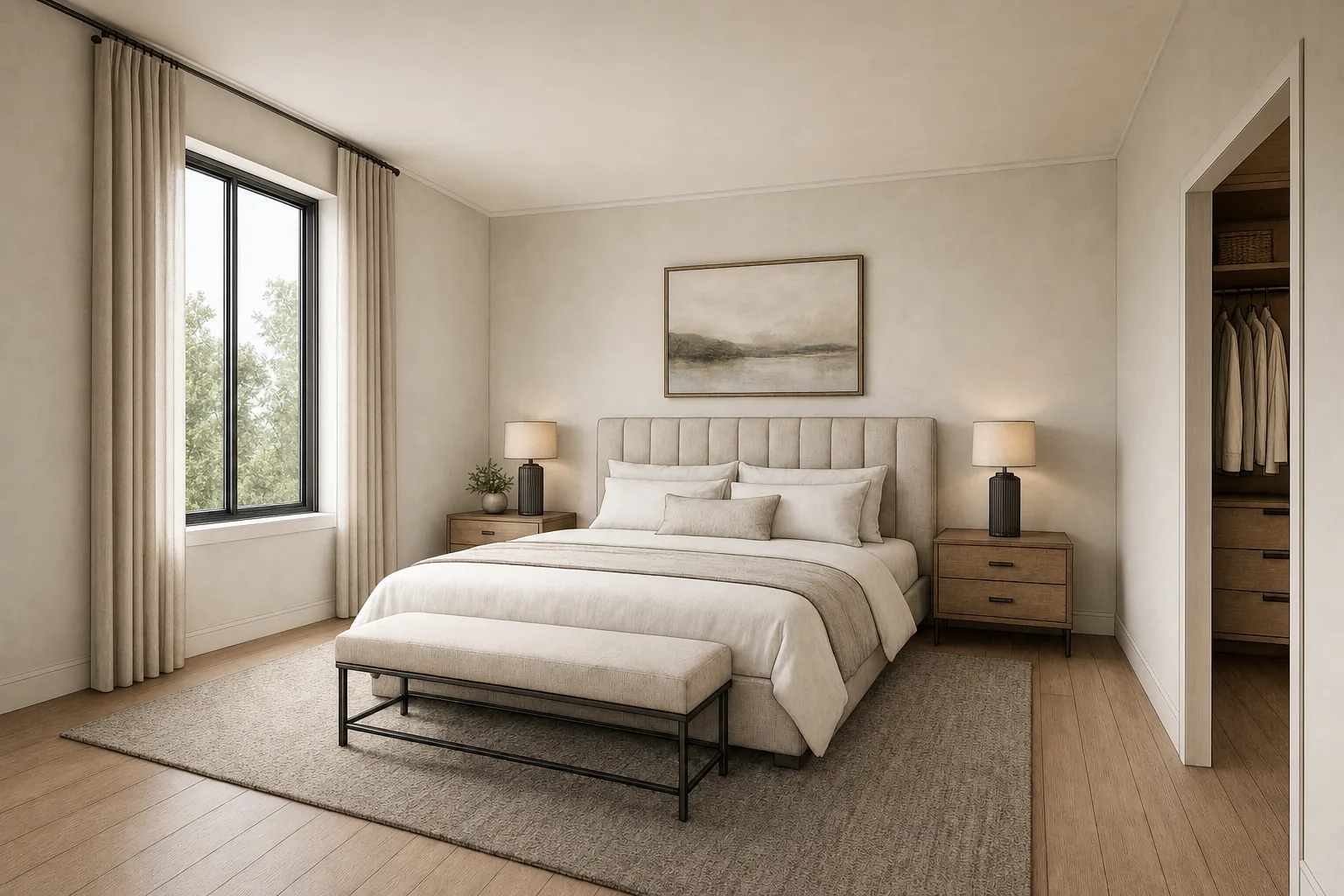
Render a House is an AI rendering tool, not a batch editor: there is no HDR merge. You upload one PNG, JPG or WebP photo, choose Edit this image, click Select to mark an area, and describe what should change. That one workflow covers three listing jobs.
- Sky replacement.Select the sky and write the sky you want, for example "replace the selected overcast sky with a clear late-afternoon sky, keep the roofline unchanged". There is no one-click sky button.
- Object removal. The object remover from photo workflow removes bins, cars, cords or clutter you select. The AI object remover comparison covers the alternatives.
- Staging. Virtual staging furnishes or restyles a room photo from a prompt, with optional reference images for a specific piece or palette.
The same account also renders listings that are not built yet from sketches, floor plan images or SketchUp models, and paid plans add video. A Standard 1K render costs 1 credit; estimate a month of edits with the render cost calculator.
The limitation is real: it edits one image at a time and does not merge brackets, read RAW files, correct a whole shoot consistently or deliver to an MLS. Generative edits can also shift details near the selection, so compare every result with the original before publishing.
Published price used in this comparison: Free: 3 credits a day (1K, watermark) · Basic: $19/mo for 120 credits · Pro: $39/mo or $312/yr for 240 credits/mo · Studio: $99/mo or $792/yr for 1,000 credits/mo. See plans and pricing for current terms.
Choose it if: a dedicated editor handles the shoot and you need a few prompt-driven fixes.
2. AutoHDR — best for automated HDR editing at high volume
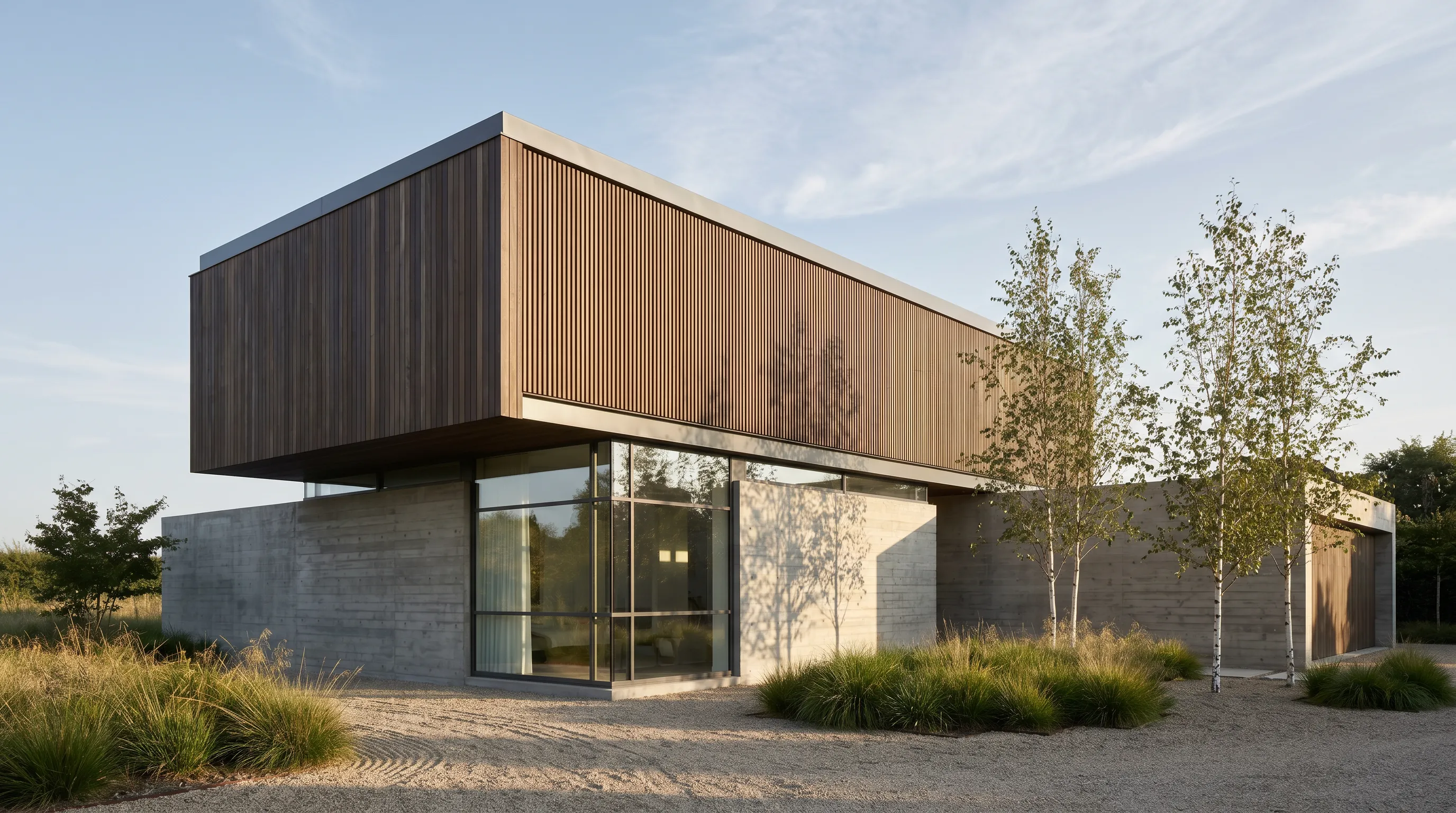
AutoHDR is a browser service built only for real estate. You upload a shoot and it returns edited photos with its HDR model, which it offers in Natural and Intense looks. Its capabilities list covers twilights, fire in fireplaces, TV screens, removals, sky replacement, grass greening, virtual staging and lot lines. An AI re-edit option takes text prompts for one-off changes.
The pricing model is "only pay for what you download". Unused credits roll over, and you can top up credits at any time. The Enterprise plan adds automatic TV blackout, automatic fire, walkthrough re-ordering and a dedicated Slack channel. It also integrates with delivery software.
The limitation is cost at low volume: the smallest paid plan shown is 500 photos a month, and the free plan covers only 10.
Published price used in this comparison: Free: 10 photos/mo · Standard: $265/mo for 500 photos ($0.53/photo), or $225.25/mo billed yearly · Enterprise: $2,250/mo for 5,000 photos ($0.45/photo). See the first-party pricing page for current terms.
Choose it if: you shoot brackets for many listings a week and want editing fully automated.
3. Imagen — best for pay-per-photo browser editing
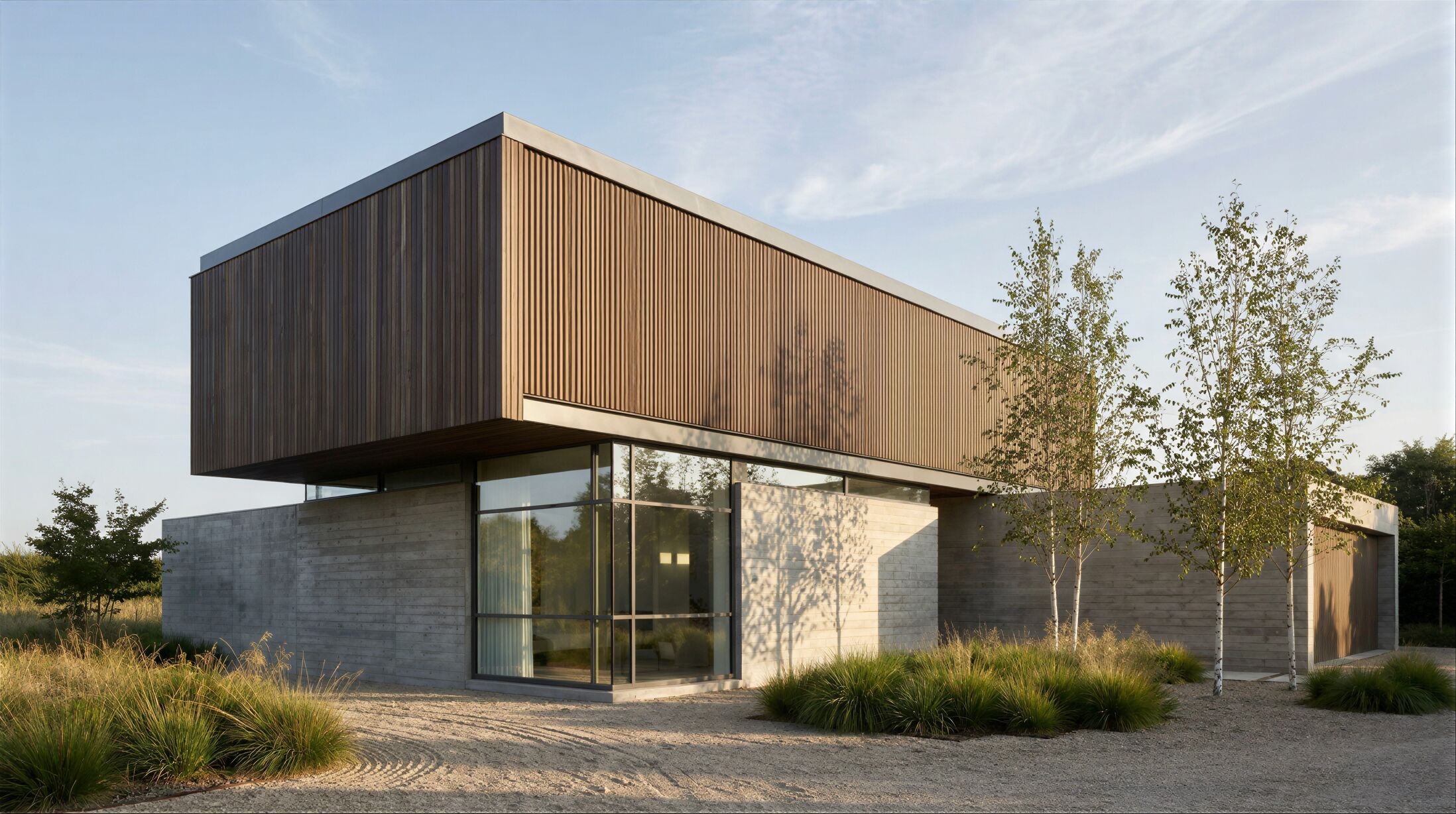
Imagen sells AI editing for photographers and runs a separate web app for property work, Imagen for Real Estate. It runs in the browser with no installation, batch-imports a shoot, and applies HDR merge, window pull, perspective correction, sky replacement, color enhancement, crop and object removal. An AI assistant takes typed requests for virtual staging, twilight conversion and removals.
The real estate plan includes five human revisions per listing, output up to 6K resolution, RAW and JPEG support, privacy blur, and an AI-disclosure watermark you can apply to single photos or whole batches, which helps where listing rules ask for AI edits to be labelled.
The limitation: the real estate app is priced separately from Imagen's photography plans, so the Limitless subscription on its main pricing page does not cover it.
Published price used in this comparison: Imagen for Real Estate pay-as-you-go: $0.32/photo ($0.22/photo in the first month at 30% off) · custom pricing for teams editing 25,000+ photos a year. See the first-party pricing page for current terms.
Choose it if: you want per-photo pricing with no monthly minimum and human revisions included.
4. Fotello — best for editing plus listing delivery in one place
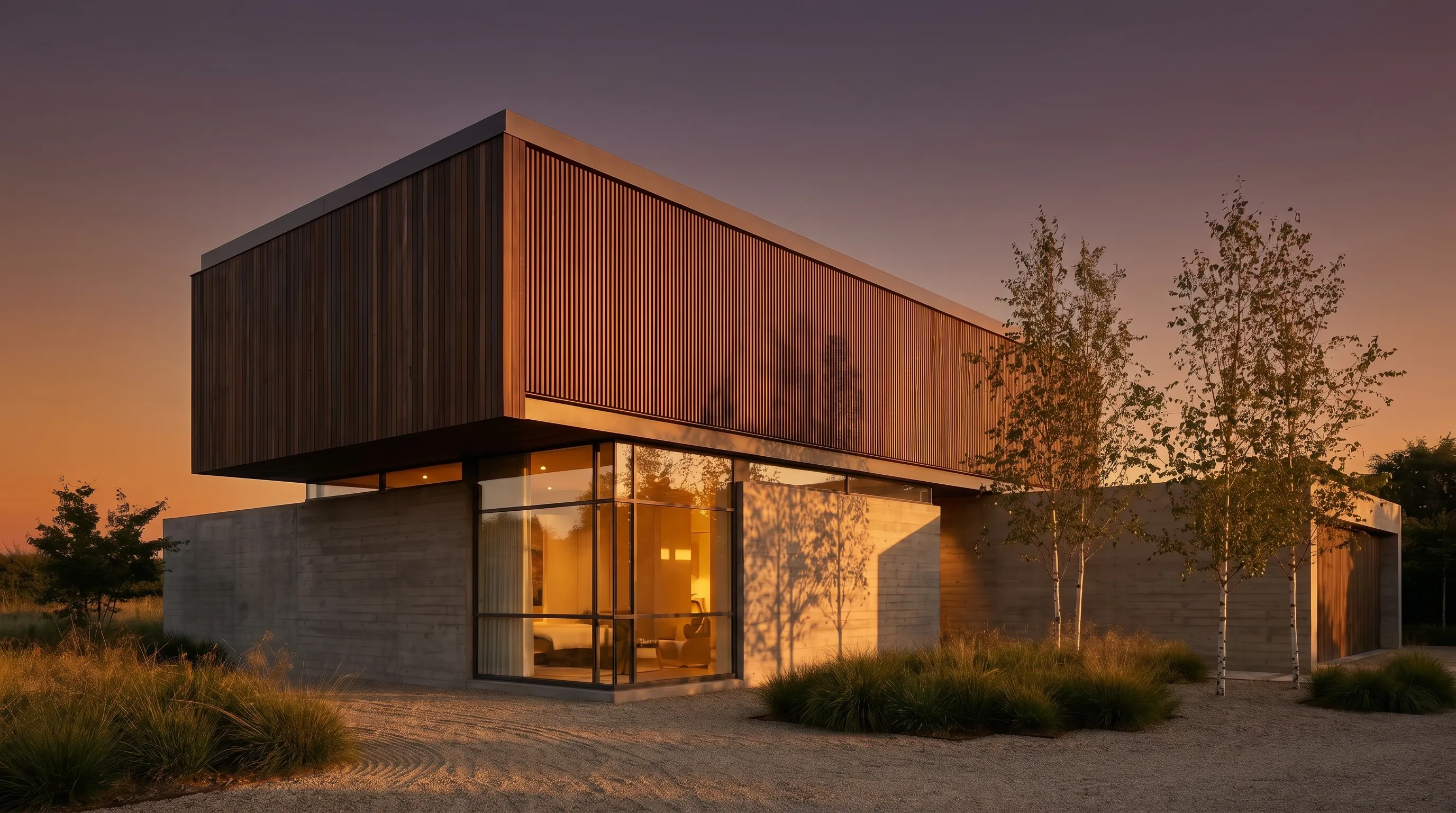
Fotello combines AI photo editing with the business side of real estate media. It adds an order form, media delivery, property websites, an agent portal, payments and an API. Its plan comparison lists window pull, sky replacement with multiple sky options and custom skies, grass replacement, camera and hand removal, item and furniture removal, twilight creations and staging creations.
Pricing is per listing rather than per photo. Essential covers up to 50 photos a listing with unlimited human revisions; Ultimate covers up to 75 and includes two twilight and two staging creations per listing. Extra edited photos cost $0.5 each on the paid plans.
The limitation: the published per-listing prices are based on a 75-listing monthly commitment ($1,200 or $1,350 a month), so the platform makes most sense for media teams rather than solo agents. A single-listing pay-as-you-go option exists, but its price was not shown on the public page.
Published price used in this comparison: Free: $0 per listing (up to 30 photos, Fotello branding) · Essential: $16/listing billed monthly on 75 listings ($1,200/mo) · Ultimate: $18/listing on 75 listings ($1,350/mo) · yearly: $12 and $14/listing on 900 listings. See the first-party pricing page for current terms.
Choose it if: you run a media company and want editing, delivery and client portals under one subscription.
5. BoxBrownie — best for human-edited, per-image orders

BoxBrownie sells edits as individual orders done by an editing team. Its US$1.60 image enhancement is described as a 17-step process that includes white balancing, straightening, sky replacement, lawn repair, TV screen replacement, fire in fireplaces, HDR bracketing with window replacement and removal of the photographer's reflection, each listed with a 24-hour turnaround.
The catalogue goes well beyond photo correction: day-to-dusk, item removal, virtual staging, virtual renovation from US$24.00, floor plan redraws and renders.
The limitation is speed and cost at volume: human editing takes hours, and per-image prices add up quickly on a 30-photo listing.
Published price used in this comparison: Per image: US$1.60 image enhancement · US$4.00 day to dusk · US$8.00 item removal (US$4.00 for one or two small items) · US$24.00 virtual staging. See the first-party pricing page for current terms.
Choose it if: you list a few properties a month and want a team to do the editing without a subscription.
6. Lightroom — best for photographers who edit by hand
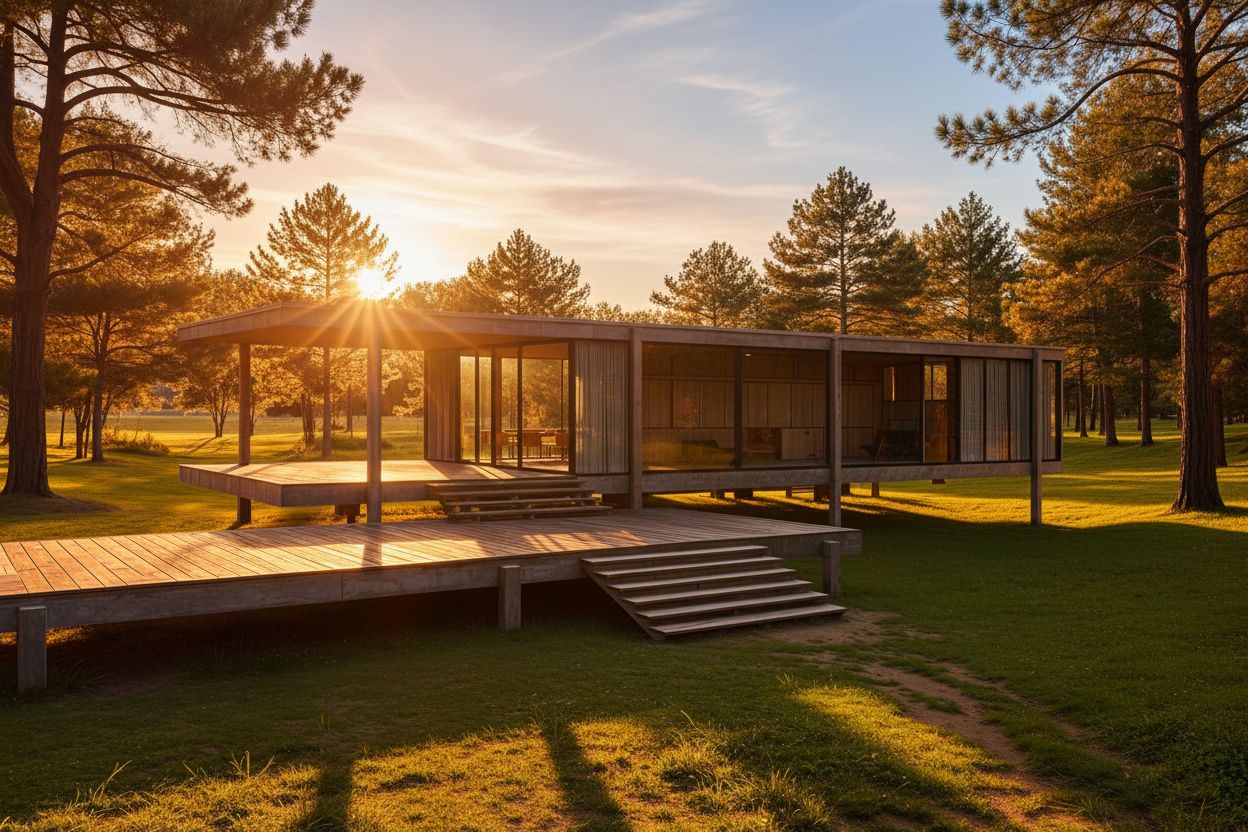
Lightroom edits RAW files, applies presets, and syncs settings across every frame of a shoot, which is how a photographer keeps one look across a listing. Its masking tools include Select Sky, which detects the sky automatically, and the sky mask can be pasted across many photos at once.
For clean-up, Generative Remove uses Adobe Firefly to remove objects you brush over, such as vehicles, signboards and poles. Adobe states it does not deduct generative credits.
The limitation is labour. Lightroom gives control, not automation: there is no one-click virtual twilight, no virtual staging and no listing delivery. Sky masks adjust the existing sky rather than swapping in a new one, so a full replacement usually means Photoshop, which is included in the Photography plan.
Published price used in this comparison: Lightroom: US$11.99/mo (annual, billed monthly; 1TB, 250 generative credits/mo) · Photography plan with Photoshop: US$19.99/mo. See the first-party pricing page for current terms.
Choose it if: editing is part of your craft and you want a signature look you control frame by frame.
7. Luminar — best for a one-time desktop purchase

Luminar, from Skylum, is a desktop editor sold as a one-time purchase. Skylum's site now calls it Luminar, formerly Luminar Neo. Its feature list includes instant sky replacement, distraction removal, HDR merge, upscaling, batch processing, layers, masking and RAW editing, and a plugin for Lightroom Classic and Photoshop.
Sky replacement swaps a grey sky in one click, and the Max license adds a library of more than 70 skies for a year. GenErase covers object removal.
The limitation is the fine print on "forever". The license is perpetual, but the AI tools are included for one year and then renew through a Luminar Prime subscription; on the Desktop Only license, big upgrades may cost extra. It also has no staging, twilight or delivery workflow for listings.
Published price used in this comparison: One-time payment: Desktop Only $129 · All Platforms $159 · Max $199; AI tools such as GenErase included for one year, then renewed through Luminar Prime. See the first-party pricing page for current terms.
Choose it if: you prefer owning software and want fast sky replacement on the desktop.
Which real estate photo editing software fits your workflow?
Most workflows combine a tool that edits every photo of a shoot with one for the few images that need a bigger change.
| Starting situation | Best starting shortlist | Why |
|---|---|---|
| One photo that needs a new sky, an object gone or a staged room | Render a House | Select the area, describe the change, and compare against the original before you download. |
| A photographer shooting brackets for several listings a day | AutoHDR or Imagen | Both batch-process whole shoots in the browser and price per photo, so cost scales with volume. |
| A media company that also books, delivers and invoices | Fotello | Editing sits inside an order form, agent portal and property websites, priced per listing. |
| An agent with a few listings and no editing time | BoxBrownie | Order one enhancement, twilight or staging at a time; a team does the work. |
| A photographer who wants a signature look by hand | Lightroom or Luminar | Presets, masks and synced edits give full control; Luminar is a one-time purchase. |
| A listing that is not built yet | Render a House | It also renders sketches, plans and 3D models, which photo editors cannot start from. |
If a photo needs more resolution after editing, the AI image upscaler comparison and the image upscaler cover that step.
Which real estate photo editing software is free?
Free tiers exist, but they differ in kind. Render a House refills 3credits a day at 1K resolution with a watermark. AutoHDR gives 10 photos a month. Fotello's free plan edits up to 30 photos per listing with Fotello branding, and its plan table lists AI-edited photos on that tier as view-only rather than full-resolution downloads.
Imagen offers a 250-photo trial, Lightroom a 7-day trial and Luminar a 30-day money-back guarantee. Branding, watermarks and resolution caps make free tiers a way to test quality on your own photos, not to deliver listings.
How did we verify the prices?
Every price on this page was read from the vendor's own pricing or product page, checked October 2026, by loading the page in a browser and reading the rendered text. Where a price was not shown publicly, such as Fotello's single-listing option, it is not quoted. Render a House figures come from the plans and pricing docs.
- AutoHDR pricing and AutoHDR capabilities
- Imagen for Real Estate features and pricing and Imagen photography pricing
- Fotello pricing and Fotello product page
- BoxBrownie pricing and BoxBrownie image enhancement
- Adobe Lightroom plans, Generative Remove help and masking help
- Luminar pricing and Luminar features
- Render a House plans and pricing
What can real estate photo editing software not do?
Real estate photo editors make a property look its best in good light. They cannot make it a different property.
- They cannot make an edit honest for you. Removing clutter, a parked car or a hose is routine. Removing a power line, a cracked driveway or a neighbouring building changes what a buyer sees on a visit. Check your MLS and portal rules, label staged or AI-altered images, and keep the originals.
- They cannot fix a bad capture. Software recovers windows from brackets, but it cannot fix a missing room or motion blur without inventing detail.
- AI cannot guarantee unchanged geometry. Generative removal, staging and sky replacement can bend a window frame, alter a fixture or change the shadow direction. Compare each result with the original before you deliver it.
Render a House fits a handful of images that need a bigger change, and properties that do not exist yet, as covered in the guide to AI real estate renders and marketing videos. It is not a substitute for an editor that processes a whole shoot.
What do people ask about real estate photo editing software?
What is the best real estate photo editing software?
It depends on volume. AutoHDR and Imagen batch-edit whole shoots and price per photo, Fotello adds delivery and property websites, BoxBrownie has a team handle individual orders, and Lightroom and Luminar suit photographers who edit by hand. Render a House is the pick for replacing a sky, removing an object or staging a room in a single photo.
What is the best free real estate photo editing software?
There is no fully free professional option, but several have usable free tiers. AutoHDR gives 10 photos a month, Fotello has a free plan that edits up to 30 photos per listing with Fotello branding, and Render a House gives 3 credits a day at 1K resolution with a watermark. Imagen offers a 250-photo free trial and Lightroom a 7-day trial. BoxBrownie and Luminar publish no free plan.
How much does real estate photo editing cost per photo?
On the first-party pages checked in October 2026, AI editing ran from $0.32 per photo at Imagen for Real Estate ($0.22 in the first month) to $0.53 per photo on AutoHDR's 500-photo Standard plan and $0.45 on its Enterprise plan. BoxBrownie's human-edited enhancement is US$1.60 per image. Fotello prices per listing, from $16 on its Essential monthly plan.
Can AI replace the sky in real estate photos?
Yes. AutoHDR, Imagen, Fotello and Luminar list sky replacement as a feature, BoxBrownie includes it in its US$1.60 enhancement, and Lightroom can select the sky automatically so you can adjust it. In Render a House you select the sky region and describe the sky you want. A blue sky over a photo shot in flat light can leave shadows that contradict it.
Do you have to disclose virtual staging in a listing?
Often, yes. Listing rules differ by MLS, portal and market, so check the rules that apply before publishing, label staged or heavily edited images, and keep the unedited original. Removing permanent features is riskier than removing clutter.
Is Lightroom good for real estate photo editing?
Yes, for photographers who want to edit by hand. Lightroom offers presets, synced settings across a shoot, automatic sky and subject masks, and Generative Remove for distractions. It does not stage rooms, create virtual twilights automatically or deliver listings.
Can Render a House edit real estate photos?
Yes, one photo at a time. Upload a PNG, JPG or WebP, use Select to mark the sky, object or room area, and describe the change. A Standard 1K render costs 1 credit. It does not batch-process shoots, merge brackets or accept RAW files.
Keep reading
Related guides and comparisons

8 Best Room Planner Apps in 2026 (Free & Paid)
Compare eight room planner apps (Render a House, Planner 5D, RoomSketcher, Homestyler, Floorplanner, IKEA, Roomstyler, Magicplan) by free plan, platform and price.
8 Best AI Image Upscalers in 2026 (Free & Paid)
Eight AI image upscalers compared for architectural renders: Render a House, Magnific, Topaz Gigapixel, Let's Enhance, Upscayl, Krea and more, priced.
9 Best Home Design Software in 2026 (Free & Paid)
Compare nine home design programs, from Chief Architect and Cedreo to Sweet Home 3D, by who they suit, platform and published price, and when to add an AI render.
