 Render a House/Updated Oct 11, 2026
AI Virtual Staging from a Room Photo: Free to Start
Virtual staging digitally furnishes a photo of an empty or dated room so buyers can picture it lived in. Render a House does it in the browser from a single room photo, with no GPU or install, and you can start free with 3 daily credits.
Short answer
Quick answer: upload a PNG, JPG or WebP photo of the room, say what must stay (windows, floor, camera angle) and describe the furniture and style you want, then generate and refine. Render a House is a browser-based, no-GPU alternative to dedicated staging apps that also turns sketches, floor plan images and 3D models into renders, so the same account covers rooms that are not built yet.
Updated Oct 2026.
A room photo, restyled
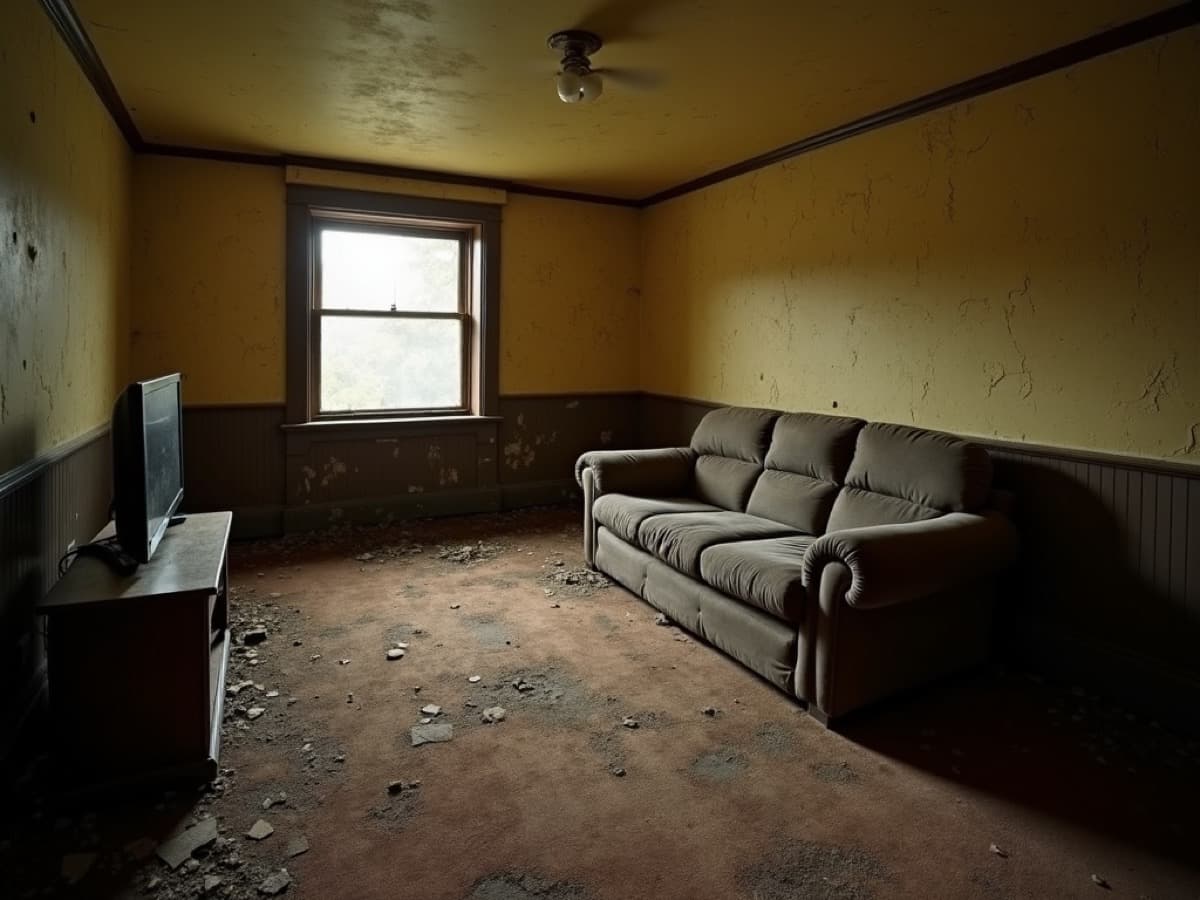
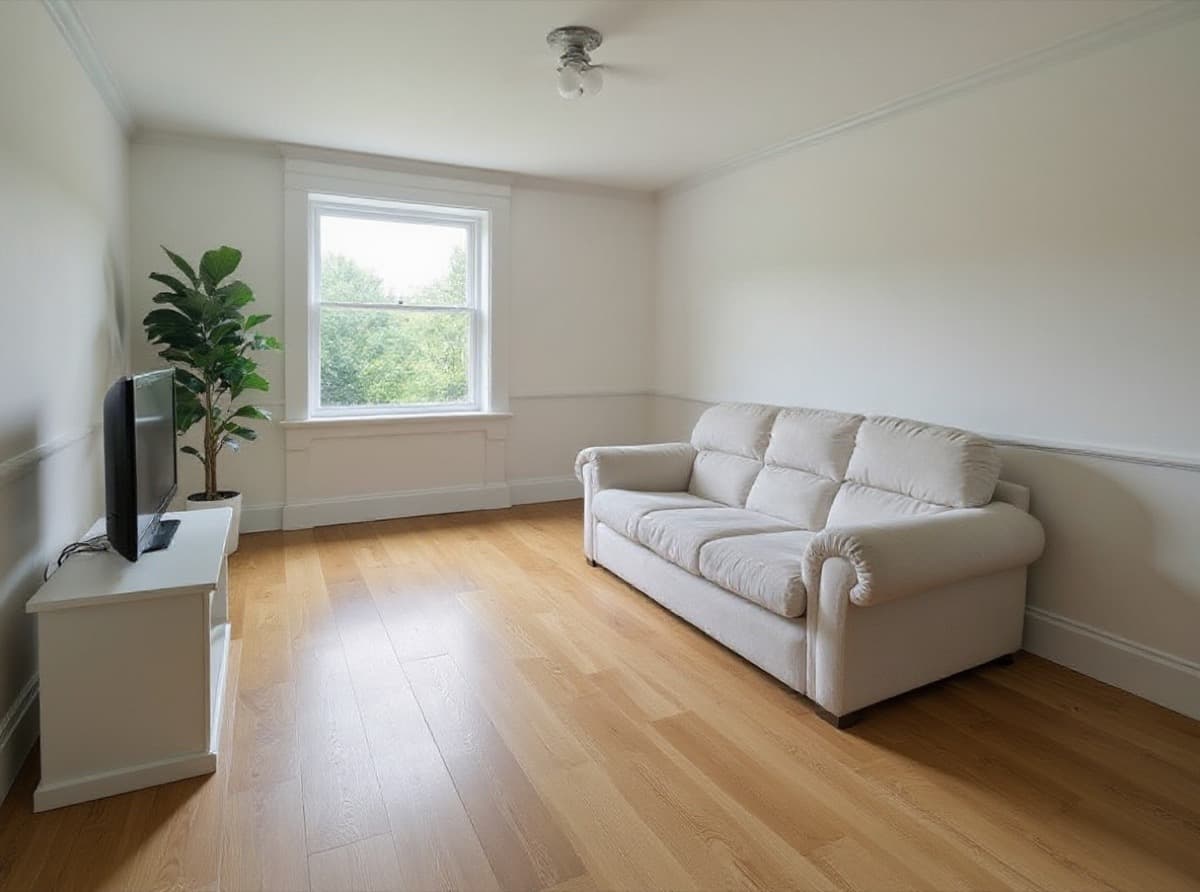
The window, ceiling light, wainscot line and furniture positions survive; walls, floor, sofa and styling change. That is the job virtual staging does for a listing: keep the real room, change what a buyer sees in it. Notice that the result is a concept, so the plant and the new flooring are proposals, not features of the property.
How to virtually stage a room in Render a House
- Upload the room photo. Start a project and drop in a PNG, JPG or WebP. Use the exact frame you intend to publish, shot level and in good light. See the supported file formats.
- Say what must stay. Name the permanent parts: “keep the window, door, floor area and camera angle.” This is the single most effective instruction for keeping a staged photo honest.
- Describe the staging. Room type, style and density: “furnish as a living room, warm modern, light oak, linen sofa, one rug, two lamps, uncluttered.” Add a reference image under References when a specific piece or palette matters, as the render generation guide explains.
- Refine. Generate a new version for broad changes like a different style; use Edit this image on a selected area to remove or swap one object. The refine and iterate guide covers both modes.
- Export. Download the image at the resolution your plan allows, or share it for review through the export and sharing workflow. Paid plans can also animate a render into a short video.
Compare AI virtual staging tools
Render a House is an AI rendering tool for architects and real estate. Dedicated staging apps are built around one listing photo at a time; Render a House is prompt-driven and also starts from drawings and 3D models.
Competitor prices and allowances below are taken from each company’s own pricing page as checked in October 2026; plans change, so confirm before you buy.
| Tool | Starting input | Free option | Paid pricing |
|---|---|---|---|
| Render a House | Room photo (PNG/JPG/WebP), sketch or plan image, or a 3D model (SKP, GLB, GLTF, OBJ, STL); prompt plus optional references. | 3 credits/day, Standard 1K with a watermark. | Basic $19/mo (120 credits), Pro $39/mo (240 credits), Studio $99/mo (1,000 credits); see plans and pricing. |
| Virtual Staging AI | A furnished or unfurnished room photo, then a room type and style, per its homepage. | “Upload image for free, no sign up, no credit card,” per its homepage. | From $16/mo billed yearly ($192/yr) for 6 photos/month, up to $79/mo ($948/yr) for 150; furniture removal and no watermark on every plan, per its pricing page. |
| Apply Design | A room photo, staged one-click (1.5 coins per 2D image) or in a drag-and-drop DIY editor (1 coin), per its pricing page. | First image free, per its pricing page. | $10 per Apply Coin (up to 9), $8 (10–19), $7 (20+), per its pricing page. |
| HanoDecor | A photo of a vacant room plus a design style, per its virtual staging page. | Free trial: 3 days on Starter, 7 days on Pro, per its pricing page. Free tier after the trial: Not published (checked Oct 2026). | Starter $38/mo (500 credits, 50 designs), Pro $58/mo (1,500 credits, 150 designs), per its pricing page. |
| mnml.ai | One photo of the room, empty or furnished; up to 2K on its Ultra engine, 4K via upscaler, per its virtual staging page. | 100 free credits on signup, no card, per its pricing page. | Lite $29/mo (1,000 credits), Plus $49/mo (3,000), Studio $119/mo (10,000); one-time pack $149 (10,000 credits), per its pricing page. |
Pick a dedicated staging app when you stage dozens of vacant listings a month and want a fixed per-photo price. Pick Render a House when staging is one of several jobs, such as renovation concepts, off-plan interiors from a plan or SketchUp model, or exterior renders, and you want one credit balance for all of them. For a longer list, including human staging services, see the AI virtual staging apps comparison.
What “free virtual staging” actually means
“Free virtual staging” rarely means unlimited. Across the tools above it means one of four things: a daily allowance (Render a House, 3 credits/day at 1K with a watermark), a free first image (Apply Design), signup credits (mnml.ai) or a time-limited trial that becomes a subscription (HanoDecor). Virtual Staging AI lets you upload an image free without signing up.
For a listing you will usually want a watermark-free, higher resolution file. On Render a House that means a paid plan or a credit top-up (minimum $5, card checkout). A Standard 1K render costs one credit; check the live plans and pricing page for 2K and 4K costs.
Limits and listing disclosure
Every AI staging tool generates a plausible image, not a measured one. Furniture may be out of scale for the room, windows and outlets can shift or disappear, and two photos of the same room can get different furniture. Compare each output with the original photo before you publish, paying attention to permanent features.
- Don’t present generated finishes, views or fixtures as part of the property.
- Label virtually staged images where your MLS or portal requires it, and keep the unstaged original.
- For a renovation proposal rather than a furnished listing photo, use the AI renovation tool.
Common questions
Can I do AI virtual staging for free?
- Yes, within limits. Render a House Free gives 3 credits per day for Standard 1K renders with a watermark; a Standard 1K render costs one credit. Paid plans remove the watermark and add monthly credits. Other staging tools offer a free first image, signup credits, or a time-limited trial instead.
What photo should I upload?
- A sharp, level, well-lit PNG, JPG or WebP of the room, shot from the angle you plan to publish. Wide shots that show the floor, windows and at least two walls give the model the most structure to keep. PDF is not accepted; export a plan or sheet to PNG or JPG first.
Does it work on furnished or cluttered rooms?
- Yes. You can ask for a new version that replaces dated furniture and finishes, or use Edit this image on a selected area to remove or swap a single object. Check the result for erased fixtures or changed walls before you use it.
Can I stage the same room in several styles?
- Yes. Generate a new version with a different prompt, such as Scandinavian, warm modern or coastal, and upload a reference image when a specific material or furniture piece matters. Each version uses credits.
Can I stage a room that is not built yet?
- Yes. Render a House also takes sketches, floor plan images and 3D models, including SketchUp .skp files uploaded directly, plus GLB, GLTF, OBJ and STL. That makes it useful for off-plan interiors where there is no photo to stage.
Do I have to disclose virtual staging in a listing?
- Often, yes. Listing rules differ by MLS, portal and market, so check the rules that apply to your listing before publishing and keep the unstaged original.
Have a room photo ready? Start a staged concept from the photo you already have.
Related guides:
- AI virtual staging apps compared
- AI living room design and AI bedroom design
- Object remover from photo for decluttering before staging
- AI architectural rendering for sketches, plans and 3D models
Keep reading
Related guides and comparisons

Architectural Visualization: The Complete Guide (2026)
Architectural visualization turns drawings and 3D models into images or video of a design before it is built. Compare render engines, studios, and AI.
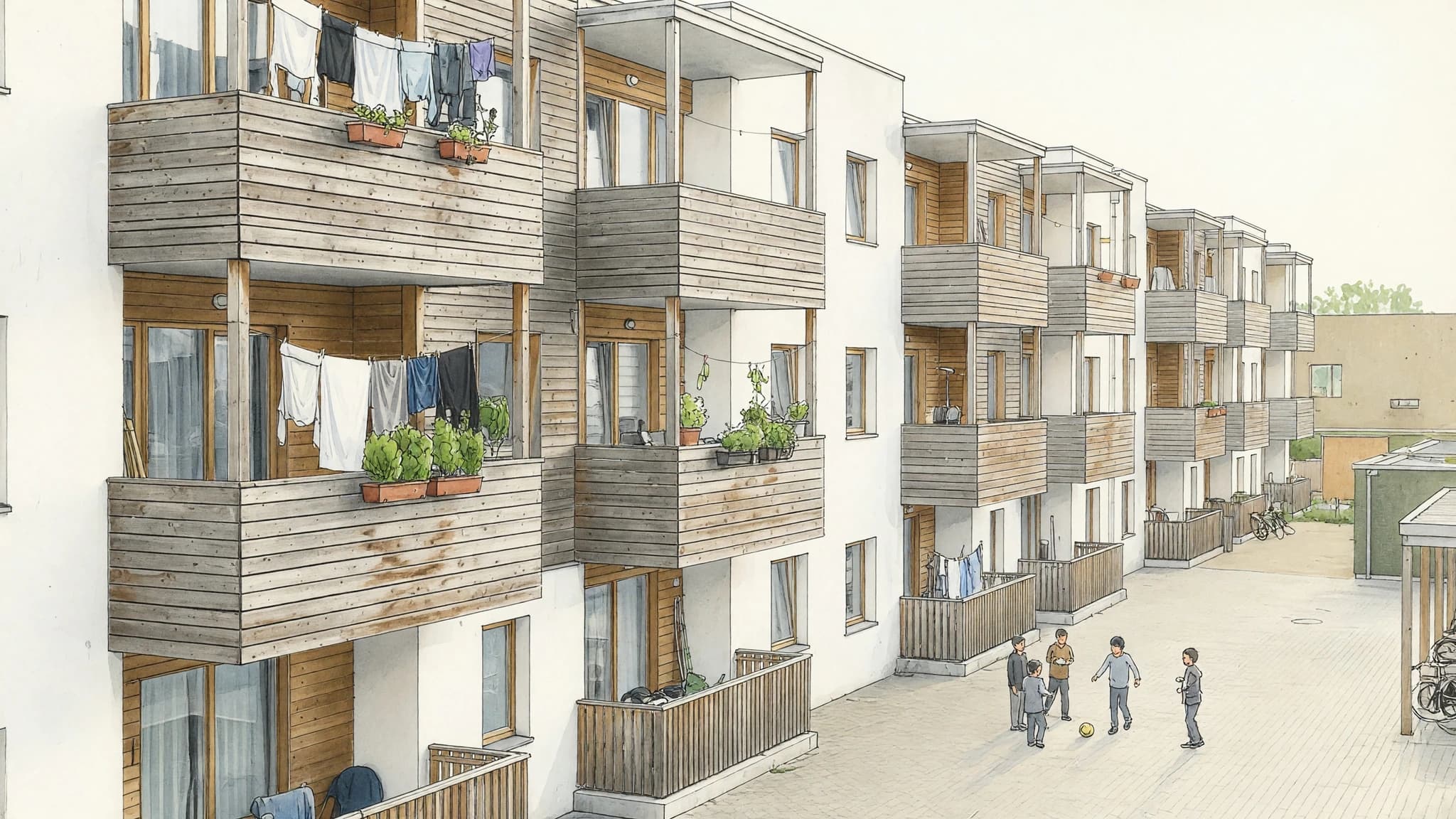
Marker Rendering: How to Do It by Hand and With AI
Marker rendering is colouring an ink line drawing with translucent markers, light to dark, leaving white paper as highlights. Hand technique and AI route.
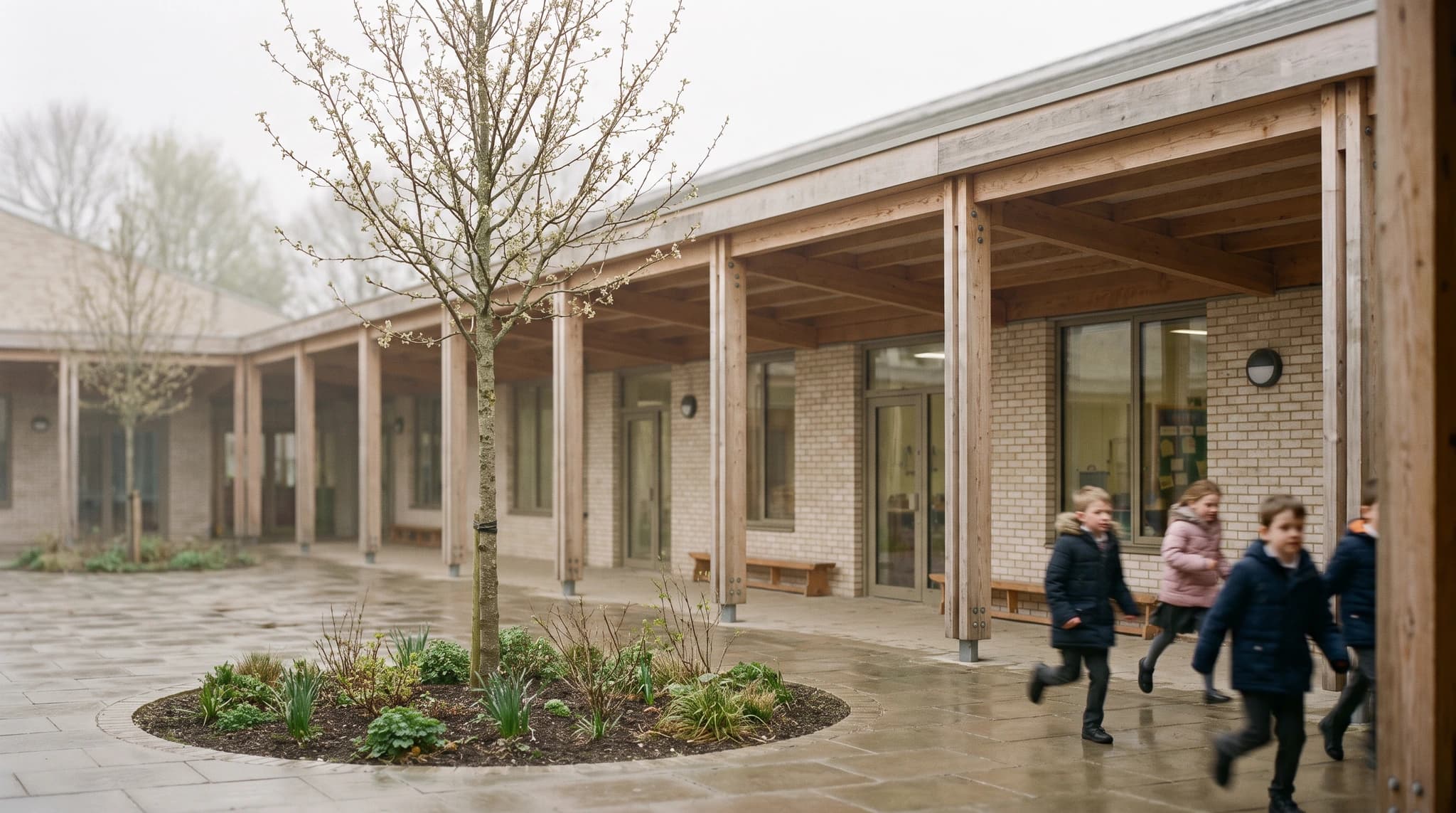
Architecture Portfolio: Examples, Free Template, and How to Make the Renders
A strong architecture portfolio shows four to six curated projects, each told through one lead image, the key drawings, and a short process story. Copy our free page-by-page template, study real examples, and make consistent renders from your studio models.
