 Render a House/Updated Oct 11, 2026
Architectural Visualization: The Complete Guide (2026)
Architectural visualization turns drawings, sketches, and 3D models into images or video of a design before it is built. You can produce it with a render engine, a render farm or outsourced studio, or a browser-based AI renderer such as Render a House that needs no GPU.

Short answer
Quick answer: architectural visualization (archviz) is the practice of turning drawings, sketches, or 3D models into images, animations, or interactive scenes that show a design before it is built. In 2026 you can get it three ways — a render engine on your own GPU workstation, a render farm or outsourced studio, or an AI renderer in the browser — and they differ mainly in cost per image, turnaround, and how much control you keep.
Updated Oct 2026. Every competitor price and turnaround below links to the first-party page it was checked against in October 2026; where a figure is not published, the page says so.
What is architectural visualization?
Architectural visualization is the craft of communicating a building, interior, or landscape visually before construction. Architects use it to test design options and win approvals, developers use it to pre-sell and lease, and planners use it to judge how a proposal sits in its context. The input is usually a 3D model from SketchUp, Revit, Rhino, Archicad, or Blender, but it can also be a floor plan, an elevation, a hand sketch, or a photo of an existing site.
Render a House is an AI rendering tool for architects and real estate. It is the third route this guide covers: it runs in the browser, takes a SketchUp file, a GLB, OBJ or STL model, or a PNG, JPG or WebP sketch or photo, and returns a photorealistic render without a render engine or a dedicated GPU.
What archviz deliverables look like
- Still renders. Exterior, interior, and aerial images — the most common archviz deliverable and the one most studios price per image.
- Animations and walkthroughs. Camera paths through or around the building, used for marketing and presentations.
- 360° panoramas and real-time scenes. Navigable views, often produced in real-time engines such as Enscape, Lumion, D5 Render, or Twinmotion.
- Concept and material studies. Fast, lower-fidelity options for massing, materials, time of day, and landscaping before the design is fixed.
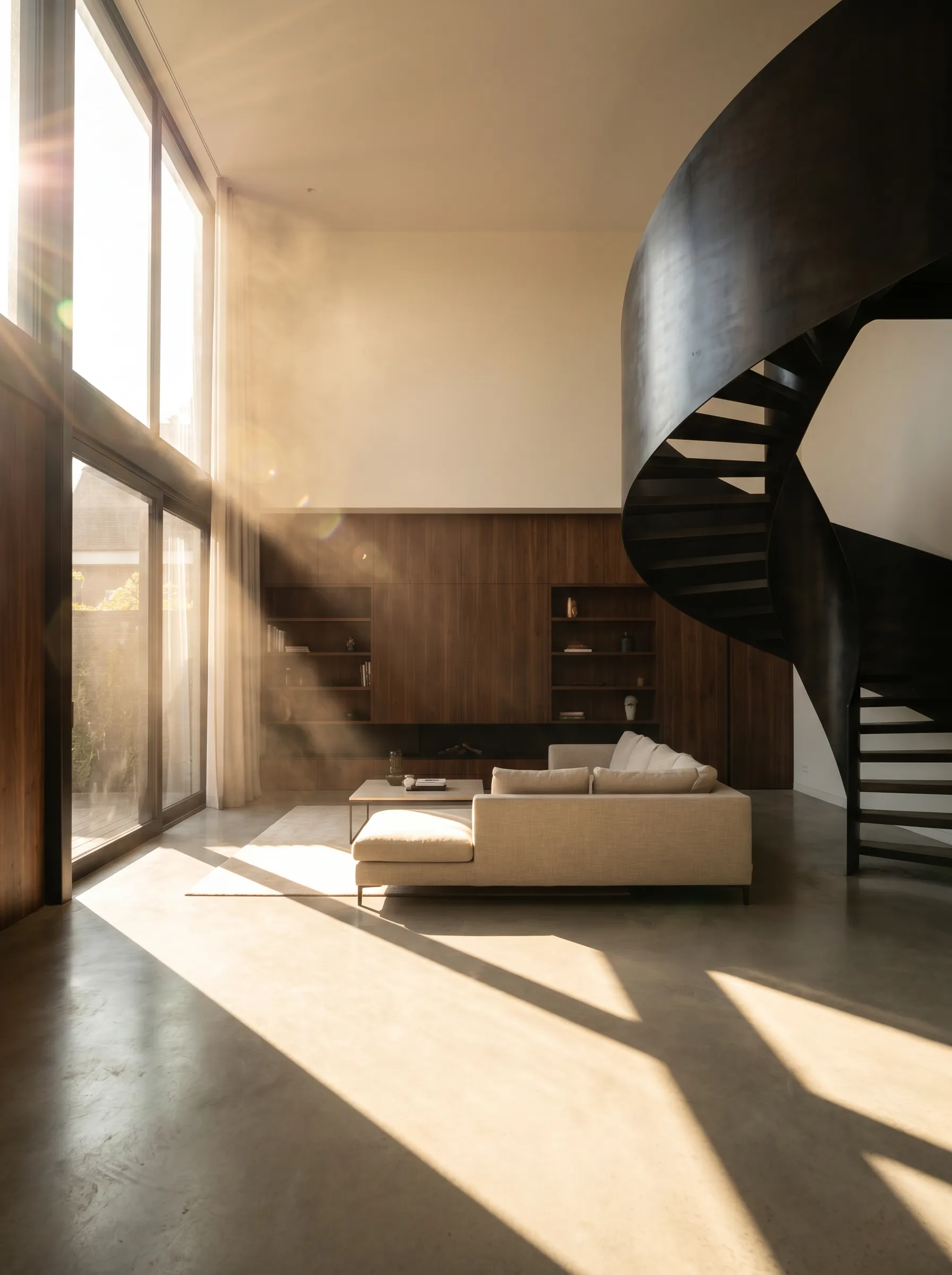
Archviz vs 3D visualization vs rendering
“3D visualization” is the umbrella term used across product design, film, and architecture. “Architectural visualization” and its short form “archviz” narrow it to buildings and spaces. “Rendering” is strictly the step that computes a final image from a lit, textured scene, but in practice clients ask for “a render” when they mean the whole visualization job. For a breakdown of the visual styles you can ask for, see rendering styles.
The three ways to get architectural visualization
The table compares the three routes on what you pay, how long you wait, and what you need on your own desk. Render a House is in the first row; its prices come from the current plan configuration, and every other figure links to its source.
| Route | What you pay | Turnaround | Your hardware |
|---|---|---|---|
| AI renderer: Render a House | Free: 3 credits/day at 1K with a watermark. Basic $19/mo (120 credits), Pro $39/mo (240 credits), Studio $99/mo (1,000 credits). A Standard 1K still uses 1 credit. | Generated on demand in the browser session; no fixed turnaround is published | None beyond a browser; no GPU |
| Render engine (V-Ray, Enscape, Lumion, D5, Twinmotion) | Free tiers (D5 Community; Twinmotion under $1M revenue) up to $1,149/yr for Lumion Pro, per Lumion. No per-image fee; your time is the main cost. | Not published (checked Oct 2026); depends on the artist, the scene, and the machine | Dedicated GPU; Lumion recommends an RTX 3060 (12 GB) class card, per Lumion system requirements |
| Render farm (Chaos Cloud, GarageFarm) | Chaos Cloud credit packs from $625/yr, per Chaos; GarageFarm from $0.024 per GHz·hour on CPU, per GarageFarm | Not published per image (checked Oct 2026); billed by compute time | A workstation to build the scene, plus the engine licence |
| Outsourced archviz studio | From $149 per exterior view, per The 2D3D Floor Plan Company; more than 80% of studios charge $350–$2,500 per image, per Rapid Renders' cost guide | 3–5 business days (2D3D) to about two weeks, per BoxBrownie | None; you send drawings, a model, and references |
On the paid Render a House plans, that works out to about $0.16 per credit on Pro and $0.10 on Studio; full details are in the plans and pricing docs. To model your own monthly volume across these routes, use the render cost calculator.
Route 1: a render engine on your own workstation
The traditional route: you or someone on your team builds the scene in a modelling tool, then lights, textures, and renders it in an engine. V-Ray is the classic offline ray-tracer; Enscape, Lumion, D5 Render, and Twinmotion are real-time engines that show a near-final image as you work. You get the most control of any route, and you pay for it in licence fees, hardware, and hours.
Licence cost
| Engine | Entry paid plan | Free option | Source |
|---|---|---|---|
| Render a House (AI, for comparison) | Basic $19/mo · Pro $39/mo | 3 credits/day at 1K with a watermark | Plans and pricing |
| V-Ray | Solo: $45/mo billed annually ($540/yr) | Not listed on the buy page (checked Oct 2026) | Chaos V-Ray buy page |
| Enscape | Solo: $47.90/mo billed annually ($574.80/yr) | Not listed on the buy page (checked Oct 2026) | Chaos Enscape buy page |
| Lumion | Pro: $96/mo, billed upfront at $1,149 for 1 year | Not listed on the buy page (checked Oct 2026) | Lumion buy page |
| D5 Render | Pro: $30/mo billed yearly ($360/yr) | Community: free | D5 Render pricing |
| Twinmotion | $445 per seat per year above $1M annual gross revenue | Free under $1M revenue, for students and educators | Twinmotion licence page |
Most of these engines also need a host modelling application, and each has its own pricing page on this blog: V-Ray, Enscape, Lumion, D5 Render, and Twinmotion.
Hardware
Local engines run on your GPU. Lumion's recommended tier, for example, is a ray-tracing-capable dedicated GPU with a Passmark score of 14,000 or higher, such as an RTX 3060 with 12 GB, on 64-bit Windows 10 (version 2004) or newer, per Lumion's system requirements. That card and the workstation around it are a cost the licence does not cover. Our Lumion system requirements and Enscape system requirements guides go tier by tier.
Time
None of the vendors publish how long a finished still takes, because it depends almost entirely on the scene and the person: modelling the context, assigning materials, placing entourage, lighting, test renders, and post-production. Real-time engines shorten the feedback loop, since the viewport is close to the final image, but the scene-building time stays with you. Treat “time per image” for this route as not published (checked Oct 2026), and budget artist hours rather than render minutes.
Route 2: a render farm or an outsourced studio
The second route pays someone else for either the computation (a render farm) or the whole job (a studio). They solve different problems: a farm speeds up renders you have already set up; a studio replaces the setup entirely.
Render farms
A render farm runs your scene on rented machines, so long animations or high-resolution stills finish faster than on one workstation. You still need the scene and the engine. Chaos sells Cloud credit packs of 30,000 credits for $625 a year and 60,000 for $1,050 a year, per Chaos Cloud. GarageFarm bills CPU rendering at $0.024, $0.036, or $0.072 per GHz·hour depending on priority, and GPU rendering at $0.004 to $0.012 per OB·hour, per GarageFarm pricing. Neither publishes a cost per finished architectural image, because it depends on how long your scene takes to render.
Outsourced archviz studios
An archviz studio takes drawings, a model, and references and returns finished images. Published rates vary widely with scope:
- Exterior renders from $149, interiors from $99, with turnaround from 3–5 business days, per The 2D3D Floor Plan Company.
- $300–$3,000 per image across project types; house renderings at $399–$1,500 in 3–6 days and aerials at $1,000–$3,000 in 6–10 days, per RealSpace 3D's pricing guide.
- More than 80% of studios charge $350–$2,500 per image, with a typical exterior still taking 7–10 days, per Rapid Renders' cost guide.
- US$280 per render with turnaround of about two weeks, per BoxBrownie.
For the full set of studio rate cards, pricing models, and rush and revision surcharges, read the 3D architectural rendering cost guide and the rendering prices by country comparison.
Route 3: AI architectural visualization
The newest route uses an image model to turn an input — a model view, a sketch, a plan, or a site photo — into a photorealistic render. There is no scene to light and no engine to install, so the cost per image is credits rather than artist hours, and the first option arrives in the same session instead of days later.
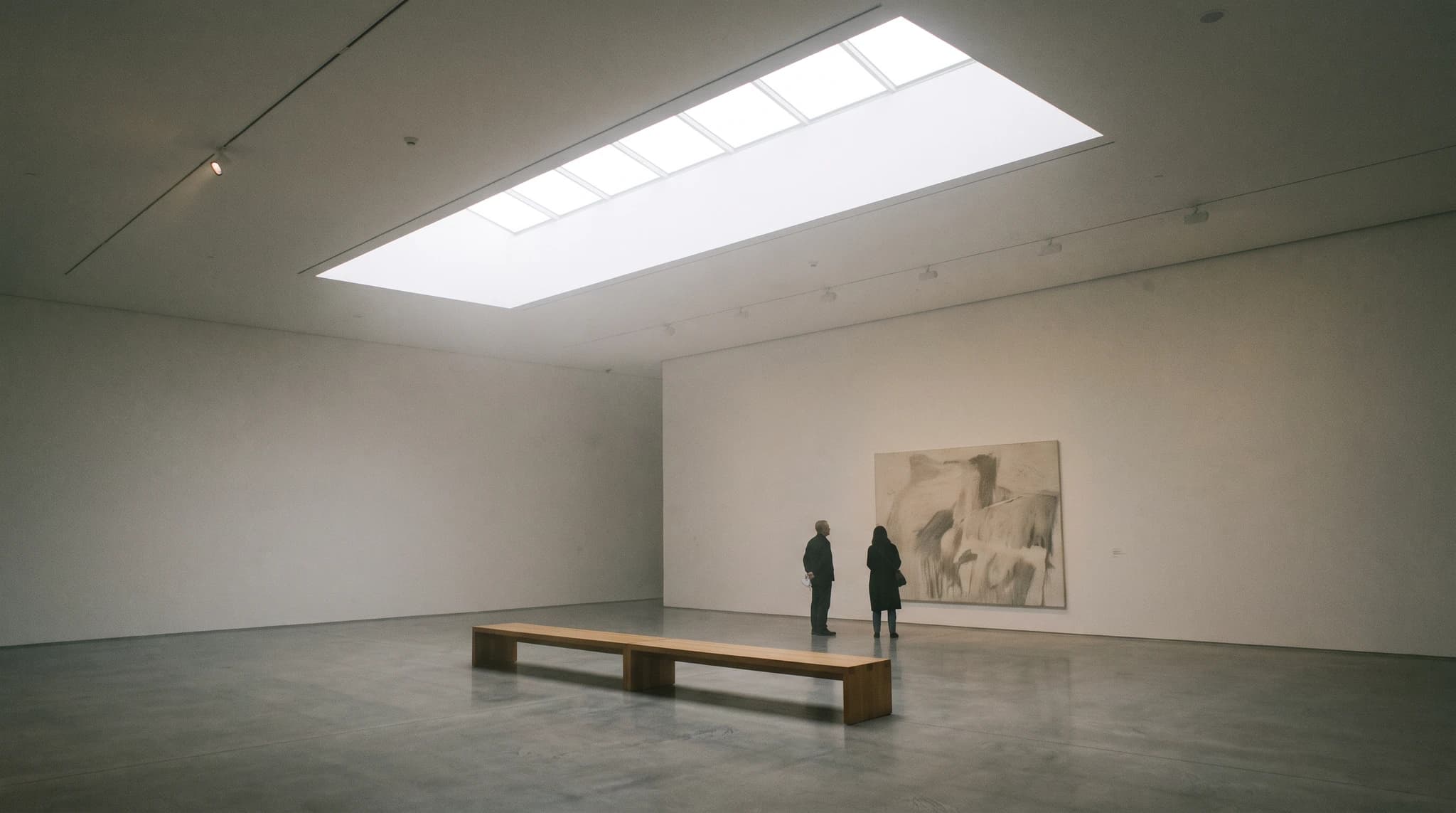
How the AI workflow runs
- Upload the input. Render a House accepts SketchUp
.skpfiles directly, GLB, GLTF, OBJ, and STL models, and PNG, JPG, or WebP images. A PDF drawing needs to be exported to PNG or JPG first. - Pick the view. For a model, frame the camera in the 3D viewer; for an image, the image is the view.
- Describe the result. Materials, time of day, landscaping, and mood go into the prompt, optionally with reference images.
- Refine and export. Edit regions, try variations, upscale, or turn the still into a short video, which is available on all paid plans.
Step-by-step guides for each input: SketchUp to render, floor plan to 3D render, and hand sketch to render.
What AI cannot do yet
- Not dimensionally exact. An image model can alter proportions, openings, and details; check the output against the drawings before presenting it.
- Less repeatable than an engine. Matching the exact camera and lighting across a large image set is easier in a controlled 3D scene.
- Not a construction document. Treat an AI render as a visual concept, not a measured or coordinated model.
How to choose a route
- Early design and client options: AI. Many material, lighting, and context variations cost credits instead of studio days.
- A steady flow of final images in-house: a render engine, if you already have the hardware and someone who knows it.
- Long animations on an engine you already use: add a render farm for the heavy frames.
- One or two marketing hero images, or planning work: a studio working to a fixed brief, ideally after you have settled the direction with cheaper concept renders.
Many teams mix routes: explore with AI, then commission or render the chosen view in full. For tool-by-tool picks, see the best rendering software and Lumion vs Enscape.
Common questions about archviz
What is architectural visualization?
- Architectural visualization, or archviz, is the production of images, animations, panoramas, or interactive scenes that show a building or interior before it exists. It is used for design reviews, client approvals, planning submissions, and sales or leasing marketing.
Is 3D architectural visualization the same as architectural rendering?
- Rendering is the step that computes a final image from a scene; architectural visualization is the whole discipline around it, including modelling, materials, lighting, camera choice, post-production, and animation. In everyday use the two terms overlap, and 3D visualization is the broader term used outside architecture as well.
How much does architectural visualization cost?
- It depends on the route. Render engine licences on this page run from free tiers to $1,149 a year for Lumion Pro, plus your own hardware and time. Outsourced studio stills start at $149 for an exterior at the lowest published rate found and commonly run $350–$2,500 per image according to one studio cost guide. AI renderers charge by subscription or credits.
Do I need a powerful GPU for archviz?
- For a local render engine, yes: Lumion, for example, recommends a dedicated GPU with a Passmark score of 14,000 or higher, such as an RTX 3060 with 12 GB. Outsourcing and browser-based AI rendering move the computation off your machine, so they do not need a dedicated GPU.
Can AI replace an archviz studio?
- Not for every job. AI is fast and cheap for concept options, material and lighting studies, and quick client previews, but it can change geometry and does not guarantee dimensional accuracy. Final marketing hero images, exact camera matches, and contract deliverables are still better served by a render engine or a studio working to a defined brief.
Have a model, sketch, or site photo ready? Try Render a House free and get a first visualization option without installing an engine.
Related guides
- 3D architectural rendering cost — published studio rates and pricing models.
- Architectural rendering examples — what each deliverable type looks like.
- Lumion alternatives — Enscape, V-Ray, Twinmotion, D5 Render, and AI side by side.
- Render cost calculator — compare monthly volume across routes.
Keep reading
Related guides and comparisons
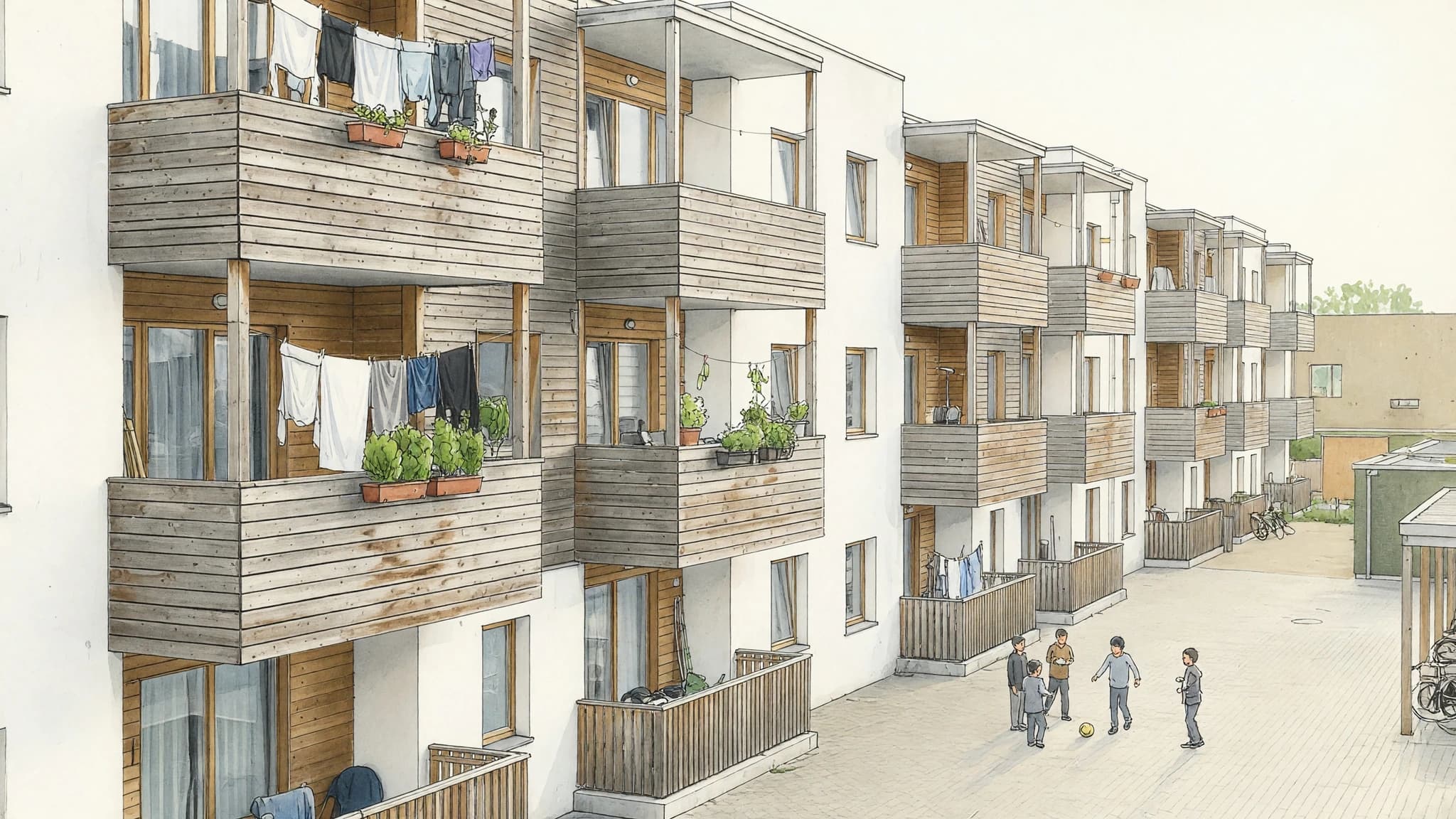
Marker Rendering: How to Do It by Hand and With AI
Marker rendering is colouring an ink line drawing with translucent markers, light to dark, leaving white paper as highlights. Hand technique and AI route.
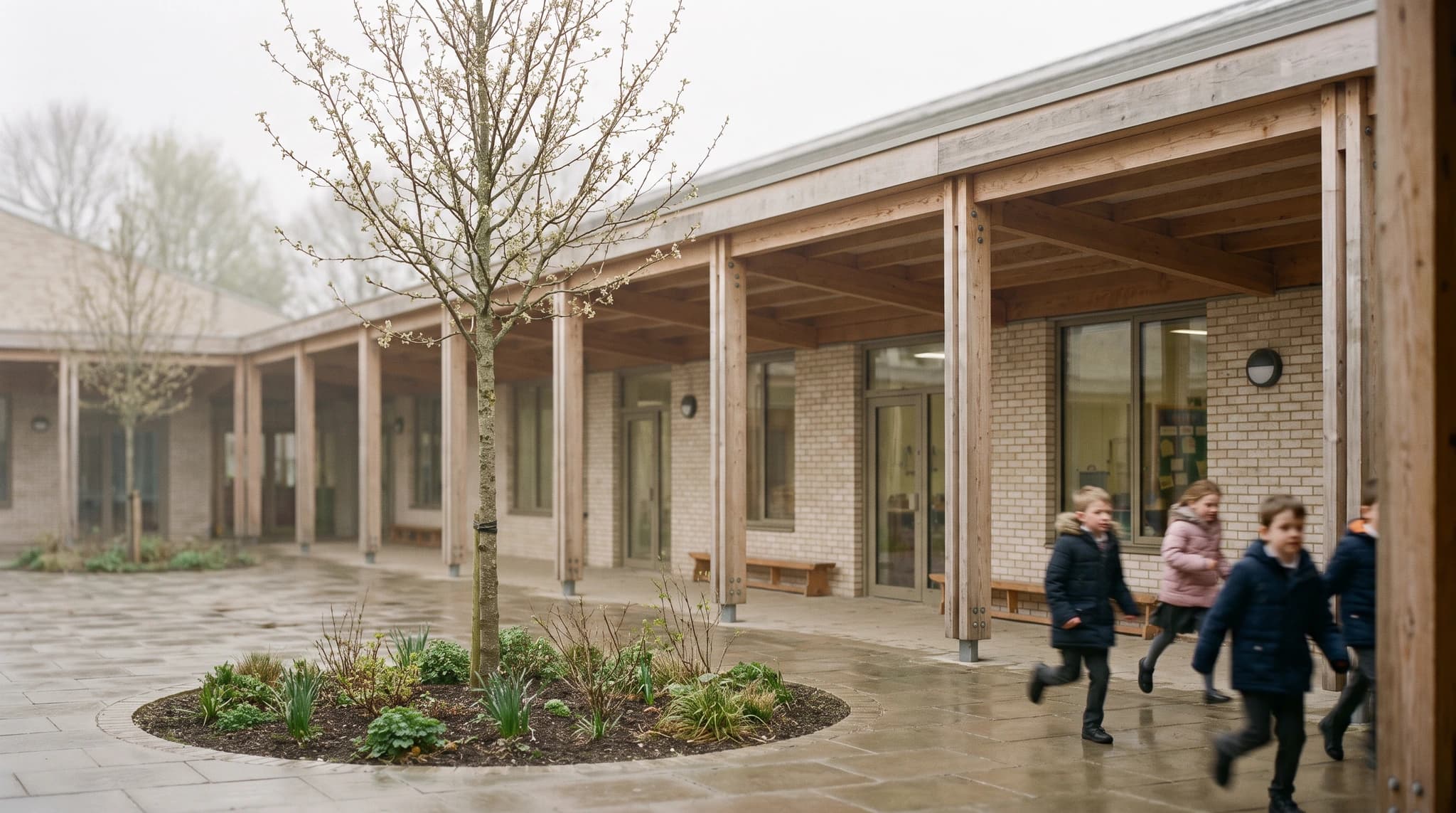
Architecture Portfolio: Examples, Free Template, and How to Make the Renders
A strong architecture portfolio shows four to six curated projects, each told through one lead image, the key drawings, and a short process story. Copy our free page-by-page template, study real examples, and make consistent renders from your studio models.
Home Builder Marketing: Renderings That Sell Homes Before They're Built
Home builder marketing works best when every listing leads with a photoreal image of the finished home. A playbook for AI renders, option variations and video.
