 Render a House/Updated Oct 11, 2026
Home Builder Marketing: Renderings That Sell Homes Before They're Built
A new-home buyer is often asked to commit before there is anything to walk through. This playbook makes renderings and short videos the core marketing asset for every plan, and shows how to produce them without a rendering studio, a model home or a GPU workstation.

Quick answer
Quick answer: Home builder marketing works best when every listing, ad and sales conversation leads with a photorealistic image of the finished home, and for homes that are not built yet that image has to be a rendering. AI renders and short videos made from your plans, sketches or 3D models let you produce those images for every plan, elevation and finish package in minutes instead of waiting on a studio or a model home.
Updated Oct 2026.
The tool this guide uses is Render a House, a browser-based alternative to desktop rendering software: you upload a floor plan image, an elevation, a hand sketch, a site photo or a 3D model and get a photorealistic render back, with no GPU and nothing to install. Other tools and approaches are compared in the table below.
Why renderings are the core asset for builders
Builders sell a large share of their homes before there is a finished house to photograph. In 2025, 67,000 of the 678,000 new single-family homes sold in the US were sold before construction started, and another 215,000 were sold while still under construction, per the Census Bureau and HUD New Residential Sales release (Table 3b, released September 24, 2026). That is about 42% of sales closed on a home the buyer could not yet walk through.
For those buyers, the rendering is the product. It is the image on the community page, the thumbnail on the listing portal, the first frame of the paid social ad and the board in the sales office. The usual builder marketing advice (a fast website, strong listings, social video, email follow-up, a good sales-center experience) still applies, but every one of those channels runs on the same asset. If the renders are slow to produce, the whole marketing calendar waits on them.
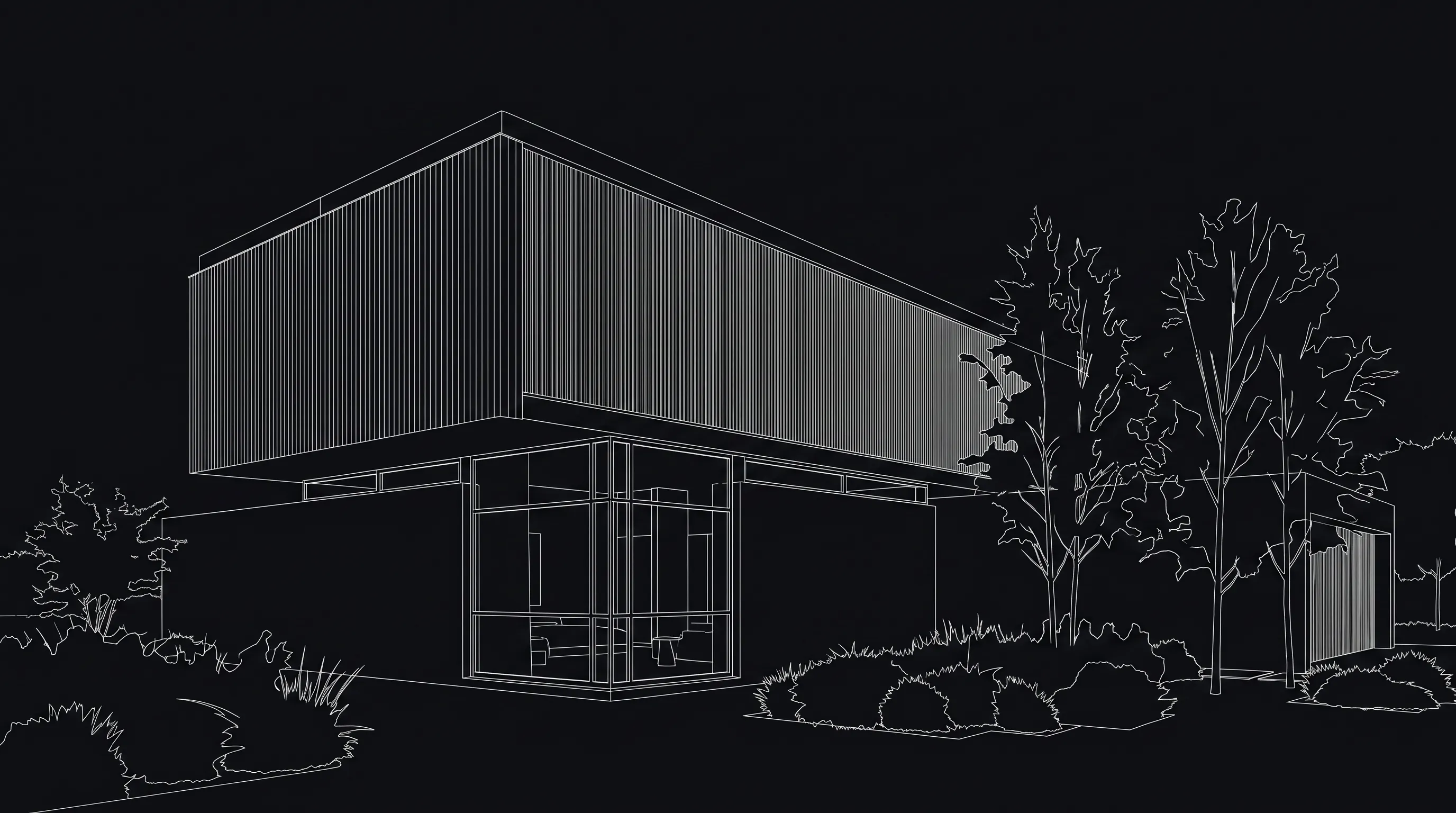

Ways to show a home that does not exist yet
A builder has four realistic ways to show buyers a home that is not finished. Competitor facts below come from each vendor's own pages, checked Oct 2026.
| Option | What you need | Turnaround | Video | Price |
|---|---|---|---|---|
| Render a House | A floor plan or elevation exported to PNG/JPG, a hand sketch, a photo, or a SKP, GLB, GLTF, OBJ or STL model | About 30–60 seconds per render, per the About page | 5- or 10-second clips from any render on every paid plan, at 0.8 credits per second | Free: 3 credits/day at 1K with a watermark. Basic $19/mo, Pro $39/mo, Studio $99/mo |
| In-house real-time renderer (Lumion Pro as the example) | A textured 3D model and a Windows 10 (64-bit) or newer PC with a GPU scoring 8,000+ G3DMark at minimum, per Lumion system requirements | Once the model is set up in the renderer; no turnaround published | Images, videos and 360 panoramas, per Lumion pricing | $96/mo per named user, billed $1,149 for one year, per lumion.com |
| Outsourced 3D rendering studio | Drawings, a finish schedule and a brief | Quoted per project; not published (checked Oct 2026) | Quoted per project | Quoted per project; see our published studio rates by country |
| Furnished model home | A finished, furnished house in the community | Only after construction and furnishing | Filmed on site once the home exists | Build-and-furnish cost; no list price applies |
The options are not exclusive. A practical split is a studio for the signature community hero image, a furnished model in the biggest community, and AI renders for the volume work: every other plan, every elevation, every finish package and every social post. That volume is where a per-render cost in credits beats a per-project quote.
The rendering-first marketing playbook
Six plays, in the order most builders need them. Each one names the input to upload and the output to publish.
1. Listing and plan pages
Every plan page and every listing should open with an exterior of that exact plan and elevation, not a stock photo of a different house. Upload the elevation drawing or the plan as a PNG/JPG, or the SketchUp file directly (.skp uploads as is), and describe the setting: lot, landscaping, season, time of day. The floor plan to 3D render and sketch to render tools cover the two most common starting points. Render the same plan from the street, the rear yard and one corner, so the listing has a gallery rather than a single image.
2. A model home in every plan
A furnished model home shows one plan in one community. Interior renders let you show the kitchen, great room and primary suite of every plan you sell, furnished in a style that fits the buyer you are targeting. Upload the room from your 3D model or a plan view and ask for the furniture and finishes you want shown.

Once a spec home is finished but still empty, the job changes from rendering to staging photos; our roundup of AI virtual staging apps covers that step.
3. Option and finish variations
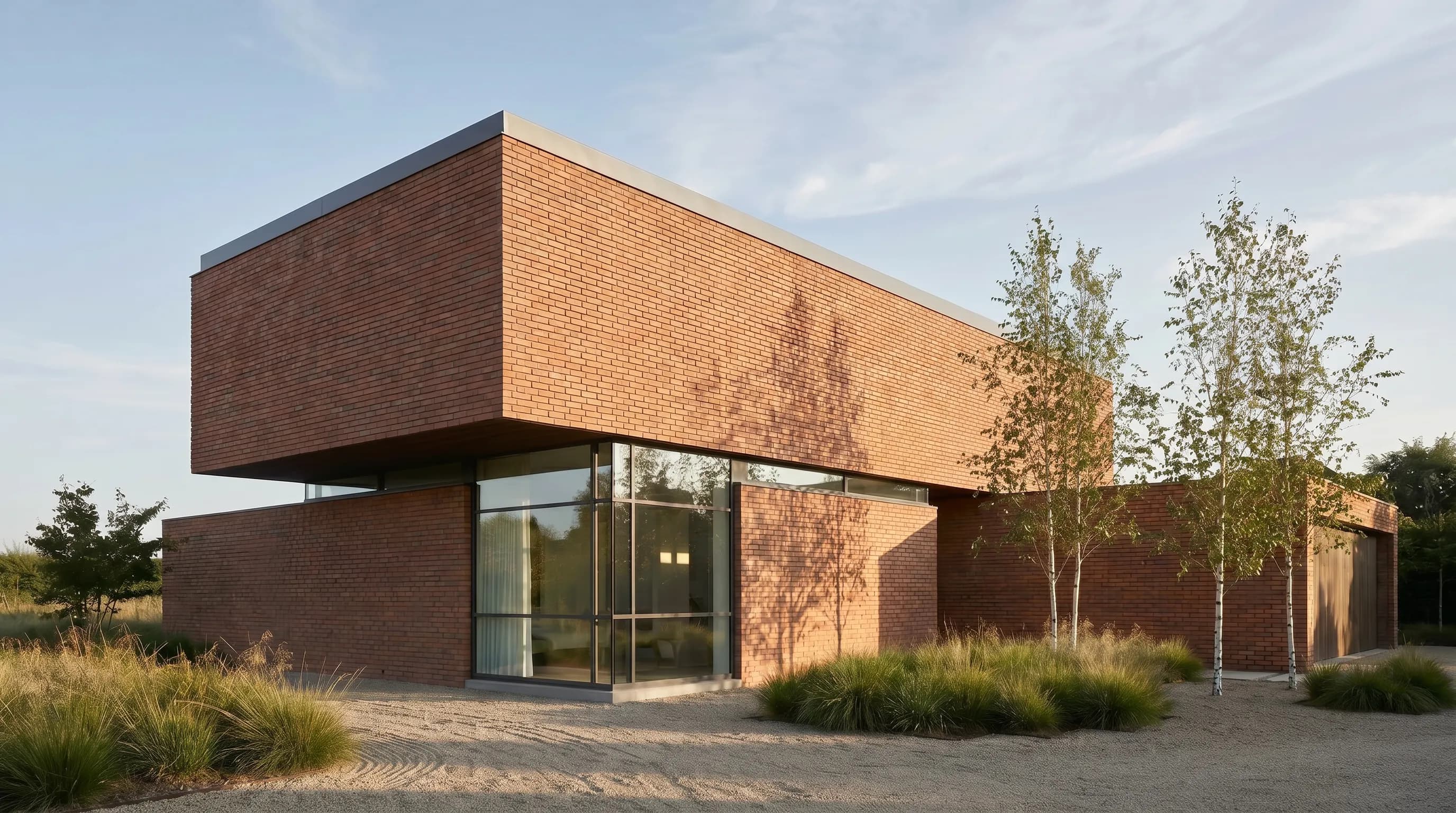
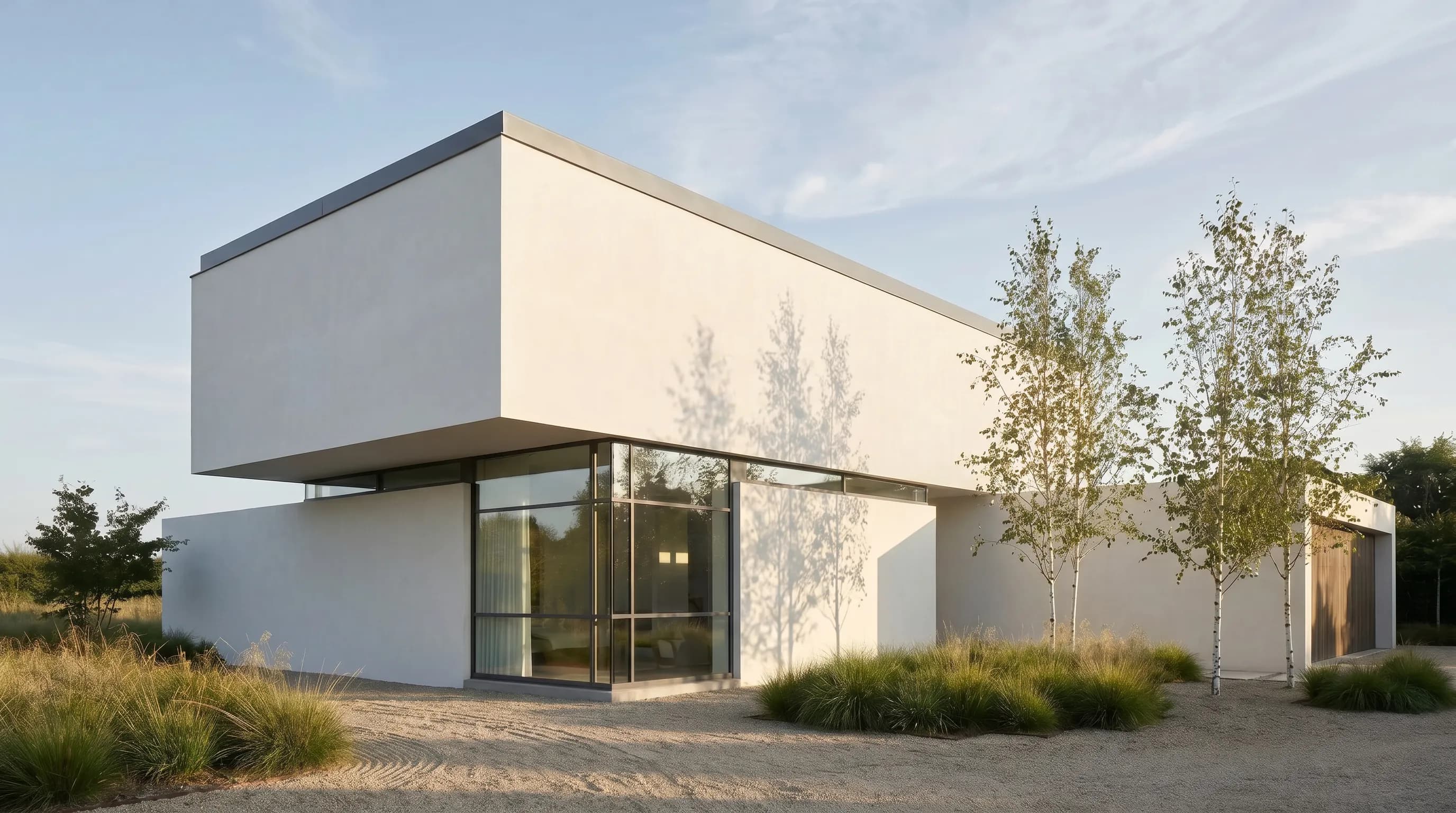
Option selection is where builders make margin and where buyers hesitate most. Show the same plan in each exterior package (brick, painted siding, stone accents) and each interior finish level, so the buyer is choosing between pictures rather than between swatches. In Render a House you can edit a finished render with a text instruction, or paint over one area (the cladding, the countertops) and change only that part. The step-by-step method is in how to change materials in a render with AI and how to create render variations.
4. Twilight hero shots
A dusk exterior with the interior lights on is the standard hero image in new-home marketing, and it is the hardest one to photograph even after the house is built. Render it instead: ask for the same view at dusk, keep the camera, and use the twilight version as the community page header and the ad creative, with the daytime version in the gallery.
5. Social and listing video
Social posts and ads often call for video, and a builder with no finished home has nothing to film. Animate the render instead. In Render a House, open the Video tab, pick a render, choose a camera preset (Pan Zoom, Aerial Reveal or Interior Walkthrough) and generate a 5- or 10-second clip; you can also build a transition between two renders of the same model. Video is on every paid plan and costs 0.8 credits per second, so a 10-second clip is 8 credits. The walkthrough is in the animate a render guide.
For longer pieces such as a full walkthrough of a 3D model, see 3D model to AI video walkthrough, and for how renders and video tools fit together across real estate jobs, see AI for real estate renders and marketing videos.
6. Presales and launch campaigns
A new community or phase launch needs a full set of images weeks before the first foundation: site context, streetscape, every plan, an amenity view and a handful of clips for the interest-list campaign. Render the set from the site plan and the plan library, use it on the landing page and the reservation email, then replace individual images with photography as homes are completed. The dedicated platforms for selling off-plan property (and where AI concept renders fit next to them) are compared in AI visualization for off-plan presales.
What one plan's asset package costs
Render a House is an AI rendering tool for architects and real estate. Usage is metered in credits: a 2K render on the Pro model uses 2 credits, a 1K standard render uses 1, and video uses 0.8 credits per second. Here is a full asset package for one plan, rendered at 2K on the Pro model:
| Asset | Quantity | Credits |
|---|---|---|
| Exterior stills | 6 (3 elevations × 2 finish packages) | 12 credits |
| Twilight hero versions | 2 | 4 credits |
| Interior stills | 4 (kitchen, living, primary suite, bath) | 8 credits |
| Video clips | 2 × 10 seconds | 16 credits |
| Total for one plan | 40 credits |
At 40 credits per plan, the Pro plan's 240 monthly credits ($39/mo) cover 6 plans a month before any reworks; Studio ($99/mo) includes 1,000 credits. Reworks cost the same as the first try, so leave headroom. Extra credits can be topped up with a $5 minimum; checkout is by card. To test the workflow first, the free tier gives 3credits a day at 1K with a watermark, which is enough to try a plan's elevations but not to publish. Full details are in the plans and pricing guide.
What AI renderings cannot do for a builder
- Renders are concept images. The model can move a window, simplify a roofline or invent a detail. Check every image against the plans and the finish schedule before it is published, and regenerate any view that does not match.
- Label them.Mark renderings as artist's concepts so buyers understand the finished home, landscaping and furniture may differ.
- PDF plan sets need one export step. The uploader takes PNG, JPG and WebP images and SKP, GLB, GLTF, OBJ and STL models; export plan pages to PNG/JPG first. Revit and Archicad files need an export to one of the supported 3D formats (see supported file formats).
- Clips are short. Each generated clip is 5 or 10 seconds; a longer piece is several clips edited together.
- Free renders are for testing. They are 1K and carry a watermark; publishable images need a paid plan.
Home builder marketing FAQ
What is the best marketing for home builders?
- There is no single channel, but almost every channel a builder uses (the community website, listing portals, paid social, email and the sales office) needs the same thing first: a convincing picture of the finished home. For homes that are not built yet, that picture is a rendering, so the most useful investment is a repeatable way to produce renders and short videos for every plan, elevation and finish package.
How much do new construction renderings cost?
- It depends on who makes them. Rendering studios quote per project and do not publish a standard rate. Lumion Pro, a desktop renderer, is $96 per month billed $1,149 a year per named user. Render a House has a free tier of 3 credits a day at 1K with a watermark, and paid plans from $19/mo; a 2K render on the Pro model uses 2 credits and a 10-second clip uses 8.
Can I make renderings from a floor plan PDF?
- Export the plan or elevation page to PNG or JPG first; the Render a House uploader takes PNG, JPG and WebP images plus SKP, GLB, GLTF, OBJ and STL models, not PDF. SketchUp .skp files upload directly, with no export step.
How do I make a new construction video before the home is built?
- Animate a finished render. In Render a House you pick a render, choose a camera preset such as Pan Zoom, Aerial Reveal or Interior Walkthrough, and generate a 5- or 10-second clip. Video is on every paid plan and costs 0.8 credits per second.
Are AI renderings accurate enough to sell homes from?
- Use them as concept images, not as a contract document. Check every render against the plans and the finish schedule before publishing, regenerate any view that changes a window, roofline or material, and label the images as artist's renderings so buyers know the finished home may differ.
Do I need a GPU or rendering software?
- Not for Render a House: it runs in the browser, so a marketing coordinator can produce renders on an ordinary laptop. Desktop real-time renderers such as Lumion Pro list a dedicated graphics card and Windows among their requirements.
Start with one plan: upload its elevation, render the street view by day and at dusk, then make one clip. Try the AI architectural rendering tool free, or compare it with studio rendering prices.
Related guides:
- AI visualization for off-plan presales — sales platforms for unbuilt property, and where AI renders fit.
- AI for real estate renders and marketing videos — seven tools sorted by job, with prices.
- How to create render variations — keep the camera, change the finishes.
- 3D model to AI video walkthrough — from a SketchUp or Revit model to a clip.
- AI virtual staging apps — for finished spec homes that are still empty.
- Lumion pricing — the full cost of the desktop renderer in the table above.
Keep reading
Related guides and comparisons
Architectural Visualization: The Complete Guide (2026)
Architectural visualization turns drawings and 3D models into images or video of a design before it is built. Compare render engines, studios, and AI.
Marker Rendering: How to Do It by Hand and With AI
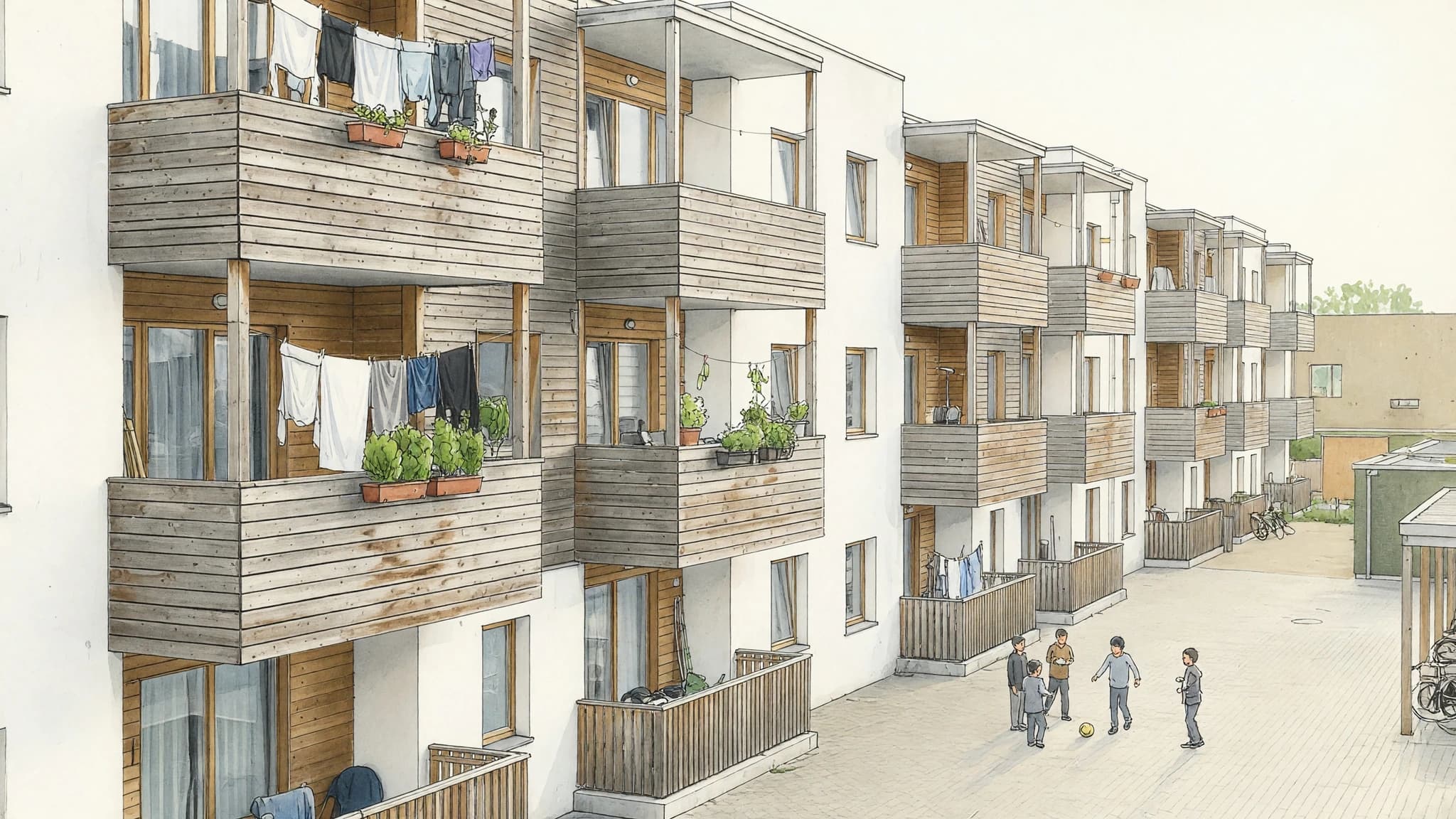
Marker rendering is colouring an ink line drawing with translucent markers, light to dark, leaving white paper as highlights. Hand technique and AI route.
Architecture Portfolio: Examples, Free Template, and How to Make the Renders
A strong architecture portfolio shows four to six curated projects, each told through one lead image, the key drawings, and a short process story. Copy our free page-by-page template, study real examples, and make consistent renders from your studio models.
