 Render a House/Updated Oct 11, 2026
Architecture Portfolio: Examples, Free Template, and How to Make the Renders
Layout guidance, a free page-by-page template you can copy, what the best portfolio examples have in common, and how to turn studio models into a consistent set of portfolio renders.
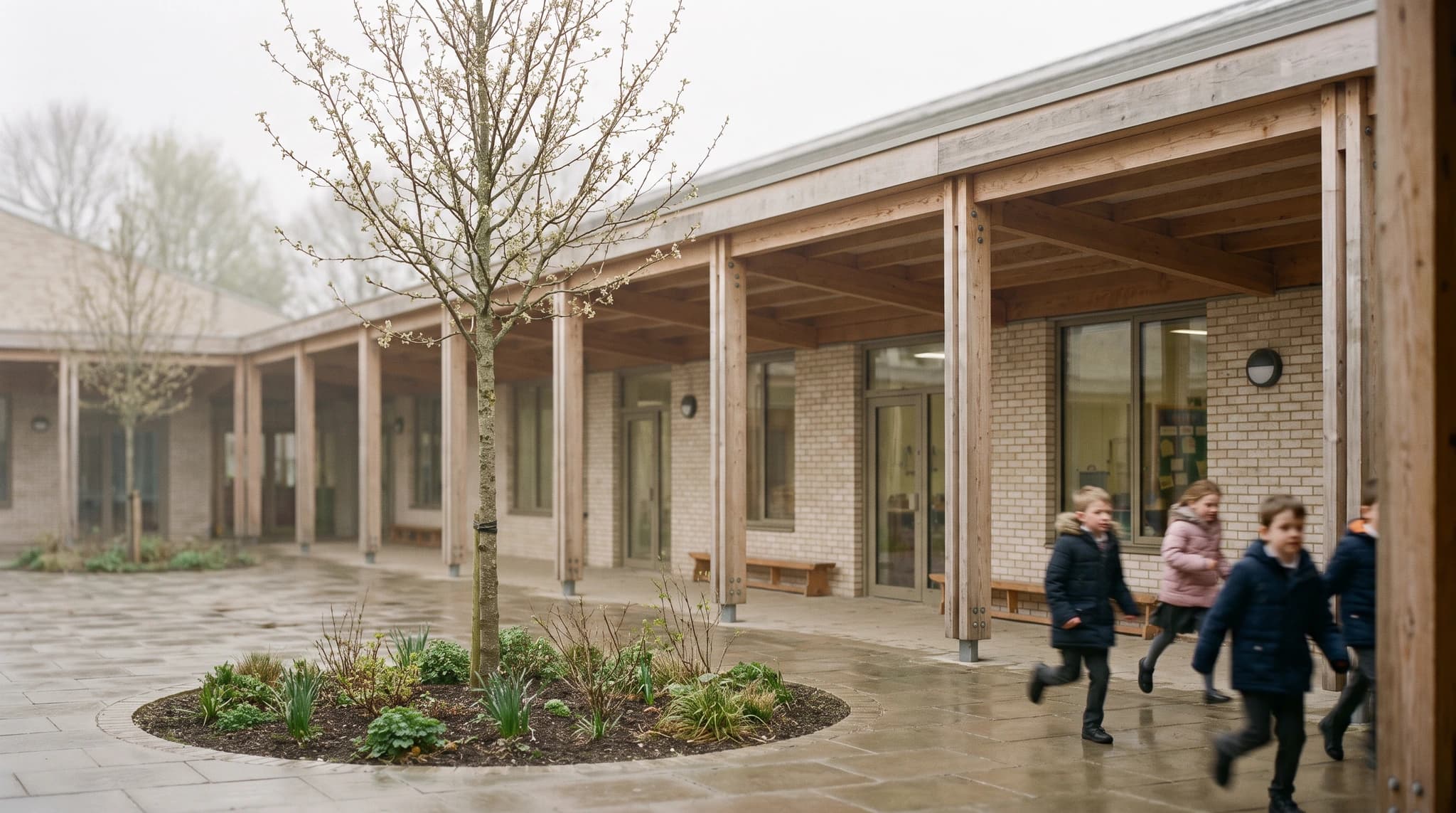
Quick answer
A strong architecture portfolio shows four to six curated projects, each told through one lead image, the key drawings, and a short process story. Copy the page-by-page template below, keep the version you email short, and make the renders consistent across projects so the set reads as one body of work.
If your studio models never got a proper render, you do not need a GPU workstation to fix that: Render a House runs in the browser and turns a 3D model, sketch, or photo into a render, with no plugin or graphics card required.
Updated Oct 2026.
What goes in an architecture portfolio
Every portfolio, student or professional, is built from the same parts. What changes with career stage is the mix of work: students lean on academic and conceptual projects, and mid-career portfolios lean on built work, a progression Redokun’s template guide describes across several sources.
- A cover and a contact line. Name, discipline, one image.
- A short about page. Education, experience, software, and what you care about as a designer.
- Four to six projects. Curated, not archived; per Redokun, four to six projects that show range beat ten that show volume.
- Drawings, not just images. Plans, sections, and elevations prove you can resolve a building; renders show what it feels like.
- Process. Sketches, massing models, and iterations show how you think, which is what reviewers are actually hiring.
Free architecture portfolio template, page by page
This is a free template written as a page structure rather than a download: copy the sequence into InDesign, Affinity Publisher, Figma, or whatever layout tool you use. It describes a roughly 20-page presentation portfolio; the last column says what to cut for a shorter version.
| Page | What goes on it | Tip |
|---|---|---|
| 1. Cover | Your name, discipline, one lead image, and a contact line. | Use your strongest single image; it is the first thing a reviewer sees. |
| 2. Contents | Project list with page numbers, year, and type (academic, competition, built). | Skip it on a two-to-five-page sample; keep it on anything longer. |
| 3. About / CV page | Short bio, education, experience, software, and interests. | One page. Keep it consistent with the CV you send alongside. |
| 4–7. Project 1 (strongest) | The project spread below: lead image, concept, drawings, process. | Put your best project first, not your most recent. |
| 8–11. Project 2 | Same spread structure, different scale or typology. | Show range: a different program, site, or construction logic. |
| 12–15. Project 3 | Same spread structure. | Include your role and the team if it was group work. |
| 16–19. Projects 4–6 (optional) | Shorter spreads: one or two pages each. | Cut here first when you need a shorter version. |
| 20. Other work | Sketches, physical models, photography, writing, or technical details. | A single page of breadth beats several weak extra projects. |
| Back cover | Name, email, website, and phone. | Repeat the contact details so a printed copy stands on its own. |
The project spread you repeat for every project
Repeat the same structure for every project so a reviewer learns where to look after the first one. Keep the order fixed even when a project has more material than another.
| Element | What to include |
|---|---|
| Lead image | One render or photo that explains the project at a glance. |
| Title block | Project name, location, year, program, studio or office, your role. |
| Concept | Two to four sentences: the problem, the idea, and the move that resolves it. |
| Key drawings | Site plan, one or two plans, a section, and an elevation, at a consistent graphic standard. |
| Process | Sketches, massing studies, or model photos that show how the idea developed. |
| Supporting views | Two or three renders from a consistent camera set: exterior, interior, detail. |
Layout guidance: length, page size, type, and file size
- Keep two lengths. For a first application, ArchDaily’s two-page portfolio article recommends a sample portfolio of two to five pages, and notes that typical full portfolios run 20 to 40 pages, which it reserves for the interview. Redokun puts the emailed sample at eight to fifteen pages.
- Best project first. Per ArchDaily’s 12 tips for an outstanding portfolio, long portfolios are rarely read in full, so put your strongest work at the front and close on something strong too.
- Let images breathe. The same ArchDaily piece warns that cluttered pages hide content; a consistent grid with generous margins does more than decoration.
- Set page size first. Choose A4 or A3, portrait or landscape, before placing any image; per Redokun, changing it late means re-checking every spread.
- Two or three typefaces. Redokun recommends restyling through paragraph styles and keeping to two or three typefaces.
- Watch the file size. Redokun’s guide puts the bar for an emailed PDF under 10 MB, with 15 MB as an outer maximum. Export renders at the size they are printed, not at full resolution.
What good architecture portfolio examples have in common
Rather than invent sample portfolios, here are the patterns the published collections share. Read real examples through these four questions, which Archifolio’s examples page frames as the recruiter test: can a reviewer find your skills, see where your expertise lies, understand your experience, and read everything easily?
- One graphic system. The same grid, type, and caption style on every page, so the projects are the variable and the layout is not.
- A clear hierarchy per project. One dominant image, then drawings, then process, in the same order every time.
- Consistent imagery. Renders that share camera height, time of day, and post-processing, so five projects read as one body of work instead of five different software experiments.
- Text that does work. A title block and a short concept paragraph instead of long essays.
- Honest credits. Your role on group or office projects is stated, not implied.
Where to find real portfolio examples
- Archifolio architecture portfolio examples — website and PDF portfolios built on Archifolio, filterable by style.
- Archifolio architecture portfolio templates — free templates with notes on PDF versus website portfolios.
- Redokun’s 50 architecture portfolio templates — InDesign templates sorted by style, most of them paid, plus page count and file-size rules.
- ArchDaily’s portfolio tag — articles on portfolio structure, student showcases, and recruiter advice.
Turn your studio models into portfolio renders
Render a House is an AI rendering tool for architects and real estate. For a portfolio, the useful part is that it starts from the files a studio project already produced: upload a SketchUp .skp directly, or a GLB, GLTF, OBJ, or STL model, and frame the camera in the browser. Hand sketches, line drawings, and physical-model photos work as PNG, JPG, or WebP images; for a plan saved as PDF, export the page to PNG or JPG first.
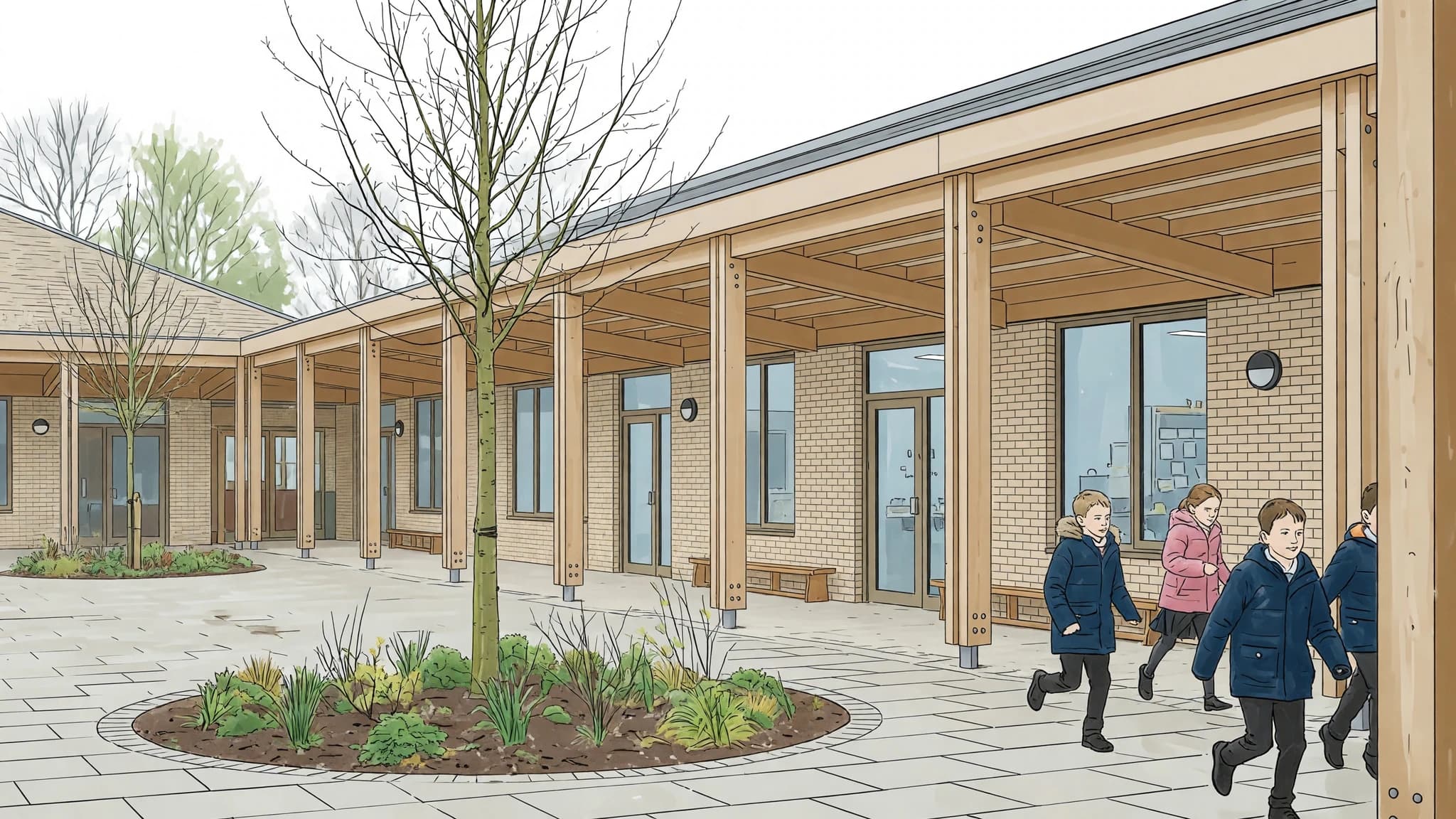
- Fix one camera set per project. Pick the lead view, one interior, and one detail before rendering anything.
- Keep the brief constant across projects. Same time of day, sky, and level of entourage, so the portfolio reads as one set.
- Check every output against the drawings. Openings, structure, and materials must match what you designed; regenerate or edit anything that does not.
- Export at print size. Large enough for the page, small enough to keep the PDF under the file-size bar above.
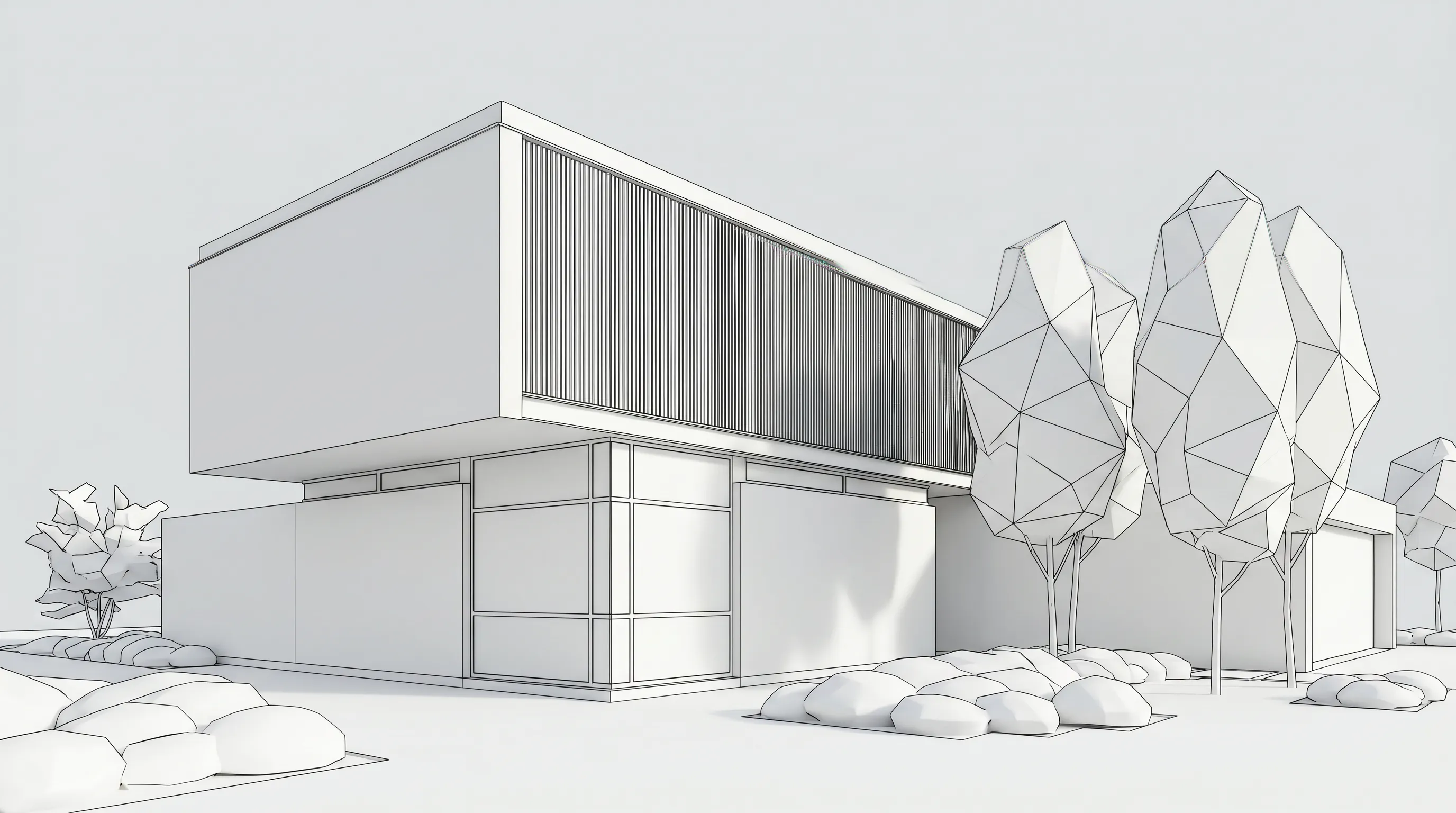

The Free plan gives 3 credits a day at 1K resolution with a watermark, enough to test a camera set. Paid plans start at $19/month (Basic) and $39/month (Pro), all of them with video; details are in the plans and pricing docs. Students can also unlock a free Student plan with 80 credits a month through referrals, described in AI rendering for architecture students.
Portfolio render approaches compared
Most portfolio renders come from one of these routes. Competitor terms below are from each vendor’s own student or education page, checked in October 2026.
| Approach | Input | Runs on | Student / entry cost |
|---|---|---|---|
| Render a House | SKP, GLB, GLTF, OBJ, STL models; PNG, JPG, WebP sketches, drawings, and photos | Any browser; no GPU or install | Free: 3 credits/day at 1K with a watermark; Student plan 80 credits/month via referrals; paid from $19/month |
| Enscape (Chaos) | Plugin inside your modeling software | Local install; hardware requirements not published on the student page (checked Oct 2026) | Enscape Student Collection $149/year billed annually ($12.42 /month) with proof of student status, per Chaos Students |
| Lumion Student | Models from CAD and BIM software | Windows PC with a powerful graphics card and at least 105 GB of free disk, per Lumion Students | Free one-year licence, renewable while enrolled; educational use only, per Lumion Students |
| D5 Render Education | Models from modeling software | Windows 10 (v1809+) and a ray-tracing GPU, per D5 system requirements | Free 180-day licence, renewable; one computer, no watermark, education and research only, per D5 Education |
| Photograph a physical model | Your study model | A camera or phone | Not a software cost; quality depends on model craft and lighting |
The local renderers give you full control over lighting and materials at the cost of setup time and hardware. A browser renderer is faster for getting a whole portfolio to a consistent visual standard from models you already have, especially on a laptop.
Label AI imagery honestly
AI imagery in a portfolio is fine when it is labeled. Reviewers are judging your design decisions, so make it clear which ones are yours.
- Caption the tool. For example: “Render from my SketchUp model, generated with Render a House; materials and planting are illustrative.”
- Show the source. Place the model view, sketch, or drawing next to the render so the design intent is visible.
- Do not imply resolved details. Generated planting, façade detail, or furniture are not design decisions unless you made them.
- Check the policy. Schools and employers differ on AI in coursework and applications; follow the stricter rule and disclose where required.
- Never credit another tool or person. An image is labeled with the software and the author that actually produced it.
Common questions about architecture portfolios
How many pages should an architecture portfolio be?
- Keep two versions. A short sample for applications, about two to five pages per ArchDaily’s two-page portfolio advice or eight to fifteen pages per Redokun’s template guide, and a longer presentation portfolio, typically 20 to 40 pages, for interviews.
How many projects should I include?
- Four to six curated projects is the range Redokun’s template guide lands on. Lead with your strongest project and cut weak ones rather than padding the page count.
Is there a free architecture portfolio template?
- Yes: the page-by-page structure in this article is free to copy into InDesign, Affinity Publisher, or any layout tool. Archifolio also publishes free templates; most of the InDesign templates in Redokun’s roundup are paid.
Can I use AI renders in an architecture portfolio?
- Yes, if your school or employer allows it and you label them. Caption each image with what you designed and which tool produced the image, and keep the source model or drawing next to it.
What file format should an architecture portfolio be?
- Send a PDF for applications, and keep it light: Redokun’s guide recommends staying under 10 MB. A portfolio website is a good complement, not a replacement, for most applications.
Have a studio model that never got a proper render? Upload the .skp or a model export and make a first portfolio view with Render a House.
Related guides:
- AI rendering for architecture students — student plans, jury workflows, and AI disclosure.
- Hand sketch to render — turn process sketches into presentation images.
- Floor plan render — rendered plans for project spreads.
- SketchUp to render — the full SketchUp workflow.
- Free AI rendering tools for architects — what each free tier actually includes.
Keep reading
Related guides and comparisons

Architectural Visualization: The Complete Guide (2026)
Architectural visualization turns drawings and 3D models into images or video of a design before it is built. Compare render engines, studios, and AI.
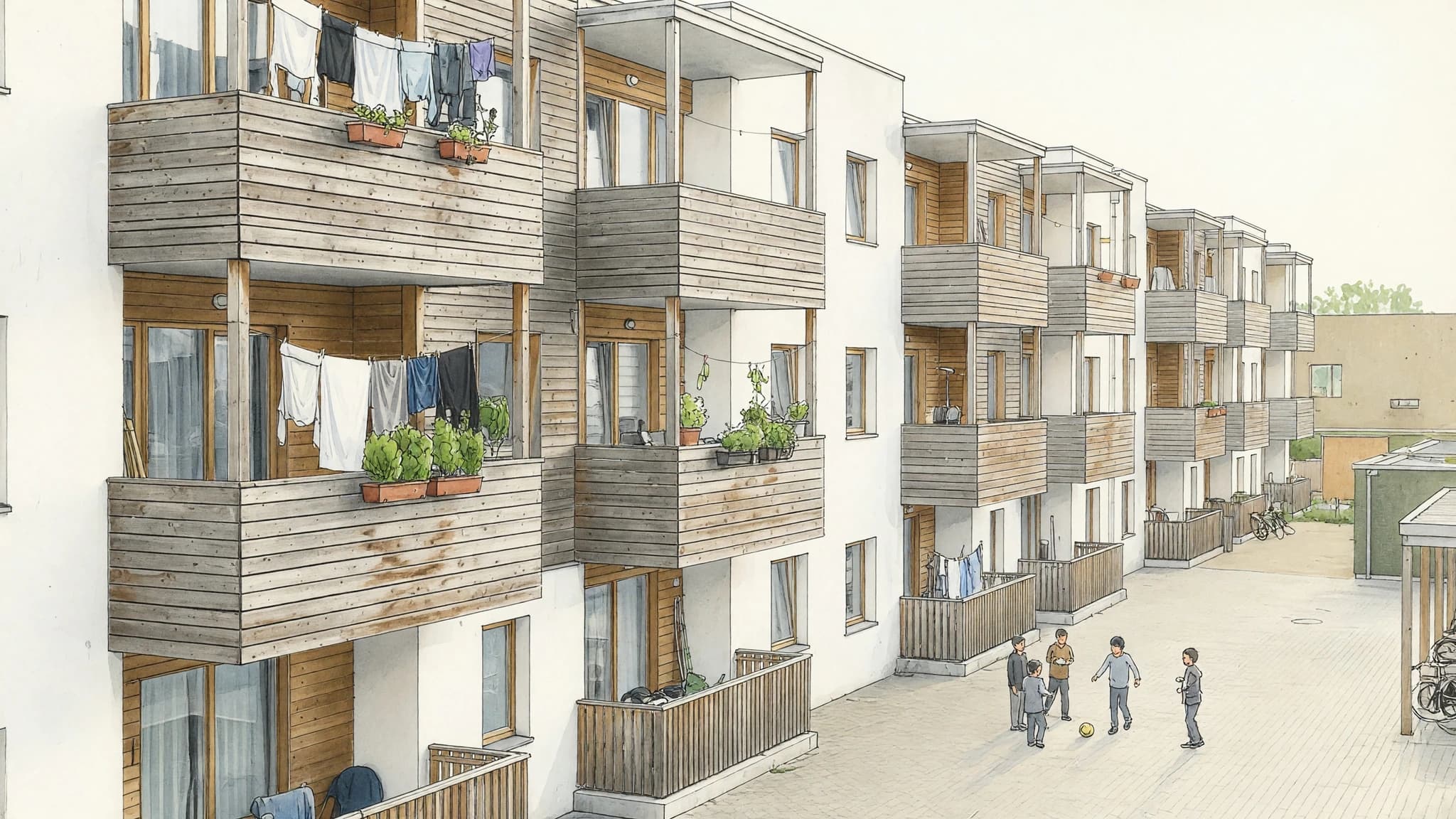
Marker Rendering: How to Do It by Hand and With AI
Marker rendering is colouring an ink line drawing with translucent markers, light to dark, leaving white paper as highlights. Hand technique and AI route.
Home Builder Marketing: Renderings That Sell Homes Before They're Built
Home builder marketing works best when every listing leads with a photoreal image of the finished home. A playbook for AI renders, option variations and video.
