


Vectorworks rendering software
Render your Vectorworks modelin the browser.
Export an OBJ, or a PNG from Export Image File. Upload it, describe the scene, and a photorealistic image comes back in seconds. No Renderworks queue, no graphics card.
Free to start. No card needed.
- PNG, JPG, WebP views
- GLB, GLTF, OBJ models
- Nothing to install
Drag to compare
Your model, not a lookalike.
The engine reads the OBJ Vectorworks wrote and keeps it: massing, openings, roof pitch, the spacing you set. It fills in only what the model never held — material weathering, real daylight, planting, and the site the design sits in.
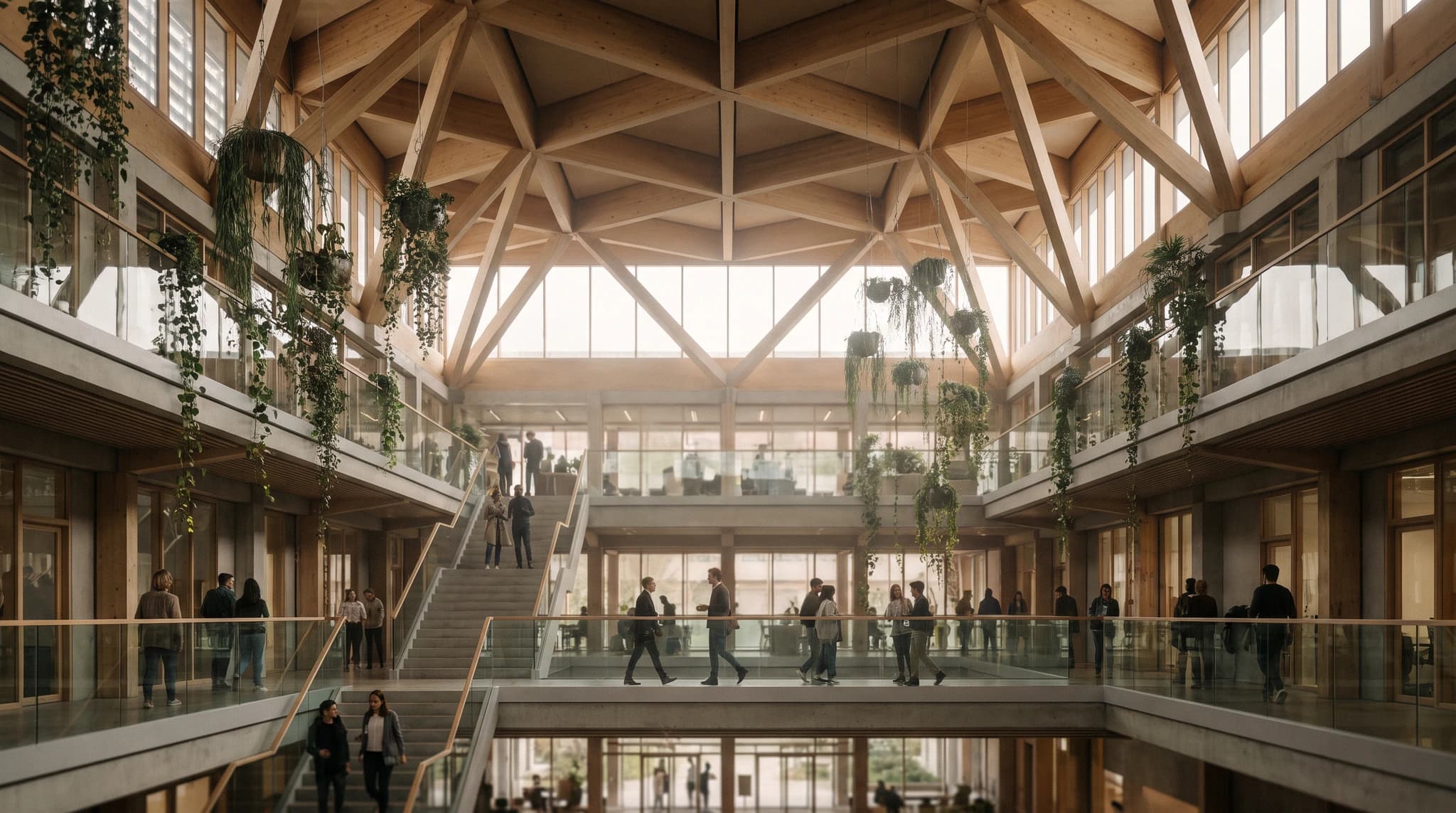 Black and white drawing of a timber atrium before rendering
Drag the line to see the source underneath the render
The same project, drawn and rendered.
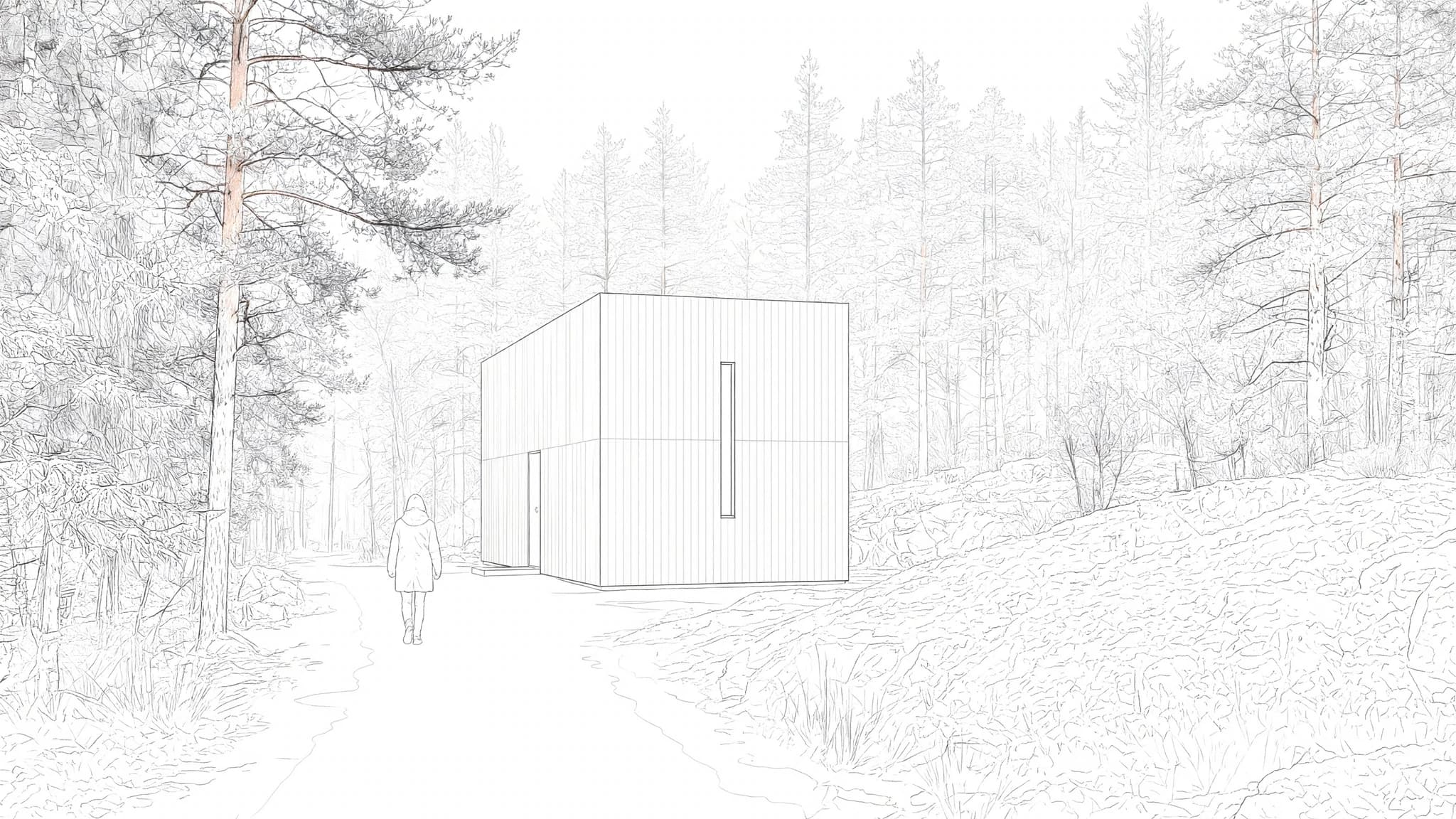
Drag any pair. Each is one project shown twice, as a drawing and as a render, so you can line the geometry up yourself across twenty-five of them rather than one.


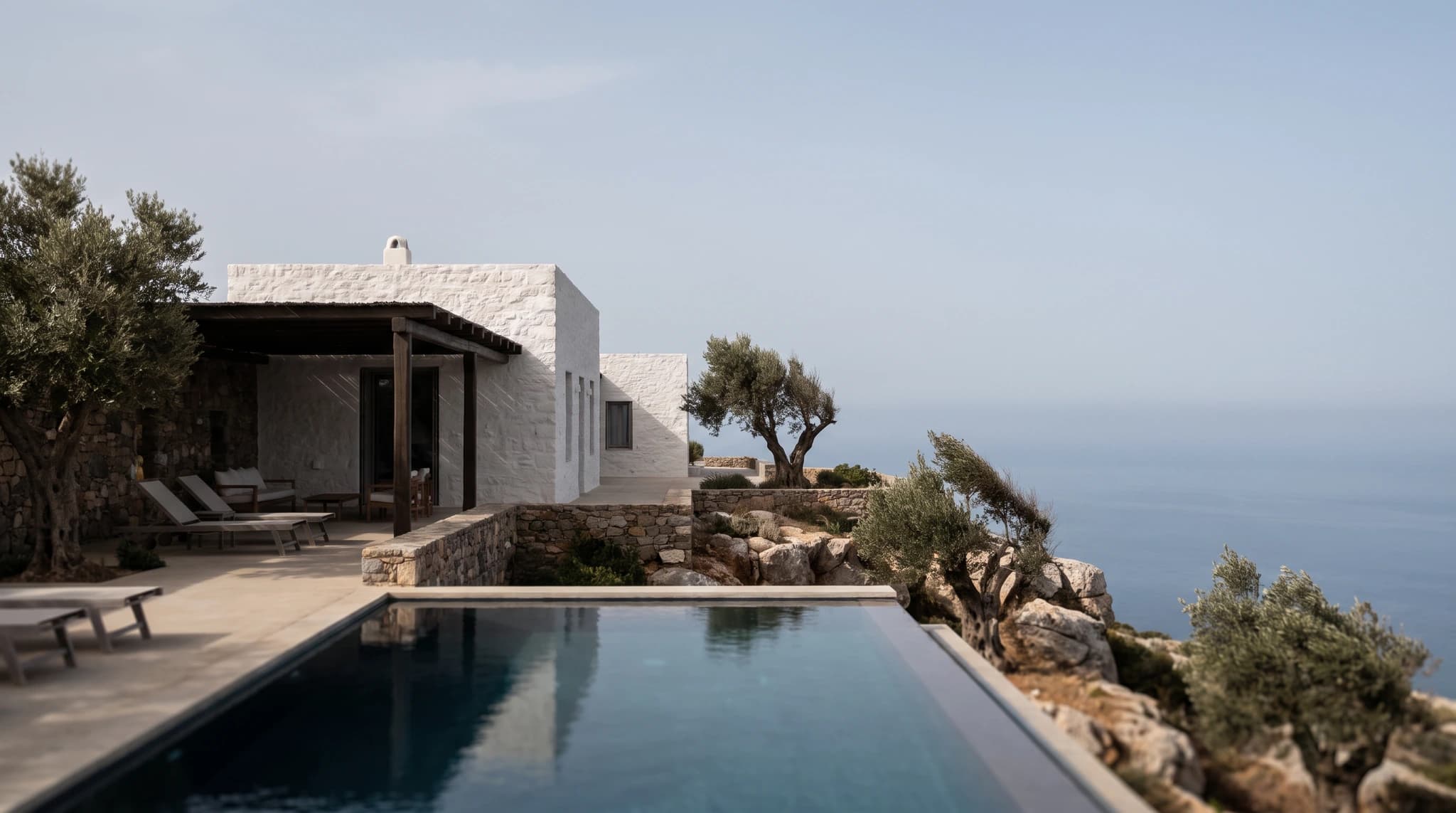 Clifftop villa — drawing
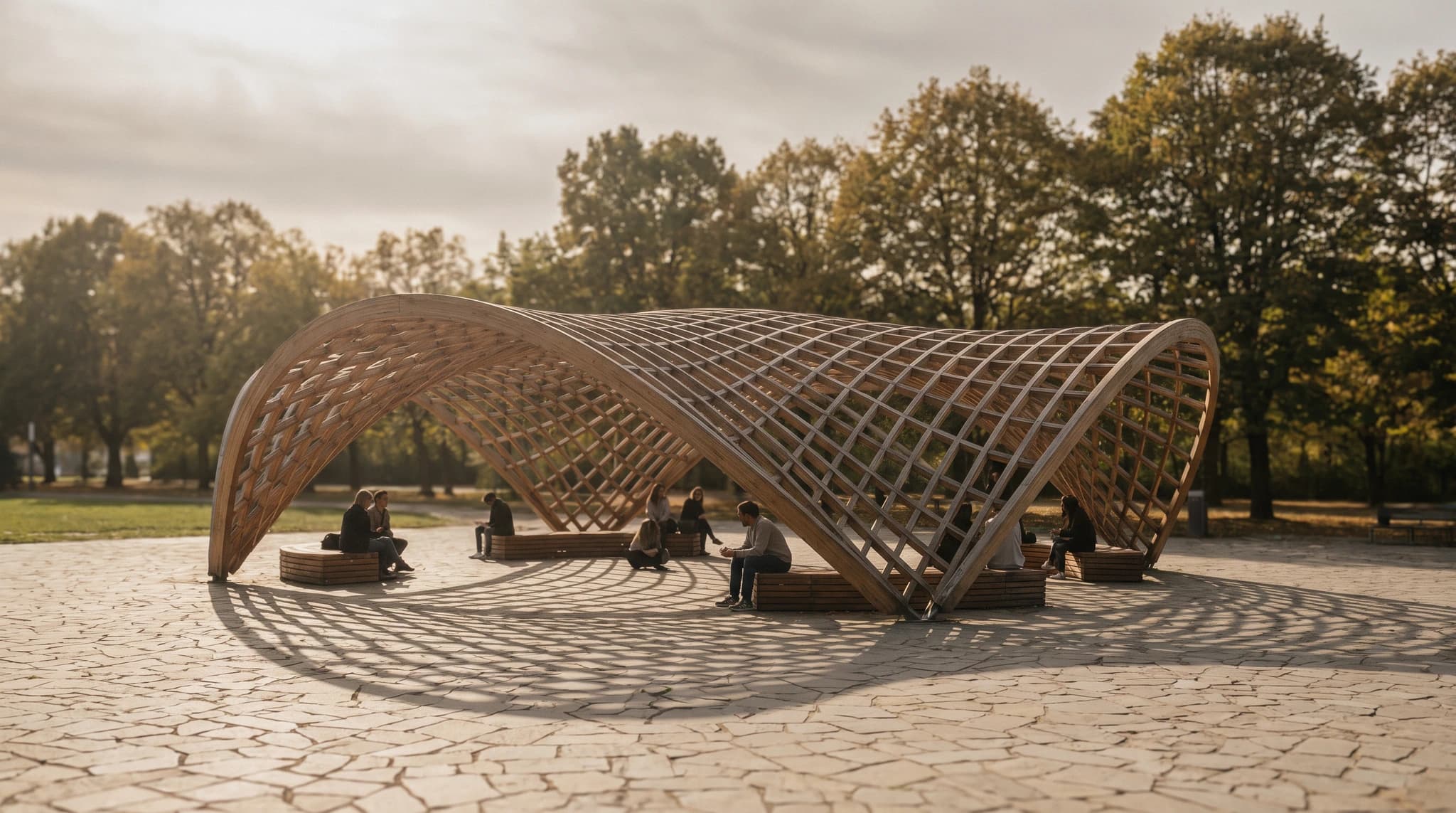 Parametric timber pavilion — drawing

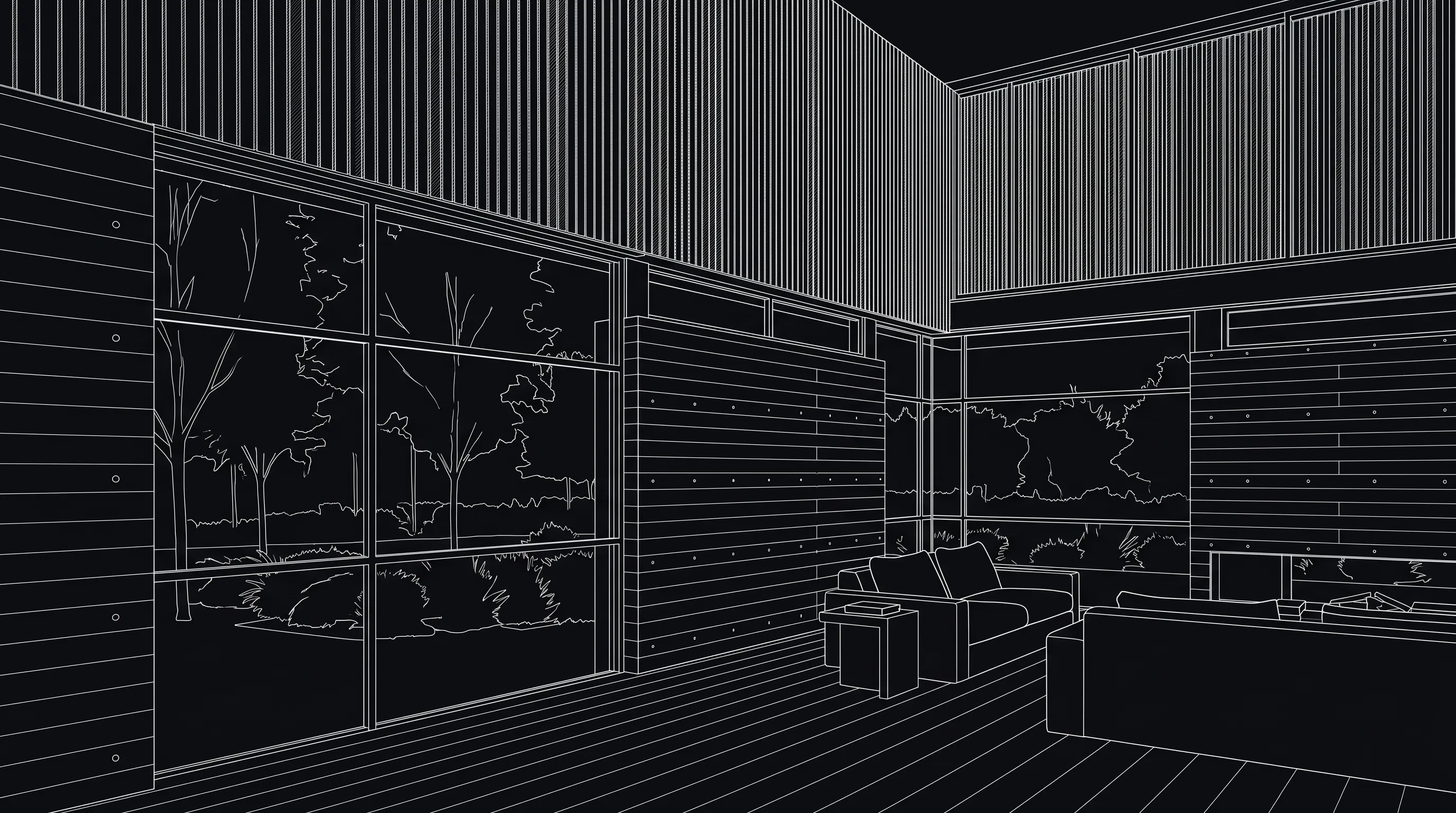


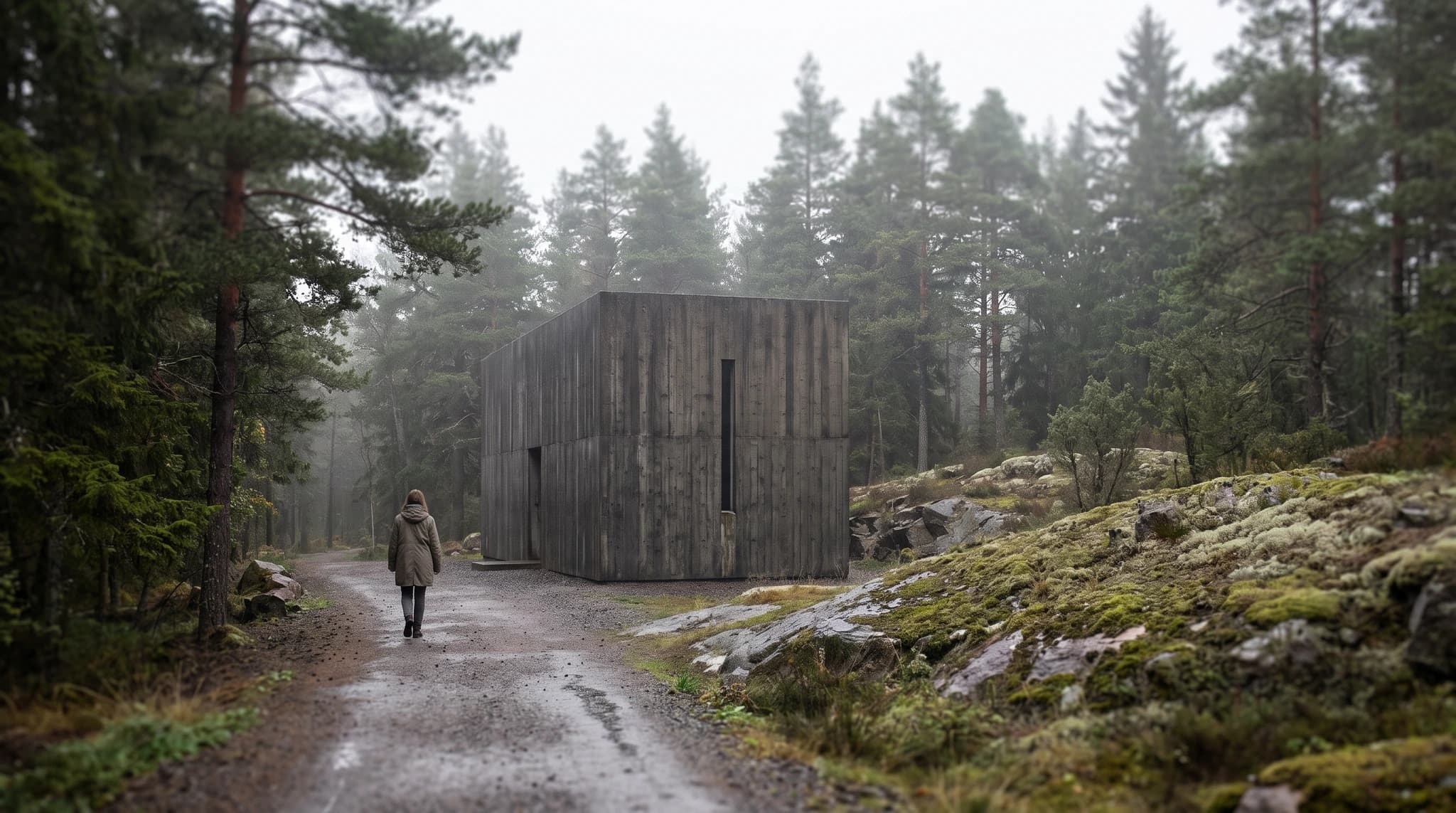 Concrete chapel — drawing
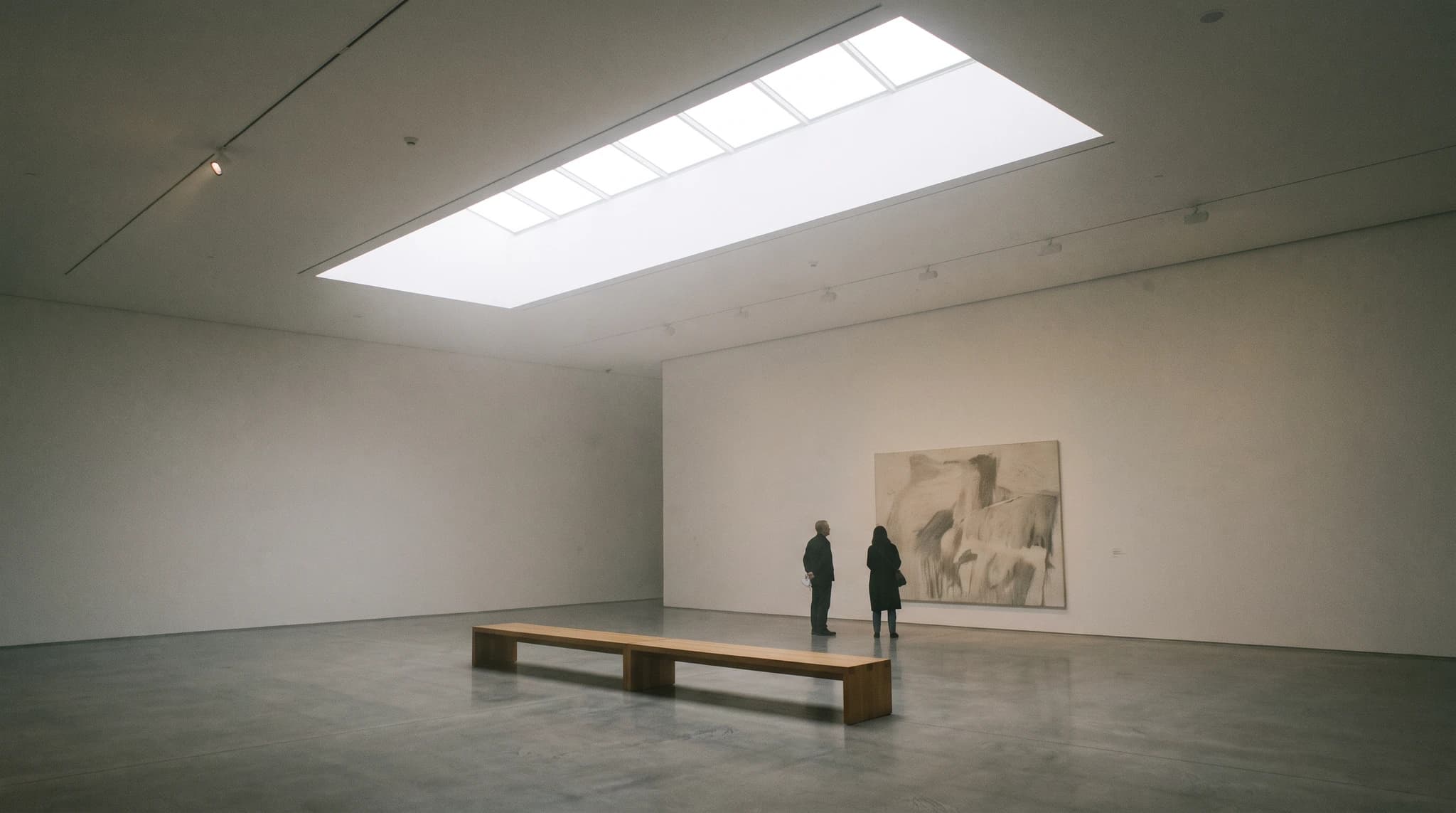 Museum gallery — drawing


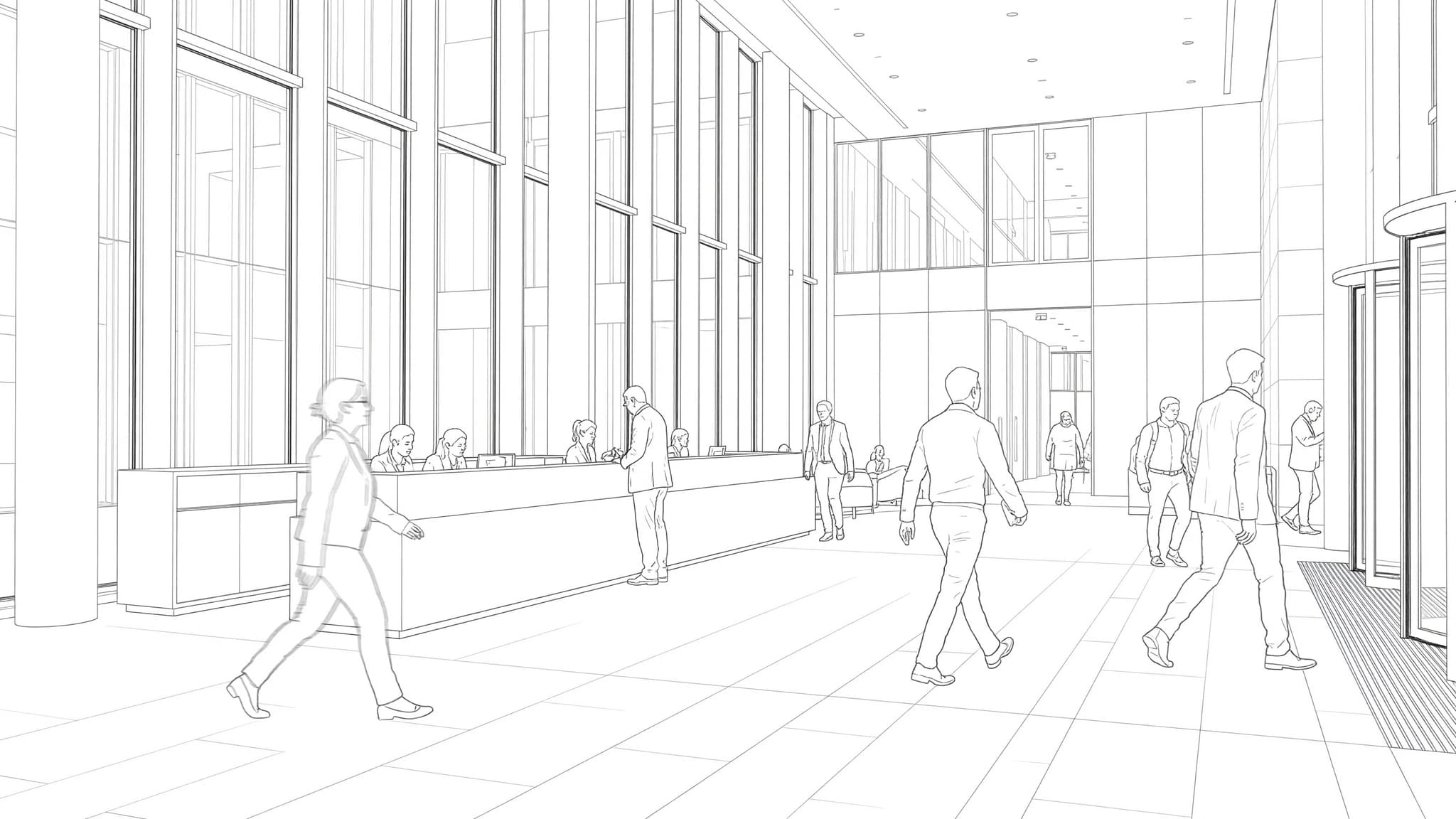
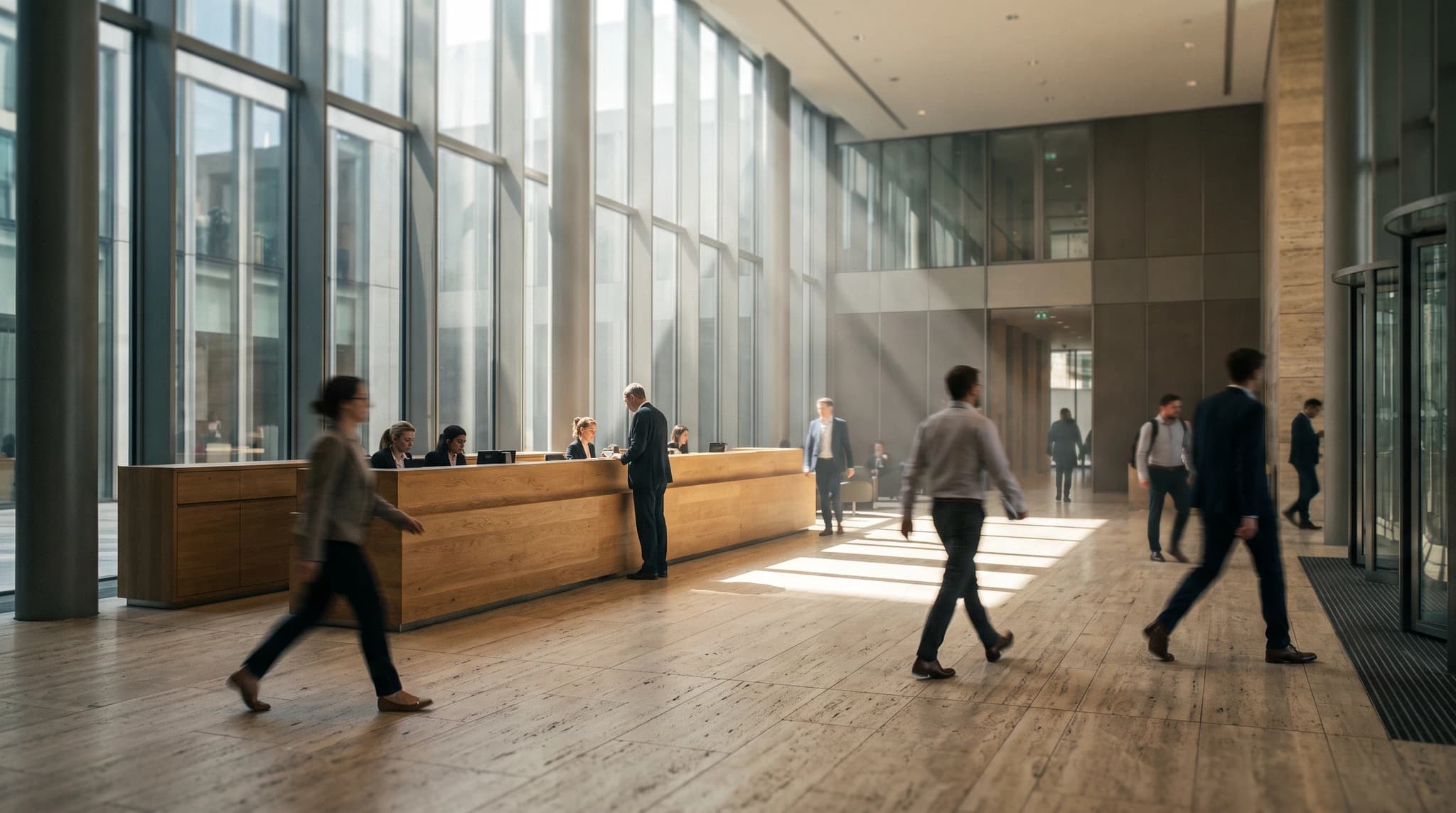 Office lobby — drawing


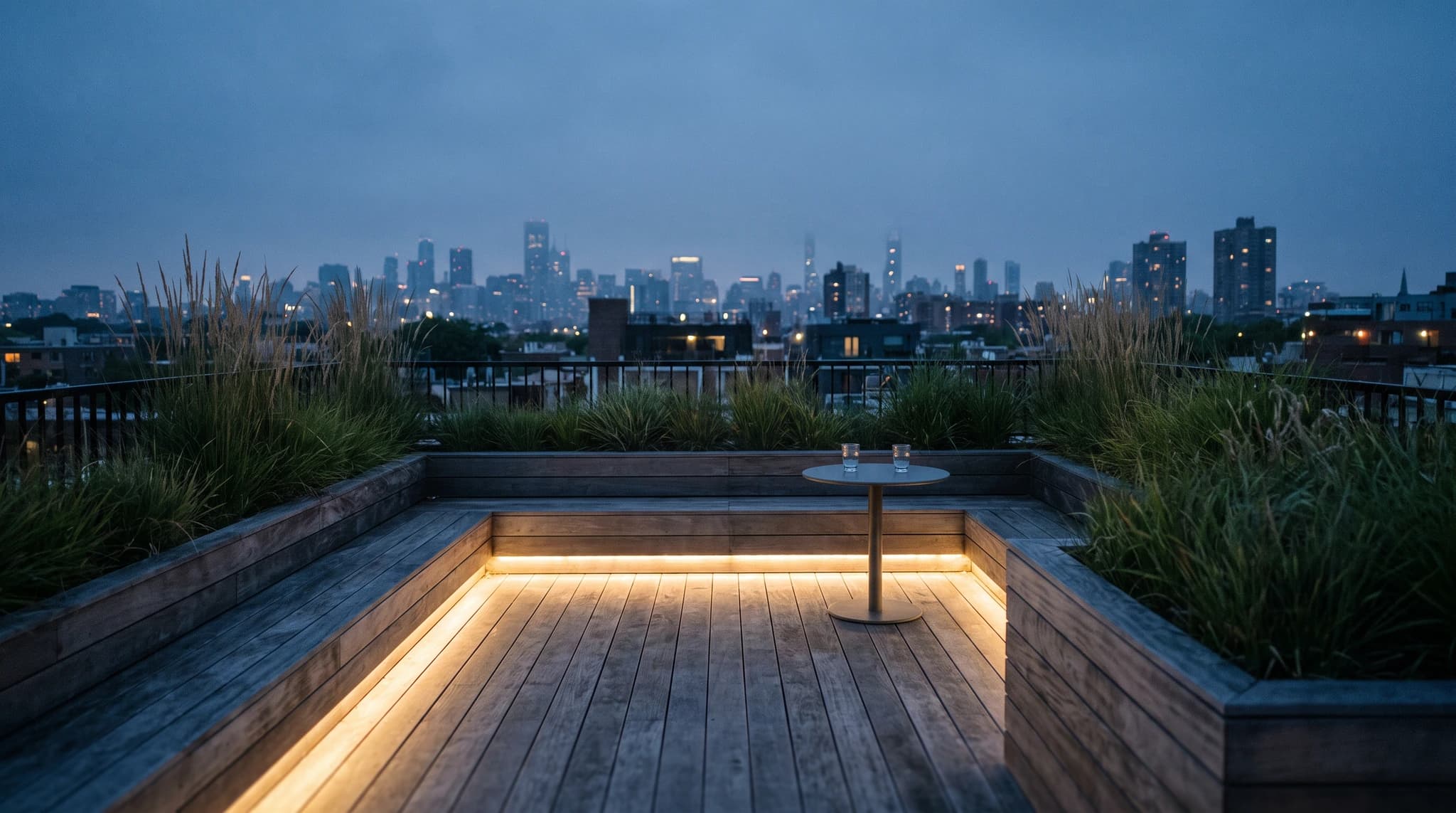 Rooftop terrace — drawing

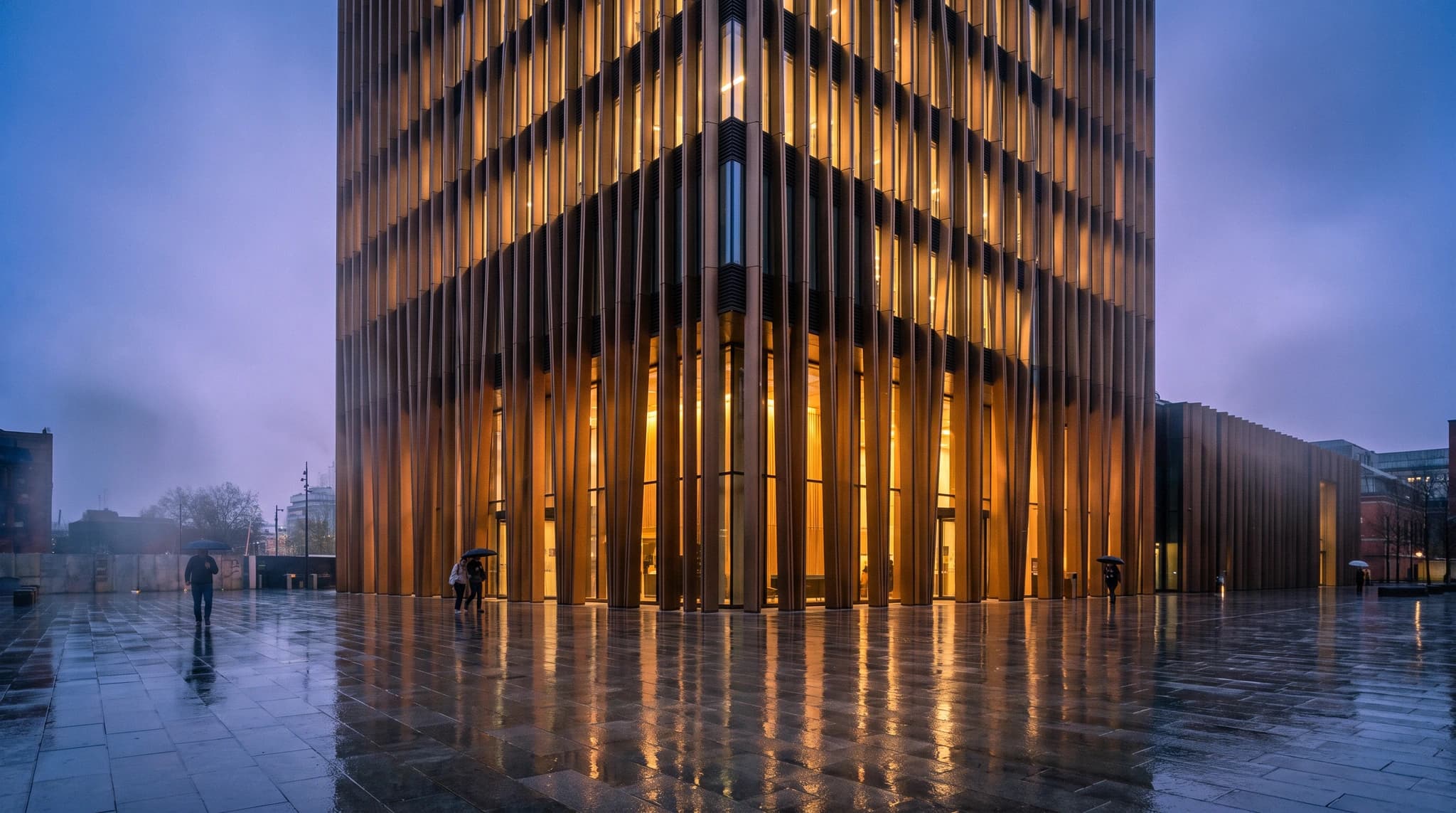 Parametric facade tower — drawing
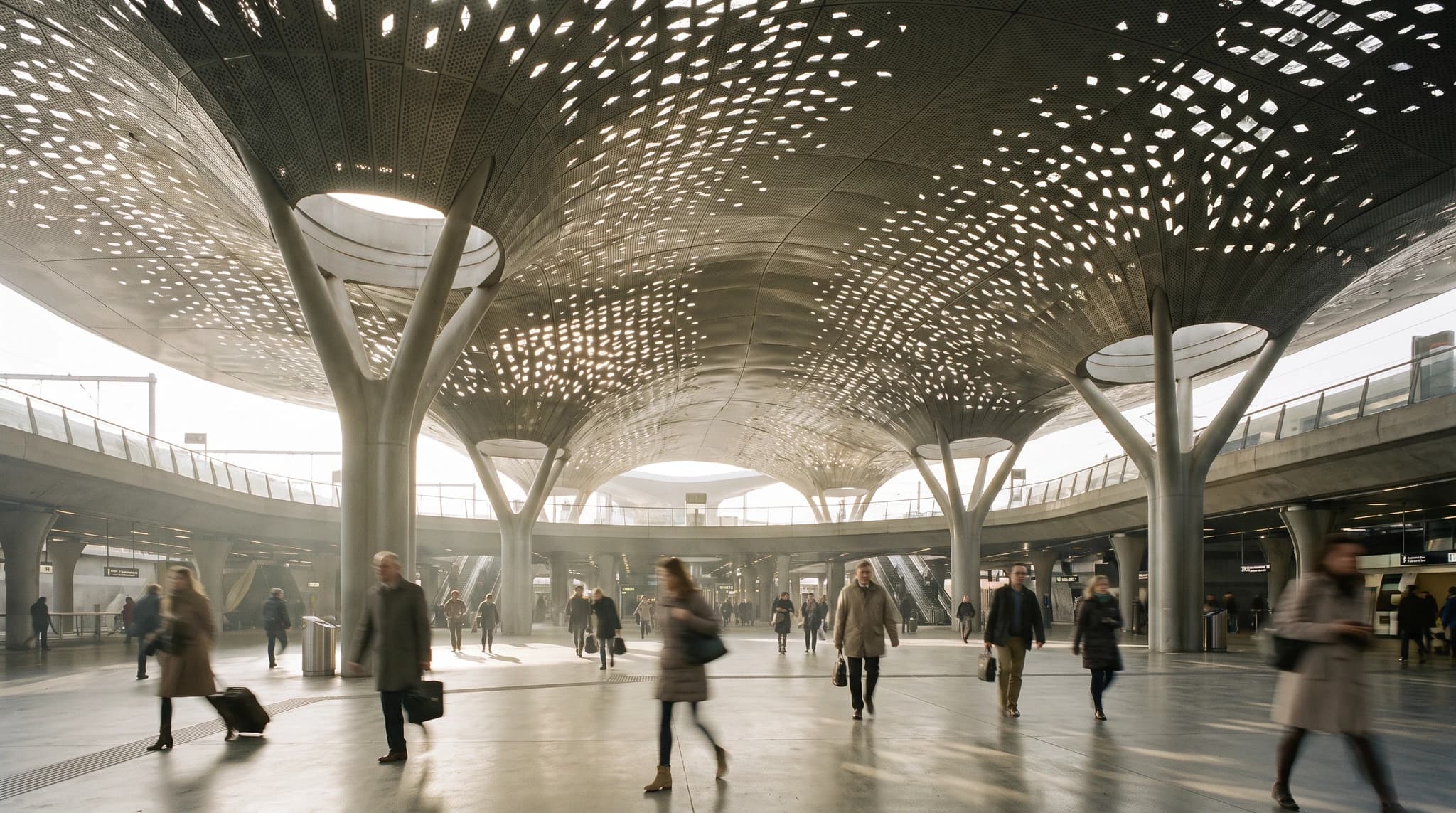 Perforated canopy — drawing
 Timber diagrid atrium — drawing
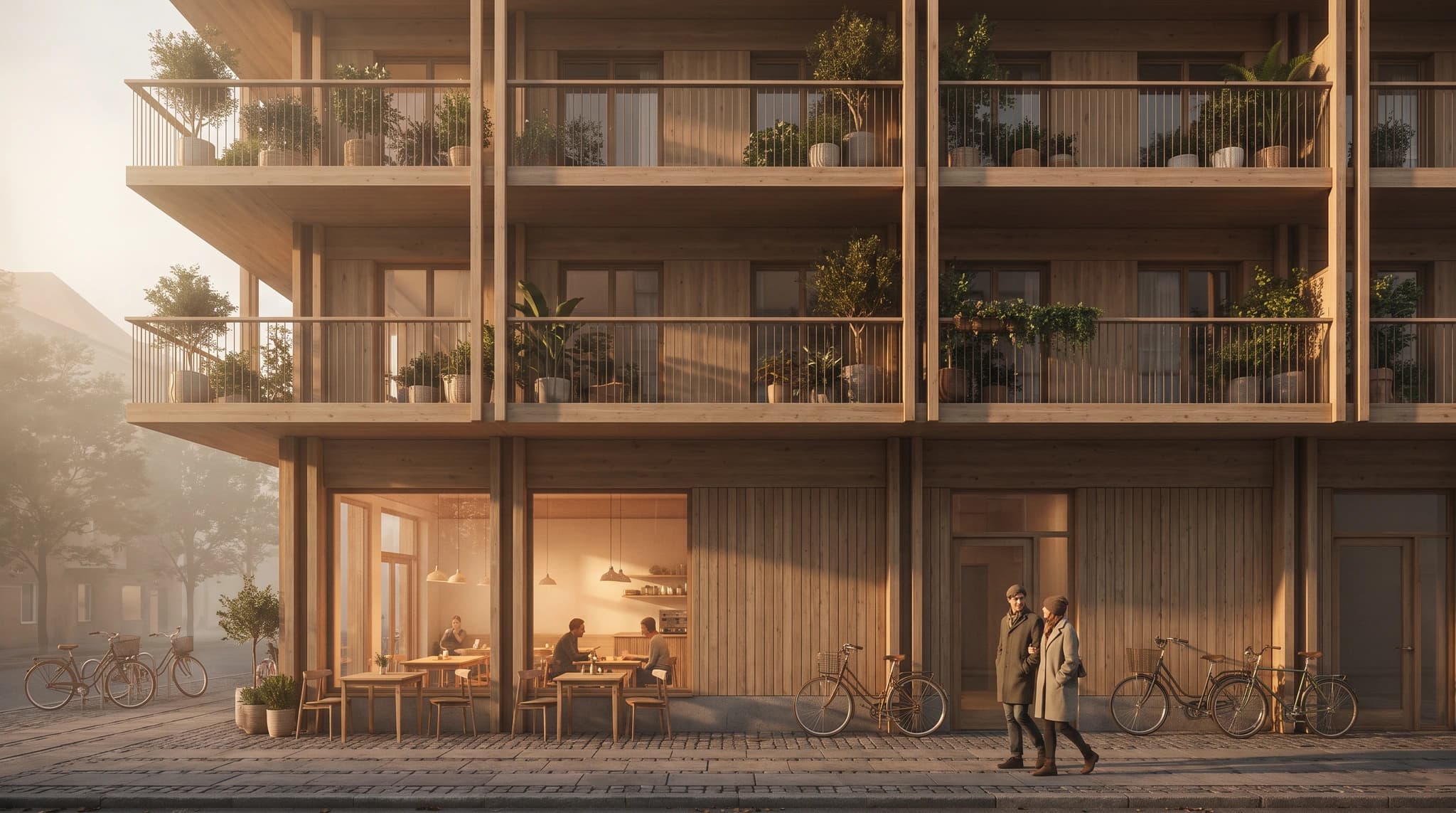 Timber building on the street — drawing
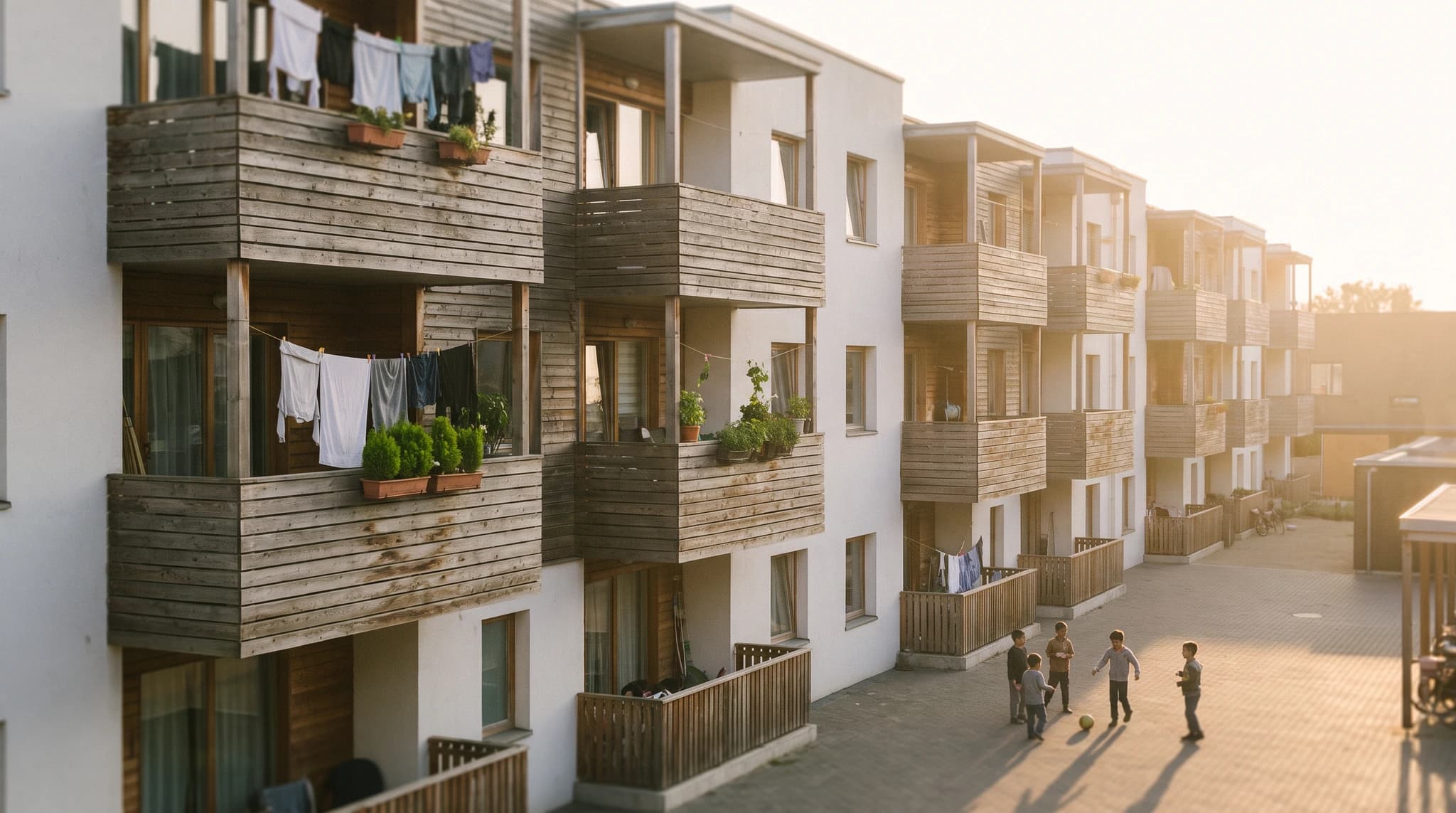 Collective housing — drawing


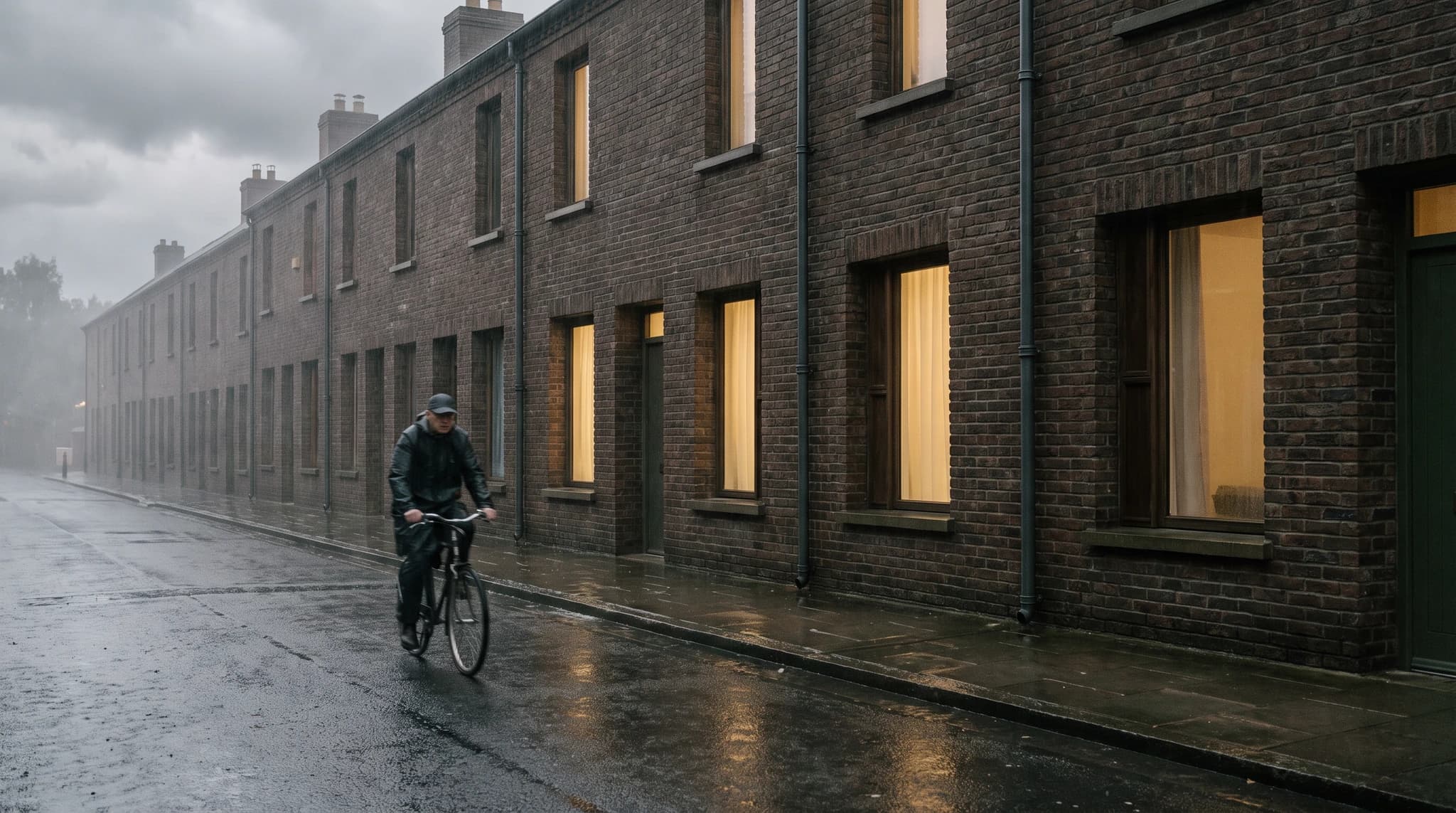 Brick terraced housing — drawing


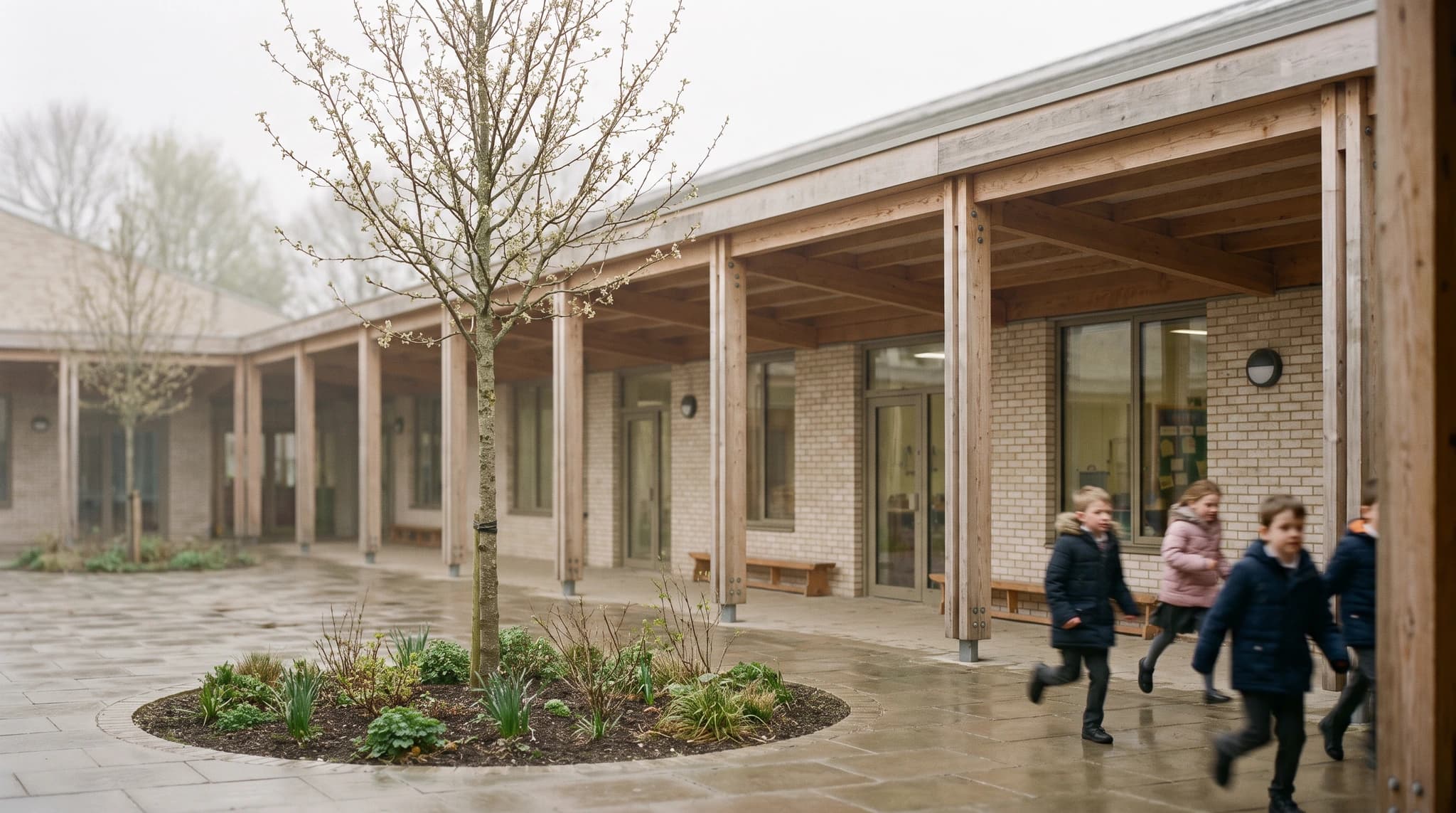 School courtyard — drawing


Drag the line to see the source underneath the render
Drawings and renders produced with Render a House. Drag any pair to compare.
Change the material, keep the design.
Same OBJ, four finishes. Testing a material this way costs a sentence, where in the file it costs a texture, a resource and a re-rendered viewport.
Material
What to export from Vectorworks.
Render a House does not open .vwx files. Two export paths are direct. The third is listed so you do not go looking for a glTF command that writes a standalone file.
| What you export | How to get it out of Vectorworks | What it is good for |
|---|---|---|
| OBJ | File > Export > Export OBJ. The dialog exports selected objects, the current layer, or every visible layer, with a quality slider for polygon density and an option to write double-sided faces. | The most complete path. Real geometry travels with the file, so proportions hold. Push the quality slider up when curved surfaces and railings matter. |
| PNG or JPEG view | File > Export > Export Image File. Set pixel dimensions or print size and resolution, and click Render rather than Wireframe in the preview. | The fastest route, and the only one you need if the design already reads clearly in one framed view. |
| glTF and GLB | Vectorworks writes glTF and GLB inside the MVR container for the Vision lighting workflow rather than as a standalone export command. | Nothing here. Use OBJ for the model path — Render a House reads OBJ directly, so there is no reason to chase the glTF route. |
Export steps come from the Vectorworks help site: the Exporting OBJ and Exporting an image file articles, and the Spotlight and Vision MVR data-exchange workflow that describes where glTF and GLB are used.
Everything you can do.
Nine things you can do with one Vectorworks export, without opening another application.
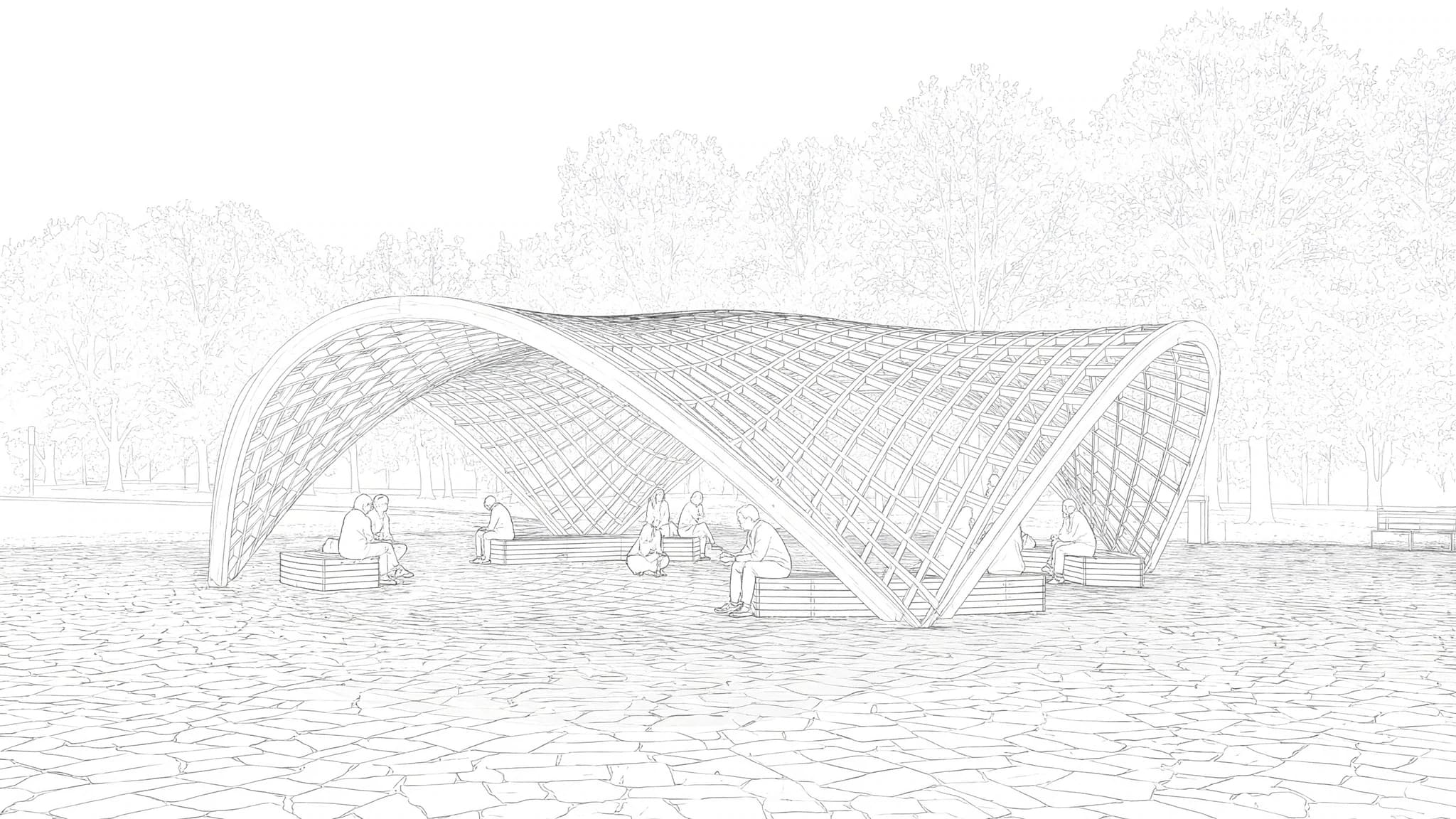
Render
Photorealistic, from your exported view or model.

Edit and adjust
Change materials, furniture, planting and surroundings without redoing the design.
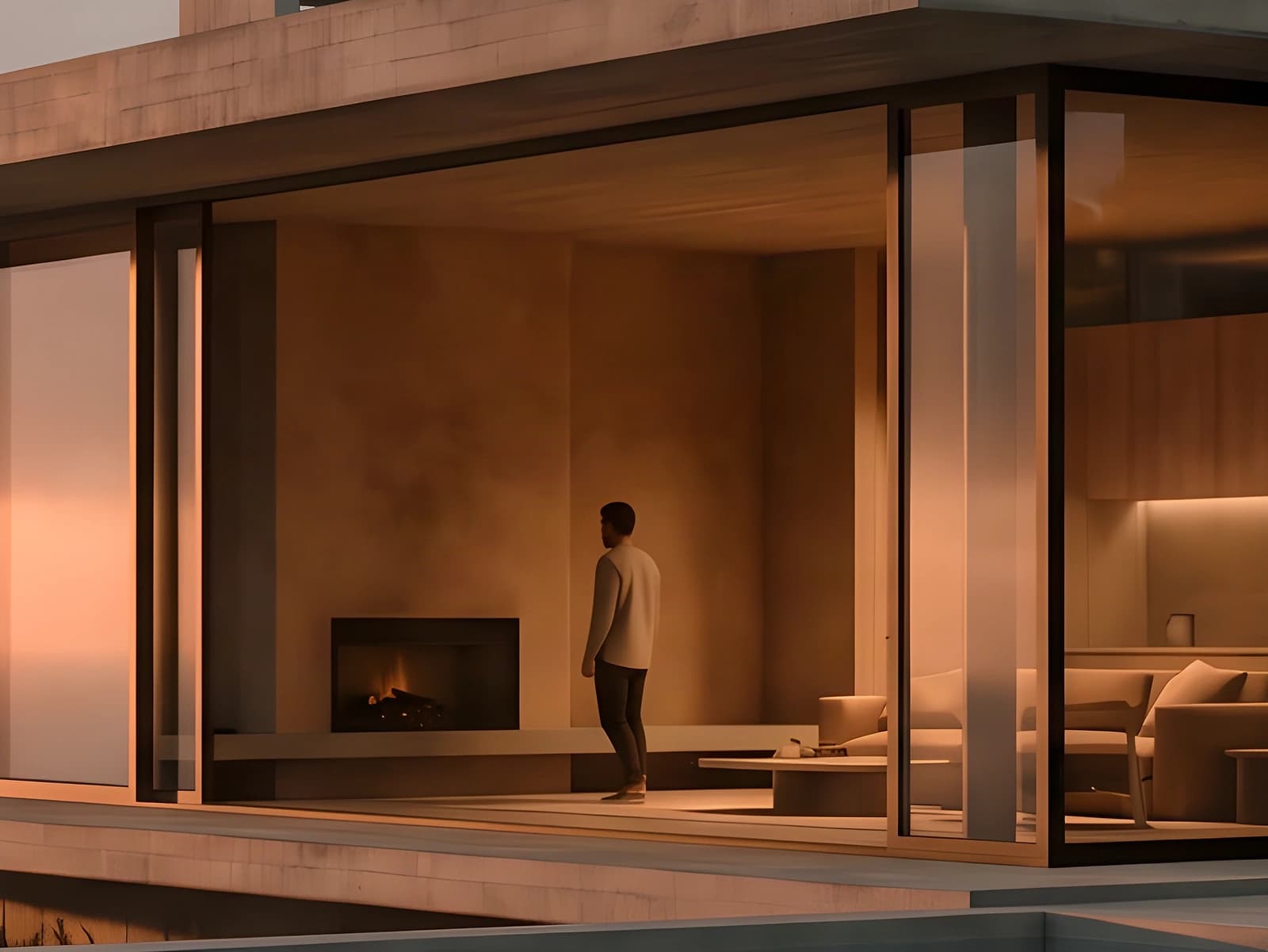
Enhance and upscale
Raise resolution to 4K and sharpen the file for print or a client presentation.
Video and animate
Turn a still into a clip with a camera move, straight from a render you approved.
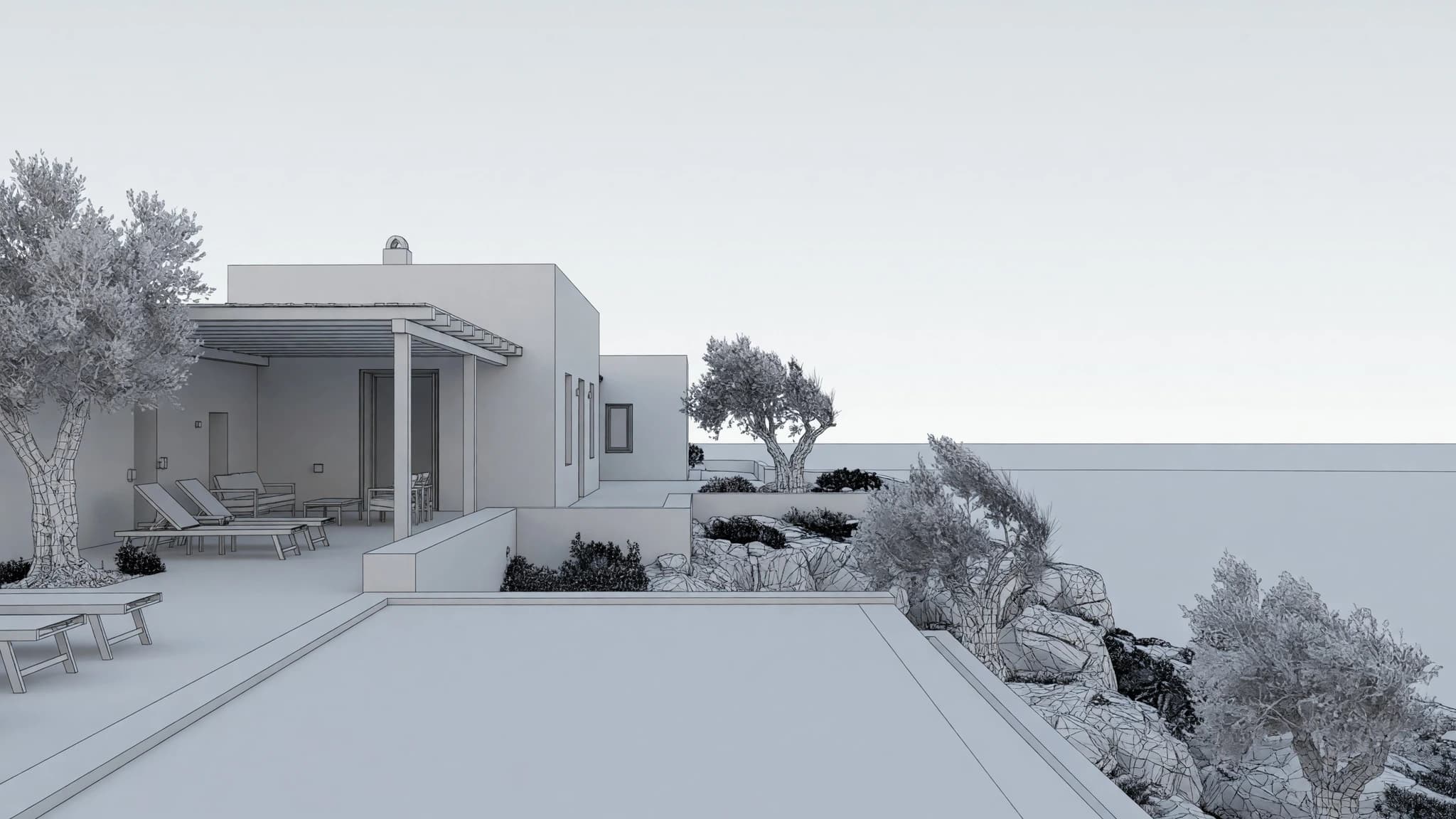
3D
Place the camera on the exported model and choose the framing before you render.
Image to 3D object
Generate a 3D model from a single image, for a piece the source file never contained.
360 render
A navigable panorama of the project: the client looks around from inside it.
Share
A direct link for the client to open the project. No account, no software, no file transfer.
Pro model
The maximum-fidelity pass, for the image that goes in the final deliverable.
Everything you need, in one platform.
Renderworks ships in every Vectorworks tier and renders the model you built, with the textures you assigned. This is for the other job: testing eight visual directions in an afternoon, from any of the files Architect, Landmark or Spotlight produce.
3D integration
Where the application exports a mesh, upload it and set the camera in the browser, then render from that view.
Rendering
Photorealism in seconds, not a queued calculation you leave running over lunch.
Video
A camera move across the same project, generated from a finished still. Nothing to animate.
Design
Try materials, light and surroundings until the right version exists, without touching the source file.
Refinement
Fix one part of a render — a facade panel, a tree, a sky — without starting the image again.
Precision
Your geometry is respected: the walls, openings, heights and proportions you drew stay put.
Collaborative
Share a link and take comments on the image itself, so feedback lands on the render.
Mobile and web
Runs in the browser, including on a laptop that would struggle with a local render engine.
4K
Delivery resolution, ready to print or put on a board without a separate upscaling step.
Works with designs from other CAD software too.
Export an image or upload the model. There is no plugin to install and no format to learn, so the same workflow runs from Vectorworks and from every other package below.
Trademarks identify the software this works with. Render a House is not affiliated with any of them.
SketchUp rendering
SKP (SketchUp file) and more, from SketchUp.
Revit rendering
GLB (via FBX) and more, from Revit.
Archicad rendering
OBJ (WaveFront) and more, from Archicad.
Rhino rendering
GLB (GLTF Binary) and more, from Rhino.
AutoCAD rendering
PNG or JPEG from a 2D view and more, from AutoCAD.
Chief Architect rendering
PNG from a 3D camera view and more, from Chief Architect.
Who this is for.
If you design in Vectorworks and present to clients, this replaces the slowest and most expensive part of that loop.
- Architects
- Landscape architects
- Entertainment designers
- Interior designers
- Exhibition designers
- Design-build firms
958,000 renders generated so far.
128,000 architects and designers have an account.
A render takes about 30–60 seconds.
Available worldwide, in the browser, with nothing to install into Vectorworks.
Counts are extrapolated from a measured baseline and tick live.
Pricing.
Try it out, go Pro when it starts paying for itself.
02
Most popular
Pro
For professionals and small teams
$26/mo
$312/yr
4 months free
- 240 credits per month
- Unlimited daily credits
- Rollover up to 2400 credits
- All features included
03
Studio
For studios and bigger teams
$66/mo
$792/yr
4 months free
- 1000 credits per month
- Unlimited daily credits
- Rollover up to 10000 credits
- All features included
04
Book a demo
If you're several people, book a call and we'll help you integrate Render a House into your whole team's workflow.
What credits buy you
Pro 240 credits | Studio 1000 credits | |
|---|---|---|
| Render Pro 2 credits each | 120 | 500 |
| Render Standard 1 credit each | 240 | 1000 |
| Render Standard 2K 1.5 credits each | 160 | 666 |
| Render Pro 4K 4 credits each | 60 | 250 |
| Render Standard 4K 2 credits each | 120 | 500 |
| Video 0.8 credits/sec | 300s | 1250s |
What this cannot do.
- Open a .vwx file. Export to OBJ or an image first — there is no direct Vectorworks import.
- Produce construction documents, BIM data, or anything dimensionally reliable.
- Guarantee every detail survives. Thin mullions, small hardware and text on signage are the usual casualties.
- Inherit the camera you set. The model carries no usable one, so you frame the shot in the 3D view after uploading.
- Read a Vectorworks resource, a texture library, or a Renderworks camera. Only the exported geometry and image travel.
Common questions about Vectorworks rendering.
Can Render a House open a Vectorworks .vwx file?
No. Export the model first. File > Export > Export OBJ writes a Wavefront OBJ, and File > Export > Export Image File writes a PNG or JPEG of the view at the pixel dimensions you set. Either uploads fine.
Does Vectorworks export GLB or glTF?
Vectorworks uses glTF and GLB inside the MVR container for the Vision lighting workflow, not as a standalone export command. For rendering, export OBJ instead — Render a House reads it directly, so nothing is lost.
Do I need a plugin or an add-on in Vectorworks?
No. Nothing is installed into Vectorworks. You export a file the way you already would, then upload it in a browser, so the workflow is unaffected by your version or tier.
Does this work for Landmark and Spotlight files too?
Yes. The export path is the same regardless of which Vectorworks product built the file. A planted site plan or a stage design exports to OBJ or an image exactly as an architectural model does.
How does this compare to rendering with Renderworks?
Renderworks renders the model you built, with your textures, lights and camera, and it is included in every tier. This works from an export and is directed with a written description. Renderworks gives more control; this gets to a presentable image sooner and lets you try more directions per hour.
Do I need a graphics card?
No. Rendering runs on hosted hardware. The card in your machine affects how Vectorworks navigates the model and how fast Renderworks finishes, not how fast a render comes back here.
Can I use Vectorworks renders in client work?
Yes. Renders you generate are yours to use commercially. Review them first — an AI render is a concept image and should be checked against the model before it stands in for a design decision.

Export the view. Get the render.
Keep Vectorworks as the source of truth for the design. Let this handle the picture of it.
More on Vectorworks
Vectorworks pricing
What Fundamentals, Architect, Landmark, Spotlight and Design Suite cost per year.
3D model viewer
Open the exported OBJ in a browser and save the camera angles you want to render.
Rendering examples
What a source drawing and its render look like side by side, across project types.
Architectural rendering tool
The general workflow, from any drawing, photo or model.