 Render a House/Updated Oct 18, 2026
Best AutoCAD Alternatives in 2026 (Free and Paid)
Render a House is our #1 pick for the job most AutoCAD drawings end in: a client-ready image. It is not a CAD program. For drafting itself, BricsCAD, ZWCAD, GstarCAD and DraftSight are the strongest paid DWG alternatives, and LibreCAD, QCAD and FreeCAD are the best free ones.

What is the best AutoCAD alternative?
The best AutoCAD alternative depends on what you use AutoCAD for. If you draft and edit DWG files every day, BricsCAD is the closest replacement: native DWG, LISP routines, and 2D, 3D and BIM levels. If you want to stop paying a subscription, ZWCAD and GstarCAD sell perpetual licenses. If you need a free AutoCAD alternative, LibreCAD and the QCAD Community Edition cover 2D drafting, and FreeCAD covers parametric 3D.
Many people searching for an AutoCAD alternative do not need a second drafting tool at all. They already have the drawing. What they need is the picture a client will understand. That is the gap Render a House fills: you export a view of your DWG drawing as an image (or a 3D model), upload it, describe materials and light in plain words, and get a photoreal render in about 30-60 seconds. It starts free with 3 credits a day.
Quick answer:Render a House is the best pick for turning DWG-based drawings into client-ready renders, but it is not CAD and does not open or edit DWG files. For drafting, BricsCAD (from $345/yr for Lite) is the closest full AutoCAD replacement, ZWCAD (from $899) and GstarCAD (from $599, sale price) are the best perpetual-license options, and LibreCAD, QCAD Community Edition and FreeCAD are the best free AutoCAD alternatives. Prices checked October 2026 on each vendor's own page.
For context, Autodesk lists AutoCAD from $175 a month and AutoCAD LT from $45 a month, each with a 15-day free trial (checked October 2026). Our AutoCAD pricing guide breaks those plans down in detail.
How do the AutoCAD alternatives compare?
This table compares all eleven tools on the facts that decide a switch: what each one is best for, whether there is a free option, where it runs, and how it handles DWG. Every price comes from the vendor's own page and was checked in October 2026.
| Tool | Best for | Free option | Platforms | DWG | Published price |
|---|---|---|---|---|---|
| 1. Render a House | Turning DWG-based drawings into client-ready renders | Yes — 3 credits a day at 1K with watermark, no card | Browser | No — not a CAD tool; upload a PNG/JPG export or a 3D model | Free: 3 credits/day · Basic $19/mo · Pro $39/mo · Studio $99/mo |
| 2. BricsCAD | Full AutoCAD replacement with 2D, 3D and BIM | 30-day trial of BricsCAD Ultimate | Desktop | Native DWG | Lite $345/yr · Pro $780/yr (1-year subscription); perpetual option |
| 3. ZWCAD | Perpetual-license 2D drafting and 3D navigation | 30-day trial | Desktop | DWG, DXF, DWT | From $899, perpetual ("you own it forever") |
| 4. GstarCAD | Lowest-cost perpetual DWG CAD on Windows and Mac | 30-day trial | Windows, Mac | Native DWG/DXF, R12 to latest | Standard $599 · Professional $759 · Premium $896 perpetual (sale prices) |
| 5. DraftSight | 2D drafting teams in the Dassault/SOLIDWORKS ecosystem | No free version; 30-day Premium trial | Windows, macOS | Create, view and edit DWG, DXF, DGN | Professional $299/yr · Premium $599/yr |
| 6. nanoCAD | Low subscription price with add-on modules | nanoCAD Free (legacy v5), non-commercial only | Windows | Native DWG | nanoCAD 26 Platform $289/yr; modules +$229 each |
| 7. progeCAD | Perpetual license with Revit/IFC import | 30-day trial | Windows (iCADMac for macOS) | DWG/DXF | Not published without selecting a country (checked October 2026) |
| 8. LibreCAD | Free, open-source 2D drafting | Free and open source | Windows, macOS, Linux | DWG not listed on the homepage; test your files | Free |
| 9. QCAD | Free 2D CAD with a cheap DWG upgrade | Community Edition (GPLv3) | Windows, macOS, Linux | DWG via QCAD Professional plugin | Community Edition free · Professional $48 |
| 10. FreeCAD | Free parametric 3D modeling and BIM | Free and open source | Windows, Mac, Linux | DXF native; DWG needs a converter | Free |
| 11. Onshape | Browser-based 3D product design | Free plan, non-commercial, public documents | Browser and mobile | Not a DWG drafting tool | Standard $1,500 · Professional $2,500 per user per year |
"Desktop" means the vendor sells a desktop application; check each vendor's system requirements page for exact operating systems before you buy. Sale prices change often, so treat them as a snapshot, not a quote.
How did we pick these tools?
An AutoCAD alternative is software that can replace AutoCAD for a specific job: drafting, editing DWG files, 3D modeling, or turning a drawing into a presentation image. We ranked tools on four questions:
- Does it solve the job AutoCAD users actually switch for? Cost, licensing, platform, or a better presentation image.
- How does it handle DWG? Native DWG, DWG through a paid plugin, or DWG through a converter are very different experiences.
- Is the price published? We only list prices the vendor publishes. Where a price is not published, we say so.
- What is the honest limitation? Every tool below has one, including ours.
We did not run benchmarks and do not quote ratings or user counts. Facts come from first-party vendor pages, linked inline.
The 11 best AutoCAD alternatives
1. Render a House
Best for: turning DWG-based drawings into client-ready renders. Render a House is an AI rendering tool in the browser. It is not CAD software, and it does not replace your drafting tool. It replaces the slow part after the drawing is done: building materials, lights and scenes just to show a client what the design will look like.
The workflow is short. Export a clean view from AutoCAD, BricsCAD or any DWG tool as a PNG or JPG, upload it, and describe what you want in plain words: "warm stone facade, late-afternoon light, keep the massing and camera unchanged." Render a House also accepts WebP images and 3D models in SKP, GLB, GLTF, OBJ and STL, so a SketchUp file can go in directly. PDF and DWG are not direct uploads; export the plan or view to PNG or JPG first.
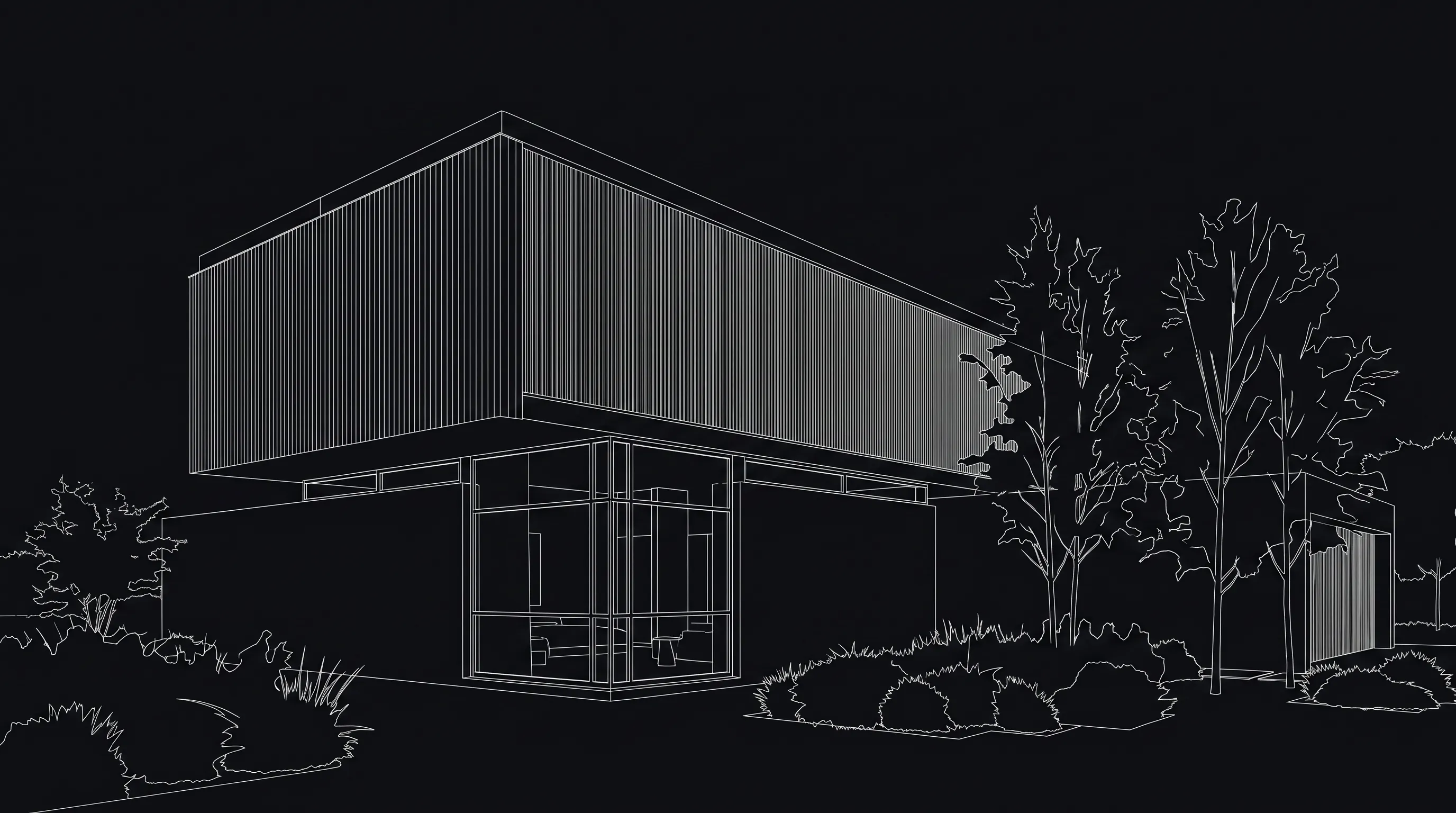
Pricing: the free plan gives 3 credits a day at 1K with a watermark, and no card is required. A standard 1K render costs 1 credit (1.5 at 2K, 2 at 4K). Basic is $19/mo for 120 credits a month, Pro is $39/mo for 240 credits, and Studio is $99/mo for 1000 credits. Video is on paid plans only. Use the render cost calculator to estimate a project, or see pricing.
Honest limitation: Render a House cannot draft, dimension, edit or save DWG files, and it does not produce construction documents. A render is an interpretation of your view: it can change small details, so check it against the drawing before it goes to a client. If you need to replace AutoCAD for drafting, pick one of the CAD tools below and use Render a House alongside it.
Try AutoCAD rendering free with an exported view from your current drawing.
2. BricsCAD
Best for: a full AutoCAD replacement. BricsCAD is a DWG-native CAD platform from Octave (formerly Bricsys) with product levels for 2D drafting (Lite), 2D and 3D (Pro), building modeling (BIM toolset) and mechanical design (Mechanical toolset). Lite includes 2D drafting tools, blocks, a sheet set manager and LISP routines, which matters if your office relies on AutoCAD scripts.
Its store lists one-year subscriptions at $345/yr for Lite, $780/yr for Pro, $1,100/yr for Mechanical and $1,166/yr for BIM, including maintenance and excluding taxes, with three-year and perpetual options. The 30-day trial unlocks BricsCAD Ultimate, every level at once.
Published price (checked October 2026): Lite $345/yr · Pro $780/yr (1-year subscription); perpetual option. Source: BricsCAD first-party page.
Honest limitation: BricsCAD is not cheaper in every configuration; once you add industry toolsets the yearly cost climbs. It also has its own menus and toolsets, so expect a short adjustment period even with familiar commands.
3. ZWCAD
Best for:owning your license. ZWCAD from ZWSOFT is a CAD tool for 2D drafting and 3D navigation that works with DWG, DXF and DWT files. Its product page advertises a perpetual license "from $899" with the line "You own it forever," plus network licenses and a 30-day free trial (ZWCAD product page, checked October 2026).
Published price (checked October 2026): From $899, perpetual ("you own it forever"). Source: ZWCAD first-party page.
Honest limitation:the "See Pricing" link leads to a sales inquiry form, so edition-by-edition prices are not published on the page we checked. Budget for a sales conversation if you need anything beyond the starting license.
4. GstarCAD
Best for: the lowest published perpetual price. GstarCAD 2027 claims 100% native DWG/DXF support from R12 to the latest version, AutoCAD-like commands, and APIs for LISP, .NET and VBA. The GstarCAD store lists perpetual licenses at Standard $599 (regular $749), Professional $759 (regular $949) and Premium $896 (regular $1,120), marked as a sale of up to 20% off. GstarCAD for Mac, optimized for Apple M-series chips, is sold on the same page, and there is a 30-day free trial.
Published price (checked October 2026): Standard $599 · Professional $759 · Premium $896 perpetual (sale prices). Source: GstarCAD first-party page.
Honest limitation: those are sale prices that can end at any time, and the store also sells subscriptions, so read the license type before you add a tier to the cart.
5. DraftSight
Best for: 2D drafting in a Dassault Systèmes or SOLIDWORKS shop. DraftSight creates, views and edits DWG, DXF and DGN files and includes AutoLISP. The How to Buy page lists Professional at $299/yr and Premium at $599/yr (Premium adds custom blocks, STEP import, a sheet set manager, DGN export and a BIM module), with network licenses from $399/yr. Its FAQ lists Windows 10 or 11 and macOS 12 or later.
Published price (checked October 2026): Professional $299/yr · Premium $599/yr. Source: DraftSight first-party page.
Honest limitation:DraftSight is no longer free. Its own FAQ says it "no longer offers a free version"; the only no-cost option is a 30-day Premium trial. Older articles that list DraftSight as a free AutoCAD alternative are out of date.
6. nanoCAD
Best for: a low subscription with modules. nanoCAD uses DWG as its native format. The nanoCAD buy page lists nanoCAD 26 Platform at $289 for a one-year workstation license ($379 network, $867 for three years), and optional modules (3D solid modeling, Mechanica, Construction, Raster, Topoplan) at $229 each.
There is also nanoCAD Free, a legacy version 5 that costs nothing after registration. The nanoCAD Free FAQ says it is intended for non-commercial use only.
Published price (checked October 2026): nanoCAD 26 Platform $289/yr; modules +$229 each. Source: nanoCAD first-party page.
Honest limitation: nanoCAD Free dates from 2013, does not support the latest DWG versions, and nanoCAD says it cannot guarantee compatibility with Windows 10 or 11. Treat it as a viewer-and-learner tool, not a professional free AutoCAD alternative.
7. progeCAD
Best for: a perpetual license with BIM imports. progeCAD Professional from progeSoft is an AutoCAD-compatible 2D/3D DWG/DXF CAD for Windows, sold with a perpetual license and no annual fee. It supports dynamic blocks and imports Revit, IFC, STEP and SolidWorks files, plus PDF to DWG conversion. progeSoft sells iCADMac as its macOS version. A 30-day trial is available.
Published price (checked October 2026): Not published without selecting a country (checked October 2026). Source: progeCAD first-party page.
Honest limitation: the progeSoft shop asks you to pick a country before showing a price, and some regions go through resellers. You cannot compare the price at a glance.
8. LibreCAD
Best for: free 2D drafting. LibreCADis a free, open-source 2D CAD application for Windows, macOS and Linux, available in more than 30 languages and supported by a community forum, manual and wiki. It is the simplest answer to "free AutoCAD alternative" when you only need 2D.
Published price (checked October 2026): Free. Source: LibreCAD first-party page.
Honest limitation: LibreCAD is 2D only, and DWG support is not listed on its homepage (checked October 2026). Test your own DWG files before you commit, or plan to exchange DXF.
9. QCAD
Best for: free 2D CAD with a low-cost DWG upgrade. The QCAD Community Edition is open source under GPLv3. QCAD Professional adds commercial plugins for DWG import and export, better DXF and spline support and other tools. The QCAD shop lists QCAD Professional at $48 and QCAD/CAM at $128. A single-user license covers multiple computers and operating systems for one person, with builds for Windows, macOS and Linux.
Published price (checked October 2026): Community Edition free · Professional $48. Source: QCAD first-party page.
Honest limitation: the free Community Edition does not include DWG support; that is the paid plugin. QCAD is also 2D only.
10. FreeCAD
Best for: free parametric 3D. FreeCAD is an open-source parametric 3D modeler for Windows, Mac and Linux, with workbenches for BIM, FEA, CAM/CNC and more. It reads and writes open formats such as STEP, IGES, STL, SVG, DXF, OBJ and IFC.
Published price (checked October 2026): Free. Source: FreeCAD first-party page.
Honest limitation: FreeCAD is not a DWG drafting tool. Importing DWG requires an external converter, as described on the FreeCAD DWG import wiki page. It also works very differently from AutoCAD, so the learning curve is real.
11. Onshape
Best for: browser-based 3D product design. Onshape runs in the browser with real-time collaboration and version control. Its pricing page lists a $0 Free plan for non-commercial use, Standard at $1,500 per user per year, Professional at $2,500 per user per year, and free access for students and educators.
Published price (checked October 2026): Standard $1,500 · Professional $2,500 per user per year. Source: Onshape first-party page.
Honest limitation: Onshape is a mechanical 3D CAD platform, not a DWG drafting tool, and on the Free plan all documents are public. It is on this list for teams leaving AutoCAD for 3D product work, not for architectural 2D drafting.
What is the best free AutoCAD alternative?
The best free AutoCAD alternative for 2D drafting is LibreCAD or the QCAD Community Edition. The best free one for 3D is FreeCAD. If DWG is a must and your work is commercial, no free option is a safe full replacement; the cheapest published DWG upgrade on this list is QCAD Professional at $48.
| Free option | License | DWG handling | Main restriction |
|---|---|---|---|
| LibreCAD | Free, open source | Not listed on homepage | 2D only |
| QCAD Community Edition | GPLv3 | DWG only in paid Professional | 2D only |
| FreeCAD | Free, open source | Needs external converter | Parametric 3D; different workflow |
| nanoCAD Free | Free with registration | Native DWG, older versions only | Non-commercial use only; legacy 2013 release |
| Onshape Free | Free plan | Not a DWG tool | Non-commercial; documents are public |
| Render a House Free | 3 credits a day | Upload a PNG/JPG export instead | Not CAD; 1K with watermark |
Paid tools with free trials are another way to finish a short project: BricsCAD, ZWCAD, GstarCAD, DraftSight and progeCAD each offer 30 days, and AutoCAD and AutoCAD LT offer 15 days. For a longer list of no-cost options, see our free CAD software guide.
How do you turn a DWG drawing into a client-ready render?
You turn a DWG drawing into a render by exporting a clean view as an image and rendering that image. You do not need to rebuild the scene in a rendering engine. The steps work the same in AutoCAD or any alternative above:
- Pick one view that explains the design. A street-level exterior, an eye-level interior or a clean three-quarter massing view.
- Clean it up. Hide helper geometry, dimensions, hatches you do not want rendered, and construction layers.
- Export to PNG or JPG. Use PNG when line clarity matters. If you have a PDF plot, convert it to PNG or JPG first.
- Upload to Render a Houseand describe materials, light and mood. Add "keep the geometry and camera unchanged" to protect your design.
- Iterate. Generate a new version when the whole image is off; edit locally when one material or object is wrong.
For the full settings walkthrough, read the AutoCAD to AI rendering workflow. If you work from SketchUp instead, upload the .skp file directly.
Which AutoCAD alternative should you choose?
Match the tool to the reason you are leaving AutoCAD:
- You need client images, not another CAD seat: keep your drafting tool and add Render a House.
- You want the closest drop-in replacement: BricsCAD, especially if you rely on LISP.
- You want to stop paying every year: ZWCAD, GstarCAD or progeCAD perpetual licenses.
- You only do 2D and want the lowest subscription: DraftSight Professional ($299/yr) or nanoCAD ($289/yr).
- You work on a Mac: GstarCAD for Mac, DraftSight, iCADMac, or the free LibreCAD and QCAD.
- You need it free: LibreCAD or QCAD for 2D, FreeCAD for 3D.
Check hardware before you switch; our AutoCAD system requirements guide is a useful baseline, since most DWG-compatible tools target similar machines. For the broader market beyond AutoCAD replacements, see our best CAD software guide.
What can't these alternatives do?
Every alternative trades something away. Be clear on these:
- DWG compatibility is not identical. DWG-native tools still handle some AutoCAD-specific objects, vertical toolsets and add-ins differently. Open your own real drawings in the trial before you buy.
- Free tools have hard limits. Non-commercial licenses (nanoCAD Free, Onshape Free), missing DWG support (QCAD Community, FreeCAD) or 2D only (LibreCAD, QCAD).
- Your team's workflow moves too. Templates, plot styles, scripts and training need time to migrate.
- Render a House is not CAD. It will not draft, dimension or edit DWG, and it does not create construction documents. It turns a drawing view into a presentation image.
- Prices move. Sale prices and regional pricing change; confirm on the vendor page before you buy.
Related guides
FAQ
What is the best alternative to AutoCAD?
- For drafting, BricsCAD is the closest full replacement: native DWG, LISP support, and 2D, 3D and BIM levels starting at $345 a year for Lite (checked October 2026). If the real goal is turning DWG-based drawings into client-ready images, Render a House is the faster pick, but it is a rendering tool, not CAD.
Is there a free AutoCAD alternative?
- Yes. LibreCAD, FreeCAD and the QCAD Community Edition are free and open source. nanoCAD Free is free for non-commercial use only. Onshape has a free plan for non-commercial work with public documents. None of them matches AutoCAD's full DWG workflow without trade-offs.
Which free AutoCAD alternative opens DWG files?
- nanoCAD Free uses DWG as its native format but is a legacy 2013 release that cannot open newer DWG versions and is non-commercial only. QCAD adds DWG import and export only in the paid Professional edition. FreeCAD needs an external converter for DWG. For reliable DWG work, a paid DWG CAD tool is the safer choice.
Is DraftSight still free?
- No. DraftSight's own FAQ says it no longer offers a free version. Professional is $299 a year and Premium is $599 a year, with a 30-day Premium trial (checked October 2026).
Is Render a House a CAD program?
- No. Render a House does not draft, edit or save DWG files. It turns an exported drawing view, sketch, photo or 3D model into a photoreal render in the browser. Keep your CAD tool for the drawing and use Render a House for the client image.
How much does AutoCAD cost compared with the alternatives?
- Autodesk lists AutoCAD from $175 a month and AutoCAD LT from $45 a month (checked October 2026). The paid alternatives in this list publish prices from $289 a year (nanoCAD) to perpetual licenses from $599 (GstarCAD Standard, sale price).
What is the best AutoCAD alternative for Mac?
- GstarCAD and DraftSight both publish macOS versions, progeSoft sells iCADMac for macOS, and LibreCAD, QCAD and FreeCAD run on macOS for free. Render a House and Onshape run in the browser, so they work on any Mac.
Keep reading
Related guides and comparisons
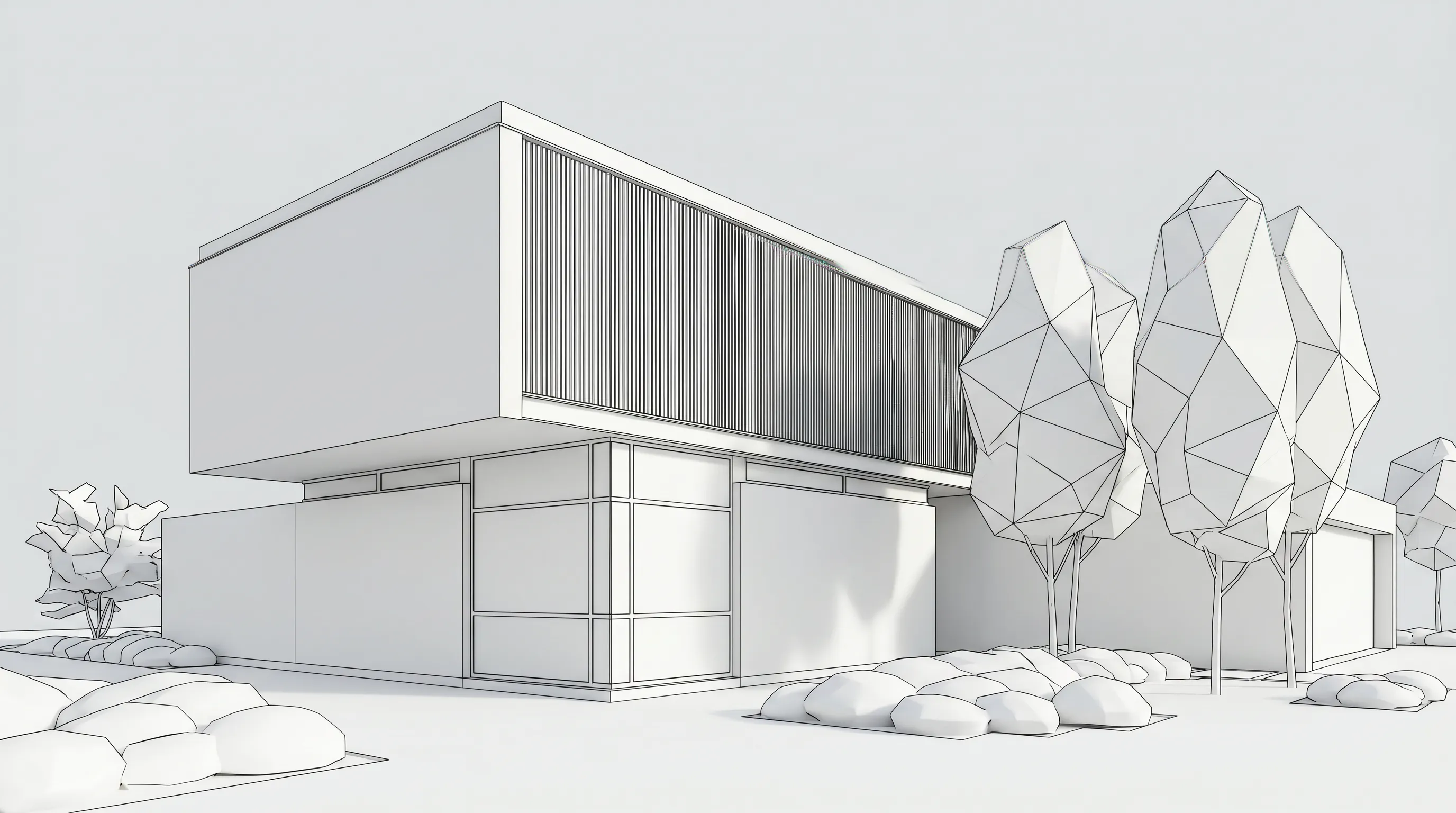
3D Printing Architectural Models: Printers, Materials and Workflow
How to 3D print architectural models: scale, wall thickness, STL export from SketchUp, Revit and Rhino, slicing, FDM vs resin, materials and finishing.
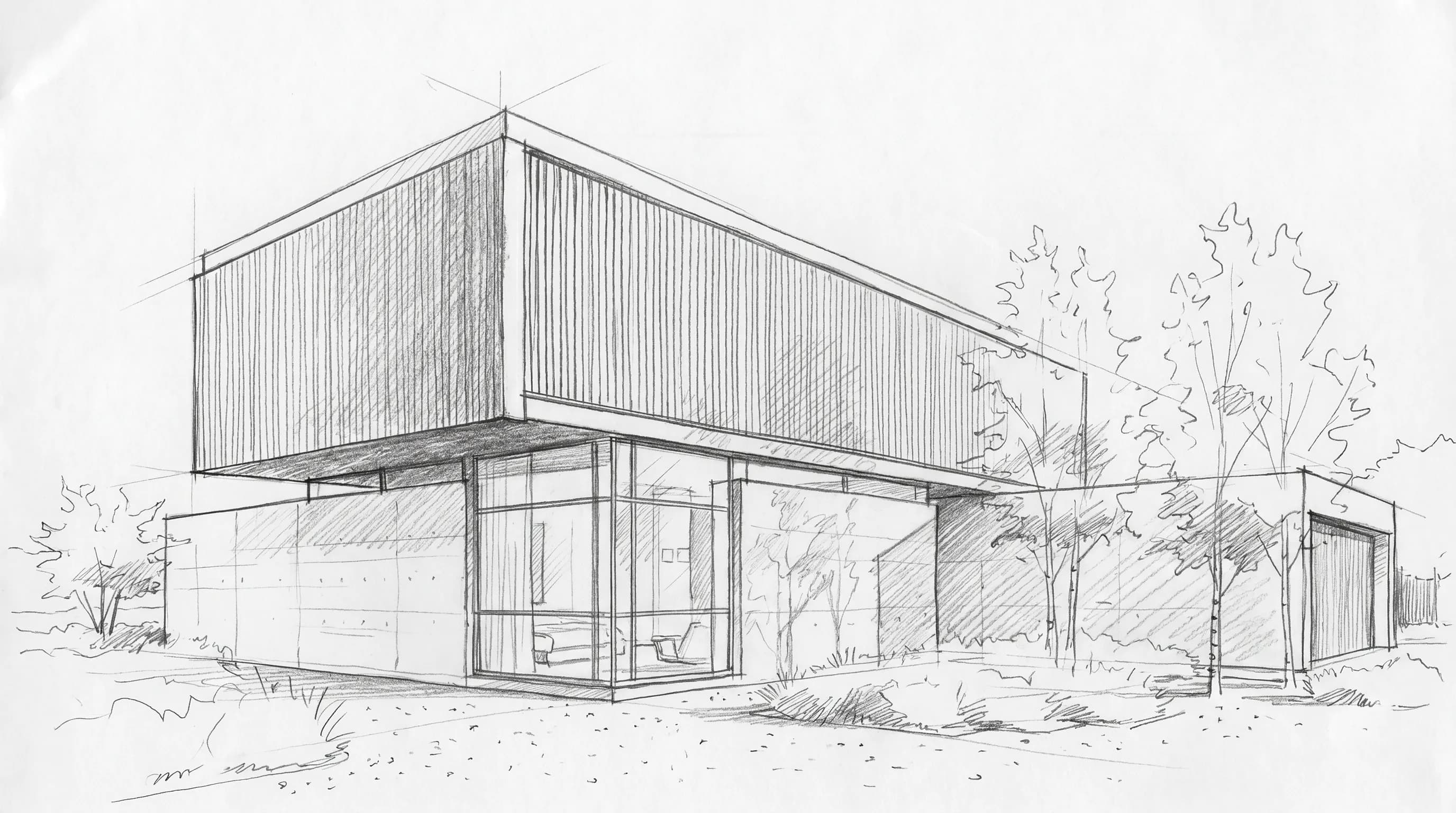
The Architectural Design Process: Phases From Brief to Construction
The architectural design process runs from programming through schematic design, design development, construction documents, bidding and construction.
Architectural Styles Explained: 22 Styles and How to Recognize Them
22 architectural styles from Classical to Tropical Modernism: dates, 3-4 features to spot each one, a canonical example building and a summary table.
