 Render a House/Updated Oct 11, 2026
Render Farm vs AI Rendering: Do You Still Need a Render Farm?
You still need a render farm for animation sequences and for exact V-Ray, Corona or Cycles frames from a finished scene. For concept stills from a sketch, photo or 3D model, AI rendering is cheaper and faster: Render a House costs about $0.16 an image on Pro and runs in the browser with no GPU.

The short answer
A render farm rents you machines to render the scene you already built, billed by the hour: $1.224 per CPU node-hour on Fox Render Farm’s Ordinary tier, per foxrenderfarm.com/pricing. AI rendering skips the scene: upload a sketch, a photo or a 3D model and get a concept image back in about 30–60 seconds.
Keep a farm for animation, for exact V-Ray or Corona output and for final-frame fidelity. For concepts, options and early client reviews, Render a House is the browser-based, no-GPU alternative: it turns a 3D model, a sketch or a photo into a render, and the Free plan gives 3 credits a day. Updated Oct 2026.
Render farm vs AI rendering at a glance
Prices from each farm’s own pricing page, checked October 2026; Render a House figures from its current plans.
| Option | What you send | Billing unit | Published price | Free start | Best for |
|---|---|---|---|---|---|
| Render a House (AI rendering) | A sketch, a plan exported to PNG/JPG, a photo, or a SKP, GLB, GLTF, OBJ or STL model. | Credits per image: 1 for a standard 1K render, up to 4 for a Pro 4K render. | Pro $39/mo for 240 credits (about $0.16 per standard image); top-ups $0.20 a credit. | 3 credits a day at 1K, with a watermark. | Concept stills and short video, on any machine. |
| Fox Render Farm | A finished scene from 3ds Max, Blender, Maya, Cinema 4D and others. | CPU node-hour. | $1.224 per node-hour (Ordinary) down to $0.734 (Diamond, after $10,000 of top-ups). | $25 free trial. | Large CPU jobs and animation. |
| RebusFarm | A finished scene sent through its plugin (3ds Max, Cinema 4D, Maya, Blender, SketchUp, Rhino and others). | GHz-hour (CPU) or OB-hour (GPU), billed by the second. | 1.20 cents per GHz-hour (CPU) and 0.45 cents per OB-hour (GPU), paid in RenderPoints (1 RP = €1). | Free trial credits worth $29.38, no payment details. | Pay-as-you-go jobs with volume discounts up to 60%. |
| GarageFarm | A finished scene from 3ds Max, V-Ray, Corona, Blender and others. | GHz-hour (CPU) or OB-hour (GPU), by priority. | CPU $0.024–$0.072 per GHz-hour; GPU $0.004–$0.012 per OB-hour (Low to High priority). | Trial with starter credits, no credit card. | Choosing speed vs cost per job. |
How render farms charge
No farm sells a fixed price per image. They sell machine time, so the bill depends on how long your scene takes to render.
Fox Render Farm
CPU rendering costs $1.224 per node per hour on the Ordinary tier, $1.102 on Silver, $0.979 on Gold, $0.857 on Platinum and $0.734 on Diamond, which needs more than $10,000 of accumulated top-ups, per Fox Render Farm's pricing page. Nodes come with 64 GB of RAM by default, some render software costs extra, and new accounts get a $25 free trial.
RebusFarm
CPU rendering is 1.20 cents per GHz-hour and GPU rendering 0.45 cents per OB-hour, paid in RenderPoints worth €1 each, with volume discounts up to 60% and no minimum spend, per RebusFarm's pricing and discounts. Render time is charged by the second and new users get free trial credits worth $29.38 with no payment details, per rebusfarm.net.
GarageFarm
CPU rendering is $0.024 per GHz-hour on Low priority, $0.036 on Medium and $0.072 on High; GPU rendering is $0.004, $0.006 and $0.012 per OB-hour, per GarageFarm's pricing page. The trial comes with starter credits and needs no credit card. GarageFarm’s own worked example: one hour on ten CPU machines is 550 GHz-hours, or $13.20 on Low priority.
From an hourly rate to a cost per frame
Cost per frame is render time per frame multiplied by the rate. As an illustration only, not a quote: a 250-frame animation at 30 node-minutes a frame is 125 node-hours, or $153.00at Fox’s Ordinary rate. Your own frame time depends on the scene, so every farm above asks you to send test frames before the full job.
What an AI render costs per image
Render a House charges credits per image. These are the per-image costs on each plan’s monthly price, and on extra credits bought as top-ups ($5 minimum, card only).
| Output | Credits | Pro ($39/mo) | Studio ($99/mo) | Top-up credits |
|---|---|---|---|---|
| Standard render, 1K | 1 | $0.16 | $0.10 | $0.20 |
| Standard render, 2K | 1.5 | $0.24 | $0.15 | $0.30 |
| Pro render, 2K | 2 | $0.33 | $0.20 | $0.40 |
| Pro render, 4K | 4 | $0.65 | $0.40 | $0.80 |
Pro includes 240 credits a month and Studio 1,000. Video is on every paid plan at 0.8 credits per second. The Free plan gives 3 credits a day at 1K with a watermark. To price a batch, use the render cost calculator.
When a render farm is still the right call
A farm renders your own scene with your own engine, only faster. That is the whole case for it, and AI rendering does not replace it.
Animation sequences
Animation multiplies render time by the frame count. A camera path through the model, rendered frame by frame, is the job farms are built for, and the hours are what you would otherwise wait out on one workstation.
Exact V-Ray or Corona output
Fox Render Farm, RebusFarm and GarageFarm all list V-Ray among their supported software, and RebusFarm and GarageFarm list Corona too. If the client signed off on a V-Ray or Corona look, the farm reproduces it exactly, because it renders the same file.
Final-frame fidelity
Final images for marketing or competitions need every material, light and camera exactly as set. A farm keeps them; an AI render reinterprets them. Check what the licence costs first in V-Ray pricing.
When AI rendering is the better fit
AI rendering fits the earlier, faster part of the work: massing studies, material options, a first image for a client, or a design you only have as a sketch. There is no scene to build, so there is nothing to send to a farm.
- You have a sketch, a plan or a photo, not a finished scene: sketch to render or plan to render.
- You have a 3D model but no time to dress it: model to render, with .skp uploaded directly.
- You need many variations, where farm hours and setup add up.
- You work on a laptop or a Mac with no dedicated GPU.
Render a House as the no-GPU alternative
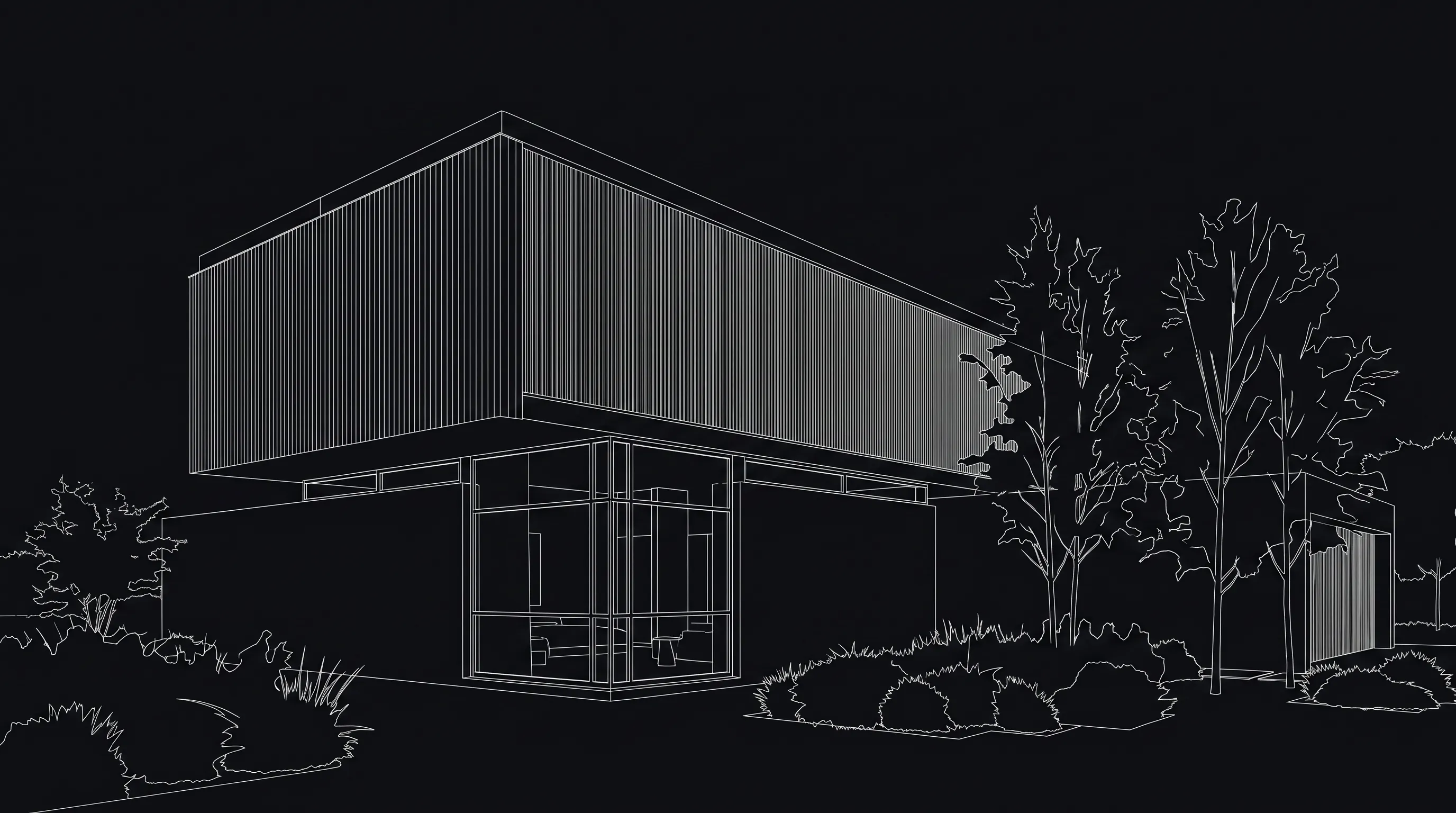
Render a House is an AI rendering tool for architects and real estate. Upload a SKP, GLB, GLTF, OBJ or STL model, a PNG, JPG or WebP image, or a plan exported to PNG/JPG, and get a concept render in about 30–60 seconds in the browser.

What it cannot do
- Render your V-Ray, Corona or Cycles scene. It makes a new image from what you upload, so it will not match a production render pixel for pixel.
- Render an animation sequence frame by frame. It makes stills and short clips from one image, not a camera path through the model.
- Guarantee exact geometry. Check openings and proportions against the model; small details can shift.
- Replace a final-frame production pipeline. It is for concepts, options and early client reviews.
New PC or render farm?
Forum threads on this ask the same question: buy a faster PC or pay a farm? A farm is pay-per-use with no hardware to buy, which suits occasional deadline peaks. A new PC suits daily rendering, where farm hours would keep adding up; check Blender’s system requirements or V-Ray’s system requirements before you buy. If most of your images are concepts, a browser AI renderer needs neither.
The verdict
Use a render farm when the output has to be your exact scene: animation sequences, V-Ray or Corona finals, and deadlines your workstation cannot meet. Fox Render Farm bills per node-hour, RebusFarm and GarageFarm per GHz-hour, and all three offer a free trial to test frames.
Use AI rendering for everything before that: concepts, options and client previews from a sketch, a photo or a model. On Render a House that is about $0.16 an image on Pro, with no GPU and no scene setup. More on the trade-off: AI rendering subscription vs pay per render.
Common questions about render farms and AI rendering
Do I still need a render farm in 2026?
- Yes, if you render animation sequences or must deliver exact V-Ray, Corona or Cycles frames from a finished scene on a deadline. No, if what you need is concept stills or quick options for a client: AI rendering turns a sketch, photo or 3D model into an image in about 30–60 seconds without a scene or a GPU.
How much does a render farm cost per frame?
- Farms do not publish a per-frame price; they bill machine time. Fox Render Farm lists $1.224 per CPU node-hour on its Ordinary tier, RebusFarm 1.20 cents per GHz-hour, and GarageFarm $0.024 per GHz-hour on Low priority. Cost per frame is your render time per frame multiplied by that rate, so all three ask you to send a few test frames first.
Is cloud rendering the same as a render farm?
- Usually, yes. Cloud rendering means uploading your scene to a farm's machines and paying for the render time, as Fox Render Farm, RebusFarm and GarageFarm do. AI rendering is different: there is no scene to render, the model generates a new image from your sketch, photo or 3D model.
Can AI rendering replace V-Ray or Corona?
- For concept stills, often. For final frames, no: an AI render does not reproduce your exact materials, lights and camera, and geometry can shift. Keep V-Ray or Corona, and a farm if you need one, for the final images.
Should I buy a new PC or use a render farm?
- A farm suits occasional peaks: you pay only for render time and skip the hardware. A new PC suits daily rendering, where farm hours would add up. If most of your rendering is concepts, an AI renderer in the browser needs neither.
How much does an AI render cost on Render a House?
- Free gives 3 credits a day at 1K with a watermark. Pro is $39 a month for 240 credits, and a standard 1K render uses 1 credit, so about $0.16 an image. Extra credits are $0.20 each, with a $5 minimum top-up.
No scene to send to a farm? Upload the model, sketch or photo you already have and see a render in under a minute, no GPU needed. Render your model free.
Related guides:
- V-Ray alternatives — Options for when a full V-Ray pipeline is more than the job needs.
- Enscape vs V-Ray — Live design review or physically accurate final frames.
- V-Ray pricing — What the licence costs before you pay a farm to render it.
- 3D architectural rendering cost — What studios and freelancers charge per image.
- Render cost calculator — Estimate the cost of a batch of AI renders.
- Blender system requirements — The hardware to check before you buy a new PC instead.
Keep reading
Related guides and comparisons

Render a House vs Veras (and D5 Render): 2026 comparison of prices, inputs and speed
Render a House vs Veras vs D5 Render: Veras from $16.90/mo, D5 Pro $30/mo, Render a House free daily tier. Inputs, hosts, geometry control and speed compared.

AI for real estate renders and marketing videos: 7 tools by job, with 2026 prices
AI for real estate renders and marketing videos by job: staging, day-to-dusk, off-plan renders and video. 7 tools, prices checked Sept 2026.

Midjourney for architectural rendering in 2026: what $10/mo buys, where it fails, and what to use for your own design
Midjourney V8.2 vs Veras, D5 Render and Render a House for architects: inputs, geometry control, plugins and 2026 prices, plus a moodboard-to-render workflow.
