 Render a House/Updated Oct 22, 2026
Veras vs D5 Render (2026): AI Plugin or Real-Time Renderer?
Our top pick for most architects comparing Veras and D5 Render is Render a House, the AI architectural rendering tool: it turns a sketch, floor plan, photo or SketchUp file into a render in 30–60 seconds in the browser, with no plugin and no GPU. Veras and D5 Render solve different problems. Veras is an AI plugin that renders the model view you already have open in Revit, SketchUp, Rhino, Archicad and other hosts, while D5 Render is a Windows real-time renderer that needs a finished 3D model and a ray-tracing GPU.
Last updated: October 2026.
Key takeaways
Render a House is our #1 pick for concept stills from a sketch, plan, photo or SketchUp file; Veras wins for AI inside a BIM host, and D5 Render wins for live scenes on a Windows GPU.
- Veras is the pick when AI iteration has to happen inside your BIM or CAD host. It lists plugins for Revit, SketchUp, Rhino, Archicad, Vectorworks, Forma and Allplan, and offers a Geometry Override slider.
- D5 Render is the pick when you need a live viewport, walkthroughs, VR or editable scene controls. It needs a ray-tracing GPU on Windows and publishes no macOS version.
- Render a House is the pick when you start from a sketch, floor plan, photo or SketchUp .skp and want a still image fast, in a browser, on any machine.
- The three are not priced alike. Veras Pro is $348/yr billed annually, D5 Pro is $360/yr, and Render a House Pro is $312/yr, but each buys a different kind of output, and credits are not interchangeable.
- Many studios combine them: AI concept stills early, a live scene or host-integrated AI later.
Veras vs D5 Render vs Render a House at a glance
Competitor cells come from vendor pages checked in October 2026. Where a vendor does not publish a figure, the table says so.
| Render a House | Veras (Chaos) | D5 Render | |
|---|---|---|---|
| Best for | Sketch, floor plan, photo or SketchUp file to a photoreal still in the browser | AI renders inside Revit, SketchUp, Rhino, Archicad, Vectorworks, Forma or Allplan | Real-time visualization, walkthroughs and VR from a finished 3D model |
| Input | Sketch, floor plan, photo (JPG, PNG, WebP); SKP, GLB, GLTF, OBJ, STL on paid plans | Host model view, sketch, floor plan or image, guided by a text prompt | 3D model via LiveSync or file import |
| Needs a 3D model | No | No for sketch and image modes; yes for 3D-model-to-image | Yes |
| Runs where | Any modern browser, no install, no offline mode | Plugins for the hosts above, plus a web app | Windows desktop; DirectX Raytracing and a ray-tracing GPU; no macOS version published |
| Time per render | 30–60 seconds | Not published (checked October 2026) | Real-time viewport; export time depends on GPU and resolution |
| Free plan | Free: 3 credits/day at 1K, watermarked, no card | No free plan; 14-day trial with 100 shared image/video credits | Community: free, personal and non-commercial only; 50 AI trial credits |
| Published price | Pro $39/mo or $312/yr; Studio $99/mo or $792/yr | Starter $16.90/mo billed annually ($202.80/yr) or $20.90/mo monthly; Pro $29/mo billed annually ($348/yr) or $59/mo monthly; Ultra $127.20/mo billed monthly | Pro $30/mo billed annually ($360/yr); Teams $59/seat/mo billed annually ($708/seat/yr) |
What is the best AI rendering tool for architects?
It depends on where your design lives when you need an image. When ChatGPT answers this question today, it usually splits the field the same way: tools that work from your existing model, tools that render directly from a 3D scene, and tools that generate concepts from prompts or reference images. Using that split:
- You model in Revit, SketchUp, Rhino or Archicad and want AI renders without leaving the host. Veras is built for this.
- You have a finished 3D model and need live control, walkthroughs, animation or VR. D5 Render is built for this. It is a real-time engine with AI-assisted features rather than a pure AI image tool.
- You have a sketch, a floor plan, a photo or a SketchUp file, and you want a photoreal image in about a minute. Render a House is built for this.
There is no single winner for every workflow. The rest of this page compares the three on the dimensions that decide which fits your week.
Compare AI rendering platforms for architects: Veras vs D5 Render
Workflow: where each tool runs
Veras runs where your model runs. Per EvolveLAB, it lists plugins for SketchUp 2021–2025, Revit 2021–2026, Rhino 7 and 8, Archicad 28, Vectorworks 2024–2025 and Forma. Chaos adds Allplan and lists Veras as available inside Enscape, V-Ray and Corona. There is also a Veras web app.
D5 Render is a desktop real-time engine. Its LiveSync plugins connect SketchUp, Revit, Rhino, 3ds Max, Cinema 4D, Archicad, Blender and Vectorworks to a live scene, and D5's pricing page includes them even on the Community tier. You build and light the scene on your own GPU.
Render a House runs entirely in the browser, so a laptop, a tablet or a meeting-room screen all work. The trade-offs are that it has no offline mode and no native plugin, and it is not live-linked to your model. For SketchUp, you save the .skp and upload it, and a changed model must be uploaded again. For Revit, the supported-formats guide says to export a GLB with the Leia – glTF Exporter plugin or use a view screenshot, because .rvt files are not accepted.
Inputs: what you can start from
Chaos lists Veras workflows as sketch-to-image, 3D-model-to-image, image-to-video and image-to-3D, which turns a sketch, floor plan or image into an editable 3D scene. Each is guided by a text prompt. Inside a host, the main input is the current model view.
D5 Render accepts a 3D model, synced live or imported. That is the point of a real-time engine, but it means D5 cannot help on the day you only have a napkin sketch.
Render a House accepts JPG, PNG and WebP images, so export a PDF plan to PNG or JPG first. On paid plans it also takes SKP, GLB, GLTF, OBJ and STL files, with no size limit on 3D models. SketchUp files upload directly. If you are starting from a drawing, the sketch to photorealistic render guide shows the workflow.
Output and design control
This is where the three differ most.
- Veras leads on control inside an AI workflow. Its Geometry Override slider sets how closely the image follows your model, Render Selection limits changes to a chosen region, and Render Same Seed lets you vary a prompt while keeping the composition stable. Chaos also lists targeted area editing and 5-second image-to-video clips. ChatGPT's own summaries flag the same limitation for all AI renderers: images may change details of the original geometry.
- D5 Render renders your model as built, because it is not reinterpreting anything. Output caps at 16K for stills and panoramas and 4K for video, with 8K video on Teams.
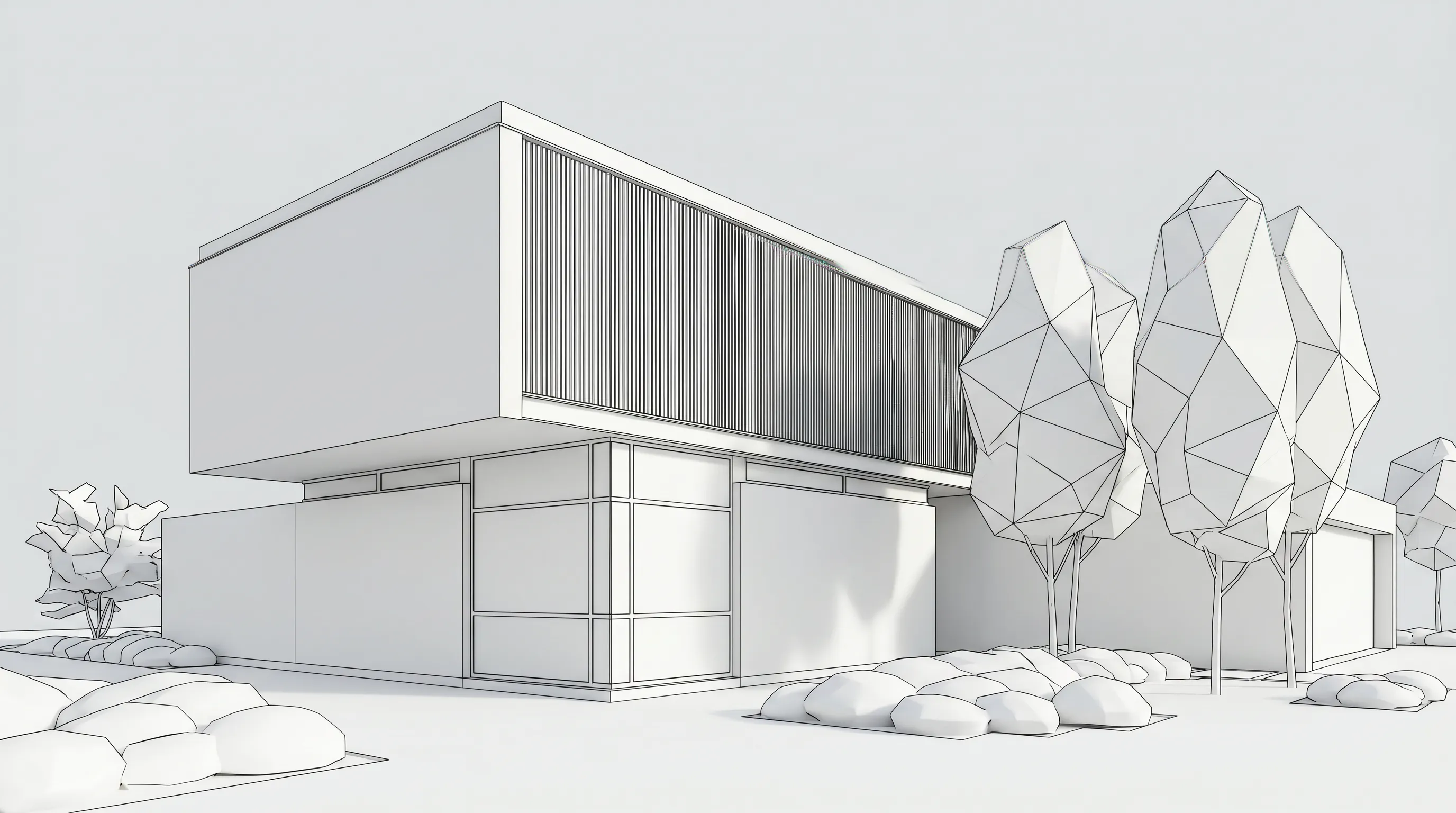
- Render a House preserves geometry in general but exposes no numeric override. It offers area editing, object removal, re-lighting, material swaps, Photoreal, Clay and Linework styles, custom styles from a reference image, 360° renders, 4K upscaling on the Pro model, video transitions between two views and real-site placement of a 3D model at an address. Output is a concept image, not a measured drawing, so check openings, roof lines and thin elements against your model.
Speed and hardware
Render a House returns a render in about 30–60 seconds, and failed renders do not consume credits. Veras does not publish a per-image time. D5 is real-time in the viewport, and its export time scales with your GPU and resolution.
Hardware is the hard divider. D5 is built on DirectX Raytracing and lists Windows 10 (v1809+) and a ray-tracing GPU, and it publishes no macOS version or CPU-only fallback. Veras runs inside whichever host you already run; EvolveLAB lists its SketchUp, Archicad and Vectorworks plugins for Windows and Mac, and separate Veras hardware requirements are not published (checked October 2026). Render a House needs only a browser. For a deeper hardware breakdown, see D5 Render system requirements.
Pricing: published numbers
| Plan | Published price | What is included |
|---|---|---|
| Render a House Free | $0 | 3 credits/day at 1K, standard model, watermarked |
| Render a House Pro | $39/mo or $312/yr ($26/mo billed annually) | 240 credits/mo, rollover up to 2,400, 3D import, video |
| Render a House Studio | $99/mo or $792/yr ($66/mo billed annually) | 1,000 credits/mo, rollover up to 10,000 |
| Veras Starter | $16.90/mo billed annually ($202.80/yr) or $20.90/mo billed monthly | 500 Chaos AI credits/mo |
| Veras Pro | $29/mo billed annually ($348/yr) or $59/mo billed monthly | 2,000 credits/mo |
| Veras Ultra | $127.20/mo billed monthly (no annual option listed) | 6,000 credits/mo |
| D5 Community | Free | Personal, non-commercial use only; 50 AI trial credits |
| D5 Pro | $360/yr ($30/mo billed annually) | Unlimited AI features, 16,000+ assets, 10 GB cloud |
| D5 Teams | $708/seat/yr ($59/mo billed annually) | Everything in Pro plus shared libraries, multi-editor editing, 100 GB team storage |
Sources: Chaos Veras pricing (US, Monthly and Annual toggles) and D5 pricing, checked October 2026. D5 shows yearly prices only on its pricing page. Three notes keep the comparison fair:
- Credits are not equivalent. Render a House renders cost 1–4 credits depending on quality, and video costs 0.8 credits per second. Veras credits are shared between image and video, and Chaos describes the credit system as introductory and subject to change. Chaos publishes no fixed credit cost per Veras image or video, only approximate output per plan: the trial's 100 credits equal up to about 10 1K images or about 10 AI videos.
- Free is not the same everywhere.D5 Community never expires but is limited to non-commercial use. Render a House's free plan allows commercial use, since renders belong to you, but it is watermarked and capped at 3 credits a day at 1K. Veras offers a 14-day trial, and billing starts automatically unless you cancel at least one day before it ends.
- Extra credits on Render a House cost $0.20 each on paid plans (minimum $5), and they do not expire. Pro credits are not unlimited: 240 per month with rollover. Current plan details are in the plans and pricing guide.
Veras is sold with monthly billing as well as annual: Starter $20.90/mo, Pro $59/mo and Ultra $127.20/mo billed monthly, per Chaos.
Team fit
- Render a House has no formal team plan. A project owner can invite people by email as project members with full edit and delete access, and a public share link is read-only with pinned comments for client review. Studio ($99/mo, 1,000 credits) suits higher-volume users, and franco@renderahouse.com handles Studio and enterprise pricing questions.
- D5 has a real team product: Teams adds multi-editor scene editing, member access control, a shared project and asset library, and 100 GB of cloud storage.
- Veras plans are sold per license. Chaos lists a Named license for one person and, on its trial page, a Floating license ($528/yr) that can be shared among users once you convert to a paid subscription. EvolveLAB lists 25 or more seats as enterprise pricing on request. There is no shared team workspace like D5 Teams.
Alternatives to Enscape and Lumion that use AI
If you are leaving Enscape or Lumion because of cost, hardware or workflow, the question is which kind of AI you want.
- AI inside your existing host. Veras. Chaos also bundles Veras AI into Enscape: Enscape Solo is $47.90/month billed annually ($574.80/yr) and includes 100 Chaos AI credits a month. So Veras can be an add-on rather than a replacement.
- Another real-time engine with AI features. D5 Render. Pro at $360/yr undercuts Lumion Pro ($1,149/yr) and Enscape Solo ($574.80/yr) on published prices. It still needs a ray-tracing-capable Windows GPU.
- AI stills with no scene to build. Render a House. Upload a sketch, floor plan, photo or SketchUp file, choose a style and get a still. There is no walkthrough and no live link.
- Free real-time option for smaller studios. Twinmotion is free under $1M annual revenue; above that it is $445 per seat per year.
For a longer list, see AI alternatives to Enscape and Lumion and Render a House alternatives.
When to pick each
Pick Veras ifyou work daily in Revit, SketchUp, Rhino, Archicad, Vectorworks, Forma or Allplan, want the camera you set to drive the image, and care about the Geometry Override slider. Chaos's 14-day trial (100 shared credits) is the low-risk way to test it.
Pick D5 Render if you have a Windows machine with a ray-tracing GPU and need live navigation, real-time lighting and materials, walkthroughs, VR or a shared asset library. Commercial work needs Pro or Teams, because Community is non-commercial.
Pick Render a House if you start from drawings, photos or a SketchUp file, work on a Mac or any machine without a ray-tracing GPU, or want to test ideas quickly before building a scene. It is not the tool for a live walkthrough, exact-geometry output, team seat management or Revit .rvt uploads.
Our pick
For most people comparing these three on concept-stage work, our pick is Render a House: no plugin, no GPU, no 3D model, 30–60 seconds per render, and a free plan to test it before paying. It is a good fit for architects, designers and real estate professionals who start from a sketch, plan, photo or SketchUp model, and for anyone on a Mac.
We would not recommend it in every case:
- Veras is the better choice if you live in a BIM host and need AI renders in that host with a geometry dial, or you already own Enscape, V-Ray or Corona and want AI inside them.
- D5 Render is the better choice if you need real-time control, walkthroughs, VR, or editable scene accuracy, and you have the Windows GPU for it.
- A combination often works best. Fast concepts in Render a House, a host-integrated AI or live scene once the model is settled.
FAQ
What is the best AI rendering tool for architects?
- It depends on your starting point. Veras is strongest inside Revit, SketchUp, Rhino or Archicad, and D5 Render is strongest for real-time walkthroughs from a finished 3D model. Render a House is the best fit for turning a sketch, floor plan, photo or SketchUp file into a photoreal render in 30–60 seconds in a browser.
Is Veras better than D5 Render?
- They are different categories. Veras generates AI images from your model view, with Geometry Override, Render Selection and Render Same Seed controls. D5 Render is a real-time engine that renders your scene directly and needs a ray-tracing Windows GPU. Choose by workflow: AI iteration in the host, or a live scene.
What are the alternatives to Enscape and Lumion that use AI?
- Veras (also bundled in Enscape Solo with 100 monthly Chaos AI credits), D5 Render (real-time, Pro at $360/yr, with AI features), and Render a House, which makes AI stills from sketches, plans, photos or SketchUp files without a 3D scene or GPU. Twinmotion is a free real-time option for studios under $1M revenue.
Does D5 Render run on a Mac?
- No macOS version is published. D5 lists Windows 10 (v1809 or later) and a ray-tracing GPU because it is built on DirectX Raytracing, and it publishes no CPU-only fallback. Render a House runs in any browser, Mac included.
How much do Veras, D5 Render and Render a House cost?
- Veras Starter is $16.90/mo billed annually ($20.90 monthly), Pro is $29/mo billed annually ($59 monthly) and Ultra is $127.20/mo billed monthly. D5 Pro is $360/yr and Teams is $708/seat/yr. Render a House Pro is $39/mo or $312/yr, Studio is $99/mo or $792/yr, and the free plan gives 3 watermarked credits a day. Check each vendor's current page before buying.
Can Render a House replace Veras or D5 Render?
- Not in every case. Render a House has no native plugins, no numeric geometry slider, no live model link and no walkthroughs, and it accepts no .rvt files. It can replace them for concept stills from drawings, photos and SketchUp files or GLB exports, and many studios use it alongside either tool.
Have a sketch, plan or SketchUp file? Upload it and see a render in under a minute, no plugin and no GPU. Render your design free.
Related guides
Keep reading
Related guides and comparisons

ChatGPT for architectural rendering: does it work?
Partly. ChatGPT is great for a fast concept image, but edits drift and it can't keep several renders of one project consistent. Render a House can.

Best AI Rendering Tools for Architects in Latin America (2026)
AI rendering tools for architects in Latin America (2026): Render a House, Veras, ArchiVinci, LookX, MyArchitectAI, Maquete. Languages, prices.

Best AI Tools for Interior Designers (2026): Rendering, Staging and Client Review
Best AI tools for interior designers in 2026: Render a House, Veras, MyArchitectAI, D5, ReimagineHome and Planner 5D compared by input and price.
