Render a House
Line drawing of a house before rendering
Photorealistic render generated from the exported view with Render a House

Revit alternatives, compared

Revit alternatives for BIMpriced side by side.

Revit is $3,005/yr and runs on Windows only. Five modellers are priced against that below — all native on macOS — and the renderers Revit users still pay for, on their own line.

3 renders a day. No plugin, no graphics card.

  • 5 modellers priced
  • 5 renderers priced
  • Vendor list prices

Credit where credit is due

First, credit where credit is due.

Revit is the reason BIM coordination works at the scale it does. A wall Revit draws is also a schedule row, a quantity, and a clash-detection target — the database is the point, not a side effect of modelling, and nothing on this page replaces that for a project that genuinely needs it.

The consultant ecosystem around it is the other half: structural, MEP and energy tools built to speak Revit’s format first. Leaving it is a bigger decision than leaving most CAD tools, because the people you coordinate with may not follow.

So this is not a page arguing Revit is bad software. It is a page about what a year of it costs, what it does not run on, and which honest alternatives exist for the studios it does not fit. Last updated: September 11, 2026.

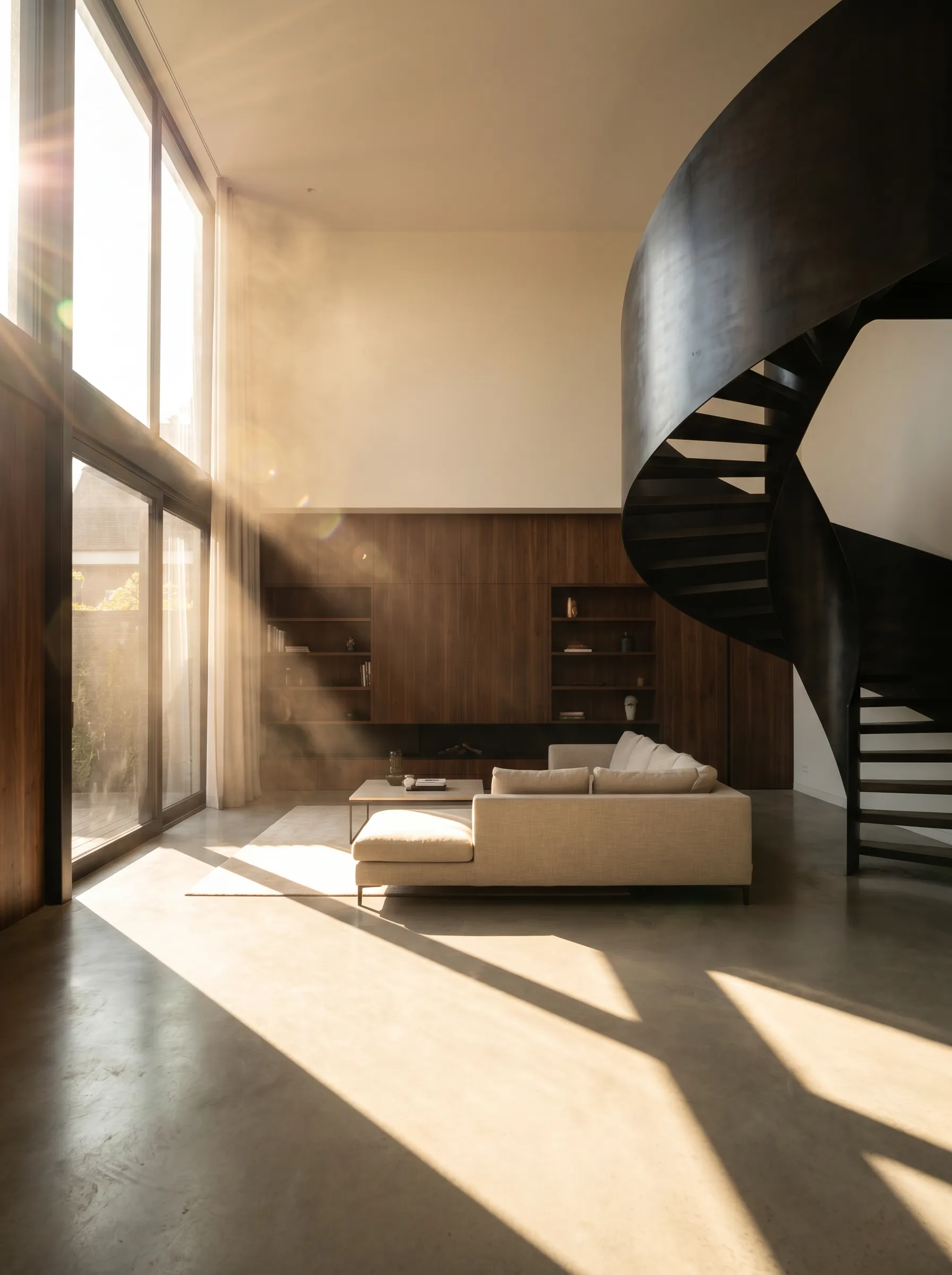
The same interior rendered with Render a HouseLine view of a double-height interior before rendering
DrawingRender

Drag to compare

An exported interior view and the render made from it. The model stayed in Revit; the image took seconds.

The Mac question

Does the alternative need to run on macOS?.

This is the question that actually drives most Revit alternative searches. Revit has no macOS build — not an unofficial one, none at all — so a studio standardising on Mac hardware cannot run it, full stop. Every other tool on this page’s modeller table is native on macOS.

If the reason you are reading this is Windows-only Revit on a Mac-only studio, Archicad is the closest match: a comparable BIM database, not a step down to a plain drawing tool. See it priced the same way on Archicad alternatives.

Revit alternatives compared

What are the best Revit alternatives?.

Five modellers architects actually move to, at their current published prices. Render a House is not in this table — it does not model, so listing it as a Revit replacement would be dishonest. It is in the next one.

Revit modelling alternatives compared by price, licence and platform
SoftwareCurrent priceLicenceRuns onBest for
Archicad$201 / moSubscriptionWindows, macOSBIM on a Mac
Vectorworks Architect$1,530 / yrSubscriptionWindows, macOSDesign-led BIM plus rendering included
SketchUp Studio$859 / yrSubscriptionWindows, macOSFast concept modelling, less data
Chief Architect$1,995 / yrSubscriptionWindows, macOSResidential construction documents
Rhino 8$995 one-timePerpetualWindows, macOSCurved geometry, no subscription

Archicad — $201 / mo

Archicad pricing

The closest like-for-like swap: a parametric BIM database, not just a drawing tool, and the one on this list Graphisoft actually ships on macOS. Studio is $201/month, Collaborate $237/month, and both bundle a renderer Revit does not.

Vectorworks Architect — $1,530 / yr

Vectorworks pricing

BIM with a looser modelling feel than Revit, and Renderworks bundled at every tier. Cheaper entry point than Revit at Fundamentals ($1,080/yr), though most practices buy Architect for the object library.

SketchUp Studio — $859 / yr

SketchUp pricing

Not a BIM database — a polygon modeller, which is exactly why some studios prefer it for early design before a project needs to carry data for consultants. Studio bundles a V-Ray licence; Pro at $399/yr does not.

Chief Architect — $1,995 / yr

Chief Architect pricing

Built for houses specifically: draw walls and it generates framing, elevations and material lists, with a rendering engine included. Premier is $1,995/yr; the consumer-grade Home Designer is $495/yr.

Rhino 8 — $995 one-time

Rhino pricing

The one perpetual licence on this list — buy a version once rather than rent a year. No BIM object model, so it is the answer for form and facade work rather than a coordination deliverable.

Keep Revit, add Render a House

Studios that need the coordination database usually are not leaving it. What they can skip is the renderer bill below.

The honest cases

Who should actually leave Revit?.

There are three reasons worth the migration, and none of them is render quality — that one is solved without leaving.

The studio is Mac-only

Archicad. Revit has no macOS build to standardise on, and Archicad is the closest thing to a like-for-like BIM database that runs on one.

No consultant needs the .rvt file

Vectorworks or SketchUp, if nobody downstream requires native Revit interoperability, both cost less at entry.

You draw houses and need the documents

Chief Architect generates framing, elevations and material lists from the walls you draw, with rendering included.
Courtyard house rendered with Render a House from an exported model
Coordination work usually stays in Revit. The render is the part that changes.
House at dusk rendered with Render a House
Dusk and night studies from the same exported view, without a second render pass.

Rendering, priced separately

What does rendering a Revit model cost?.

Credit where it is due: Revit does not arrive with nothing. Twinmotion for Revit is included with the subscription and renders in real time. Most of the market still buys something else for higher fidelity, at these current published prices, with Render a House on the last line.

Rendering options for Revit compared by annual price
RendererPriceWhat that buys
Twinmotion for RevitIncludedAutodesk ships it with the subscription — real-time stills and animations, synced from the model.
Enscape Solo$574.80 / yrReal-time preview that runs inside Revit; the studio default beyond the bundle.
V-Ray Solo for Revit$540 / yrPhotorealistic output without leaving the BIM model.
D5 Render Pro$360 / yrCommunity tier is free but non-commercial by D5's own terms.
Lumion$229 / yr (View)Pro, the full tier, is $1,149/yr and has no macOS build.
Render a HouseFree, or $39/mo3 renders a day at no cost; Pro adds 240 monthly credits. Runs in a browser, on any machine, with no plugin.

Render a House

Render a House, alongside Revit.

Side by side, so the comparison is fair: Revit is a BIM database and Render a House is a renderer. The table is the two jobs, not a feature war.

Revit compared with Render a House
RevitRender a House
What it doesModels and documents. A BIM database that draws, with Twinmotion for Revit bundled in for real-time stills.Renders. It does not model — you keep Revit and export a view.
InputNative .rvt files.A GLB or OBJ export, or a PNG of the view. No .rvt import.
Where it runsWindows only. No macOS build exists.Any browser, on any machine, Mac included, with no graphics card required.
Price of the rendererTwinmotion for Revit is included, but many studios still pay for Enscape, V-Ray or Lumion for higher-fidelity output.Free at 3 renders a day; Pro is $39/mo for 240 credits.
Time to an imageTwinmotion renders live once synced; a V-Ray or Enscape pass is minutes to hours for the final quality bar.Seconds, from a written description of the scene.
ControlEvery light, material and camera parameter, by hand.Direction by description and refinement by region — less control, far less setup.

What you get

3D integration

Where Revit exports a mesh, upload it and set the camera in the browser, then render from that view.

Rendering

Photorealism in seconds rather than a queued calculation you leave running over lunch.

Video

A camera move across the same project, generated from a finished still. Nothing to animate.

Design

Try materials, light and surroundings until the version you want exists, without touching the source model.

Refinement

Fix one part of a render — a facade panel, a tree, a sky — without starting the image again.

Precision

Your geometry is respected: the walls, openings, heights and proportions you drew in Revit stay where you put them.

Collaborative

Share a link and take comments on the image itself, so feedback lands on the render rather than in an email thread.

Mobile and web

Runs in the browser, on the machine you have open, including a laptop that would struggle with a local render engine.

4K

Delivery resolution, ready to print or put on a board without a separate upscaling step.

Studios that keep coordinating in Revit and want the presentation image sooner get the most out of it. Export a GLB, an OBJ or a PNG of the view, upload it, describe the scene, and an image comes back in seconds — on a laptop, a Mac, or a machine with no discrete graphics card at all. It earns its place at the stage where a client wants to see six material options and nobody has time to set up a render queue.

Pricing.

Try it out, go Pro when it starts paying for itself.

01

Free

Try it out, no credit card required

Freeforever

  • 3 credits per day
  • Standard model
Start for free

02

Most popular

Pro

For professionals and small teams

$26/mo

$312/yr

4 months free

  • 240 credits per month
  • Unlimited daily credits
  • Rollover up to 2400 credits
  • All features included
Get started

03

Studio

For studios and bigger teams

$66/mo

$792/yr

4 months free

  • 1000 credits per month
  • Unlimited daily credits
  • Rollover up to 10000 credits
  • All features included
Get started

What credits buy you

Pro
240 credits
Studio
1000 credits
Render Pro 2 credits each120500
Render Standard 1 credit each2401000
Render Standard 2K 1.5 credits each160666
Render Pro 4K 4 credits each60250
Render Standard 4K 2 credits each120500
Video 0.8 credits/sec300s1250s

Contact us for Studio pricing

Our team will get in touch to discuss your team's needs and create a custom plan.

Send us an email at franco@renderahouse.com and we'll get back to you within 24 hours.

Send email

What Render a House cannot do.

  • Open a .rvt file. Render a House reads what Revit exports — GLB, OBJ or an image — not the native format.
  • Replace Revit's coordination role. It does not carry schedules, clashes or sheet sets, and it is not a licence you can cancel Revit over.
  • Guarantee a photoreal hero image with a specified camera and specified materials. That is still a dedicated renderer's job.
  • Stand in for a design decision unchecked. A render is a concept image; check openings, proportions and materials against the model before it goes to a client.

The verdict

Is Render a House the right Revit alternative for you?.

If you are shopping for a coordination database, no — pick from the five above, and pick on interoperability rather than price. If what you actually want is to stop paying $540 to $1,149 a year to make pictures, and stop waiting for them, it is worth the ten minutes it takes to export a view and try.

Plenty of studios run both. Options and client-facing concepts in Render a House, the final coordinated deliverable in Revit, the whole time.

Common questions about Revit alternatives.

What is the best free alternative to Revit?

There isn't a free BIM equivalent — Archicad, Vectorworks and Chief Architect are all paid subscriptions, and none publishes a free commercial tier. Blender is free and can hold a building model, but it has no BIM object database, schedules or documentation tools. If the renderer is the only part you want to replace, Render a House does that without leaving Revit.

Is there a free version of Revit?

Only for verified students and educators, renewed yearly. Every commercial plan is a subscription — $380/month, $3,005/year, or $9,020 for three years upfront — and Autodesk sells no perpetual licence and no free commercial tier.

Does Revit work on Mac?

No. Revit has no macOS build at all, not an unsupported one — Autodesk ships Windows only. Archicad, Vectorworks, SketchUp, Chief Architect and Rhino are all native on macOS, which is the single biggest reason Mac-based practices look at this list.

Do I have to leave Revit to get photorealistic renders?

No, and Revit already includes a starting point: Twinmotion for Revit ships free with the subscription and renders in real time, synced from the model. Studios that want more still add Enscape Solo at $574.80/yr, V-Ray Solo at $540/yr, or Lumion Pro at $1,149/yr. Render a House is the browser-based option — you keep modelling in Revit and export a GLB, OBJ or image to render, free for 3 renders a day.

Is Archicad better than Revit?

For a Mac-based studio, usually yes by default — Archicad is a comparable BIM database at $201/month with no Windows requirement. For firms already coordinating with consultants on Revit, switching costs more in interoperability than it saves; the two files formats do not translate cleanly.

How much does Revit cost per year?

$3,005/year on the standard annual plan, $4,560/year equivalent if billed monthly at $380/month, or $9,020 upfront for three years. Revit LT, a stripped single-user tier, is $560/year. Prices are Autodesk's published US list rates and cover the licence only — a renderer is a separate line item.

Keep Revit. Change the renderer.

Export the view you already have and see what comes back. It takes less time than reading a licence page.

Studio or enterprise? Write to us

More on Revit