October update
SketchUp files straight in, edits that keep their quality, and a much better Copy Render.
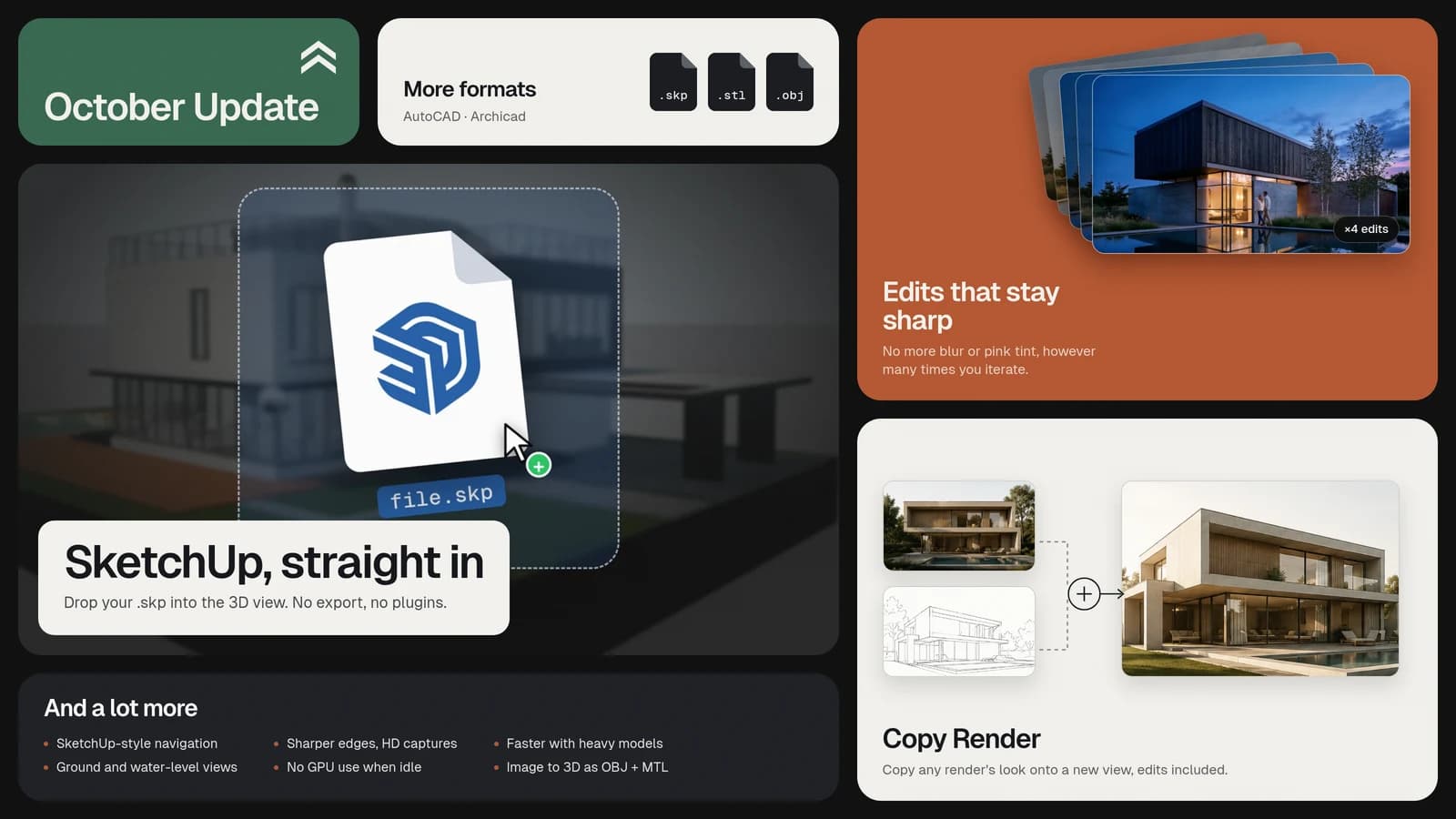
Bring your SketchUp files straight in
You’d been asking us for this more than anything. Now you can drop a .skp file into the 3D view—no conversion or plugins needed. Materials, textures, and components come along with the model, so you can place it on the site and start rendering.
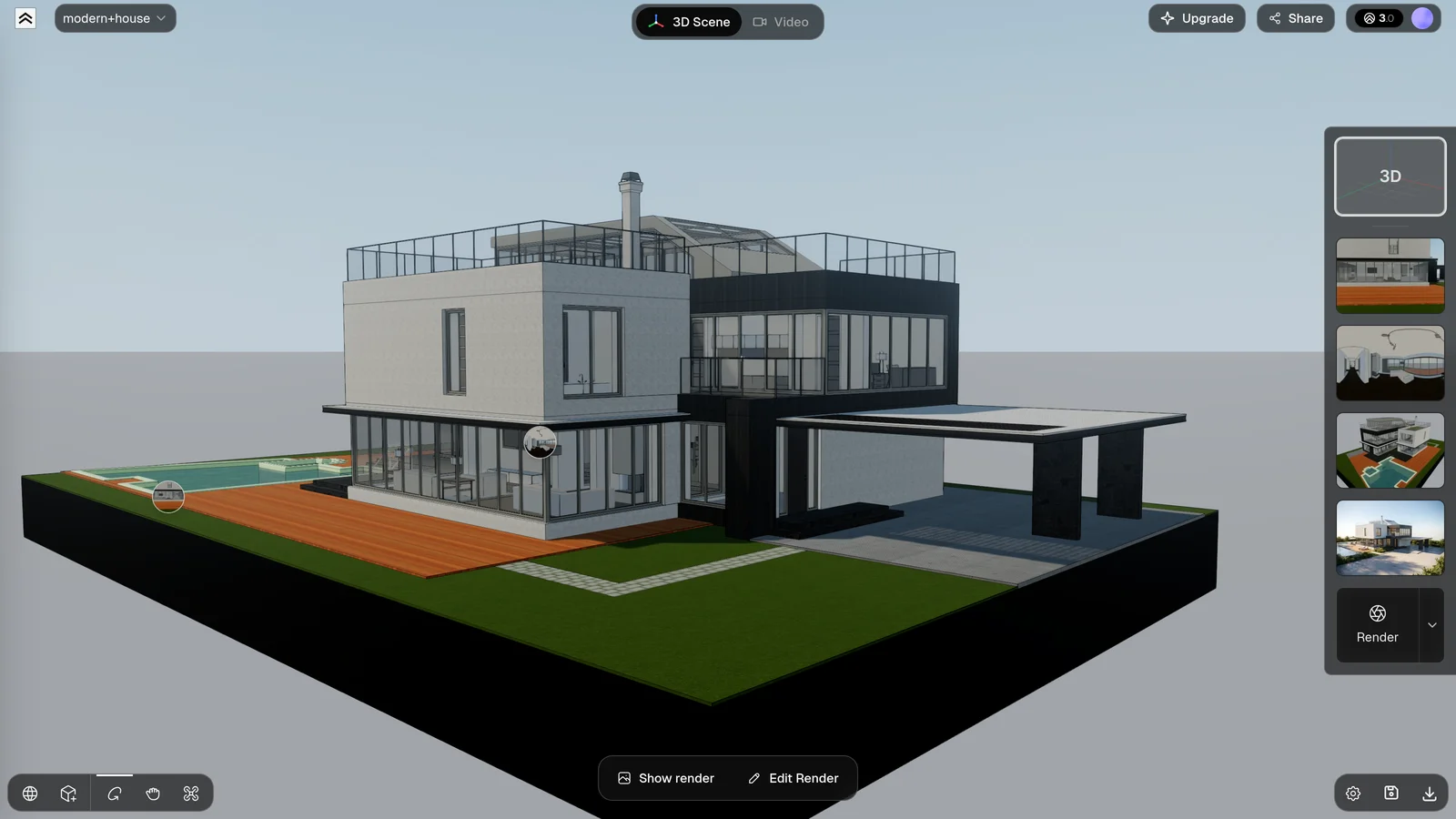
We also added a few more ways to bring in your model:
- AutoCAD, via STL. The import dialog now has a tab with steps for exporting 3D solids. STL only carries geometry, so describe materials in your prompt.
- Archicad and ZIP. Upload a ZIP with the OBJ, MTL, and textures to bring everything in together. If something’s missing, the error tells you what.
- Model orientation. If your model comes in on its side, rotate it 90° from the objects panel.
Find all the supported formats and export steps in Export your 3D model.
Edits no longer degrade the image
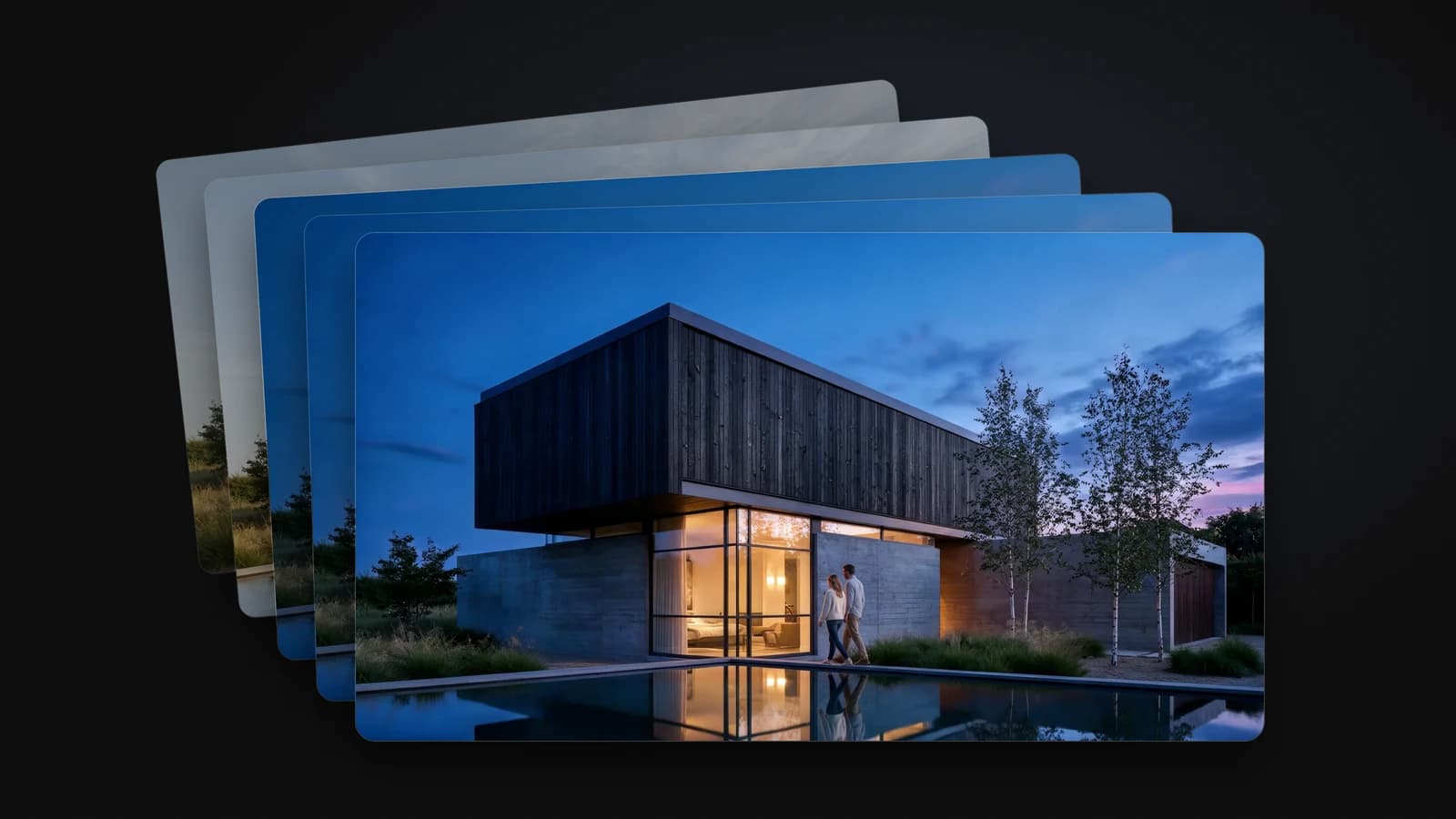
This had us worried. After several edits to the same render with the Pro model, the image got blurry and turned pink. We’ve fixed that. Keep iterating as much as you like without losing quality.
Below, the same render through four edits in a row: a reflecting pool, blue hour, two people, and different wood on the upper volume.
Copy Render, much better
Copy Render now works from any source render, including ones you’ve already edited. It copies the final result, edits and all. We’ve improved the overall transfer too, so materials, plants, and lighting carry over much better to the other view.
And when the two views are very different—an interior and an exterior, for example—we’ll ask what you want to bring over first.
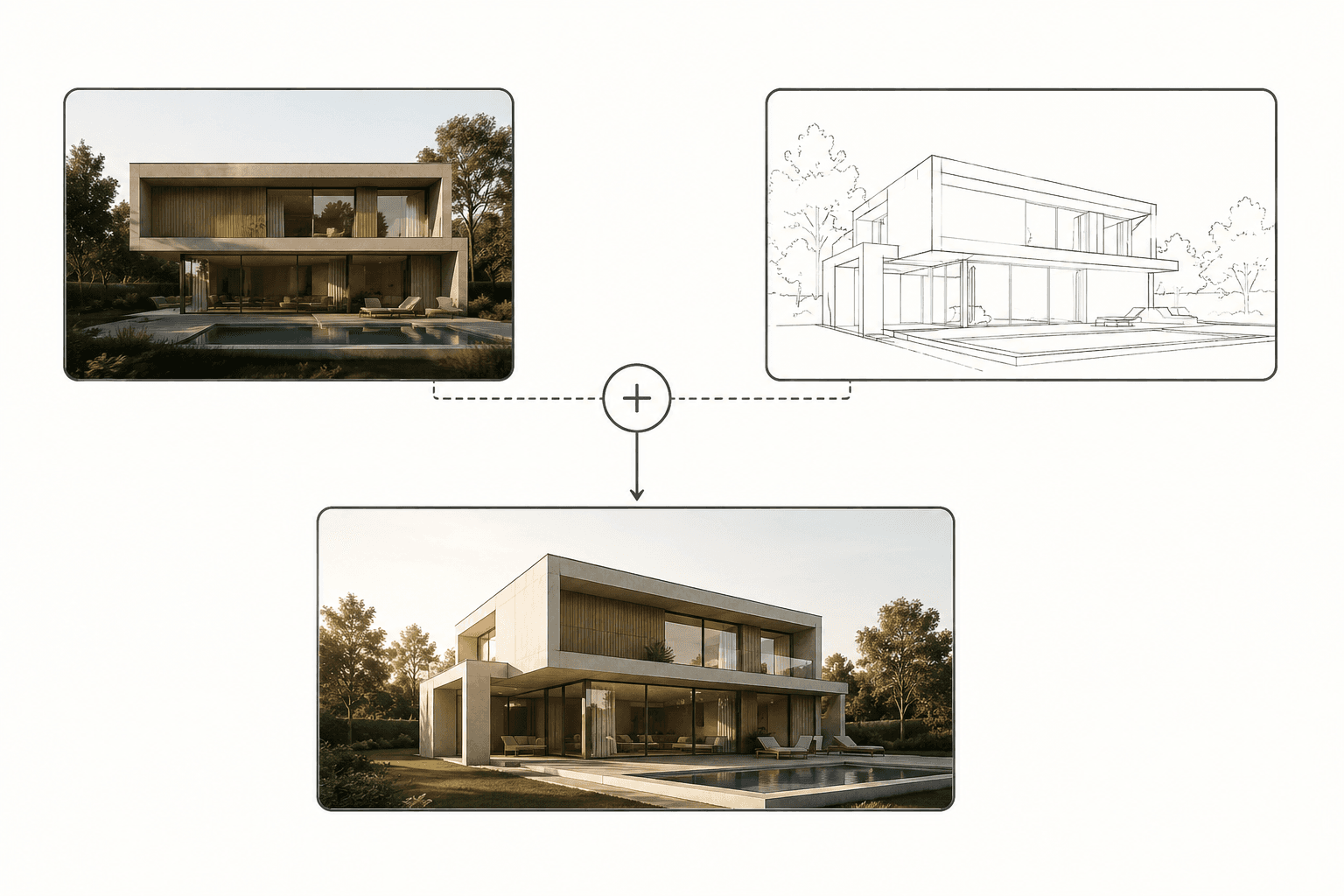
More details in Copy Render.
3D viewer
- SketchUp-style navigation. Orbit around the point under your cursor, zoom toward where you’re looking, and hold Shift while dragging to pan.
- Faster and lighter. It runs more smoothly with heavy models or lots of materials, and doesn’t use the GPU when idle.
And a few smaller improvements:
- Sharper edges and high-resolution captures.
- Ground-level and water-level views.
- The camera no longer collides with flattened buildings.
- OBJ files with missing textures now load.
Also
- Image to 3D results can now be exported as OBJ + MTL.
For every change, day by day, see the changelog.