 Render a House/Updated Oct 12, 2026
7 Best Rendering Software for Mac in 2026 (Browser-Based, No GPU)
Render a House is our #1 rendering software for Mac: it renders in the browser on hosted hardware, so any Mac — even a base MacBook Air — can produce a photorealistic image. Seven ways to render architecture and products on a Mac in 2026, compared on where they run, which Macs they support, what they cost, and the limitation that matters most on Apple hardware.
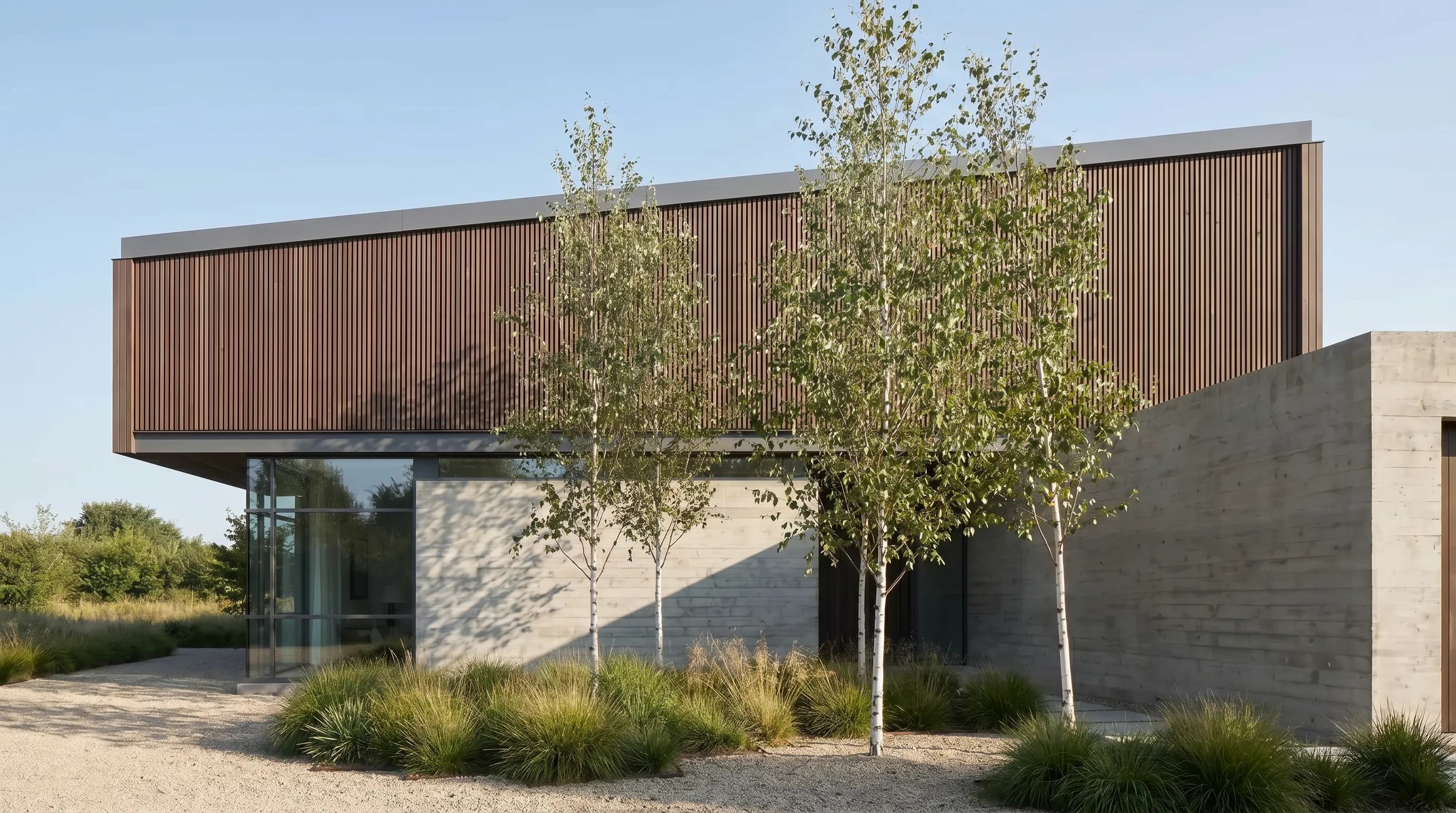
Render a House is the best rendering software for Mac because it does not depend on hardware your Mac lacks: it renders in the browser on its own servers, so any Mac, including a base MacBook Air, can turn a sketch, plan, or SketchUp model into a photorealistic image, with a free plan of 3 credits a day. Twinmotion, Enscape, KeyShot, Blender Cycles, and V-Ray all run natively on Apple Silicon with specific limits, and D5 Render still has no Mac version at all.
Which rendering software for Mac is best at a glance?
Prices below are the vendor-published figures checked in October 2026, in US dollars unless stated. Platform notes come from each vendor’s system requirements page.
| Tool | Best for | Platform and input | Price | Free plan |
|---|---|---|---|---|
| 1. Render a House | AI renders from sketches, plans, screenshots, and SketchUp or other 3D models on any Mac | Browser (Safari, Chrome); PNG, JPG, WebP images and SKP, GLB, GLTF, OBJ, STL models | Free: 3 credits a day at 1K with a watermark · Basic: $19/mo for 120 credits · Pro: $39/mo or $312/yr for 240 credits a month · Studio: $99/mo or $792/yr for 1,000 credits a month | Yes, 3 credits a day |
| 2. Twinmotion | Free real-time walkthroughs and stills on an Apple Silicon Mac with 32 GB of memory | Native macOS (Sonoma 14.6.1 or later, Apple Silicon M1 or newer) | Free under $1 million annual revenue and for education · $445 per seat per year above that threshold or for Twinmotion Cloud | Yes, under $1M revenue or for education |
| 3. Enscape for Mac | Real-time rendering inside SketchUp, Rhino, Archicad, or Vectorworks on a Mac | Native macOS plugin (macOS 14.8.1 or later, Apple M1 or newer); no Revit on Mac | Solo: $574.80/yr with 100 Chaos credits a month · Premium: $670.80/yr with 500 · Collection: $730.80/yr with 1,500 (billed annually, before tax) | No; free trial |
| 4. KeyShot | Product, furniture, and object renders from CAD files on a Mac | Native macOS (Sonoma 14 to Tahoe 26); Mac GPU Mode needs an M3 with 16 GB and macOS Sequoia 15 | Professional: $1,299/yr · Business: $1,599/yr · Enterprise: custom · Education: $95/yr | No; 14-day trial without a card |
| 5. Blender Cycles | Free physically based path tracing for users who will learn Blender | Native macOS 13 Ventura or later; Blender 5.0 and later need Apple Silicon | Free and open source under the GNU GPL | Yes, fully free |
| 6. V-Ray for Mac | Production stills from SketchUp or Maya when a Mac is the only machine | macOS plugin for SketchUp (macOS 12 or later) and Maya; V-Ray for Rhino, Revit, and 3ds Max are Windows-only | Solo: $540/yr · Premium: $778.80/yr · Collection: $1,210.80/yr (billed annually, before tax) | No; free trial |
| 7. D5 Render | Mac-based teams that already have a Windows workstation to run it on | Windows only; D5 says it has no estimated date for a Mac version | Community: free · Pro: $360/yr (USD) or $30/mo · Teams: $708/yr per seat (USD) · Enterprise: custom | Yes, Community (on Windows) |
How is rendering on a Mac different from rendering on a Windows PC?
Most architectural rendering software was written for Windows workstations with dedicated NVIDIA graphics cards. Hardware ray tracing, CUDA, OptiX, and DirectX 12 are Windows and NVIDIA technologies, and several popular renderers were built on them. A Mac uses Apple Silicon with a GPU that shares unified memory with the CPU and talks to software through Apple’s Metal API. Software has to be written or ported for that stack, and many vendors ship a reduced feature set when they do.
That shows up in the details. Epic’s Twinmotion documentation says the Path Tracer and VR are not supported on macOS and that Lumen uses software ray tracing only. Enscape for Mac uses software ray tracing and does not support VR. KeyShot’s Mac GPU Mode requires an M3 chip or newer. D5 Render, built on DirectX 12, has no Mac version. The renderers below all produce good images on a Mac, but rarely with exactly the same features as their Windows builds.
The second difference is the host application. Revit, 3ds Max, and many BIM tools have no Mac build, which is why architects ask about running Revit on a Mac in the first place. A Mac renderer is only useful if it supports the modeling tool you actually use on macOS, usually SketchUp, Rhino, Archicad, Vectorworks, or Blender.
What should you compare before choosing Mac rendering software?
Before comparing render quality, check five things that decide whether a renderer will work for you on a Mac at all.
- Your Mac’s chip and memory. Blender 5.0 and later require Apple Silicon, and Twinmotion lists 32 GB of memory as its macOS minimum. An Intel Mac or an 8 GB MacBook rules out several local options.
- Your modeling host. Enscape for Mac supports SketchUp, Rhino, Archicad, and Vectorworks. V-Ray’s Mac build covers SketchUp and Maya but not Rhino. Nothing local supports a live Revit file on macOS.
- Stills, animation, or VR. VR is not supported by Twinmotion or Enscape on macOS. If VR review matters, plan for a Windows machine.
- License model. Twinmotion and Blender can be free, Enscape and V-Ray are annual subscriptions, and KeyShot is the most expensive per seat. Render a House uses monthly credits.
- How much control you need. Physically based renderers give exact control over lights and materials. AI rendering trades some of that control for speed and a much shorter learning curve.
For a wider look beyond Apple hardware, see the best rendering software guide, and if your models live in SketchUp, the companion list of the best rendering software for SketchUp.
What are the 7 best rendering software options for Mac?
1. Render a House — best for rendering on any Mac without a GPU
Render a House is an AI rendering tool that runs entirely in the browser. You upload a sketch, a floor plan exported to PNG or JPG, a screenshot of a model, or a 3D file in SKP, GLB, GLTF, OBJ, or STL format, describe the materials and light you want, and get a photorealistic image back. Because the rendering runs on Render a House servers, the Mac does not need a dedicated GPU, a lot of unified memory, or a particular macOS version, and nothing is installed.
That makes it the most practical choice for MacBook Air owners, students, and anyone whose modeling tool has no Mac renderer. SketchUp files upload directly, and an architect working in Revit on a Windows machine or in Parallels can export a view or model and render it from a Mac. A standard render costs 1 credit at 1K and 1.5 credits at 2K; Pro renders cost 2 credits, and 4K Pro renders cost 4. Video is available on paid plans at 0.8 credits per second. The render cost calculator turns a monthly workload into a plan estimate, and the full plan details are on the plans and pricing page.
Published price used in this comparison: Free: 3 credits a day at 1K with a watermark · Basic: $19/mo for 120 credits · Pro: $39/mo or $312/yr for 240 credits a month · Studio: $99/mo or $792/yr for 1,000 credits a month. See the first-party product page for current terms.
Honest limitation: Render a House is an AI renderer, not a physically based engine. You steer it with prompts and reference images rather than placing every light by hand, it does not read PDF files, and it does not offer a live viewport synced to your model. Checkout is card-only.

Start with the architectural rendering tool to try it on a sketch or model.
2. Twinmotion — best free real-time renderer on Apple Silicon
Twinmotion is Epic Games’ real-time visualization tool built on Unreal Engine, and it ships a native macOS build. It imports models from SketchUp, Rhino, Archicad, and other tools, adds vegetation, people, weather, and seasons, and exports stills, animations, and panoramas. For most small firms its biggest draw is the license: it is free for companies and individuals under $1 million in annual revenue, for students and educators, and for hobbyists.
Epic’s hardware page asks for a lot from a Mac. The minimum is macOS Sonoma 14.6.1 with an M1 or M2 chip and 32 GB of memory, and the high-end configuration is an M3 Max with 64 GB on macOS Tahoe 26. From Twinmotion 2026.1, Xcode is also required on macOS. The Twinmotion system requirements guide covers both platforms in detail.
Published price used in this comparison: Free under $1 million annual revenue and for education · $445 per seat per year above that threshold or for Twinmotion Cloud. See the detailed Twinmotion pricing guide or the first-party pricing page for current terms.
Honest limitation: on macOS, Twinmotion does not support the Path Tracer or VR, and Lumen runs with software ray tracing only. The highest-quality Twinmotion output therefore needs Windows.
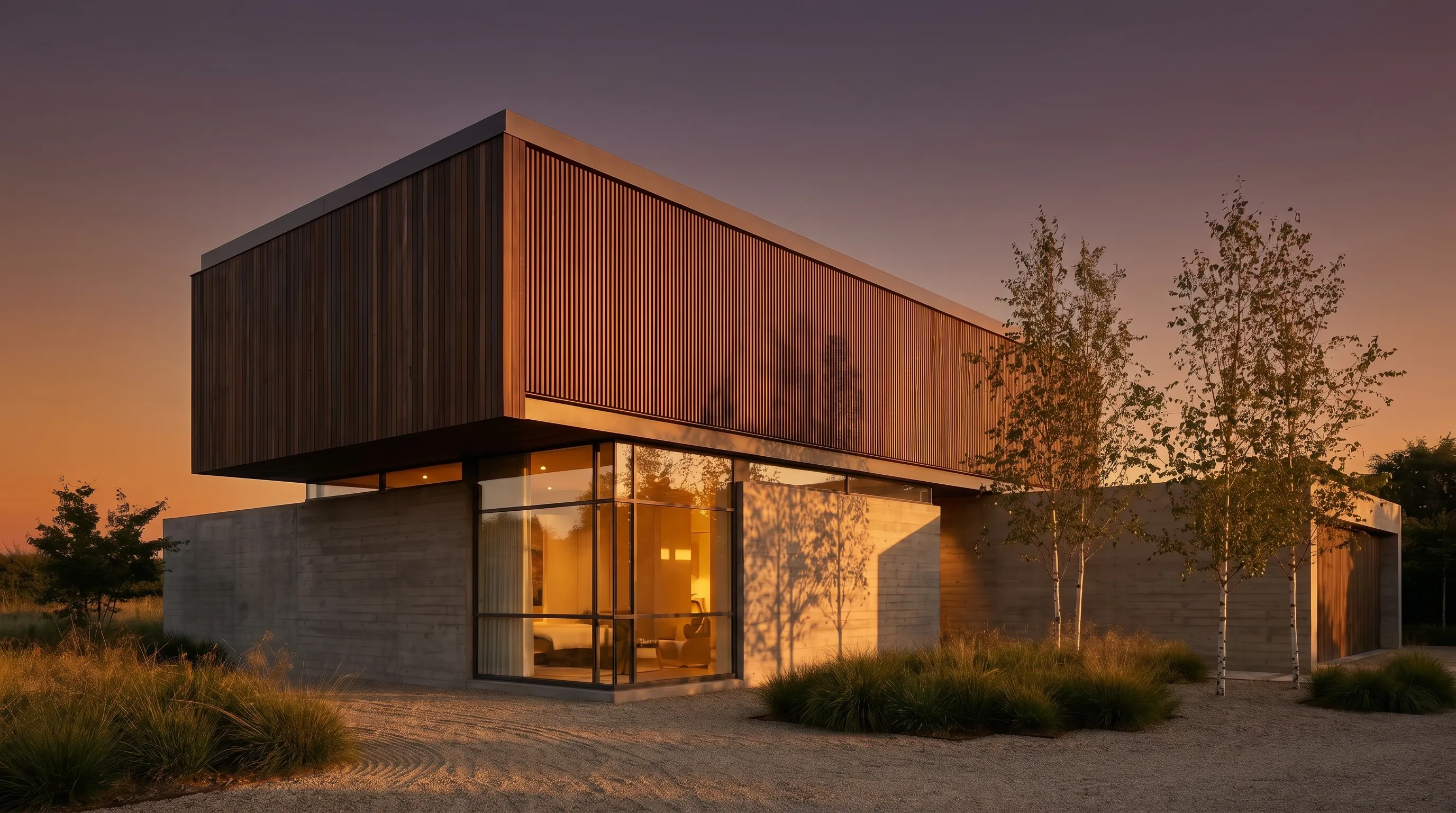
3. Enscape for Mac — best for live SketchUp, Rhino, and Archicad
Enscape renders in real time inside the modeling application, so the image updates as you design. Enscape for Mac is a native plugin for SketchUp, Rhino, Archicad, and Vectorworks, and Chaos says the same subscription and license work on both Mac and Windows.
The current Chaos documentation lists SketchUp 2024 to 2026, Rhino 7 and 8.3 or later, Archicad 27 to 29, and Vectorworks 2024 to 2027 as supported hosts, with macOS 14.8.1 Sonoma and an Apple M1 chip as the minimum. The Enscape system requirements guide explains which Mac configurations Chaos recommends, and the Enscape vs V-Ray comparison covers when a production renderer is the better choice.
Published price used in this comparison: Solo: $574.80/yr with 100 Chaos credits a month · Premium: $670.80/yr with 500 · Collection: $730.80/yr with 1,500 (billed annually, before tax). See the detailed Enscape for Mac pricing guide or the first-party pricing page for current terms.
Honest limitation: there is no Enscape for Revit on a Mac, because Revit itself does not run on macOS. VR is not supported on Mac, and the Mac version relies on software ray tracing rather than the hardware ray tracing available on supported Windows GPUs.

4. KeyShot — best for product and object rendering on Mac
KeyShot is a standalone renderer built for products, packaging, furniture, and other objects. It imports a wide range of CAD formats and is known for fast material assignment and studio lighting. It runs natively on macOS, and its CPU renderer works on any supported Mac. A GPU Mode for Mac is also available, but it requires an Apple M3 chip with 16 GB of memory and macOS Sequoia 15 or later.
KeyShot supports macOS Sonoma 14 through Tahoe 26, with 16 GB of memory recommended. The KeyShot system requirements guide lists the full CPU and GPU requirements, and the best product rendering software list compares it with other product-focused tools.
Published price used in this comparison: Professional: $1,299/yr · Business: $1,599/yr · Enterprise: custom · Education: $95/yr. See the detailed KeyShot pricing guide or the first-party pricing page for current terms.
Honest limitation: KeyShot is the most expensive option on this list per seat and is not designed for whole buildings, site context, or large architectural scenes. M1 and M2 Macs are limited to CPU rendering.

5. Blender Cycles — best free path tracer for Mac
Blender is free, open-source 3D software, and Cycles is its physically based path tracer. On a Mac, Cycles renders on the Apple Silicon GPU through Metal, and Blender runs the same way on macOS, Windows, and Linux.
Blender 5.0 and later require an Apple Silicon Mac running macOS 13 Ventura or later, with 8 GB of memory as the minimum and 32 GB recommended. Blender 4.5 LTS is the last release that supports Intel Macs. The Blender system requirements guide breaks this down further, and the guide on how to render in Blender walks through a first architectural render.
Published price used in this comparison: Free and open source under the GNU GPL. See the first-party product page for current terms.
Honest limitation: Blender has a steep learning curve for architects, and architectural CAD files often need cleanup before they render well. Intel Mac owners are capped at Blender 4.5 LTS.

6. V-Ray for Mac — best for SketchUp and Maya production renders
V-Ray is Chaos’ production renderer, and it is still the reference point for photorealistic architectural stills. On a Mac its value depends on the host. V-Ray for SketchUp runs on macOS 12 Monterey or later and supports SketchUp 2021 to 2026, and V-Ray 7 added Metal GPU rendering on macOS Sonoma and later. V-Ray for Maya also has a Mac build.
V-Ray for Rhino, V-Ray for Revit, and V-Ray for 3ds Max are Windows-only, so Rhino users on a Mac cannot use V-Ray directly. The V-Ray system requirements guide lists host-by-host support.
Published price used in this comparison: Solo: $540/yr · Premium: $778.80/yr · Collection: $1,210.80/yr (billed annually, before tax). See the detailed V-Ray for Mac pricing guide or the first-party pricing page for current terms.
Honest limitation: V-Ray takes real time to learn, renders are slower than real-time engines, and the Mac GPU path is not equivalent to the CUDA and RTX path on a Windows workstation with an NVIDIA card.
7. D5 Render — best for Mac users with access to a Windows PC
D5 Render is a popular real-time renderer with a generous free Community tier, LiveSync plugins for common modeling tools, and a large asset library. It is on this list because many Mac users ask whether they can use it. They cannot run it natively: D5’s official system requirements say D5 is based on Windows DirectX 12 technology that conflicts with macOS and that there is no estimated date for a Mac version.
D5 does not document a supported cloud rendering service or virtualization setup for Mac users. In practice, Mac users either run D5 on a separate Windows PC with a supported NVIDIA or AMD graphics card, sometimes controlled over remote desktop, or pick a Mac-native or browser renderer instead. The D5 Render system requirements guide lists the Windows hardware it needs, and the D5 Render vs Render a House comparison covers the browser alternative.
Published price used in this comparison: Community: free · Pro: $360/yr (USD) or $30/mo · Teams: $708/yr per seat (USD) · Enterprise: custom. See the detailed D5 Render pricing guide or the first-party pricing page for current terms.
Honest limitation: D5 Render does not run on macOS. Remote desktop and virtualization are not officially supported by D5, so any setup that puts it on a Mac screen depends on a separate Windows machine that you have to buy and maintain.

Which rendering software for Mac fits your workflow?
| If you have | Start with | Why |
|---|---|---|
| A MacBook Air or any Mac without much memory | Render a House | Rendering runs in the cloud, so the Mac only needs a browser. |
| A live SketchUp, Rhino, Archicad, or Vectorworks model | Enscape for Mac or Twinmotion | Enscape renders inside the host; Twinmotion imports and syncs the model. |
| A Revit model and a Mac | Render a House, or a Windows PC for Revit plus any renderer | Revit has no Mac build, so Mac renderers that depend on a live Revit file cannot run. |
| Product, furniture, or jewelry shots | KeyShot | Its material library and CAD import are built around objects, not buildings. |
| A zero-budget, learn-it-deeply setup | Blender Cycles | Free forever, but it expects time spent learning Blender itself. |
| Client-ready SketchUp stills at production quality | V-Ray for SketchUp on Mac | The Mac build covers SketchUp; Rhino users on Mac need another renderer. |
Students choosing hardware for these tools can use the guide to the best laptops for architecture students, and the best architecture software list covers modeling tools that run on a Mac.
Which rendering software for Mac is free?
Three options on this list can be used on a Mac without paying, each with its own limits.
- Blender Cycles is completely free under the GNU GPL for any use, including commercial work.
- Twinmotion is free for individuals and companies under $1 million in annual revenue, students, educators, and hobbyists. Larger firms pay $445 per seat per year.
- Render a House includes 3 credits a day on the free plan, at 1K resolution with a watermark. Paid plans start at $19 a month for 120 credits.
D5 Render’s Community tier is free too, but only on Windows. Enscape, V-Ray, and KeyShot offer trials, and KeyShot’s 14-day trial does not ask for a card.
How did we verify prices?
Every price and platform claim on this page was checked against the vendor’s own pricing page, product page, or documentation in October 2026. Prices are shown in the currency the vendor displayed, which was US dollars for every tool here; taxes, regional pricing, and education discounts can change what you pay. Render a House figures come from the same plan configuration that powers checkout.
- Render a House architectural rendering tool
- Twinmotion license page (Epic Games)
- Twinmotion hardware and software specifications
- Enscape pricing (Chaos)
- Enscape for Mac product page
- Enscape system requirements
- KeyShot pricing
- KeyShot minimum system requirements
- Blender download and license
- Blender hardware requirements
- V-Ray pricing (Chaos)
- V-Ray for SketchUp system requirements
- V-Ray for Rhino system requirements
- D5 Render pricing
- D5 Render system requirements
All sources were checked October 2026. Confirm the linked page before buying, since plan names, credit allowances, and supported macOS versions change with each release.
What can Mac rendering software not do?
No Mac renderer removes every tradeoff, and it is worth being clear about what this group of tools cannot do.
- None of them make Revit run on a Mac. A live Revit workflow still needs Windows, either on a PC or in a virtual machine. A Mac can render exported Revit views or models, but not the live file.
- Native Mac builds rarely match Windows features. Twinmotion loses its Path Tracer and VR, Enscape loses VR and hardware ray tracing, and KeyShot GPU Mode needs an M3 or newer.
- Unified memory is a hard ceiling. A local renderer cannot use more memory than the Mac shipped with, and unified memory cannot be upgraded later.
- AI rendering is not a physics simulation. Render a House produces convincing images quickly, but it does not calculate daylight, lux levels, or energy performance, and it can reinterpret small details, so check every render against the design before sending it to a client.
- D5 Render cannot be installed on macOS at all. Any D5 workflow for a Mac user relies on separate Windows hardware.
What do Mac users ask about rendering software?
What is the best rendering software for Mac?
It depends on the Mac and the model. Render a House is the simplest option on any Mac because it runs in the browser and needs no local GPU. Twinmotion is the best free native real-time renderer for Apple Silicon Macs with enough memory, Enscape is the best fit for live SketchUp, Rhino, Archicad, or Vectorworks work, and KeyShot leads for product renders.
Does D5 Render work on Mac?
No. D5 Render’s official system requirements say D5 is built on Windows DirectX 12 technology that conflicts with macOS, and that there is no estimated date for a Mac version. The practical options are running D5 on a separate Windows PC and controlling it remotely, or choosing a renderer that runs on macOS.
Can Twinmotion run on a MacBook?
Yes, on Apple Silicon. Epic lists macOS Sonoma 14.6.1 or later, an M1 or M2 chip as the minimum, and 32 GB of memory as the minimum, with 64 GB and an M3 Max for high-end use. On macOS, Twinmotion does not support the Path Tracer or VR, and Lumen uses software ray tracing only.
Does Enscape for Mac work with Revit?
No. Enscape for Mac supports SketchUp, Rhino, Archicad, and Vectorworks. Revit has no native Mac version, so Enscape for Revit needs Windows. Chaos says the same Enscape license works on both Mac and Windows.
Can you render on a Mac without a powerful GPU?
Yes, with a cloud or browser renderer. Render a House renders on its own servers, so a base MacBook Air works as well as a Mac Studio. Local renderers such as Twinmotion, Enscape, Blender Cycles, and KeyShot GPU Mode depend on the Apple Silicon GPU and unified memory, so older or base-memory Macs struggle with large scenes.
Is there free rendering software for Mac?
Yes. Blender Cycles is free for everyone. Twinmotion is free for individuals and companies under $1 million in annual revenue and for education. Render a House has a free plan with 3 credits a day at 1K resolution with a watermark. Enscape, V-Ray, and KeyShot offer trials rather than free plans.
Is V-Ray available for Rhino on Mac?
No. Chaos lists Windows 10 and Windows 11 as the supported operating systems for V-Ray for Rhino. V-Ray has Mac builds for SketchUp and Maya, so Rhino users on a Mac usually look at Enscape for Mac, Twinmotion, or a browser renderer instead.
Keep reading
Related guides and comparisons

8 Best Room Planner Apps in 2026 (Free & Paid)
Compare eight room planner apps (Render a House, Planner 5D, RoomSketcher, Homestyler, Floorplanner, IKEA, Roomstyler, Magicplan) by free plan, platform and price.

8 Best AI Image Upscalers in 2026 (Free & Paid)
Eight AI image upscalers compared for architectural renders: Render a House, Magnific, Topaz Gigapixel, Let's Enhance, Upscayl, Krea and more, priced.
9 Best Home Design Software in 2026 (Free & Paid)
Compare nine home design programs, from Chief Architect and Cedreo to Sweet Home 3D, by who they suit, platform and published price, and when to add an AI render.
