 Render a House/Updated Oct 12, 2026
8 Best Rendering Software for SketchUp in 2026 (Plugins + AI)
Render a House is our #1 rendering software for SketchUp: it opens a .skp file directly in the browser and renders it on hosted hardware in minutes. Eight ways to render a SketchUp model, from classic plugins to AI, compared on what they accept, where they run, what they cost and the limitation that matters before you commit a project to them.
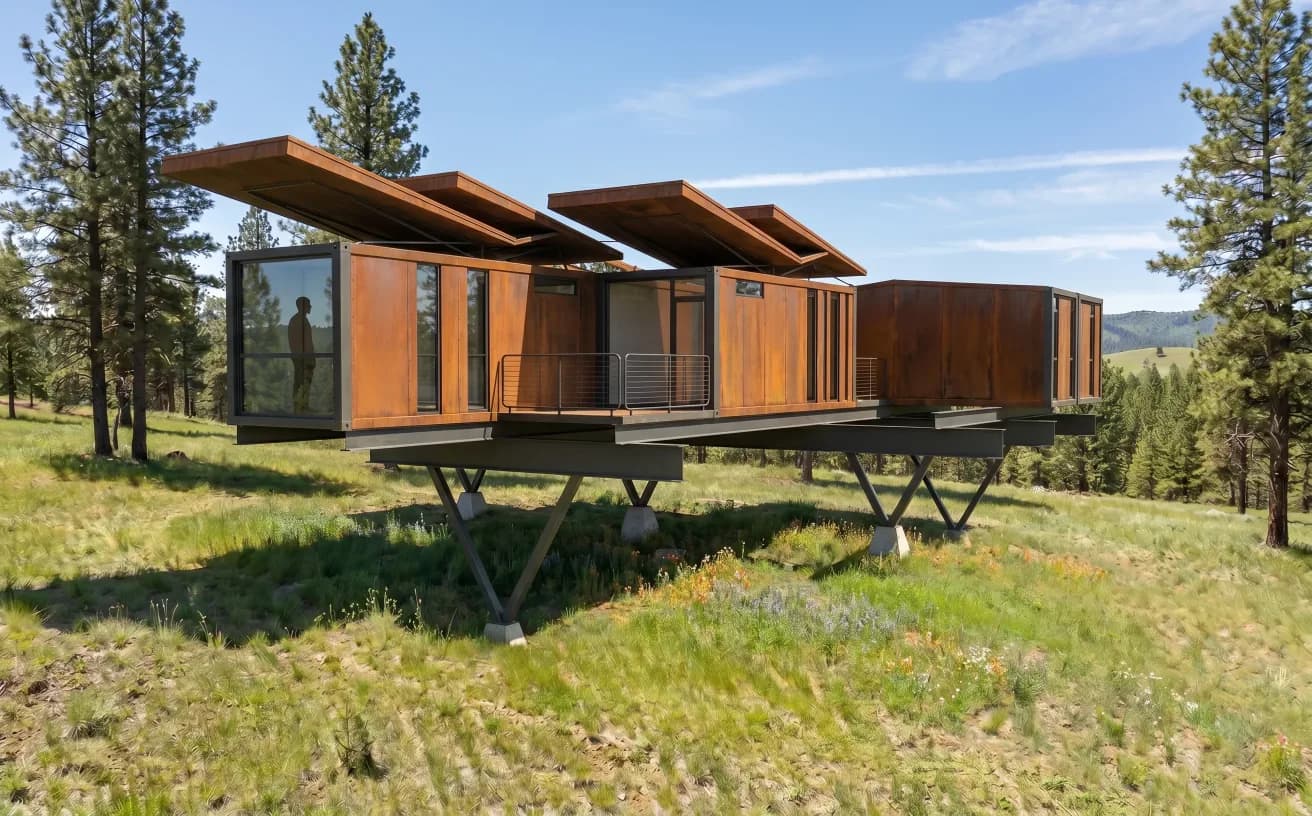
Render a House is the best rendering software for SketchUp when you want a finished AI image in minutes: it opens a .skp file directly in the browser and renders it on hosted hardware, with 3 free credits a day and paid plans from $19 a month. For hand-built photorealism, V-Ray, Enscape, D5 Render, Twinmotion, Lumion and Thea Render remain the serious plugin and real-time options, and Trimble now ships its own AI Render inside SketchUp at 10 credits per image.
Which SketchUp rendering software is best at a glance?
The table gives the short answer. "Platform" is where the software actually runs, which decides whether your laptop or a remote server does the rendering work.
| Tool | Best for | Input / platform | Price | Free plan |
|---|---|---|---|---|
| 1. Render a House | AI renders from the .skp you already saved, with no plugin and no graphics card | Browser; opens .skp directly, plus GLB, GLTF, OBJ, STL and PNG, JPG, WebP | Free; paid from $19/mo for 120 credits | Yes — 3 credits a day at 1K with a watermark |
| 2. V-Ray | Final, physically based stills and animations with full control of light and materials | SketchUp plugin; Windows, and macOS 12 or newer | From $45/mo billed annually (Solo, 100 Chaos AI credits/mo) | No free plan; 14-day money-back guarantee |
| 3. Enscape | A live rendered window that updates as you model, for design reviews and walkthroughs | SketchUp plugin; Windows, plus a macOS build with software ray tracing | From $47.90/mo billed annually (Solo) | No free plan; 14-day money-back guarantee |
| 4. D5 Render | Real-time scenes with vegetation and effects, synced from SketchUp with LiveSync | Standalone Windows app with a LiveSync plugin for SketchUp 2020.1–2026 | Community free; Pro USD $30/mo billed yearly | Yes — Community plan, non-commercial use only |
| 5. Twinmotion | A full real-time engine at no cost for firms under the revenue threshold | Standalone app for Windows and Mac; Datasmith Exporter with Direct Link for SketchUp Pro 2019–2026 | Free under $1M USD revenue; $445/seat/yr above | Yes — under $1M revenue, students and educators |
| 6. SketchUp AI Render | A quick AI image of the current view from inside SketchUp, iPad or web | Trimble extension for SketchUp for Desktop 2024+, plus SketchUp for iPad and Web | 10 credits per image; 100–200 credits/mo with Go, Pro or Studio | No — SketchUp Free includes no AI credits |
| 7. Lumion | Large landscape and context scenes, atmosphere and animation from a SketchUp model | Standalone Windows app with the free LiveSync plugin for SketchUp | $1,149/yr per named user (Lumion Pro) | No free plan; 14-day free trial, no card |
| 8. Thea Render | Unbiased and GPU rendering inside SketchUp at a low annual price | SketchUp integration with interactive rendering in the SketchUp view | $280/yr or $675 for 3 years | No free plan; free trial download |
How do SketchUp render plugins differ from AI renderers?
SketchUp rendering software splits into three families, and mixing them up is the most common reason people pay for the wrong tool.
- Plugin renderers such as V-Ray, Enscape and Thea Render install into SketchUp and read its geometry, materials, cameras and lights directly. You stay in one application, but the rendering runs on your own CPU or graphics card.
- Standalone real-time engines such as D5 Render, Twinmotion and Lumion are separate applications. A sync plugin (LiveSync or Datasmith Direct Link) pushes the SketchUp model across, and you add vegetation, weather, people and animation on the engine side. They need a strong GPU.
- AI renderers such as Render a House and SketchUp AI Render generate the image on remote servers. Instead of assigning physically based materials and placing lights, you describe the finish, light and setting, and the model infers the rest from the geometry and the view.
The trade-off is control against setup time. A plugin or engine gives you a repeatable, measurable lighting setup that will match next week's revision. An AI renderer gets you a believable image from a bare white model in minutes, but the materials it invents can drift between generations. Many offices use both: AI for early options and client conversations, a physically based engine for the final set. The guide to rendering in SketchUp walks through each path in more detail, including native styles and Photoshop finishing.
This page is limited to tools that work from a SketchUp model. For AI tools that start from a hand sketch instead, see the best AI sketch-to-image tools; for renderers chosen by operating system, see the best rendering software for Mac.
What should you compare before choosing a SketchUp renderer?
- What hardware will do the rendering? Real-time engines put the whole load on the graphics card. Check the SketchUp system requirements first, then the renderer's own minimums: the D5 Render system requirements, Lumion system requirements, Twinmotion system requirements, Enscape system requirements and V-Ray system requirements each list what the vendor publishes.
- Which SketchUp plan do you have? SketchUp Pro is $33.25 a month billed annually, and Studio, at $71.58, adds V-Ray but runs on Windows only. The SketchUp pricing guide covers which plan supports desktop extensions.
- What does a finished image cost? Subscriptions are priced per seat per year, while AI tools charge credits per image. Convert both to a cost per deliverable; the render cost calculator helps with that.
- Stills, walkthroughs or animation? Lumion, Twinmotion, D5 Render and Enscape produce video quickly. V-Ray and Thea can animate but are tuned for stills.
What are the 8 best rendering software options for SketchUp?
The ranking puts the AI option first because it is the shortest path from a saved .skp to an image, then orders the physically based tools by how widely they fit SketchUp workflows. Each entry ends with its published price and one limitation worth knowing before you buy.
1. Render a House — best for AI renders straight from a .skp file
Render a House is an AI architectural renderer that runs in the browser. You upload the .skp file you already saved, pick a camera in the 3D preview, describe the materials and setting, and the render is generated on hosted hardware, so the laptop needs no dedicated graphics card and nothing is installed in SketchUp. The same uploader also accepts GLB, GLTF, OBJ and STL models, and PNG, JPG or WebP images such as screenshots and plan exports.
Massing, openings, roof pitch and proportions come from your geometry; the AI fills in what a bare model usually lacks, such as weathering, daylight, planting and context. A standard 1K render costs 1 credit, a 4K render 4 with the Pro model, and video 0.8 credits per second on paid plans. The SketchUp rendering page shows the workflow, and the SketchUp AI Render vs Render a House comparison sets it against Trimble's built-in tool.
Price: Free: 3 credits a day · Basic: $19/mo for 120 credits · Pro: $39/mo or $312/yr for 240 credits/mo · Studio: $99/mo or $792/yr for 1,000 credits/mo. Source: first-party page.
Honest limitation: it is generative AI, not a physically based renderer. You steer the result with prompts and presets rather than by placing lights or editing material shaders, so exact product specifications such as a named tile or a measured lux level are not reproduced, and two generations of the same view can differ in detail.

2. V-Ray — best for production-grade photorealism
V-Ray from Chaos is the long-standing production renderer for SketchUp. It installs as a plugin, reads SketchUp materials and cameras, and adds physically based lights, materials, an interactive render view and denoising. Chaos lists SketchUp among the integrations included in every V-Ray tier, and the Solo plan includes 100 Chaos AI credits a month.
Trimble's SketchUp Studio plan bundles V-Ray, which changes the maths for Windows users already on Pro: Studio costs roughly $460 a year more than Pro on annual billing, against $540 a year for V-Ray Solo alone. Mac users cannot take that route because Studio is Windows only. The Enscape vs V-Ray comparison explains when the extra control is worth it.
Price: Solo: $45/mo billed annually ($540/yr) with 100 Chaos AI credits/mo · Premium: $64.90/mo billed annually ($778.80/yr) · Collection: $100.90/mo billed annually ($1,210.80/yr). Source: first-party page; more in the V-Ray pricing guide.
Honest limitation: the quality comes from setup. Materials, light, exposure and render settings take learning time, and rendering speed depends on your own CPU or GPU, so a weak laptop makes iteration slow.
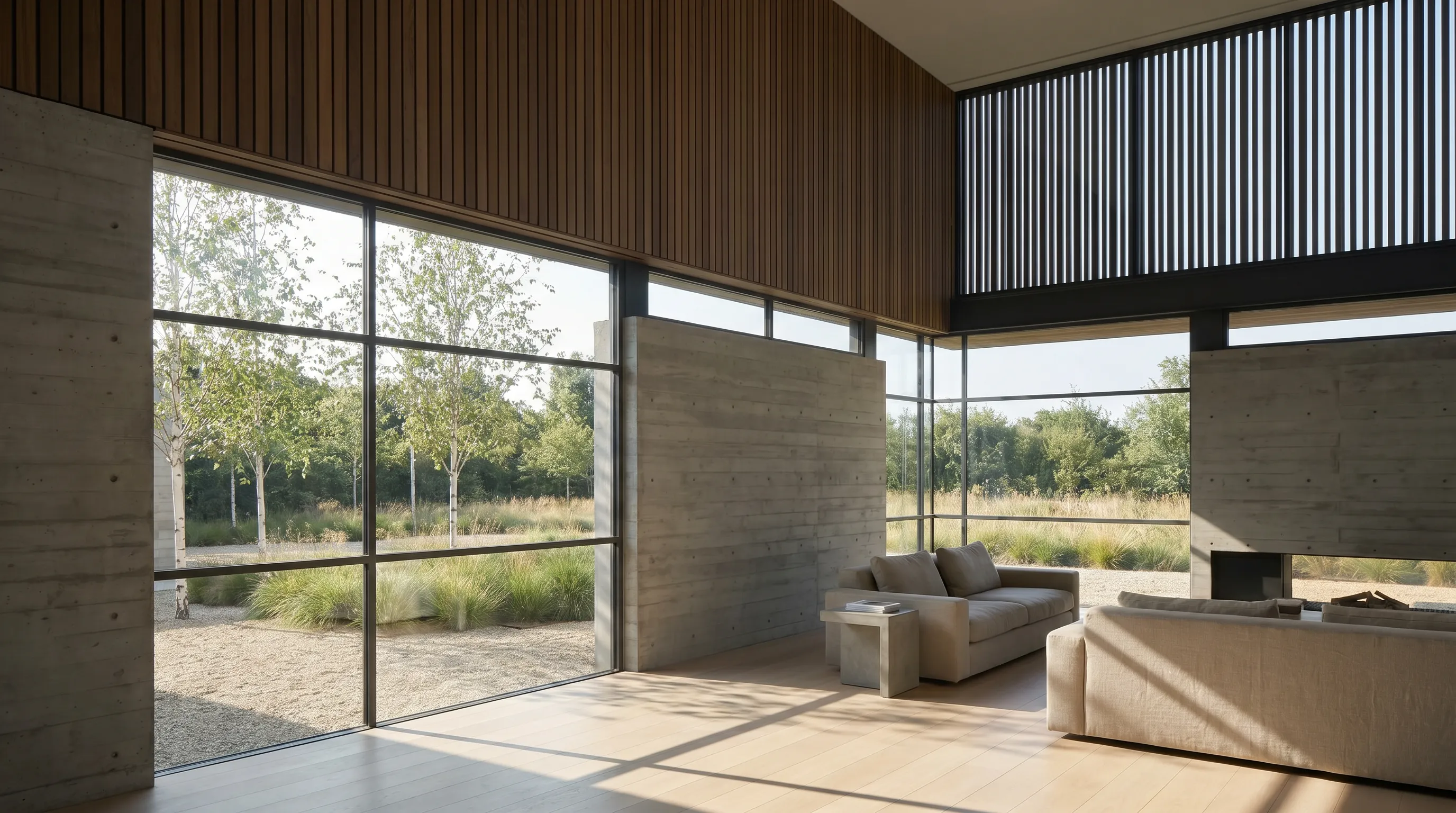
3. Enscape — best for real-time rendering inside SketchUp
Enscape, also from Chaos, opens a rendered window that follows the SketchUp camera and updates as you edit. That makes it the favourite for design reviews, quick stills and walkthroughs while the model is still changing, with an asset library of furniture, vegetation and people that drops straight into the scene.
For a deeper look at how it compares to standalone engines, read D5 Render vs Enscape and Lumion vs Enscape.
Price: Solo: $47.90/mo billed annually ($574.80/yr) with 100 Chaos AI credits/mo · Premium: $55.90/mo billed annually ($670.80/yr) · Collection: $60.90/mo billed annually ($730.80/yr). Source: first-party page; more in the Enscape pricing guide.
Honest limitation: real-time speed comes with less fine control than a production renderer, and it leans on the graphics card. The Mac build for SketchUp uses software ray tracing, so check the Mac-specific notes before buying for a MacBook.

4. D5 Render — best for a free real-time engine with LiveSync
D5 Render is a standalone real-time engine with a LiveSync plugin that streams SketchUp geometry, materials and camera into D5 as you work. It offers path-traced lighting, a large library of assets, weather and animation tools, and video output.
Its Community plan is free, which makes it one of the cheapest ways to get a full real-time engine connected to SketchUp. The catch is the licence: Community is for non-commercial use, so client work needs Pro.
Price: Community: free · Pro: USD $30/mo billed yearly (USD $360/yr) · Teams: USD $59/seat/mo (USD $708/yr). Source: first-party page; more in the D5 Render pricing guide.
Honest limitation: it is a Windows application that needs a ray-tracing graphics card; D5 names an Nvidia GTX 1060, Intel Arc 3 or AMD RX 6400 as its minimum tier, so older laptops and Macs are out.
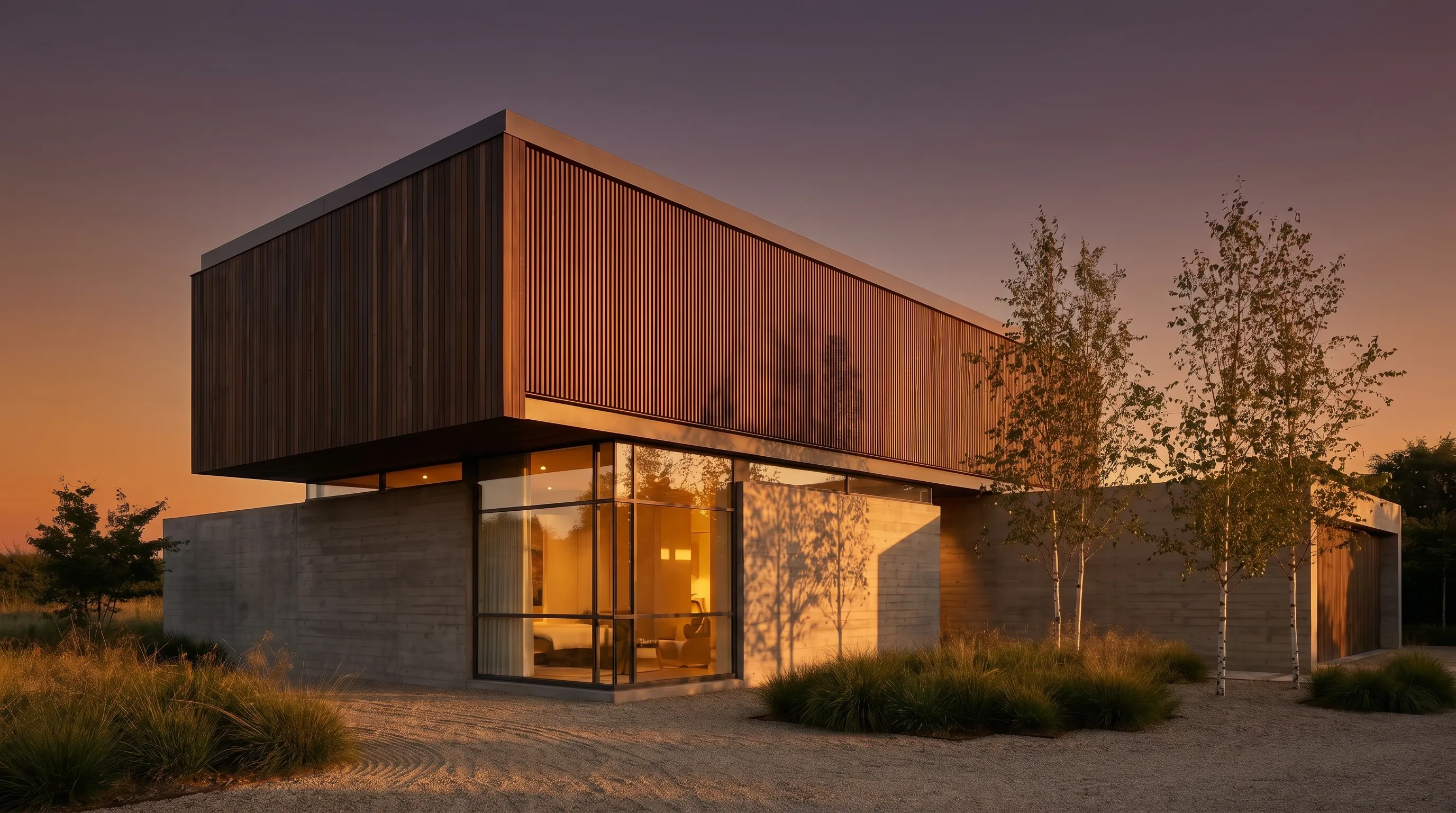
5. Twinmotion — best free option for small firms and students
Twinmotion is Epic Games' real-time visualization engine, built on Unreal Engine. SketchUp models come across through the Datasmith Exporter plugin with Direct Link, which Epic lists for SketchUp Pro 2019 to 2026, and you then add vegetation, weather, seasons, people and cameras in Twinmotion.
Its licence terms are the reason it ranks this high: it is free for individuals and companies under the revenue threshold and for students and educators, and runs on Windows and Mac.
Price: Free under $1 million USD annual revenue · $445 per seat per year above it · 30-day trial. Source: first-party page; more in the Twinmotion pricing guide.
Honest limitation: the free licence depends on eligibility: once a company passes $1 million USD in annual revenue it needs a paid seat. It also needs a capable GPU, and the Direct Link plugin covers SketchUp Pro rather than every SketchUp plan.

6. SketchUp AI Render — best for quick AI images without leaving SketchUp
SketchUp AI Render is Trimble's own AI feature. It takes the active SketchUp view plus a text prompt or style preset and returns an AI-generated image, inside SketchUp for Desktop 2024 and newer, SketchUp for iPad and SketchUp for Web. Trimble's help center documents the credit cost and the monthly allowance per plan.
It is the most convenient AI option if you already pay for SketchUp and only need a few concept images a month. If you need more volume or higher resolution, the side-by-side comparison breaks down where each fits.
Price: 10 AI credits per image · Go: 100 credits/mo ($10.75/mo billed annually) · Pro: 150 credits/mo ($33.25/mo billed annually) · Studio: 200 credits/mo ($71.58/mo billed annually). Source: first-party page; more in the SketchUp AI Render vs Render a House comparison.
Honest limitation: every image spends 10 of a fixed monthly credit allowance, so Pro's 150 credits cover 15 generations a month and unused credits do not roll over. It also needs an active paid SketchUp subscription; the Free plan has no AI credits.

7. Lumion — best for landscape-heavy scenes and animation
Lumion is a standalone renderer built for large exterior and landscape scenes. The free LiveSync plugin keeps the SketchUp model connected while you add terrain, water, vegetation, weather, people and animated cameras in Lumion, then render stills and video.
Practices that present masterplans, landscape design or long flythroughs often accept the price for the speed of building rich context.
Price: Lumion Pro: $96/mo per named user, billed upfront at $1,149 for 1 year · Pro Floating: $125/mo, billed upfront at $1,499 for 1 year. Source: first-party page; more in the Lumion pricing guide.
Honest limitation: it is the most expensive option here and runs on Windows only, with a graphics card doing all the work. Lumion lists a free 14-day trial, but no permanent free plan.

8. Thea Render — best for an affordable physically based plugin
Thea Render is a physically based renderer with a SketchUp integration that uses hardware-accelerated ray tracing for interactive rendering, either in the Thea window or directly in the SketchUp view, with its own spot, omni, IES and projector lights and GPU-accelerated denoising. It suits users who want V-Ray-style control and accurate light at a lower annual cost.
The published licence includes unlimited render node licenses for commercial work, which helps a small office that wants to render on more than one machine.
Price: Thea Render for SketchUp: $280/yr or $675 for 3 years, with unlimited render node licenses. Source: first-party page.
Honest limitation: it is a niche choice next to V-Ray, so there are fewer SketchUp-specific tutorials and third-party material packs to lean on, and like every plugin here it renders on your own hardware.

Which SketchUp renderer fits your workflow?
| Workflow | Best pick | Why |
|---|---|---|
| You need a client-ready image today and own an average laptop | Render a House | Upload the .skp as it is; rendering runs on hosted hardware, so the laptop only needs a browser. |
| Final marketing stills with exact materials and lighting | V-Ray or Thea Render | Both are physically based engines that run inside SketchUp; V-Ray has the larger asset library, Thea the lower price. |
| Live design reviews while the model keeps changing | Enscape | The rendered window follows the SketchUp camera and edits in real time. |
| Landscape-heavy scenes, flythroughs and phasing animations | Lumion, D5 Render or Twinmotion | Standalone engines with large nature libraries; each syncs from SketchUp through a plugin. |
| A small firm, student or hobbyist with a gaming GPU | Twinmotion or D5 Render Community | Full real-time engines at no cost, as long as you meet each vendor's eligibility terms. |
| A fast AI concept without leaving SketchUp | SketchUp AI Render | Built into Go, Pro and Studio subscriptions; each image uses 10 of the monthly AI credits. |
The hardware column often decides the rest. If you are buying a machine for this, the best laptops for architecture students weighs GPU against budget, and the best architecture software guide covers the modelling side of the stack.
Which SketchUp rendering software is free?
- Twinmotion is free for individuals and companies under $1 million USD in annual revenue, and for students and educators.
- D5 Render Community is a free plan with SketchUp LiveSync, limited to non-commercial use.
- Render a House gives 3 credits a day at 1K resolution with a watermark, enough to test the workflow on your own .skp file before paying.
V-Ray and Enscape list a 14-day money-back guarantee, Lumion a 14-day free trial without a card, and Thea a trial download. SketchUp AI Render is not free: its credits come only with a paid Go, Pro or Studio subscription. Paid Render a House plans are listed on the plans and pricing page.
How did we verify these prices?
Every price on this page was read from the vendor's own page and checked October 2026. Prices are in USD as displayed; vendors can show different currencies by region, and annual figures are only available on annual billing. Render a House prices come from its own plan configuration.
- Render a House: plans and pricing
- V-Ray: Chaos V-Ray buy page and V-Ray for SketchUp
- Enscape: Chaos Enscape buy page and Enscape for Mac
- D5 Render: D5 pricing, D5 download and LiveSync and D5 system requirements
- Twinmotion: Twinmotion licensing and Twinmotion plugins
- SketchUp AI Render: SketchUp AI credits, getting started with AI Render and SketchUp plans and pricing
- Lumion: Lumion buy page and Lumion Pro
- Thea Render: Thea Render for SketchUp
What can SketchUp rendering software not do for you?
None of these tools fixes a model that is not ready to render, and each family has a ceiling worth knowing.
- They do not repair geometry. Reversed faces, overlapping surfaces, missing glazing and messy tags show up in a physically based render, and an AI renderer will interpret a gap in the model as something, not necessarily what you meant.
- AI renderers do not guarantee specifications. Render a House and SketchUp AI Render infer materials and lighting. They are right for concepts and mood, but not for proving that a specific product, colour code or daylight level will look a certain way.
- Plugins and engines do not remove the hardware cost. V-Ray, Enscape, Thea, D5, Twinmotion and Lumion render on the machine in front of you, so a slow GPU means slow iteration regardless of the licence you buy.
Before uploading or syncing, a clean model saves more time than any renderer setting. The SketchUp file viewer is a quick way to check a model and save camera angles first.
What do SketchUp users ask about rendering software?
What is the best rendering software for SketchUp?
It depends on the deliverable. For AI renders without a graphics card, Render a House opens the .skp file directly in the browser and starts at 3 free credits a day. For production photorealism, V-Ray is the long-standing SketchUp standard, at $45/mo billed annually for Solo. For live design reviews, Enscape is the most integrated real-time option. Lumion, D5 Render and Twinmotion suit landscape-heavy scenes and animation.
Is V-Ray included with SketchUp?
Only with SketchUp Studio. Trimble's plan comparison lists V-Ray in the Studio tier, which is $71.58 per month billed annually and runs on Windows only. Go and Pro do not include it, so Pro users buy V-Ray separately from Chaos, where V-Ray Solo is $45 per month billed annually ($540 a year).
What is the best free rendering software for SketchUp?
Twinmotion is free for individuals and companies under $1 million USD in annual revenue, students and educators, and syncs with SketchUp Pro through Epic's Datasmith Direct Link plugin. D5 Render publishes a free Community plan for non-commercial use, with SketchUp LiveSync. Both need a capable graphics card. Render a House gives 3 credits a day at 1K resolution with a watermark and runs in a browser, so it needs no GPU.
Can I render a SketchUp model without a powerful graphics card?
Yes, with a cloud renderer. Render a House and SketchUp AI Render both generate images on remote hardware, so the local machine only needs to open the model. Real-time engines are different: D5 Render requires a ray-tracing GPU and lists an Nvidia GTX 1060 as its minimum, and Lumion and Twinmotion also depend on the graphics card for every frame.
Does SketchUp have AI rendering?
Yes. Trimble's AI Render combines the active SketchUp view with a text prompt and costs 10 AI credits per image. It needs an active Go, Pro or Studio subscription, which include 100, 150 and 200 credits a month respectively; the Free plan includes none, and unused credits do not carry over.
Which SketchUp rendering software works on a Mac?
V-Ray for SketchUp runs on macOS 12 or newer, Enscape has a Mac build for SketchUp that uses software ray tracing, and Twinmotion has a Mac version. D5 Render and Lumion Pro are Windows applications. Browser-based options such as Render a House and SketchUp AI Render work on any Mac that runs a current browser.
Keep reading
Related guides and comparisons

8 Best Room Planner Apps in 2026 (Free & Paid)
Compare eight room planner apps (Render a House, Planner 5D, RoomSketcher, Homestyler, Floorplanner, IKEA, Roomstyler, Magicplan) by free plan, platform and price.
8 Best AI Image Upscalers in 2026 (Free & Paid)
Eight AI image upscalers compared for architectural renders: Render a House, Magnific, Topaz Gigapixel, Let's Enhance, Upscayl, Krea and more, priced.
9 Best Home Design Software in 2026 (Free & Paid)
Compare nine home design programs, from Chief Architect and Cedreo to Sweet Home 3D, by who they suit, platform and published price, and when to add an AI render.
